Android TV Box Remote Control App Free Download: Choose the Correct App and Pair Your Box
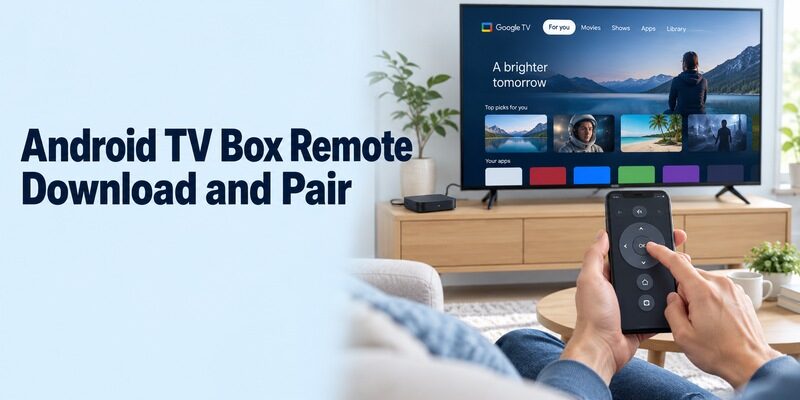
Short answer: Use the Google TV phone app for a compatible Android TV or Google TV box; Android TV Remote Service is the supporting system component on the TV device, not a replacement phone interface. An android tv box remote control app free download search can mix these products with unrelated controllers and APK files. Start by identifying the box’s actual software and the device on which you intend to install something. This guide explains the normal download and pairing route, when the system service matters, and how NVIDIA SHIELD’s own app differs. It also covers keyboard tests, network failures, and the limits of controlling the separate television through an HDMI-connected box.
Identify the Box Before Choosing a Remote
Check the Actual TV Platform
A product described simply as an Android box does not automatically establish support for Google’s TV remote connection. Read the manufacturer’s model page and the system information shown by the box. Look for a documented Android TV or Google TV implementation and its supported mobile-control instructions rather than relying on an Android logo on the packaging.
For an android tv box remote control app free download, the receiving device is the box, even when its interface fills the television screen. Xiaomi’s official TV Box S third-generation page, for example, identifies Google TV. That confirms the platform for that product; it does not describe every unrelated box sold with similar wording.
Keep the Display and Player Separate
Write down the box model, its name on the network, and the HDMI input used by the television. Also note the TV model if you need power, sound, or source control. These details become useful when navigation works but a television-specific command does not.
A remote app connected to the box can navigate its menus without gaining unrestricted access to the display’s own settings. Start with the box’s Home screen and one direction command. This confirms which interface receives the input before you assess the wider living-room setup.
Keep this device note with your android tv box remote control app free download instructions. Another viewer can then choose the correct player without needing to identify the hardware behind the television.
Android TV Box Remote Control App Free Download: App or Service?
Install the Controller on the Phone
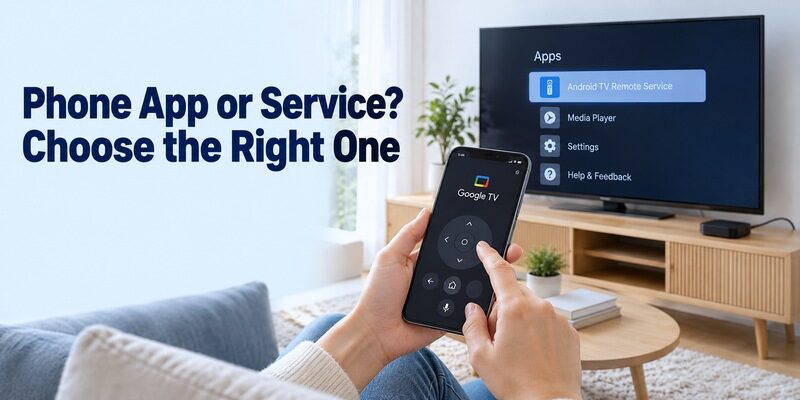
The phone application provides the buttons you use. Google’s current help directs users to Google TV for controlling compatible Google TV and Android TV devices. Install the mobile version from your phone’s official store, then open its remote connection rather than searching for a separate button panel inside a system-service listing. For a compatible box, follow this Google TV remote app for Android guide to find the remote feature and complete the normal phone setup.
An android tv remote app download should therefore begin with the intended device and publisher. The Google TV app also contains entertainment browsing, so seeing movie tiles when it opens is normal. Find its remote entry point before concluding that you downloaded a product with no control function.
Recognise the Component on the Box
| Software or item | Where it belongs | What it contributes |
|---|---|---|
| Google TV mobile app | Supported phone | Remote interface and connection flow |
| Android TV Remote Service | Compatible TV or box system | Supporting remote-control service |
| NVIDIA SHIELD TV app | Supported phone | SHIELD-specific controller |
| Physical box remote | Beside the viewing setup | Setup access and practical backup |
Google’s Play listing identifies Android TV Remote Service as a system service included with the device. An android tv remote service download is a different task from installing the visible mobile remote. Read the target-device information before sending an installation or update to a device selected in your store account.
An android tv box remote control app free download can look installed yet offer no phone icon if you selected the service. Recheck the component’s purpose before repeating the download on another device.
Download the Official Mobile App and Check Free Use
Verify the Publisher and Phone Compatibility
Choose Google TV from Google for the standard supported route. Check your phone’s current store listing for availability and requirements. Google’s iPhone listing describes a built-in remote for Google TV and Android TV devices and identifies the app as free. Android users should likewise use the official Google listing.
When assessing an android tv box remote control app free download, separate a successful installation from a supported TV connection. An app can open correctly on your phone while the selected box lacks the required service or platform support. Keep the box model available so you can verify compatibility before trying unrelated downloads.
If you are pairing from Apple’s platform, this Google TV remote app on iPhone guide explains the equivalent network-based control route.
Distinguish Remote Access from Paid Content
Google TV’s movie purchases and streaming-service offers are separate from operating remote buttons. You do not need to buy a title simply to test direction, selection, or Back on a compatible box. Begin on an ordinary home screen and leave content purchases out of the initial connection test. Before paying for an independent alternative, compare free TV remote apps for Android by their supported devices and the controls available without an upgrade.
An independent android tv remote control app download may offer ads, upgrades, or subscriptions even if installation is free. Read its current terms and supported functions. Test the unpaid commands that matter to you before deciding whether an optional feature adds value beyond the official platform route.
Compare each android tv box remote control app free download using the same box and short viewing task. Otherwise, a smoother result might reflect a different screen or device rather than a better controller.
Pair Google TV with the Box on Your Network
Prepare Both Devices for Discovery
Turn on the box and television, select the box’s HDMI input, and connect the phone to the same home network. Keep the box’s interface visible for the pairing prompt. A television connected to Wi-Fi does not prove that its separately attached box has joined that network too.
For an android tv box remote control app free download setup, compare the box’s network details with the phone’s actual connection. Avoid an isolated guest connection for the first test. If the box recently moved between rooms or routers, establish its network with a working controller before expecting the phone to discover it.
Complete the Current Pairing Request
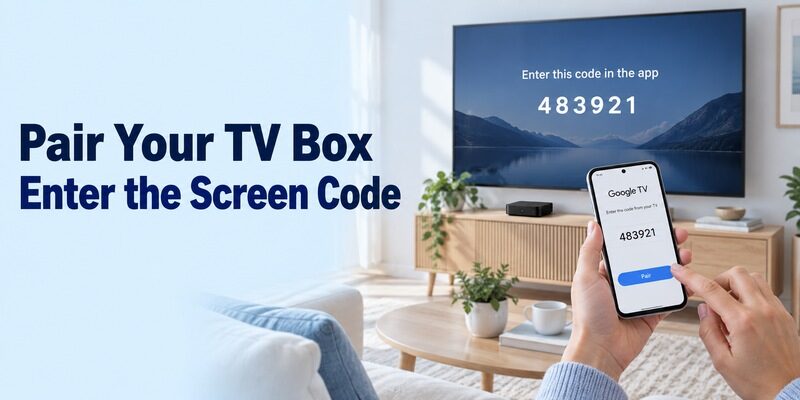
Google’s instructions are to open Google TV, choose TVs nearby, select the device, enter the code shown on the screen, and tap Pair. Select the box by its device name. Use the code from the active request, not one remembered from another device or a previous failed attempt.
After your android tv box remote control app free download connects, press one arrow and confirm a single selection movement. Follow with Select and Back. If another device responds, correct the selection before continuing. This small test establishes that the phone is controlling the intended box through a completed connection.
Save the successful device selection during your android tv box remote control app free download trial. Close and reopen the app once to verify that you can find the same remote again without assistance.
Update the TV Service Through the Supported Route
Check the Box’s Own Update Options
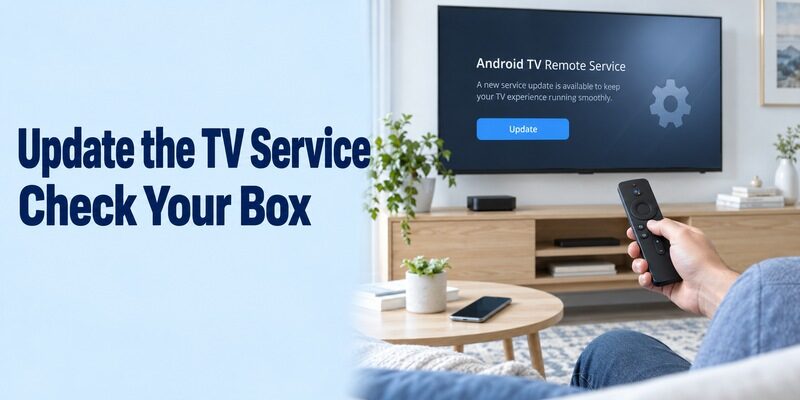
Treat system-service maintenance as a box-side task. Google’s Android TV Remote Service listing identifies Google LLC and describes support for remote use through Google TV, Google Home, and Android Quick Settings. Check the compatible box’s normal system and app-update mechanisms when its documented remote function is missing or malfunctioning.
An android tv remote service apk download is not the normal first step for a phone that cannot see the box. Confirm power, platform, and local connectivity first. If a service update is offered on the box, use that supported update flow and retest the mobile connection afterward.
Do Not Confuse an APK Filename with Compatibility
An download result may refer to an old phone app, an independent controller, or a TV system package. A similar filename does not establish the correct publisher, device target, or compatible software version. Read the manufacturer’s instructions before attempting a manual package installation. If you are specifically evaluating a manual package, read this Android TV remote APK guide first, then confirm that the file, publisher, and target device match your box.
For an android tv box remote control app free download, preserve the existing working controller while investigating updates. Do not remove system components merely because their names resemble unused apps. If the box manufacturer documents a specific repair, follow that model’s procedure rather than transferring instructions from a different box generation.
Consider NVIDIA’s App When the Box Is SHIELD
Use the SHIELD-Specific Connection Flow
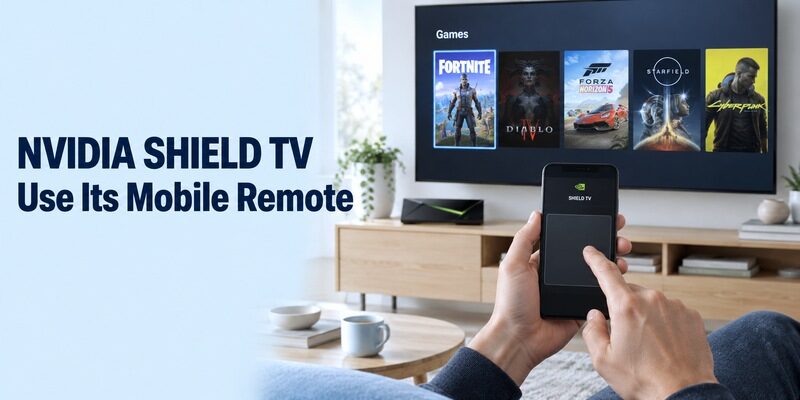
NVIDIA documents a dedicated SHIELD TV mobile application for its own equipment. Its user guide describes installing the app on Android or iOS, connecting the phone to the same network, choosing the discovered SHIELD, and entering the six-digit code shown on the television. This is a SHIELD route, not a universal app for every Android-labelled player.
For a SHIELD-focused android tv box remote control app free download search, check NVIDIA’s current store link and phone requirements. Keep its app identity separate from Google’s controller when comparing them. Complete one connection and repeat the same navigation task so you can judge the two interfaces consistently.
Test Its Mouse and Keyboard in the Right Context
NVIDIA’s documentation includes a virtual mouse and keyboard for supported SHIELD tasks, including entering information in game services. Its SHIELD controls also cover familiar navigation and playback functions. Check the documented feature set for your phone; an older guide may describe differences between Android and iOS controls.
A successful pointer test in one SHIELD screen does not establish that every television app accepts a mouse. Test the actual screen you intend to use while keeping D-pad navigation available. Avoid changing several input modes at once, because that makes it harder to identify which method the application accepts.
Test Keyboard, Navigation, and Playback Separately
Begin with Ordinary Navigation
Confirm a repeatable basic sequence before testing extras. Open Home, move to a familiar application, launch it, and return. Then select something you can already watch and test pause and resume. These observations tell you whether the remote connection works independently of any new content subscription or account setup.
An android tv box remote control app free download should be judged from the usual viewing seat as well as beside the equipment. Check that the controls are readable and that reopening the app returns you to the correct device. A technically working interface can still be inconvenient for the person who uses it every evening.
Check Where Typed Text Appears
Open a supported search field on the box and type a harmless word from the phone. Verify the target field before entering credentials. Text input can behave differently inside individual streaming applications, so compare another ordinary field if the first one does not respond while arrows still work.
After an android tv remote download, keep the distinction between keyboard entry and screen mirroring clear. Typing into the box is not the same as showing the phone’s screen on the TV. Choose the function that matches the task instead of interpreting a missing mirroring option as a broken remote.
Diagnose a Box That Does Not Appear
Check Local Reachability and Permissions
Internet access alone does not demonstrate that the phone can reach the box locally. Compare the network used by the box itself with the phone’s connection. Review relevant local-device permissions and whether a VPN or guest-network setting prevents communication between household devices.
If an android tv box remote control app free download fails on one phone but works on another, begin with the failing phone’s configuration. If neither phone discovers the awake box, revisit platform support and the box’s network state. These are diagnostic starting points, not proof of a particular hardware fault.
For a broader explanation of phone-based control and connection checks, use this Android TV remote control guide alongside the model-specific instructions for your box.
Restart and Retest Without Erasing Setup
Google’s troubleshooting recommends shared-network checks and a television-device restart when needed. Use the box’s documented normal restart procedure, reopen the phone app, and try a fresh pairing request. Keep that distinct from a factory reset, which can remove the connection settings required for discovery.
Record the last successful step and the first failed step in your android tv box remote control app free download attempt. Include the box model, application publisher, phone type, and whether the device ever appears. That information is more useful to support than a list of unrelated remote apps you have installed.
Understand TV Volume, Power, and HDMI Boundaries
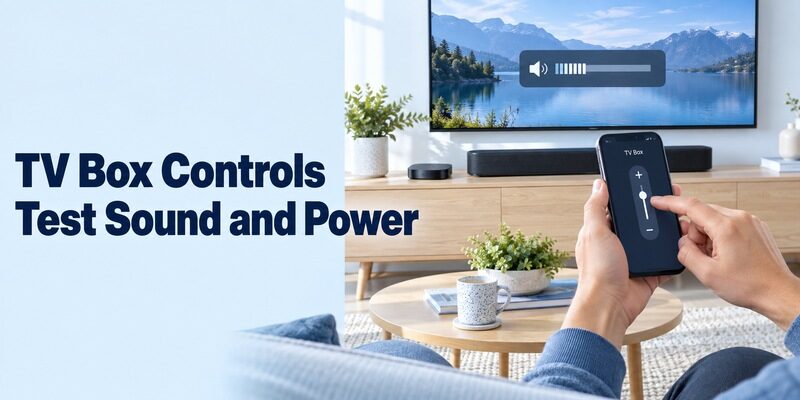
The box and the television remain separate control targets. A supported HDMI-CEC arrangement may allow useful power or volume actions, but it does not imply access to every television setting. Identify whether audio comes from the TV speakers, a soundbar, or a receiver before assessing a volume failure.
| Working function | What it establishes | What still needs testing |
|---|---|---|
| Box navigation | Correct box receives commands | TV menus and input selection |
| Playback pause | Active media app responds | Sound-system control |
| Volume indicator changes | A software level changes | Actual listening volume |
| Box enters standby | Power-off command works | Reconnection and TV wake |
For an android tv box remote control app free download, test the next viewing session after normal standby. A box powered from a TV’s USB port may be unavailable when that port loses power. Keep a physical way to turn on the display and select the correct HDMI input if the mobile route cannot complete those steps. If the phone cannot complete those television-side actions, review universal TV remote setup options before treating the box remote as a complete replacement for the TV controller.
Recover Access Before Relying on a Phone Alone
An offline or unconfigured box may need a physical input method first. Use its original controller, a verified replacement, or another input device specifically supported by that model. Do not assume that every box accepts the same USB keyboard, wireless receiver, or infrared command profile.
Before finishing an android tv box remote control app free download setup, practise reconnecting from a closed app and save the correct device name. Keep the working controller until the phone passes navigation, search, playback, and standby checks. For related television-control guides, explore .
Retest your android tv box remote control app free download after a router replacement. Restore the box’s connection first, then compare phone permissions and device selection with the working notes you saved earlier.
Frequently Asked Questions
Is Google TV the Same as Android TV Remote Service?
No. The mobile app supplies the interface, while the TV-side service supports remote operation on compatible equipment. Download the phone application for normal use. Investigate service updates on the box only when relevant to its documented setup or troubleshooting.
Does Every Android Box Work with Google’s Remote?
Do not assume that from a seller’s Android label. Confirm the actual platform and manufacturer-supported remote method. A box lacking the compatible TV service may require its own application or another input route, even though it runs Android-based software.
Do I Need an APK for Ordinary Pairing?
Usually the supported starting route is the phone’s official store and the box’s normal update system. An APK search alone does not identify the correct component or compatible target. Follow model-specific instructions if the manufacturer requires a different installation process.
Can the App Replace the Television’s Remote Completely?
Only if the particular setup provides every function you need. Box navigation, TV power, volume, and input selection are separate tests. Keep a physical backup for unsupported commands or for a box that cannot be reached before its network is configured.
Final Thoughts
Choose the correct phone app, confirm the box’s platform, and pair before changing system components. A reliable android tv box remote control app free download depends on the receiving device and its network connection. Google’s controller suits compatible TV platforms, while SHIELD has its own documented option. Test the everyday routine and keep a recovery method for the separate television and box.