Will a Universal Remote Work on a Fire TV?
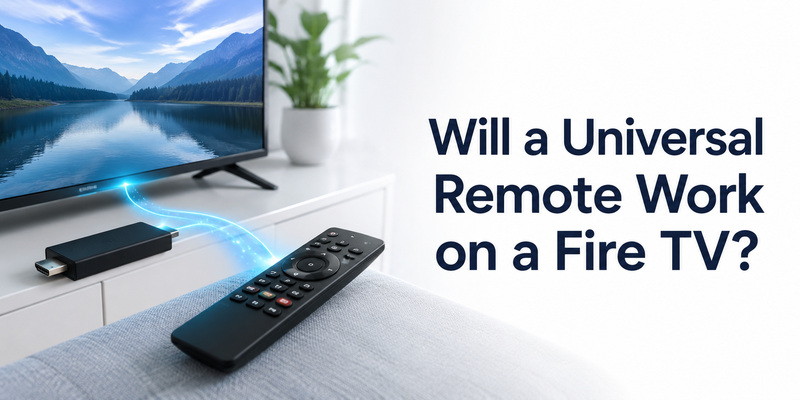
Quick Answer: Yes, a universal remote can work on a Fire TV, but it depends on your device and the remote’s connection technology. Many Fire TV smart televisions support compatible infrared (IR) universal remotes for basic functions. However, a Fire TV Stick generally cannot receive commands directly from a standard IR remote. To control a Fire TV Stick, you may need HDMI-CEC, a compatible Bluetooth remote, or the Amazon Fire TV mobile app.
The easiest way to find a working replacement is to identify whether you have a Fire TV smart television, Fire TV Stick, or Fire TV Cube before choosing a remote.
In this guide, you’ll learn which universal remotes work with Fire TV, how to connect them, what features may be missing, and how to fix common compatibility problems.
1. Will a Universal Remote Work on a Fire TV?
Yes, but not every universal remote works with every Fire TV device.
Amazon Fire TV is available in several forms:
- Fire TV smart televisions: TVs with Fire TV software built in.
- Fire TV Stick: Streaming devices that connect to a television’s HDMI port.
- Fire TV Cube: Streaming devices with additional hands-free Alexa capabilities on supported models.
The main difference is how these devices receive remote commands.
Fire TV Universal Remote Compatibility
| Fire TV Device | Standard IR Universal Remote | Bluetooth Remote | HDMI-CEC | Phone Remote App |
|---|---|---|---|---|
| Fire TV smart television | Often supported, depending on model | Model-dependent | Depends on connected devices | Supported on compatible models |
| Fire TV Stick | Not directly through standard IR | Compatible models only | Often available | Yes, when network-connected |
| Fire TV Cube | Not directly through ordinary TV IR codes | Compatible models only | Supported configurations | Yes, when network-connected |
| TV connected to Fire TV Stick | Controls TV functions | Depends on remote | May control Fire TV navigation | Fire TV app controls streaming device |
Important: A universal remote that controls your television’s power and volume does not necessarily control the Fire TV interface.
For example, a generic IR remote may turn on a Samsung TV connected to a Fire TV Stick but fail to navigate the Fire TV Home screen.
If you are comparing remote technologies, read our universal remote TV guide.
Can a Universal Remote Work With a Fire TV Smart Television?
Yes. Many Fire TV smart televisions support compatible universal remotes for basic functions.
These may include:
- Power on and off
- Volume adjustment
- Mute
- Input selection
- Directional navigation
- Home and Back, when supported
However, the available functions depend on the TV manufacturer, model, and remote.
A universal remote designed for an Insignia Fire TV may not support the same commands as one designed for a Toshiba or Amazon Fire TV.
Also, basic IR remotes generally do not provide Alexa voice search unless they have compatible voice-control hardware and support.
Can a Universal Remote Work With a Fire TV Stick?
Yes, but the setup is different.
Most ordinary universal IR remotes cannot communicate directly with a Fire TV Stick because the stick is not designed to receive standard TV infrared commands.
Instead, you can use:
- HDMI-CEC: Control supported Fire TV navigation using your television’s remote.
- Compatible Bluetooth remote: Pair a remote supported by your Fire TV device.
- Amazon Fire TV app: Control the streaming device using your smartphone.
- Compatible external IR-to-control accessory: Use supported hardware designed to translate remote commands.
A universal remote with Fire TV Stick compatibility should clearly identify the supported Fire TV models and required connection method.
2. Fire TV Television vs. Fire TV Stick Compatibility
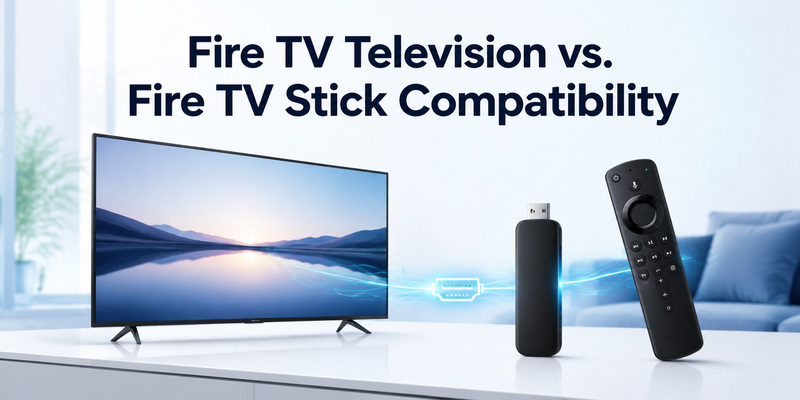
Treat fire tv television vs. fire tv stick compatibility as a practical task: identify the supported route, complete it, and verify the same result after standby.
Identify the exact model
Manufacturer guidance draws a useful boundary: Amazon warns that not every Fire TV remote works with every Fire TV device; compatibility must be checked by exact model. Under this connection requirement (IR may control a Fire TV television, while Fire TV sticks usually need Bluetooth or HDMI-CEC), that detail should be checked against the exact model rather than repeated as a promise for every television carrying the same brand.
Consider a household that has just replaced its router. For Fire TV television or Fire TV streaming stick, the TV still shows a picture and the physical remote still changes volume, but the phone no longer discovers the screen. With a Fire TV-compatible remote, that pattern points to local-network identity, not to damaged TV hardware. Under this connection requirement (IR may control a Fire TV television, while Fire TV sticks usually need Bluetooth or HDMI-CEC), reconnecting the television to the new network and checking the phone’s local-device permission is more informative than reinstalling several remote apps.
Under this connection requirement (IR may control a Fire TV television, while Fire TV sticks usually need Bluetooth or HDMI-CEC), write down the TV model, model year, operating system, and controller model before comparing instructions. During a full-button test on Fire TV television or Fire TV streaming stick, those identifiers explain why two televisions with the same logo can show different pairing screens or support different advanced keys.
Check support by function
- Confirm the exact TV, platform, and controller model.
- At the model-check stage for Fire TV television or Fire TV streaming stick, use the supported connection method instead of mixing instructions from another generation.
- For daily use of a Fire TV-compatible remote, test the complete set of controls needed in the room.
- When the requested function is tested on Fire TV television or Fire TV streaming stick, keep the Fire TV mobile app available until the result remains stable after standby.
A television code cannot automatically configure a soundbar or streaming player. Assign each device to the correct mode, then test whether CEC can simplify everyday control.
A practical compatibility test
Basic and advanced compatibility should be reported separately. Before the standby test on Fire TV television or Fire TV streaming stick, power and navigation can work through infrared while voice, pointer, keyboard entry, private listening, or wake from standby depends on Bluetooth, Wi-Fi, HDMI-CEC, or a platform service.
Before the standby test on Fire TV television or Fire TV streaming stick, a product page or app-store title is only the first filter. When comparing control routes for Fire TV television or Fire TV streaming stick, the decisive evidence is the manufacturer’s supported-model list, the TV’s About screen, and a full control test on the device in the room.
A television with Fire TV built in is not the same control target as a Fire TV streaming stick. On the television, a universal infrared profile may handle Power, Volume, Input, and sometimes menu navigation because the IR receiver belongs to the TV hardware. The exact button map still depends on the television manufacturer and the code library inside the replacement controller. Test Home, Back, arrows, OK, playback, Volume, Mute, and Input; a Power-only result is partial compatibility, not a complete setup.
A streaming stick normally expects a paired Fire TV controller for full navigation because the stick itself is hidden behind the display and does not expose a normal television IR receiver. Some replacement products add explicit Fire TV support through Bluetooth or a USB receiver, while a basic infrared-only handset cannot create that wireless link. Confirm the supported Fire TV generation before buying, and keep the mobile app or an already paired controller available for first-run approval and recovery.
HDMI-CEC offers a limited third route. A compatible television remote can send navigation and playback commands through the HDMI connection when CEC is enabled on both devices, but button coverage varies by TV and it does not turn every universal handset into a fully paired Fire TV controller. Verify wake, Home, Back, arrows, OK, playback, and volume after standby. If one group fails, identify whether the command should reach the television, the streaming device, or an audio system before changing pairing settings.
| Check | What to verify | Why it matters |
| Model | TV and controller generation | Prevents incompatible instructions |
| Connection | IR, Bluetooth, Wi-Fi, or HDMI-CEC | Explains which functions can work |
| Controls | Power, navigation, audio, input, advanced keys | Reveals partial compatibility |
| Recovery | Standby and normal restart | Confirms daily reliability |
3. Choose a Universal Remote That Lists Fire TV Support
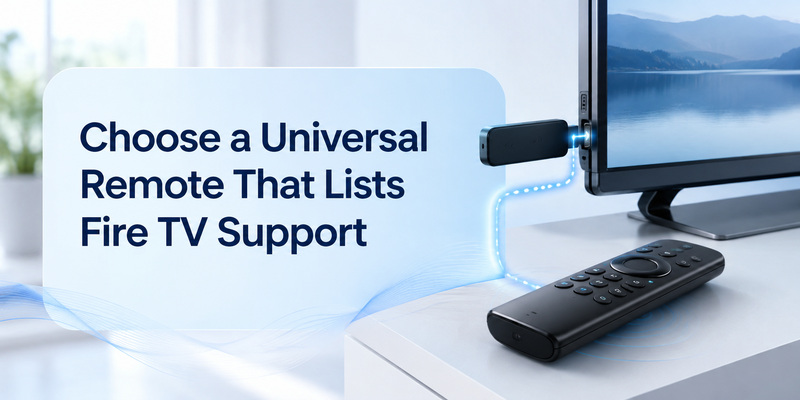
The quickest way to handle choose a universal remote that lists fire tv support is to verify the model first and test the requested function directly.
Identify the exact model
Basic and advanced compatibility should be reported separately. Under this connection requirement (IR may control a Fire TV television, while Fire TV sticks usually need Bluetooth or HDMI-CEC), power and navigation can work through infrared while voice, pointer, keyboard entry, private listening, or wake from standby depends on Bluetooth, Wi-Fi, HDMI-CEC, or a platform service.
Under this connection requirement (IR may control a Fire TV television, while Fire TV sticks usually need Bluetooth or HDMI-CEC), a product page or app-store title is only the first filter. During a full-button test on Fire TV television or Fire TV streaming stick, the decisive evidence is the manufacturer’s supported-model list, the TV’s About screen, and a full control test on the device in the room.
Check support by function
- Confirm the exact TV, platform, and controller model.
- When comparing control routes for Fire TV television or Fire TV streaming stick, use the supported connection method instead of mixing instructions from another generation.
- In the documented compatibility path for Fire TV television or Fire TV streaming stick, test the complete set of controls needed in the room.
- While the Fire TV mobile app remains available, keep the Fire TV mobile app available until the result remains stable after standby.
A practical compatibility test
During a full-button test on Fire TV television or Fire TV streaming stick, write down the TV model, model year, operating system, and controller model before comparing instructions. Before the standby test on Fire TV television or Fire TV streaming stick, those identifiers explain why two televisions with the same logo can show different pairing screens or support different advanced keys.
4. Control a Fire TV Stick Through HDMI-CEC
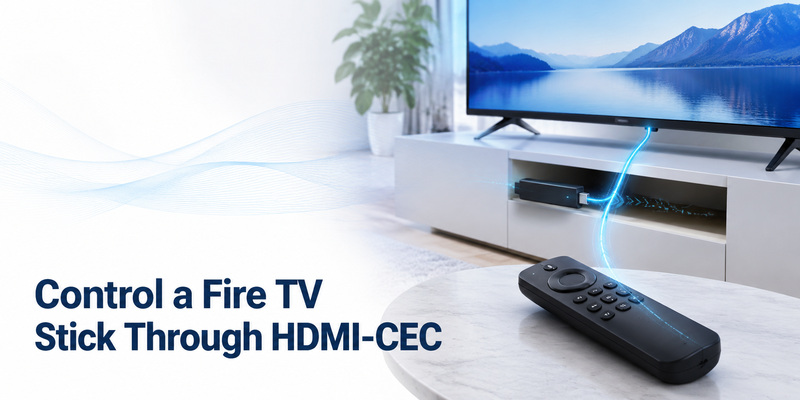
For control a fire tv stick through hdmi-cec, separate the required job from optional features before changing settings or paying for another controller.
Start with the essential buttons
Daily quality includes recovery speed. When the requested function is tested on Fire TV television or Fire TV streaming stick, lock the phone or let the remote sleep, put the television in standby, and check whether the same controller reconnects without repeating registration.
A TV remote may control a connected streaming or audio device through HDMI-CEC rather than through the programmed infrared code. Menu names vary by manufacturer and the feature must be enabled on both devices.
When the requested function is tested on Fire TV television or Fire TV streaming stick, evaluate controls in the order people use them: Power or Wake, Home, Back, arrows and OK, Volume and Mute, Input, playback, and text entry. For Fire TV television or Fire TV streaming stick, this sequence exposes a partial profile that a single Power test hides.
Test advanced controls separately
- Confirm the exact TV, platform, and controller model.
- Under this connection requirement (IR may control a Fire TV television, while Fire TV sticks usually need Bluetooth or HDMI-CEC), use the supported connection method instead of mixing instructions from another generation.
- During a full-button test on Fire TV television or Fire TV streaming stick, test the complete set of controls needed in the room.
- Before the standby test on Fire TV television or Fire TV streaming stick, keep the Fire TV mobile app available until the result remains stable after standby.
Judge the daily-use experience
Advanced functions are platform-specific. With a Fire TV-compatible remote, voice, pointer movement, private listening, app shortcuts, macros, and HDMI-device control may depend on the exact remote generation, account state, network session, or HDMI-CEC configuration.
5. Use the Fire TV App as a Temporary Backup
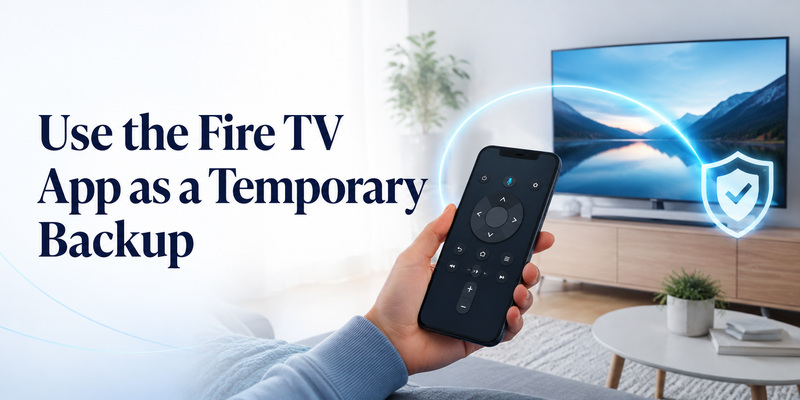
Treat use the fire tv app as a temporary backup as a practical task: identify the supported route, complete it, and verify the same result after standby.
Start with the essential buttons
In the documented feature path for Fire TV television or Fire TV streaming stick, evaluate controls in the order people use them: Power or Wake, Home, Back, arrows and OK, Volume and Mute, Input, playback, and text entry. While the Fire TV mobile app remains available, this sequence exposes a partial profile that a single Power test hides.
Advanced functions are platform-specific. After the first setup on Fire TV television or Fire TV streaming stick, voice, pointer movement, private listening, app shortcuts, macros, and HDMI-device control may depend on the exact remote generation, account state, network session, or HDMI-CEC configuration.
Test advanced controls separately
- Confirm the exact TV, platform, and controller model.
- For daily use of a Fire TV-compatible remote, use the supported connection method instead of mixing instructions from another generation.
- When the requested function is tested on Fire TV television or Fire TV streaming stick, test the complete set of controls needed in the room.
- For Fire TV television or Fire TV streaming stick, keep the Fire TV mobile app available until the result remains stable after standby.
Judge the daily-use experience
Daily quality includes recovery speed. At the model-check stage for Fire TV television or Fire TV streaming stick, lock the phone or let the remote sleep, put the television in standby, and check whether the same controller reconnects without repeating registration.
| Symptom | Most likely layer | First check |
| No response | Power, line of sight, or lost connection | Known-good power and local TV control |
| Power only | Partial profile or incomplete pairing | Full button test and model-specific setup |
| Volume missing | Audio output or CEC/IR path | Identify the device producing sound |
| Phone cannot find TV | Local network, permission, or TV setting | Same network and local-device access |
| Fails after standby | Wake support or saved session | Repeat the same control after restart |
6. Best Remote Choice for Each Fire TV Setup
The quickest way to handle best remote choice for each fire tv setup is to verify the model first and test the requested function directly.
Compare the options on equal terms
Under this connection requirement (IR may control a Fire TV television, while Fire TV sticks usually need Bluetooth or HDMI-CEC), an official controller or platform app is the reference point because its supported-device path can be verified. During a full-button test on Fire TV television or Fire TV streaming stick, a third-party or universal option is useful only when it adds a needed function without weakening basic reliability.
During a full-button test on Fire TV television or Fire TV streaming stick, choose a primary method and keep an independent backup until the preferred route has survived a normal restart, network change, or battery cycle.
Choose the main control route
- Confirm the exact TV, platform, and controller model.
- In the documented compare path for Fire TV television or Fire TV streaming stick, use the supported connection method instead of mixing instructions from another generation.
- While the Fire TV mobile app remains available, test the complete set of controls needed in the room.
- After the first setup on Fire TV television or Fire TV streaming stick, keep the Fire TV mobile app available until the result remains stable after standby.
Keep a dependable fallback
Before the standby test on Fire TV television or Fire TV streaming stick, compare candidates against the task, not the number of buttons shown in a screenshot. When comparing control routes for Fire TV television or Fire TV streaming stick, compatibility, dependencies, essential control coverage, privacy or power requirements, and recovery after standby matter more than a long feature list.
Related questions that change the answer
Readers using the phrase can you use a universal remote on a fire tv are usually asking about the same model boundary; check the exact model against a Fire TV-compatible remote and test the requested function before relying on the setup.
Conclusion
For daily use of a Fire TV-compatible remote, the best answer is the method that completes the stated task on the exact model without importing unrelated app, code, network, or hardware advice into the remote setup.
Use a Fire TV-compatible remote as the documented starting point, verify IR may control a Fire TV television, while Fire TV sticks usually need Bluetooth or HDMI-CEC, and keep the Fire TV mobile app until the result remains stable after standby or a routine restart.