
Definitive Technology Soundbar Remote Replacement and Setup
Short answer: Match the replacement remote to your exact Definitive Technology soundbar model.
A Definitive Technology soundbar remote can control features that a TV remote may not cover, such as selecting inputs or adjusting sound modes. If you only need everyday volume, some models can respond to a supported TV remote through HDMI-CEC, preset infrared commands, or a model-specific learning feature. Studio 3D Mini, Studio Advance, and W Studio have different documentation and setup options.
Start with the label on the soundbar and a quick test of its own controls. Then choose between an exact replacement and a supported way to use the remote you already have. Test volume, mute, and the inputs you use before relying on the new setup. When buying a replacement online, use the exact model in your search and confirm which buttons the seller’s remote provides.
What to Buy for a Definitive Technology Soundbar Remote
A model-matched replacement is the clearest choice when you need the original button set. Look up the soundbar model and check the manufacturer’s documentation or ask its support team to identify the compatible remote. A listing that only says Definitive Technology remote can refer to another product. Confirm the specific soundbar and the controls you expect.
If your original remote is still available, compare its button layout with the replacement. Pay particular attention to inputs, menu controls, and audio presets. A remote that works for volume can still lack the button you need to change from TV audio to another source.
If all you need is volume, a Definitive Technology soundbar remote replacement might be unnecessary. The Studio 3D Mini owner’s manual documents three possible routes for TV remote control on that model. Check whether your television and soundbar support HDMI control, a preset TV remote command, or infrared learning. Verify the exact model before assuming the same choices exist on another bar.
Read more: Mi Remote Technology and How Phone IR Works
Identify the Soundbar Model
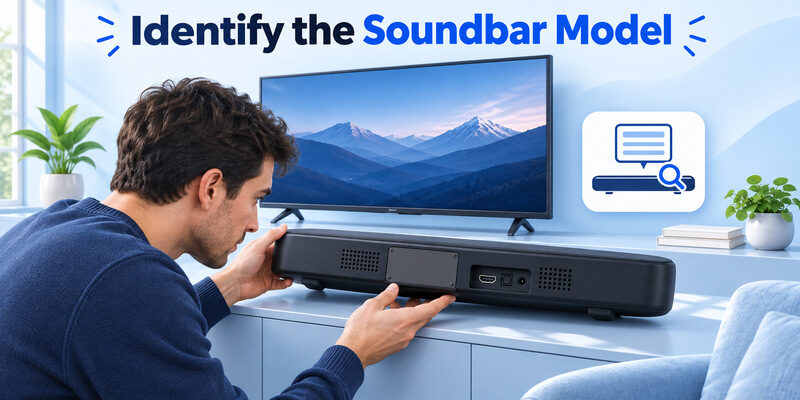
Read the product label on the soundbar
Look for the model name or number on the soundbar itself, its packaging, or its original manual. A subwoofer may have a different label. If you use it to identify the system, verify the name of the bar before you order a replacement. A Definitive Technology sound bar remote for one system may have a similar shape and a different set of commands.
Check the input you use today, such as HDMI or optical. The original soundbar remote can still be useful for setup, even when the TV remote already adjusts volume. Write down the features you need to restore. For a Definitive Technology soundbar remote that stopped working after you changed televisions, note whether the original bar remote failed or only the new TV remote stopped adjusting sound. Those cases call for different checks.
Confirm the bar’s model before using a new television’s setup instructions. This makes it easier to compare listings that offer basic volume and power with one that includes the original input and sound controls. If you are also considering phone control, compare soundbar remote app options and verify support for the exact soundbar model and functions you need.
Compare the manufacturer’s guide for that model
Definitive Technology’s Studio 3D Mini manual describes TV remote operation through HDMI control, preset infrared, or IR learning in the HEOS app. The W Studio owner’s manual describes its own IR Learn feature through an on-screen menu. The Studio Advance quick-start guide describes model-specific TV remote options. These examples show why a Definitive Technology soundbar remote should be matched by model.
Compare Replacement and TV Remote Options
| Option | Best fit | What to verify |
|---|---|---|
| Model-matched physical remote | You need original input, sound, or setup buttons | Exact compatible model and included functions |
| TV remote through HDMI-CEC | Compatible TV and bar connected over HDMI | Supported control settings and actual volume response |
| TV remote through preset IR | Model documents support for the TV remote’s codes | Line of sight and command support |
| Model-specific IR learning | The bar can learn commands from a working IR remote | Learning procedure and the commands it supports |
Choose by the commands you need. A Definitive Technology soundbar remote can be the best option if you need to open a setup menu or select several inputs. A TV remote may be enough if your everyday goal is changing the volume. Compare the control routes while the soundbar is playing known audio. If you use several HDMI devices, pick a source that was already working and leave it in place.
Start at a comfortable volume, test one small change, and verify the device that responds before switching to a different input. Keep the source the same when comparing a physical remote and the TV remote. A TV volume indicator by itself does not prove the soundbar changed.
Read more: LG Magic Remote Technology Behind the Pointer
Check Whether the Original Remote Sends IR
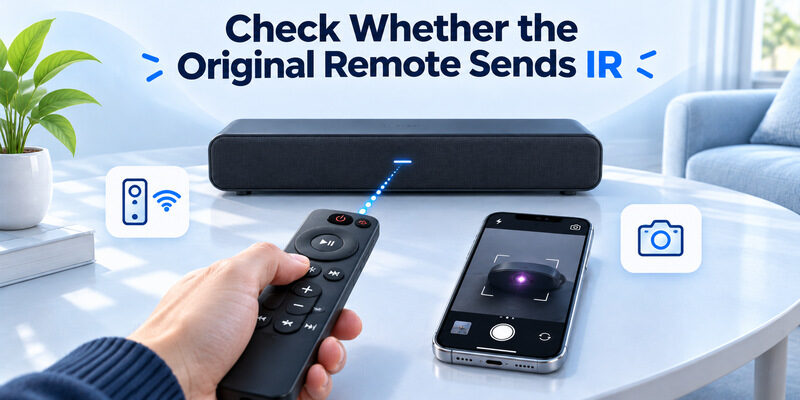
Aim at the bar and test a known command
When the model uses infrared, aim at the soundbar’s receiver with a clear path. The Studio 3D Mini troubleshooting guide describes testing within range and removing obstacles. Test from directly in front, then from your usual seat. Check that the correct battery is installed as the manual specifies.
If a Definitive Technology soundbar remote only works close to the bar, consider battery condition and receiver line of sight. Check whether anything on the media console is directly in front of the receiver. If you reposition the bar for a test, keep its cables connected and leave the audio settings unchanged. Compare from the usual seat after you clear the receiver path. For a closer look at the available audio connections, see how to connect a soundbar to a TV using HDMI ARC, optical or another supported method.
Use a camera test only as a clue
Sony’s general guide explains that a compatible phone or digital camera can sometimes show an infrared flash. Verify the camera with a working IR remote before testing yours. A flash confirms that the emitter sends light. It does not confirm the soundbar recognizes that code. If the TV remote sends volume over HDMI-CEC, the TV and soundbar can communicate even when the TV remote does not send the volume key as IR.
Check Power, Battery, and Receiver Before Buying
Test a control on the soundbar itself
If the bar has usable physical controls, check power and one available command there. A bar that responds to its own buttons gives you a baseline for the remote test. If it has no audio, make sure the intended input is active and a source is playing. A Definitive Technology soundbar remote cannot resolve a source that sends no audio simply by changing volume.
If the soundbar responds to the physical control and ignores the remote, test the remote’s battery and receiver path. If every control fails, check the soundbar’s power and model-specific troubleshooting. Keep the current input and volume comfortable while comparing results. A brief control test can also reveal whether the television changed audio outputs during a restart or cable change. Confirm the bar plays sound before you decide a remote is defective. If an indicator responds without audible sound, inspect the input and audio source separately.
Distinguish a failed key from a failed handset
Try a second basic command such as mute or input. A Definitive Technology soundbar remote that changes input but fails to adjust volume may have a single-button issue or a different active audio destination. The soundbar’s indicator, when available, can help you see whether it received a command even if nothing is playing.
Read more: 5 Device Universal Remote Control Buying and Setup Guide
Use HDMI-CEC for Compatible Volume Control
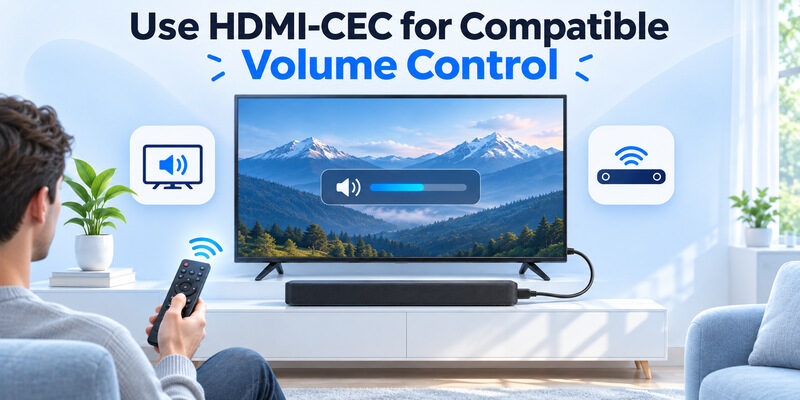
Check the HDMI audio connection and supported settings
On supported models such as Studio 3D Mini, the manufacturer’s manual describes using HDMI control to operate basic soundbar functions with a compatible TV remote. Confirm the television and soundbar are connected using their documented HDMI ARC or eARC ports for that setup. Enable HDMI control where the device instructions call for it. ARC or eARC carries audio, and CEC carries supported control commands.
If you use optical audio, a TV remote can still control some models through preset infrared or learning. A Definitive Technology soundbar remote used directly with the bar is another option. Check which connection the soundbar is actually using before assuming it should follow a TV volume key over HDMI.
Test volume and power as separate features
Play a short audio source and press Volume Up once at a safe listening level. Look for the soundbar’s response. Then test mute and power separately if you need those features. If a Definitive Technology soundbar remote and a TV remote both change volume, check which one can select the bar’s inputs. You may be able to use the TV remote every day while keeping the bar’s own remote for occasional setup. A working volume command does not establish the exact standby or input behavior you want.
Use the model manuals to check which operations are supported. A successful test on one HDMI source can be followed by a test on the source you watch most often. If the outcome changes, check the audio output and CEC settings on the equipment in that path. Keep the bar on the same supported input for the comparison.
If you have just changed the HDMI connection, verify that sound is returning from the television to the bar before testing volume. A successful command can change an indicator even when the audio connection still needs attention. If you use a Samsung television, review how to control a soundbar with a Samsung TV remote, then verify which HDMI-CEC or IR features your Definitive Technology model supports.
Check the Sound Path When Volume Seems Wrong
| Result | What to check next |
|---|---|
| Soundbar buttons work and original remote does not | Battery, receiver path, and remote compatibility |
| TV volume display moves and soundbar volume does not | Active TV audio output and supported CEC or IR path |
| No audio plays even from the soundbar’s controls | Input selection and audio connection |
| New remote changes volume and misses other buttons | Feature compatibility and model-specific replacement |
Confirm what is playing sound before testing volume. If the TV switched back to its internal speakers, its remote may change volume without affecting the soundbar. Test the soundbar with its available controls. Then set the supported TV audio output and repeat the same short playback test. A Definitive Technology soundbar remote is most useful to compare when you know the bar is the active audio destination.
If your setup has a receiver or multiple HDMI sources, select one source and leave it active while you test. That makes it easier to identify whether a button changed the source, the TV speakers, or the soundbar. Repeat the volume test only after the same audio path is confirmed.
Read more: LG Smart TV Network IP Control Explained
Teach a Compatible Remote to the Soundbar
Use the learning procedure for the model
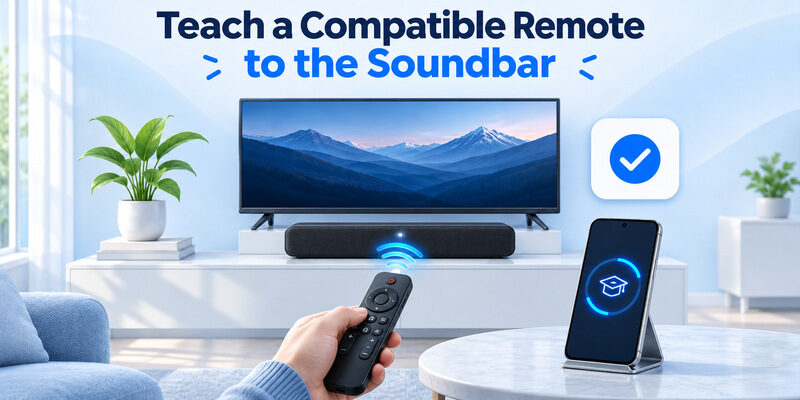
For Studio 3D Mini, the owner’s manual describes using the HEOS app’s IR Control area for the soundbar’s learning feature. In that app, open Settings and choose My Devices, select the soundbar, then open Remote Control and IR Control. Choose one supported command and follow the app’s prompt. For W Studio, use its documented on-screen IR Learn process instead. Its manual calls for teaching the remote within about three feet of the bar.
The setup method depends on which model you identified at the start. Keep the working television remote nearby while you follow the prompts and repeat the volume test afterward. Follow the instructions for your model and use a working remote that sends a supported IR command. An existing Definitive Technology soundbar remote may be required for some setup routes.
Check whether the button you want to teach actually sends infrared. A modern TV remote can use a paired link or HDMI control for some functions. If learning fails, use a documented supported remote or the appropriate TV-control method for your soundbar. The manual may list commands it can learn and other features it cannot learn.
If the bar has a built-in IR preset for the TV remote, test the preset before teaching an alternate command. For a Definitive Technology soundbar remote setup that needs learning, record which button the bar accepted and verify it after you leave the learning screen.
Teach and verify commands individually
Start with one volume key, then check whether the soundbar responds after the learning session. Repeat for other supported commands you use. If the bar accepts Volume Up and fails to learn mute, check the original remote’s signal and the instructions before repeating setup. Testing each command makes it clear what you can rely on. If the soundbar responds to both the original remote and the learned TV remote, use the original to confirm a command that the new path does not cover. Keep it available until you have tested the actual viewing and audio setup you use.
Read more: Samsung TV Remote Technology and How It Works
Choose the Replacement That Fits Your Setup
Verify the listing against the exact product
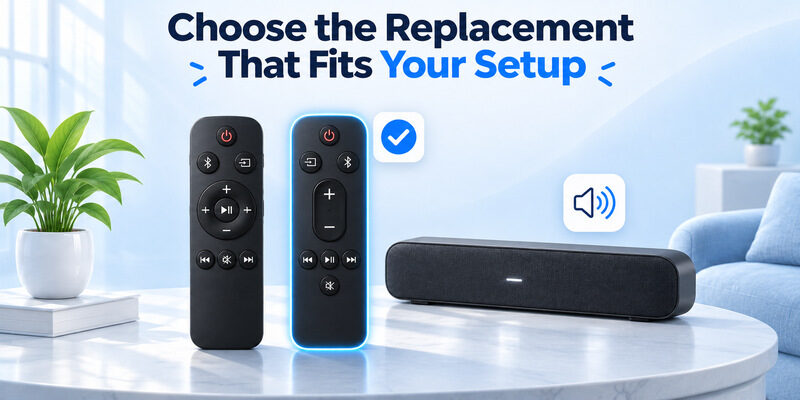
Confirm the soundbar model and supported buttons before ordering a Definitive Technology soundbar remote. Ask the manufacturer or seller for a compatible part identifier when the listing is vague. Check whether the model supports the input selection, sound settings, and setup functions you need. A low-cost replacement may cover everyday volume but omit model-specific buttons.
If you mostly use the TV remote, test the documented CEC or IR route before you buy. For a reachable compatible smart TV, can provide an iPhone backup for TV control. Verify whether your existing TV setup passes a volume command to the bar. The app’s control target is the TV, and the bar’s response depends on the supported connection between them.
Check the new remote in your normal room
Use the bar’s normal audio input and test volume, mute, and input from the seat where you watch. If the replacement Definitive Technology soundbar remote works only near the bar, check its battery and receiver path again. Keep the original around until the replacement performs the functions you bought it for. If the only failure appears when the bar is in standby, check the model’s power behavior separately. A Definitive Technology soundbar remote that controls an awake bar has already passed a useful test. Power-on from the usual viewing state is another function to verify.
Frequently Asked Questions
Can I use a TV remote if I lost the soundbar remote?
Yes on supported combinations. Check the model’s TV-control options for HDMI-CEC, preset IR, or learning. Verify that the soundbar, rather than only the TV speakers, responds to the volume command. Keep a compatible physical control if you need a menu or input that the TV remote cannot reach.
Does optical audio carry HDMI-CEC commands?
No. HDMI-CEC operates over a compatible HDMI link. With an optical connection, check whether the soundbar supports direct IR, preset TV codes, or infrared learning. The audio connection and the volume command can use separate paths.
Will any remote for this brand work with my soundbar?
Check the exact model first. Definitive Technology soundbar remote compatibility can differ between product families. Look for the specific model and supported buttons in the manufacturer’s documentation or confirm with the seller before buying. A compatible remote for volume alone may offer fewer features.
What if the TV shows a volume change and the soundbar does not respond?
Check the active TV sound output and the way the bar receives commands. Test the soundbar directly, then check HDMI control or the documented IR route. A television’s volume indicator may reflect its own setting even when the soundbar needs a separate command.
Final Thoughts
Choose a Definitive Technology soundbar remote by matching the soundbar model and the controls you need. Test a documented TV remote option if everyday volume is the only goal. For input selection or model-specific setup, confirm that the replacement supports those functions before buying.
