Will a Roku TV Remote Work With a Roku Stick?
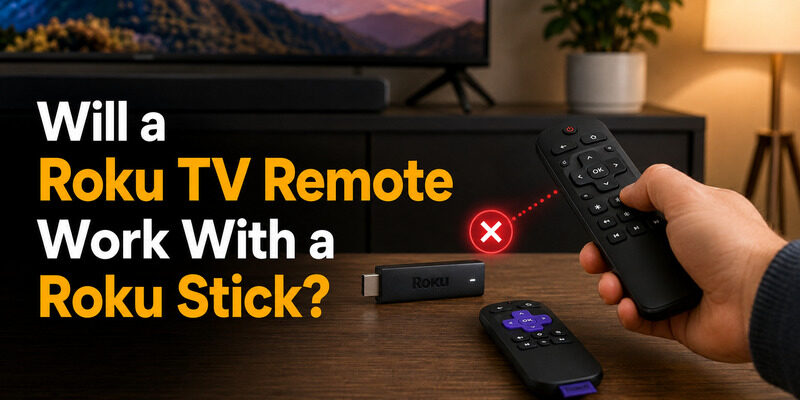
A standard Roku TV remote will not work with a Roku stick. Will a Roku TV remote work with a Roku stick? Only if it is a wireless voice remote that you re-pair first. The basic infrared (IR) remote that ships with many Roku TVs needs a direct line of sight, while a Roku Streaming Stick hides behind your TV and listens to a wireless remote or the Roku mobile app instead. Below you will find the fastest fix, the pairing steps and a free phone-remote option, all based on Roku’s own support guides.
Quick answer: A basic (IR) Roku TV remote = No. A wireless Roku voice remote = Yes, after you put it in pairing mode. A phone app = Yes, on the same Wi-Fi. Lost your stick remote? Skip the guesswork and use your phone.
Will a Roku TV Remote Work on a Roku Stick? Quick Answer by Remote Type
Will a Roku TV remote work on a Roku stick? It depends on which type of remote you hold. Roku sells two kinds: a simple remote (no microphone button, uses IR and must point at the device) and a voice remote (microphone or magnifying-glass button, wireless, no need to aim) per Roku Support.
| Remote you have | Works with a Roku stick? | Why |
|---|---|---|
| Simple / IR Roku TV remote | No | Needs line of sight, but the stick sits behind the TV |
| Wireless Roku voice remote (from a TV or another player) | Usually yes | Re-pair it to the stick in pairing mode |
| The stick’s own voice remote | Yes | Paired out of the box |
| Phone app | Yes | Works over Wi-Fi, no pairing button needed |
Not sure which one you own? Look for a voice button near the purple directional pad. If it is missing, you have a simple IR remote, and a stick will not respond to it.
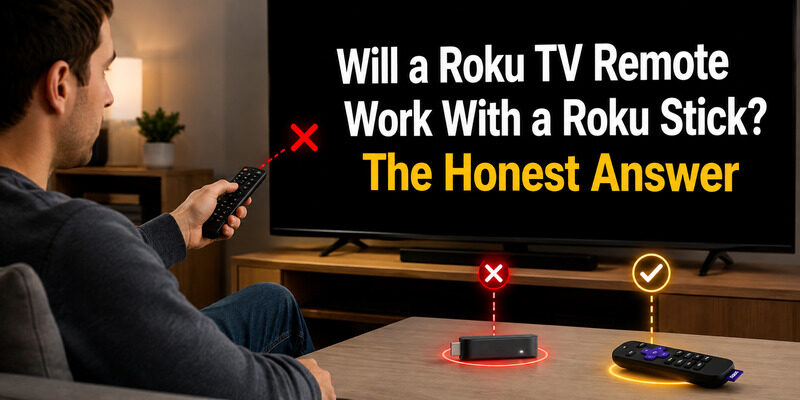
Does a Roku TV Remote Work With a Roku Stick? Key Differences Explained
Does a Roku TV remote work with a Roku stick when the two look almost identical? Rarely, because they are built for different jobs. Here are the differences between the Roku TV remote and the Roku stick remote:
- Connection type: A simple Roku TV remote sends IR signals. A stick remote connects wirelessly, so it does not have to be pointed at the device.
- TV buttons: Roku TV remotes add TV power, volume and mute keys tied to the TV’s hardware. A stick has no TV hardware, so those keys do nothing on it.
- Pairing: A voice remote must be paired to the device it controls. A remote paired to your Roku TV is not automatically paired to your stick.
- Placement: Roku warns against hiding an IR-controlled player behind a TV, and that is exactly where a stick lives.
So when people ask why a Roku TV remote will not work with a Roku stick, the answer is usually “wrong remote type” or “not paired yet”, not a broken remote.
How to Pair the Correct Remote to a Roku Stick
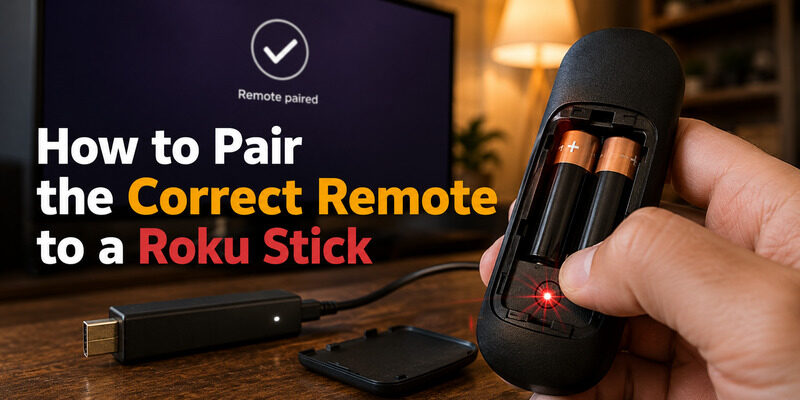
The right fix is pairing the stick’s own compatible remote rather than trying to repurpose a TV remote. It’s quick once you know the steps.
Finding the Pairing Button
An enhanced Roku stick remote has a pairing button inside the battery compartment. This is the button that links the remote to the stick specifically, which a TV remote’s pairing can’t replicate.
Once you find it, the rest of the process is quick and far more reliable than any attempt to reuse a TV remote.
The Pairing Steps
With the stick powered and on the home screen, hold the pairing button for about five seconds until the light flashes, then wait for the on-screen confirmation. A related walkthrough is at , and the same pairing logic applies to a stick.
This is the proper answer whenever will a Roku TV remote work with a Roku stick turns out to be no — pair the stick’s own remote instead.
Using a Code for IR Remotes
For infrared setups, a 4 digit roku remote code or a code for roku tv remote control may be involved when programming a universal remote to a Roku device. This is different from the wireless pairing enhanced remotes use, but it’s another route to controlling a stick when the original remote is gone.
What to Do If You’ve Lost the Stick Remote
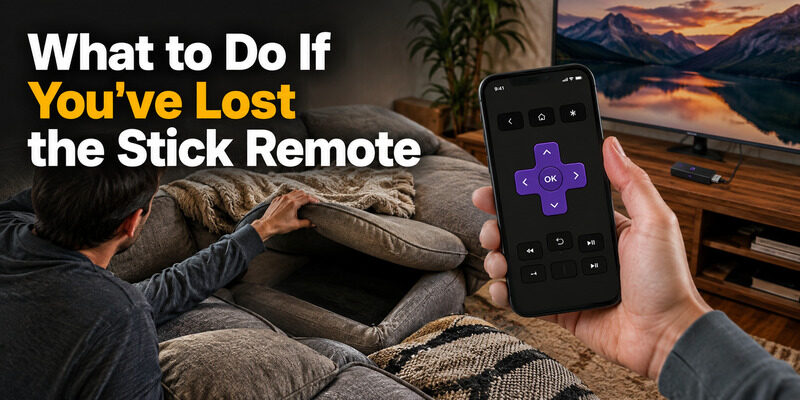
If your Roku stick’s remote is lost and you were hoping a TV remote would substitute, the most reliable answer isn’t another physical remote at all — it’s a phone app.
This is especially true in the tricky situation of having no remote for roku tv and not connected to wifi, where getting the device online is the first hurdle. Once the stick is on your network, a phone app controls it fully, sidestepping the whole question of will a Roku TV remote work with a Roku stick.
In other words, the better question than will a Roku TV remote work with a Roku stick is how to control the stick at all — and a phone app answers that cleanly.
Common Mistakes When Trying to Reuse a Remote
People run into a few predictable dead ends when hoping a spare remote will control a stick. Knowing them saves wasted effort.
Assuming All Roku Remotes Are Interchangeable
The Roku brand on both devices suggests interchangeability that isn’t really there. A TV remote and a stick remote look similar but pair differently, which is the practical reason will a Roku TV remote work with a Roku stick ends in disappointment so often.
Repeatedly Re-Pairing a TV Remote
Trying to force a TV remote’s pairing onto a stick over and over won’t succeed, since the remote isn’t built to pair with the stick at all. Time spent here is better spent pairing the stick’s own remote or setting up a phone app.
Overlooking the App Entirely
The most common oversight is not realizing a free phone app solves the problem instantly. Instead of chasing whether will a Roku TV remote work with a Roku stick, installing an app controls the stick in under a minute.
The App That Controls Any Roku Device
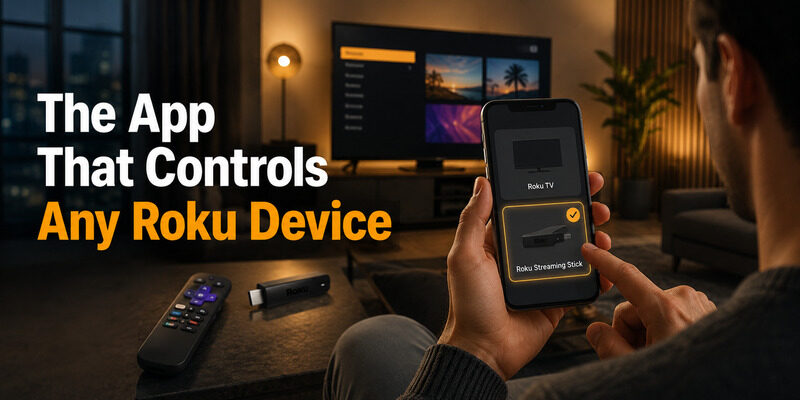
A phone app is the cleanest solution because it works with both Roku TVs and Roku sticks, over the same Wi-Fi network.
One App for Every Roku
Unlike a physical remote locked to one device, a phone app can connect to whichever Roku device you select — TV or stick. This flexibility is exactly what a physical TV remote lacks, and it’s why the app is the better answer than forcing a TV remote onto a stick.
That single-app flexibility is the clearest advantage over any physical remote tied to one device.
Setting It Up
Install the Remote TV App, put your phone on the same Wi-Fi network as the stick, and select the stick in the app. Control is available in seconds. to control your Roku stick from your phone.
There are no codes to enter and nothing to pair by button, which makes it the simplest route of all.
Can Any Roku Remote Work With a Stick?
Beyond TV remotes, people wonder whether any spare Roku remote will control a stick. The answer depends on whether that remote can be paired to the stick specifically.
An enhanced Roku remote from another Roku streaming device can often be paired to a stick using the stick’s pairing button, since both are streaming-device remotes. But a Roku TV remote is the one type least likely to work, which brings us back to the central point: will a Roku TV remote work with a Roku stick is a no, while a matching streaming-device remote or an app is a yes.
The bottom line stays consistent: will a Roku TV remote work with a Roku stick is a no, but a matching streaming-device remote or a free app is always a yes.
FAQs About Roku TV Remotes and Sticks
Will a Roku TV remote work with a Roku stick?
Usually no. A Roku TV remote is built to pair with and control a Roku TV, not a separate streaming stick. Use the stick’s own remote or a phone app instead.
Why won’t my TV remote control the stick?
An enhanced Roku TV remote’s wireless pairing is locked to the TV, and it includes TV-specific buttons a stick can’t use. The two are separate Roku devices with separate pairings.
How do I control a Roku stick without its remote?
Use a phone app. Install a Roku remote app or the Remote TV App, join the same Wi-Fi network as the stick, and select it. The app controls the stick fully over the network.
Can another streaming-device remote pair to a stick?
Often yes. An enhanced Roku remote from another Roku streaming device can usually be paired to a stick via the stick’s pairing button, unlike a TV remote which is the least compatible option.
What if the stick isn’t on Wi-Fi yet and I have no remote?
This is the hardest case. You’ll typically need a compatible remote to complete the initial network setup, after which a phone app can take over full control of the stick.
Final Thoughts
Will a Roku TV remote work with a Roku stick? In nearly all cases, no — the TV remote’s pairing is locked to the TV, and it carries TV-specific buttons a stick can’t use. The reliable fixes are the stick’s own remote, a compatible streaming-device remote, or a phone app.
The app is the most flexible, since it controls both TVs and sticks over Wi-Fi. Install the Remote TV App and you can control any Roku device from your phone, no matter which physical remote you’ve lost.
Download TV Remote App