Intex TV Remote Download: Check IR Hardware and Smart TV Support
Short answer: For a compatible Intex Google TV, use Google’s mobile remote; for an infrared Intex remote app, first confirm that your Android phone has the required IR transmitter. An intex tv remote download is not one universal solution for every Intex television. Current store results include independent controllers, while the manufacturer’s televisions span different software families. This guide explains what the verified listings actually require, how to test an infrared profile, and where Google TV or model-specific webOS guidance fits. It also helps you avoid choosing by screen size alone and shows how to separate download, pairing, and missing-button problems before replacing a working setup.
Check What the Intex TV Remote Download Actually Requires
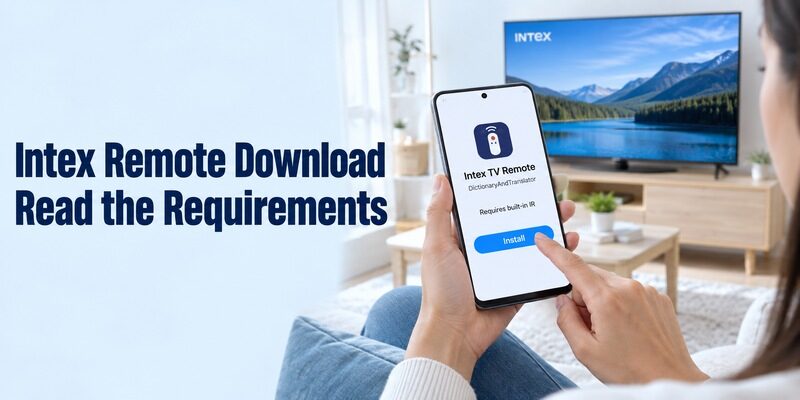
Read the Developer and Hardware Requirement
The app’s description matters more than the television name in its title. The current Intex TV Remote listing from DictionaryAndTranslator requires a phone with built-in infrared capability. It also states that the developer is not officially connected with the named third-party companies, and lists advertising and in-app purchases.
Treat that intex tv remote download as an independent infrared option. It is not proof of a manufacturer-issued app or a Wi-Fi connection method. Check the full listing on your own phone, including installation eligibility, before planning around a feature mentioned in a search result.
For a practical comparison of infrared and network-control claims, see this TV remote compatibility testing guide before assuming that an Intex-branded listing can control every television model.
Recognize Listings That Do Not Explain Compatibility
CodeRanch27 also publishes an Android app called intex tv remote. Its current description is brief and does not clearly establish a complete transport or model-compatibility specification. A recent update alone does not answer whether a particular television and phone can communicate through it.
This guide to matching a TV remote app to its model shows why the operating system and connection method matter more than a familiar brand name in the app title.
For an intex tv remote download with unclear requirements, ask the developer which connection type, phone hardware, and model family it supports. Do not infer those details from the appearance of its directional pad. Keep an already working remote available while you verify the alternative.
Search results can also include INTEX AIR MATTRESS REMOTE. Its own listing describes Bluetooth control of compatible air beds, not televisions. This is a practical example of why matching a brand word is insufficient: read what appliance the software controls before installing it.
If you are helping someone remotely, ask them to read the publisher and the requirement paragraph aloud before installing. That establishes whether you are discussing the same application. Screenshots of a search-results page can hide the very detail that decides whether the download will work on their phone.
Confirm Infrared Capability Before Trying Profiles
Check the Phone’s Actual Specifications
Software cannot create a missing infrared transmitter. Use the phone manufacturer’s specifications to confirm an IR blaster and its location. A camera, proximity sensor, flashlight, or Bluetooth radio is not the same component. Ordinary iPhones and Android phones without the required transmitter cannot send these appliance commands through installation alone.
An intex tv remote download that explicitly requires built-in IR should not be assumed to support any external dongle you find. Accessory support must be confirmed for the application and phone together. If the listing does not name that arrangement, treat it as unverified rather than a guaranteed workaround.
Distinguish Infrared from Network Control
Infrared uses a compatible transmitter and a matching television command profile. A network remote instead requires a supported television platform, local communication, and any necessary pairing. These two paths can produce similar buttons on the phone while relying on entirely different equipment.
Before testing several alternatives, compare free universal TV remote app options by their stated hardware and network requirements rather than by the remote layout shown in screenshots.
Before starting an intex tv remote download, decide which path your devices support. A television having Wi-Fi does not make every Intex-named IR app a network controller. Equally, an older infrared television does not become discoverable in Google TV merely because the phone can access the internet.
| Requirement | Infrared route | Network route |
|---|---|---|
| Phone capability | Compatible IR transmitter | Supported app and local connection |
| Television capability | Matching IR command set | Supported control platform |
| Initial test | Aim and send a simple command | Discover and complete pairing |
| Common mismatch | Phone has no IR hardware | App targets another operating system |
| Useful backup | Model-compatible handset | Controller for network recovery |
A successful intex tv remote download on one family member’s phone does not establish support on another handset. They may have different hardware even when both run Android. Check the second phone independently, and choose a supported network route if the television offers one and infrared is unavailable.
Test an Infrared Profile Against Real Buttons
Begin with an Awake Television
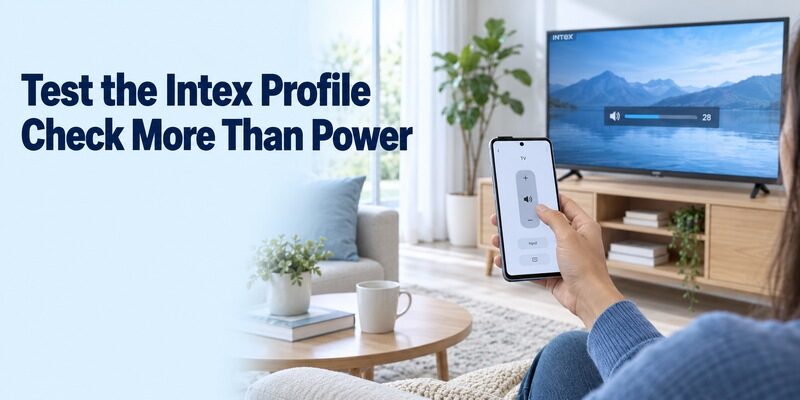
A usable profile should control more than one command. Start with the TV awake and its normal menu visible. Select an Intex profile offered by the app, point the documented transmitter location toward the television receiver, and send a single uncomplicated command. Allow time to observe the result.
After an intex tv remote download, test direction, selection, volume, and input where those commands are available. A power response alone is a weak test because some code sets can overlap. Keep notes on which profile controls the functions you need instead of repeatedly returning to the first one that turns the screen off.
Check Range and Repeatability
Try the chosen profile from the seating position where you normally watch television. Check that the phone case does not cover the emitter and that furniture is not blocking the receiver. A close-range response during setup may not represent a comfortable everyday arrangement.
If your intex tv remote download produces inconsistent results, test one button at a time with the television clearly awake. Rapid repeated power presses make diagnosis harder because the set may be shutting down or restarting when another command arrives. Separate code-profile testing from ordinary startup delays.
For a TV used mainly with a set-top box, remember that television volume and receiver channel selection may belong to different devices. A successful Intex profile might restore the panel’s controls while leaving the receiver untouched. Identify both targets before deciding that the application has failed completely.
If the app allows saving or naming a tested profile, use a description that includes the room and television. If it does not, keep the selection in a short note. This avoids repeating the entire profile trial whenever you reopen the application or help another viewer use it.
Use Google’s Remote for a Verified Intex Google TV
Establish the Platform from the Model
Intex sells televisions explicitly identified as Google TV. Its LED-SGQV3208 product page names Google TV for a 32-inch model, while the LED-5526 UBTR page identifies the platform on a 55-inch model. These examples establish specific software families; they do not describe every television in the brand’s history.
For an intex tv remote download on one of the matching Google TV families, Google’s own phone app is the relevant starting point. Check the television’s actual software and current supported app listing. A product described only as Smart Android or Android 9.0 needs further verification of its remote-control platform.
Pair with the Code on the Intended TV
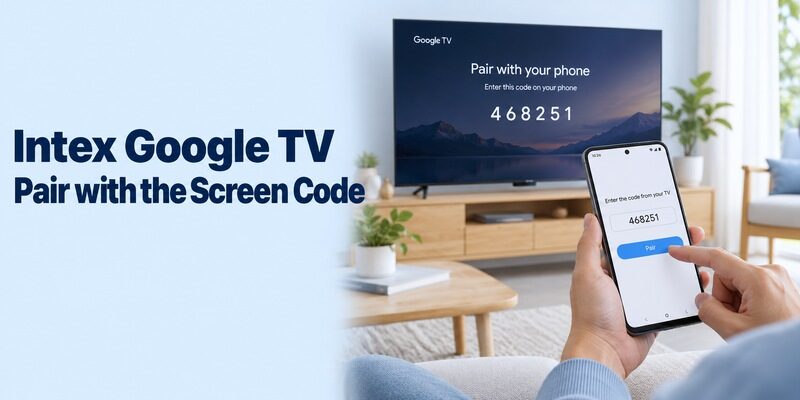
Google’s Android TV instructions use the Google TV phone app, Connect TV, selection of the device, the code shown on the television, and Pair. Its Google TV guidance may label the entry point TVs nearby. Keep both devices on the same home network and follow the current displayed flow.
After this intex tv remote download, send one directional command and watch the intended screen. Then test Home, Back, and a short search in a supported field. Do not assume that seeing the television as a casting destination has already completed the separate remote-pairing process.
For a broader explanation of controlling compatible smart televisions from a handset, read this Android TV remote control guide after confirming that the Intex model actually supports the network route.
If several displays appear, compare their room names and watch for the code on the correct one. An HDMI player can also be listed separately from the television. Select the equipment supplying the menus you intend to control and record that target for the next session.
A network intex tv remote download also needs a way to recover the television after a Wi-Fi change. If the set is offline and waiting for credentials, use supported onboard controls or a compatible handset to restore access. Installing another phone application does not automatically enter the new network password.
Follow Model-Specific Guidance for Intex webOS TVs
Use Intex’s Own Feature Documentation
Some Intex webOS material explicitly mentions ThinQ features. The manufacturer’s LED-WOS6530U page lists webOS, ThinQ AI, Apple AirPlay, Apple Home, and Magic Remote features. An Intex explanatory article also describes using a ThinQ-AI phone app as a remote for the webOS television it discusses.
That evidence makes the model’s ThinQ guidance worth checking for an intex tv remote download. It does not justify applying one LG onboarding procedure to every Intex set with a webOS label. Confirm the supported mobile app, region, and exact setup instructions in the model documentation or with Intex support.
Keep Different Phone Features Separate
Screen sharing, AirPlay playback, Apple Home integration, and a full directional remote are distinct functions. A television advertising one of them does not automatically guarantee every other control. Follow the instructions for the specific task and application you want to use.
When evaluating an intex tv remote download for a webOS model, ask whether it supports the required navigation and input commands, not simply whether the phone can display a photo on the screen. Retain the supplied controller for initial consent, network setup, and any function the mobile route does not cover.
If the support page only advertises a capability without explaining installation, request the exact current app name and publisher. This is more useful than trying several similarly named products. Record the TV’s complete model and software version so that support can distinguish it from another webOS generation.
Test the controls on the television’s own home screen before evaluating a particular streaming service. If the home screen responds but one service does not accept text entry, document that narrower result. It may concern the service’s input field rather than the underlying connection between the phone and TV.
Why a 32-Inch Search Still Needs the Model Number
Screen Size Does Not Specify a Remote Protocol
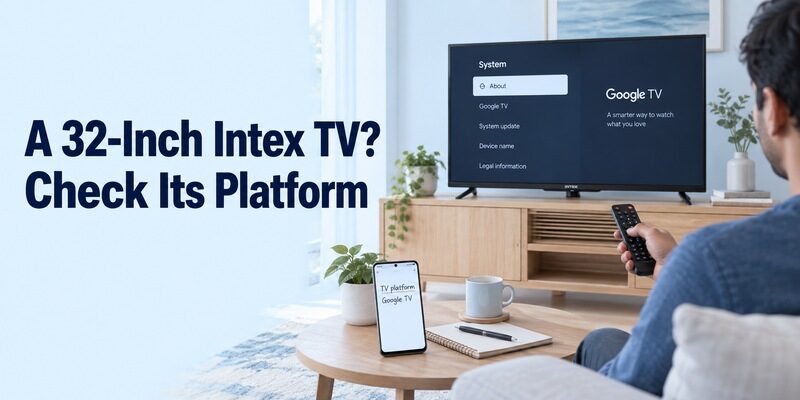
Two 32-inch televisions can require different controllers. The screen measurement describes the display, not its software, network service, or infrared code set. Intex’s named Google TV example demonstrates why a newer small television should not automatically be treated as an older non-smart infrared set.
For an intex led tv 32 inch remote app download, look up the full model rather than shortening it to Intex 32. Preserve letters and suffixes from the label or information menu. Those details can distinguish variants that share a screen size and a similar cabinet.
Describe the Function You Are Missing
Decide whether you need to change a television input, navigate a built-in streaming app, control an external receiver, or adjust sound. Those tasks can involve different devices. A phone remote for an attached box may solve streaming navigation without replacing the television’s own input control.
The most useful intex tv remote app download is the one that restores your actual routine. For example, opening HDMI 1 and changing a receiver channel are two separate tests. Write both down if both matter, and avoid declaring the setup complete after only one device responds.
Keep a photograph of the original remote if one is available. Its layout can help explain which physical function is missing when contacting support, although appearance alone does not establish replacement compatibility. The model record remains the stronger basis for selecting software or hardware.
When the model label is difficult to reach, check purchase documents or the accessible system-information screen first. Keep the television stable while gathering these details. A complete model copied from a reliable record is more helpful than a guess based on the bezel, screen size, or age of the set.
Troubleshoot the Stage That Fails
Separate Store Problems from Missing Devices
An installation error is not the same as a connection failure. If the store blocks an intex tv remote download, read its compatibility or availability message. If installation succeeds but the TV never appears, first verify that you chose a network-capable application for the correct platform.
For Google’s supported remote route, check the phone and TV’s actual network names. Guest networks can isolate devices even when both can stream from the internet. Review any requested local-device permissions, and use the platform’s restart instructions if the connection remains unresponsive.
Compare Partial Success with Total Failure
If navigation works but volume does not, investigate the sound path and supported controls. If one infrared button works while several others do not, revisit the code profile. If a pairing code appears but is rejected, use the current screen and intended target rather than a code from a previous attempt.
After an intex tv remote download, change one relevant condition at a time and repeat the same test. Record whether the failure appears immediately or after phone sleep. If another controller still works, preserve it while checking settings instead of erasing a usable television configuration.
| What happens | First useful check | Detail to record |
|---|---|---|
| App will not install | Store’s exact eligibility message | Phone and store region |
| IR buttons do nothing | Transmitter and supported profile | Phone hardware, profile name |
| Network TV is absent | Platform and local network | TV model and network names |
| Only sound fails | Audio device and available controls | Speakers or soundbar in use |
| Setup fails after router change | Television’s saved connection | Whether TV is online |
Review Costs and Keep a Working Backup
Evaluate the Actual Download Terms
A free installation does not prove that every feature is free or compatible. Read the selected listing’s advertising and purchase information. Test the essential controls where the app permits before paying for optional features, and check the stated renewal terms if a subscription is offered.
For an intex tv remote download, a paid screen or higher rating cannot compensate for missing infrared hardware or an unsupported television platform. Resolve those requirements first. Keep the application name and publisher so that a later search does not lead you to a different product with a similar icon.
Before paying for an alternative, compare free TV remote apps for Android by the controls available without an upgrade and the platforms they explicitly support.
Save the Setup Someone Else Can Repeat
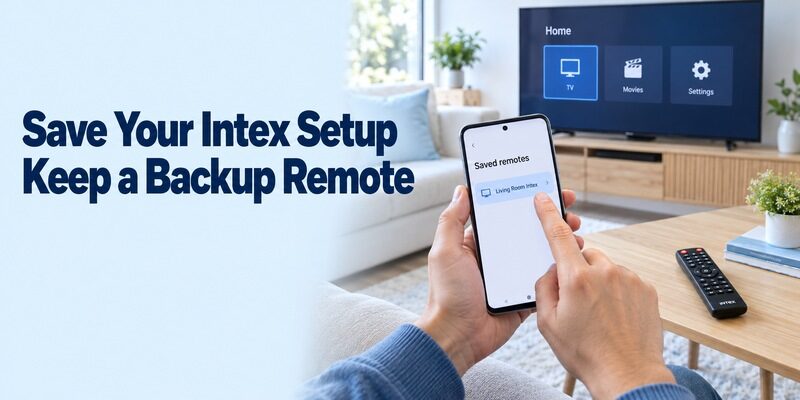
Record the TV model, selected app, connection method, working profile if relevant, and the buttons that still need a physical handset. Ask another viewer to open the app and repeat the normal viewing sequence. Clear instructions are more useful than a long list of unsuccessful downloads.
Keep a model-compatible remote available for initial setup, a changed network, or a flat phone battery. You can explore broader platform guidance at , while your household note should describe the specific arrangement that has actually worked on this television.
Before relying on an intex tv remote download every day, close and reopen the app and repeat your normal sequence from the sofa. Include the input change and audio adjustment you actually use. A repeatable result confirms more than an installation-complete message or a single successful button during setup.
Final Thoughts
Match the download to both the television and the phone. An intex tv remote download can mean an independent infrared controller, Google’s app for a verified Google TV platform, or a model-specific route described by Intex. Confirm the requirements before installation, test several real commands, and keep the successful setup documented. Screen size and a familiar app title are useful search clues, but neither is a substitute for compatibility.