
How to Reduce TV Power Consumption: Measure and Adjust
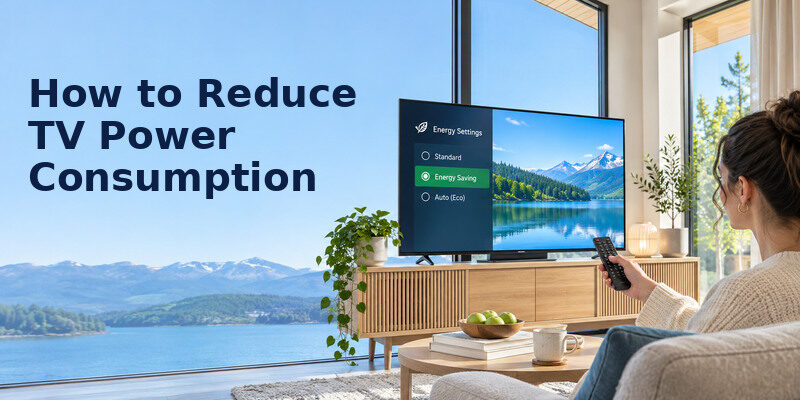
Short answer: Find your TV’s on-mode and standby power, lower excessive panel light, turn it off when unused, and disable unnecessary quick-start features only after checking the manual. Calculate kWh from watts and hours to see which change actually matters in your home.
How to reduce tv power consumption is a measurement problem as much as a settings problem. The TV’s rear-label maximum rating, an EnergyGuide annual estimate and a plug-in meter reading describe different conditions. Bright HDR content, picture presets, screen size and connected gear change the result. This guide shows a baseline, a careful test and what each saving lever can and cannot do.
Start With the Two Power States
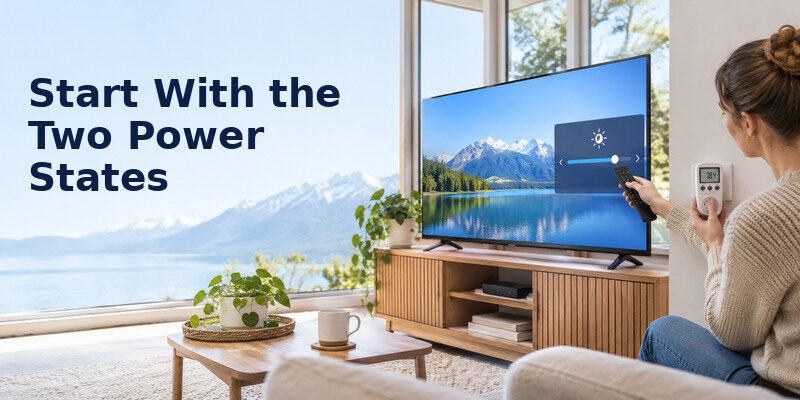
A TV uses energy while displaying a picture and can also draw power in sleep or connected standby. ENERGY STAR’s TV page says certified models use at most 0.5 W in Sleep Mode, while separate standby-active criteria exist. Your particular model may operate in a different mode with network wake or quick start. How to reduce tv power consumption begins by separating hours watched from hours waiting.
Calculate on-mode energy
kWh = watts ÷ 1,000 × hours. A hypothetical TV at 100 W for four hours each day uses 0.1 × 4 × 30 = 12 kWh in a 30-day month. At $0.20/kWh, that is $2.40 before standby. If you watch eight hours, the on-mode energy doubles. These numbers are illustrative and not a measured average for a brand, size or panel. How to reduce tv power consumption starts with separating on-mode draw from standby.
Calculate standby energy
If a hypothetical TV draws 1 W for 20 hours daily, it uses 0.001 × 20 × 30 = 0.6 kWh per month. At $0.20/kWh that is $0.12. A 5 W network-active mode over the same hours uses 3 kWh or $0.60. The difference can matter, but first confirm the actual mode and whether disabling it would interrupt updates, remote wake, recordings or OLED panel care.
Add external equipment separately
A console, streaming box, cable receiver and soundbar each have their own on and standby states. A meter on the entire strip shows the entertainment system total; measure individual plugs if you want to attribute savings. Never overload a strip or use a meter behind a TV where reaching it risks pulling the mount. A cable box’s scheduled recording may require standby.
Read more: How Often to Clean TV Screen: A Sensible Schedule
Compare Common Scenarios
| Illustrative TV draw | Daily viewing | 30-day on-mode kWh | Cost at $0.20/kWh |
| 60 W | 4 h | 7.2 | $1.44 |
| 100 W | 4 h | 12.0 | $2.40 |
| 100 W | 8 h | 24.0 | $4.80 |
| 150 W | 4 h | 18.0 | $3.60 |
This table is arithmetic, not a claim that every 43-, 55- or 75-inch TV uses those watts. Find the actual EnergyGuide, ENERGY STAR listing, official specification or an appropriate meter reading. Real consumption can change with content and preset. A dark screen on an OLED and a bright HDR scene are not comparable snapshots. For more examples of viewing hours, picture settings and monthly costs, see how to save electricity while watching TV and calculate the result using your local rate.
Use annual kWh labels for shopping
A standardized annual figure helps compare similarly sized models, but your hours can differ from the test. ENERGY STAR says certified televisions average about 34% greater efficiency than conventional models in its comparison; that does not mean your monthly bill falls 34% if you buy one. Look at the specific model’s label, price and features, and calculate the annual dollar difference at your rate. The local tariff matters when turning how to reduce tv power consumption into a cost estimate.
Do not mistake maximum power for normal draw
The rating near a power connector may be an upper design figure. A TV can consume less during typical scenes. Conversely, a product listing’s “typical” value may not represent a very bright HDR game. For before-and-after testing, use the same input, content type and room light, and average several periods. How to reduce tv power consumption should be verified against a comparable baseline.
Read more: TV Maintenance Guide: A Safe Routine for Every Season
Adjust the Picture Without Losing Usability
Choose a home preset
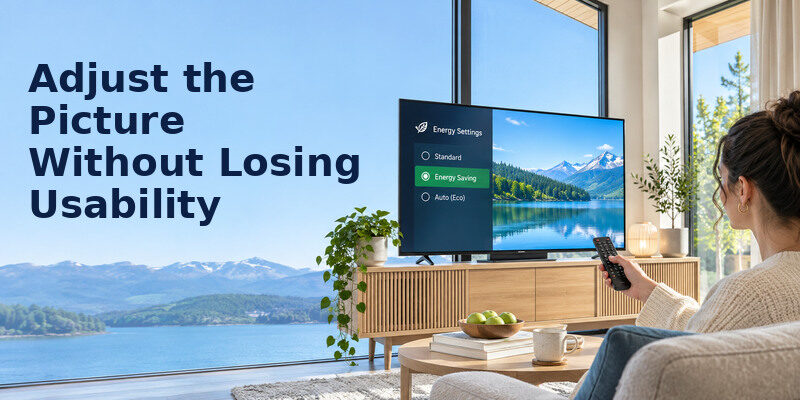
The US Department of Energy notes that Vivid, Sports and Cinema picture modes affect brightness and power. Store or Demo mode can be unnecessarily bright in a living room. Choose Home/Standard/Cinema, then judge familiar content. Save the old preset before changing. Some sets apply separate settings by HDMI input, app, SDR and HDR mode.
Find the actual light control
On an LED LCD, “Backlight” or “Panel Brightness” often controls light output; on an OLED, “OLED Pixel Brightness” or a similar setting does. The menu item simply named “Brightness” may control black level. Consult the model’s manual, adjust in small steps, and preserve shadow detail and readable subtitles. Do not assume setting a slider to 50 halves watts. If dark scenes become difficult to see, learn how to adjust TV picture settings while keeping the image comfortable in your room.
Try ambient light control
Automatic brightness control adjusts the screen to room light. ENERGY STAR identifies this as an energy-related TV feature. Test bright daytime and dim evening content. A lamp shining on the sensor can make it over-bright; a blocked sensor can make it too dark. Curtains and lamp placement may reduce glare and allow a moderate picture setting without sacrificing comfort.
Respect HDR and OLED care
HDR may legitimately brighten highlights. Adjust its separate picture preset rather than assuming an SDR change applies. An OLED may need standby for panel compensation; do not cut its power after every viewing without reading the maker’s instructions. Avoid static bright images for long periods and use sleep timers. Energy savings and panel care should work together, not against each other. How to reduce tv power consumption through brightness should preserve captions and shadow detail.
Read more: How to Protect TV From Power Surge and Storm Damage
Cut Hours That Add No Value
Sleep timer and inactivity shutoff
If the TV often stays on after bedtime, set a timer slightly longer than typical viewing. Check whether autoplay prevents the platform from detecting inactivity. A 100 W hypothetical TV turned off two hours earlier each day saves 0.1 × 2 × 30 = 6 kWh/month, or $1.20 at $0.20/kWh. This is an assumed scenario; your actual draw and habits differ.
Screen-off audio mode
Some models offer a picture-off mode for music or podcasts. Verify whether the display truly switches off and how to restore it. A black image on an LCD may leave the backlight on, so it is not automatically equivalent. Do not leave a static player UI on an OLED all day. If the TV lacks a screen-off mode, a separate speaker may suit heavy audio-only use.
Coordinate external devices
HDMI-CEC can let a TV and source sleep together, but may also cause unwanted switching. Test it with the household’s normal routine. Set a console to sleep after inactivity according to its manual. A DVR may need power for recording, and a router may serve the whole home. How to reduce tv power consumption should avoid breaking functions people depend on. For more context on how screen technology and content affect energy use, compare OLED and QLED power use and check the specifications for each exact model.
Decide What to Do With Standby
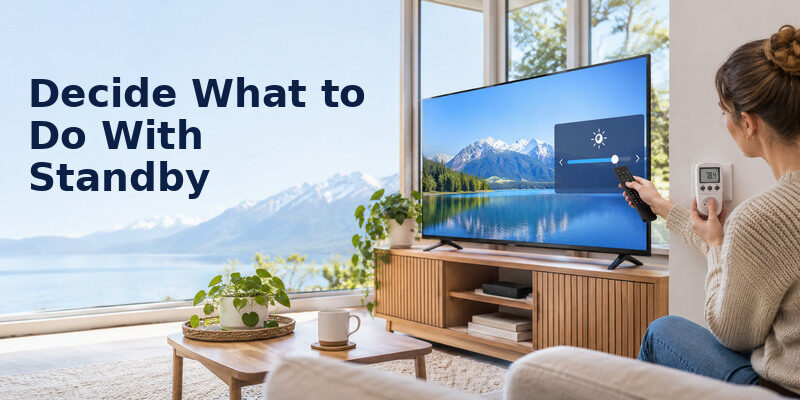
Quick Start and network wake can improve convenience while using more power than deep sleep on some sets. Check the official model menu and specifications, then measure if the difference matters. If you rely on voice access, phone control or accessibility, a few watts may be an acceptable trade-off. The works only with compatible TVs and required connectivity; disabling network wake can affect its use. A timer can answer how to reduce tv power consumption when the set plays to an empty room.
Switched strip limitations
A switched strip can eliminate power draw from devices that may be safely disconnected, but it is not a universal TV recommendation. OLED compensation, updates and scheduled recordings may need standby. Cutting power during a firmware update can cause problems. Read the exact manual before adopting a nightly mains-off routine. Use a properly rated strip on a suitable outlet, never daisy-chain it.
Storm safety
For a forecast thunderstorm, the National Weather Service advises unplugging sensitive electronics before it arrives if you plan to disconnect. It explicitly says not to unplug equipment during a thunderstorm because of shock risk. This is a safety decision separate from routine energy saving. Do not reach behind a TV during thunder to save a fraction of a kWh.
Read more: TV Energy Saving Tips That Keep the Picture Watchable
A Before-and-After Measurement Plan
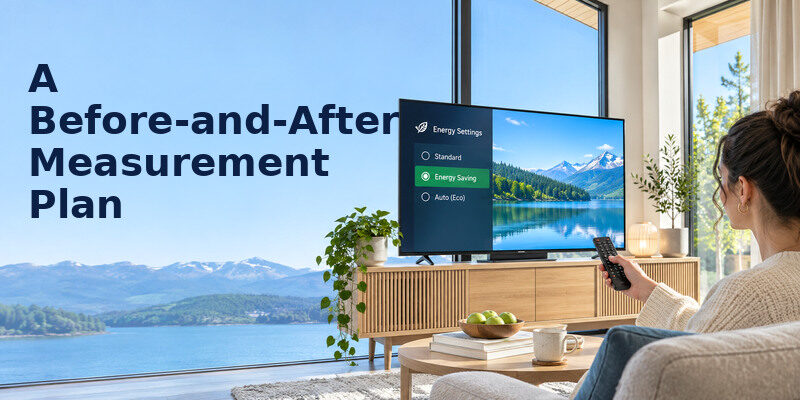
- Record the model, input, preset, panel light, ambient sensor, hours and connected devices.
- Find official on-mode/annual kWh data or use a suitable accessible meter.
- Watch representative content for a reasonable period; note HDR versus SDR.
- Change one setting at a time, keeping content and room light comparable.
- Record the new watts and whether the picture remains comfortable.
- Track unattended hours removed by timers for one week.
- Calculate monthly kWh and cost at your local rate, then keep only useful changes.
Worked comparison
Assume a 120 W baseline for four hours/day and a measured 95 W after a picture change. The on-mode difference is 25 W × 4 × 30 ÷ 1,000 = 3 kWh/month. At $0.20/kWh, that is $0.60. If a timer additionally avoids one unused hour/day at 95 W, that saves 2.85 kWh or $0.57. The totals are illustrations; no particular TV or Eco preset is promised to achieve them.
When readings seem inconsistent
Wait for a firmware update or panel-care task to finish. Compare similar scenes and watch for dynamic brightness. Some meters update slowly. A soundbar or console on the same strip changes the total. Record several samples and average them rather than cherry-picking one low reading. If a setting saves little but degrades captions or viewing comfort, reverse it. Connected devices complicate how to reduce tv power consumption if only the TV is measured. A TV remote app works only with supported televisions and the required connection; disabling network wake may prevent the app from turning on some models.
Read more: How to Clean Remote Control Buttons Safely
Choose the Best Lever for Your Usage
Four hours of focused viewing
If the TV is already off when no one watches, picture mode and panel brightness are the likely controllable factors. Measure a representative period and try a comfortable home preset. How to reduce tv power consumption should not compromise captions or dark-scene detail for an unmeasured saving. Record the old setting and compare the same content after the change. Standby may be small or significant depending on the mode.
All-day background TV
Count unattended hours and test a sleep timer or supported screen-off audio feature. A black picture on an LCD may still use the backlight, so check the model’s actual audio-only mode. How to reduce tv power consumption here can be achieved with fewer display hours, while preserving background sound if desired. The weekly hours matter more than a single instantaneous watt reading.
HDR gaming with connected devices
Measure the TV, console and soundbar separately or as a system. HDR peaks and game settings can draw differently from SDR video. How to reduce tv power consumption may involve auto-sleep on the console and ending the session when finished, not reducing resolution indiscriminately. Keep a picture preset that shows game detail and protects accessibility. Test HDMI-CEC carefully before relying on it.
Network remote and voice control
Quick start and network wake can maintain convenient control while drawing more standby power on some models. Measure the difference and decide whether the feature is worth it. How to reduce tv power consumption should preserve independent access for a user who relies on voice or phone control. Lower panel light and stop unattended viewing first; then revisit standby if its cost is material.
Buying after a failure
When a replacement is already needed, compare annual EnergyGuide kWh for suitable sizes and calculate annual cost at the local tariff. How to reduce tv power consumption by choosing a certified model is a valid consideration, but do not assume a category average is your exact saving. Compare repair quotes, purchase price and usability as well as energy. A TV with easy controls may serve the household better even if another model’s annual kWh is slightly lower. How to reduce tv power consumption in standby depends on quick-start and network requirements.
A Practical Monthly Check

Compare time and watts
Record the average daily on-hours and a representative on-mode wattage. Multiply to obtain kWh and compare with the previous month under similar conditions. How to reduce tv power consumption is easier when the cause of change is visible: perhaps summer viewing increased, or a new console was left on. Do not use the maximum rear-label input as though it were typical draw.
Review settings after updates
A software update may reset picture presets, timers or network wake. Check the familiar picture in day and evening light, then confirm the sleep timer and captions still work. How to reduce tv power consumption should not erase accessibility settings. Note separate HDR and input modes before deciding a setting has changed.
Decide whether another change is worth it
If the current setup is comfortable and the bill impact is small, stop adjusting. How to reduce tv power consumption has diminishing returns. A new TV purchased solely to save an illustrative few dollars a year may not pay back, while a failed panel presents a different decision. Compare annual kWh of suitable replacements at the local rate when purchase is already on the table.
How to reduce tv power consumption must be weighed against any accessibility feature the viewer depends on.
Read more: Remote Control Maintenance Tips: Batteries, Buttons, and Care
Frequently Asked Questions
Does lowering brightness really save electricity?
Often, reducing display light can lower on-mode draw, but the magnitude depends on the panel, content and control used. The slider named “Brightness” may affect black level instead. Use a comparable before-and-after reading or the maker’s guidance. Keep the picture readable. The best test of how to reduce tv power consumption compares similar content before and after.
Is standby power worth worrying about?
Calculate it. One watt for 20 hours daily is 0.6 kWh/month. A higher network-active mode can add more. Confirm actual watts and consider features that require standby. Reducing unattended on-hours may save more than aggressively disabling useful wake functions.
Do larger TVs always use more power?
Larger display area often raises energy needs, but panel design, efficiency and settings differ. Compare annual kWh among similarly sized products. A larger efficient model can differ from a smaller older one in ways a simple size rule misses. Use the model’s label rather than a generic watt chart.
Should I replace an old TV to save electricity?
Not automatically. Multiply the actual annual kWh difference by your local price, then compare with purchase cost and other benefits. An external streaming device can keep a sound panel useful if apps are obsolete. Replace for a combination of repair, quality, size and operating cost that suits the household.
Sources and Editorial Method
The Remote TV App Team reviewed US Department of Energy television guidance and current ENERGY STAR television information on efficiency, picture modes, sleep and automatic brightness control, plus National Weather Service thunderstorm safety. All watt, cost and saving figures in tables are explicit arithmetic scenarios. Verify the exact model, settings, local tariff and connected equipment for a household estimate.
