
Can a TV Remote App Work on Different WiFi Networks?
Last updated: November 2026
By the Remote TV App Team
Short answer: Yes, if both connections reach the same local network or the app explicitly supports cloud control.
Can a TV remote app work on different WiFi networks if the names are different? Sometimes. A router may give its 2.4 GHz and 5 GHz bands separate names while placing both on one home network. A guest Wi-Fi name can look almost identical to the main one and still block the phone from reaching the TV.
A wired television and a wireless phone can also share a local network. Start by checking the actual connections on both devices. Then use the table and tests below to identify whether your app needs a local connection or offers a supported way to control the TV remotely.
Can a TV Remote App Work on Different WiFi Networks at Home?
| Phone and TV connections | Can a typical local Wi-Fi remote work? | What to check |
|---|---|---|
| Same main Wi-Fi name | Usually, on a supported TV | Device discovery, permissions, and pairing |
| Different bands on the same home network | Often | Whether local traffic can pass between the bands |
| Phone on Wi-Fi, TV on Ethernet on the same home network | Often | Whether the wired and wireless clients can communicate |
| Main network and isolated guest network | Usually no | The router’s guest access policy |
| Separate homes or phone on mobile data | Usually no | Whether the manufacturer supports cloud control |
The working rule is a usable path between the phone and TV for an app that discovers devices locally. The Wi-Fi name, also called an SSID, helps you identify what you joined, but it cannot tell you by itself what devices that connection can reach. A router can broadcast multiple names. It can also apply different access rules to each name.
Can a TV remote app work on different WiFi networks in your particular room? Look up both active connections while the TV is awake. Start with the simplest comparison by moving the phone to the TV’s main network and doing a fresh scan. If the app sees the TV there, return to the original connection once and see whether the TV disappears again. Use the same phone and app each time. If the phone automatically switches to mobile data when a Wi-Fi connection is weak, check its status before you record the result. The test tells you about the connection active at that moment. Confirming the connection first prevents a cellular session from being mistaken for a local Wi-Fi test.
Download TV Remote AppCompare Wi-Fi Names With Local Networks
Two names can lead to one home network
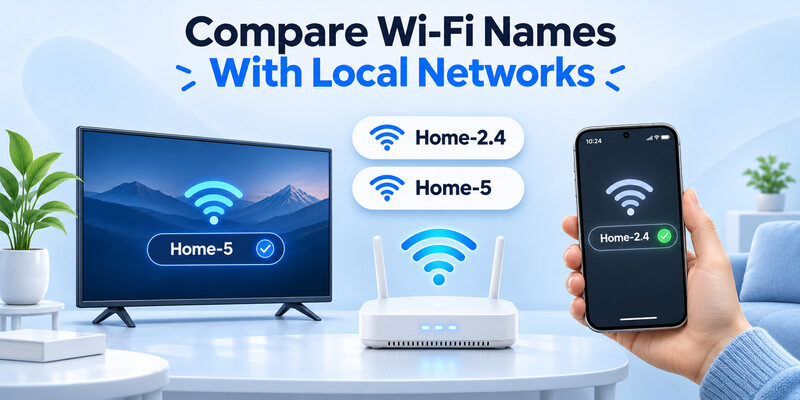
Consider Home-2.4 and Home-5. The names identify separate wireless connections, but some routers carry traffic for both on the same local network. A phone on Home-5 may be able to discover a television on Home-2.4. Can a TV remote app work on different WiFi networks this way? Yes, when the router forwards the traffic the app needs between those connections.
Check the router’s connected-device list if it has one. The TV and phone may appear together as regular home devices even when their band labels differ. Test one navigation command instead of relying on the band label alone. If they are unable to connect, try one band both devices support to see whether the result changes. Can a TV remote app work on different WiFi networks after you split one wireless name into two? Repeat the test with the TV on the same connection it used before the change and move only the phone. That isolates the effect of the new network name and its access policy.
Similar names can lead to separate networks
Home and Home-Guest can come from the same router while providing different device access. Google Cast Help describes access point isolation as an obstacle when a compatible TV and phone cannot reach each other on the local network. When the guest network has restrictions, the phone can browse while the app fails to find a television.
If you searched “different wifi tv remote” because the names looked almost the same, check which one is active on both devices. Can a TV remote app work on different WiFi networks when one is guest Wi-Fi? It depends on whether the router permits the required connection. Moving the phone to Home is a simple way to test.
Identify Where Each Device Connects
Read the phone’s connected network
Open Wi-Fi settings on the phone and read the active network. If you regularly visit a guest network, the phone can remember it and rejoin automatically. Check from the room where you want to use the phone remote. A Wi-Fi icon or an app with internet access does not identify the network by itself. Record the name marked as connected and compare it with the TV’s status.
Check the television or streaming player separately
Use the TV or player’s Network settings. Roku Support, for instance, identifies Settings → Network → About as a place to check the Roku’s connection. When the phone app controls a streaming player plugged into the TV, inspect the player’s own network settings. They can use separate connections.
Can a TV remote app work on different WiFi networks when the TV is connected to one network and the streaming player to another? Test the network of the device the app is trying to control. An app for the player may work while an app for the TV still cannot find it. Label the two targets in your notes so that you do not compare a TV result with a player result.
Test a Wired TV and Wireless Phone
Check where the Ethernet cable leads
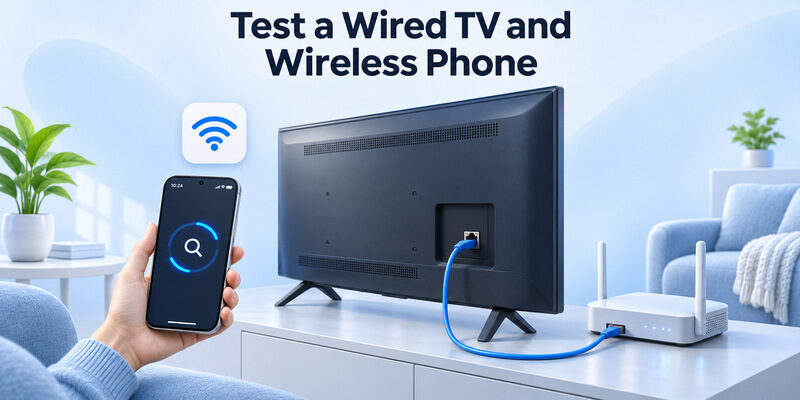
A television with Ethernet may reach the same home network as a wireless phone. Trace the cable from the TV to the router or a switch that serves the same local network. If it goes into a separate ISP gateway while the phone joins a second router, the connections may be separated. Roku Support notes that a wired Roku and wireless phone can fail to communicate if their local network details differ.
Can a TV remote app work on different WiFi networks if one device is wired? The useful question is whether the wired TV is reachable from the phone’s Wi-Fi. Leave the TV wired if that connection suits your setup. Check which router serves both devices and use the phone on the intended main Wi-Fi for a fresh scan.
Use Wi-Fi as a comparison when needed
If the wired test fails and the TV supports Wi-Fi, temporarily join the TV to the phone’s main Wi-Fi. Compare the same app and command with the TV wired and wireless. A successful wireless test gives you a reason to review where the cable leads. A failure in both cases makes app permissions, TV control settings, or compatibility better next checks.
After the test, put the TV back on the connection you intend to use. If you changed networks on a TV and a separate player during troubleshooting, verify each one individually. Record which device stayed wired so you can repeat the test after a router or switch change.
What Changes With Guest Wi-Fi and Mobile Data
A shared router can still restrict guests
Can a TV remote app work on different WiFi networks when the phone uses Guest? Some routers let the owner share a specific device. Others restrict guest access to the main network or separate guests from each other. Google’s Nest Wifi instructions, for example, describe a shared-device option for its guest network. The feature’s availability and the remote app’s behavior depend on the setup.
On a network you manage, try both devices on the main network first. Keep the guest network’s access policy in place for the test. If you need to share the TV with visitors, consult the router’s documentation for a supported per-device option. Test only the features you expect visitors to use. For example, successful casting from a guest phone confirms that the particular casting feature can reach its receiver. It does not establish that an unrelated phone remote can also discover the television. Use the same guest phone to try one navigation command if the router and TV documentation say that control is supported. If you keep several TVs in a home, confirm which one the guest device can actually reach. A selective sharing feature can apply to one device while leaving other TVs unavailable.
Mobile data takes the phone off the home network
Can a TV remote app work on different WiFi networks or with the phone on cellular data? A remote app that depends on local device discovery normally cannot reach a home TV from the phone’s mobile data. For a controlled test at home, check that the phone has joined the main Wi-Fi and is actually using it when you open the remote.
At a hotel or on building Wi-Fi, ask the network owner about approved room pairing or use the supplied remote. A property’s casting option may support video playback without offering a full phone remote.
When a Manufacturer App Can Use the Cloud
Check whether your model supports remote access
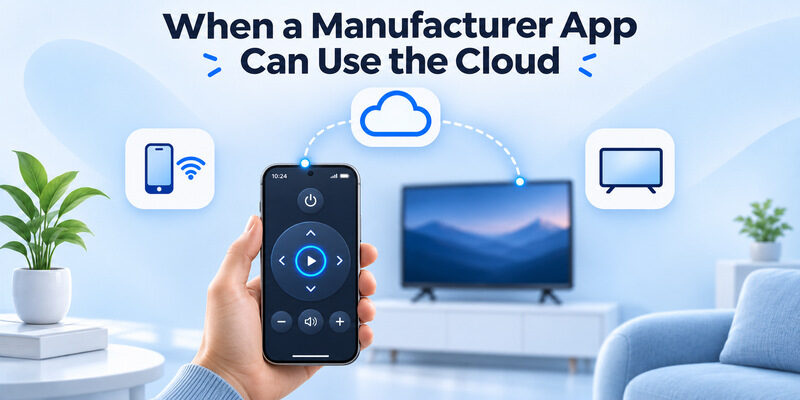
Can a TV remote app work on different WiFi networks when the phone and TV are in different locations? Some manufacturer apps have an account-based feature that works after an initial setup. Samsung Support, for example, describes using SmartThings to control a compatible TV remotely after adding it. Samsung’s setup guidance calls for matching the account and connecting both devices to the same Wi-Fi during initial setup.
Check the manufacturer’s documentation for your exact TV and feature. Device model, region, sign-in, standby behavior, and connection status can affect which buttons work. An app showing a registered TV in your account does not establish that every remote function works away from home. When can a TV remote app work on different WiFi networks without another person at the TV? Finish any on-screen approval while you are home first. Then verify what happens if the television restarts or returns from standby before using the connection away from home.
Test the functions you actually need
Set up the TV using the manufacturer’s instructions, confirm the controls at home, then test a supported function from the other connection. Can a TV remote app work on different WiFi networks when the TV is off? That depends on whether the TV can stay reachable in standby and whether the app supports power-on for that model. Compare with the TV awake before drawing a conclusion from a failed power button.
Decide Between Local Control and Cloud Control
| Need | Connection to look for |
|---|---|
| Use a phone while watching in the same room | Supported local remote on the main home network |
| Use the phone on a different band or mesh node | Same local network with device-to-device access |
| Control a compatible TV while away | Manufacturer-documented cloud feature |
| Use a managed room TV | Property’s supported controller or supplied remote |
Choose the connection that fits the feature. Can a TV remote app work on different WiFi networks for changing inputs, adjusting volume, and turning the TV on? The list of controls depends on the device and app, so verify each needed function. A television and a separate player can respond differently to a command even if both are reachable.
If you are in the same room and only need a backup for the physical remote, a working local connection is generally the simplest test. If the task is explicitly remote access from another location, look for the manufacturer’s supported account feature and confirm it before relying on the phone away from home.
Check the TV From a Second Phone
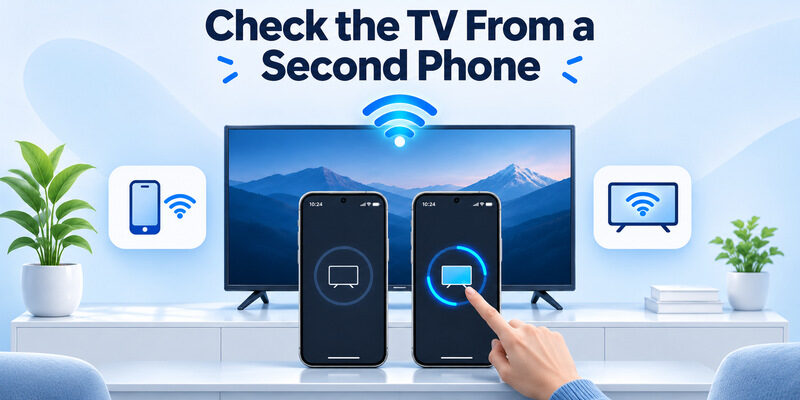
Keep the app and TV constant
If discovery fails on one phone, test the same app on a second compatible phone on the TV’s main network. Keep the television awake and press the same direction button on each phone. Can a TV remote app work on different WiFi networks if one phone works and the other does not? First repeat the test with both phones on one known network so you can compare their app settings.
Check Local Network permission on iPhone. Apple Support explains how to review it under Settings → Privacy & Security → Local Network. On Android, review the relevant permissions requested by your app. Compare the same app and active network before you attribute the difference to the phone.
Use the result to narrow the remaining issue
If the second phone sees the TV and the first does not, compare each phone’s active Wi-Fi and app permissions. If neither works, check that the TV has completed network setup, accepts mobile control, and is supported by the app. Try its manufacturer app as a comparison. If the TV name is visible and pairing fails, look for a code or prompt on the screen. If the failure only occurs on one phone, check whether a personal VPN is active and consult its local access documentation. A phone can keep a familiar Wi-Fi name while a VPN changes how the app reaches nearby devices.
Check What Changes When You Move the Phone
Try the other connection with the TV awake
Can a TV remote app work on different WiFi networks after the phone changes connections mid-session? It depends on whether the phone can still reach the TV afterward. If the app was already connected, return to its device picker and start a fresh scan. This checks whether the television can be discovered through the new connection using the active connection.
Record the first result that changes
Compare discovery, pairing, and one command. If discovery works from the TV room and fails from another room, check the Wi-Fi name and the phone’s signal there. If a name appears on both connections and the TV accepts commands on only one, record which part of the process fails. This is useful when asking the router or app provider about supported network setups. If you want to ask “can a TV remote app work on different WiFi networks” about your exact router and TV, include the connected network name, whether either device is wired, and which step first stops working. That makes the question specific enough to compare with the documentation.
Use Remote TV App on a Reachable Network
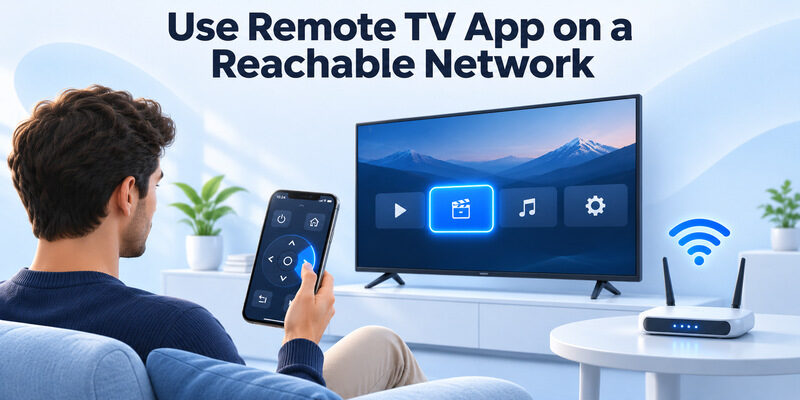
Test compatibility before relying on the phone
For an iPhone and supported smart TV, can serve as a backup when the physical remote is missing. Join the intended local network, scan for the TV, and follow the pairing prompts. Move the selection on the TV’s home screen to confirm the correct television responds.
Keep the supported path available
Can a TV remote app work on different WiFi networks if the original app already failed because the networks are isolated? An alternate local app still needs the TV to be reachable. Put the devices on a permitted common network or use the TV maker’s supported cloud control if that is the feature you need. Keep the physical controls accessible if the TV ever needs a new Wi-Fi password.
Final Thoughts
Can a TV remote app work on different WiFi networks? It can when both connections lead to one usable local network, or when the app supports control through the manufacturer’s service. Start with the main network, confirm one button press, then repeat the test on the connection you intend to use. That gives you a clear answer for your TV and app.
Download TV Remote App