
Should Smart TV Be on IoT Network?
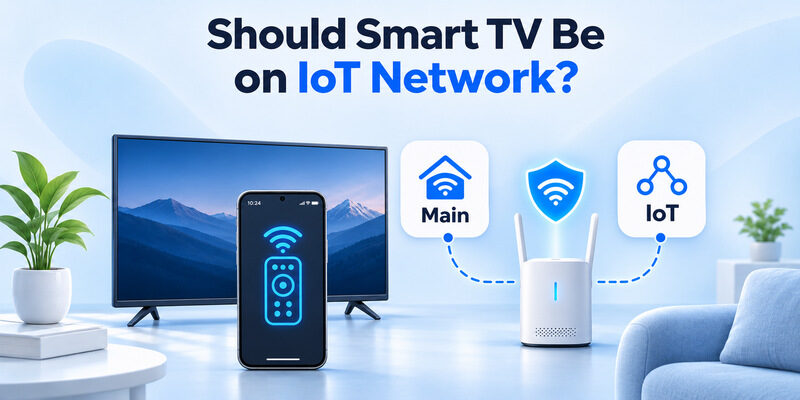
Yes, putting your Smart TV on a separate IoT network is generally a good security practice, provided you configure it correctly. A dedicated IoT network can help protect computers, smartphones, and personal information by limiting communication between smart-home devices and your primary network.
However, separating your television from your smartphone may interfere with remote control apps, screen mirroring, AirPlay, and Google Cast.
If you’re wondering should smart tv be on iot network, the best solution is to balance security with functionality.
Quick recommendations:
- For better security: Place Smart TVs and other connected appliances on a dedicated IoT network.
- For easy remote control: Ensure trusted smartphones can communicate with the television.
- For AirPlay and screen mirroring: Configure local-device discovery correctly.
- For basic home networks: Keeping devices together may be more practical if your router cannot support controlled communication between networks.
- For advanced home networks: Use VLANs and firewall rules to separate IoT devices while allowing necessary connections.
Bottom line: A Smart TV can benefit from IoT network isolation, but the television must remain accessible to the devices and applications you use to control it.
1. Should Smart TV Be on IoT Network? Quick Answer
The answer to should smart tv be on iot network depends on your home network, security requirements, and how you use your television.
An IoT network is a separate network or network segment designed for connected devices such as Smart TVs, cameras, speakers, and smart appliances.
These devices often communicate with cloud services, receive software updates, and support remote operation.
Unlike personal computers, some connected appliances offer limited security controls and may remain in use after their manufacturers stop providing regular updates.
When You Should Use an IoT Network
A dedicated network is worth considering when:
- You have several connected smart-home devices.
- Your router supports VLANs or IoT-specific network settings.
- You want to reduce direct access from IoT devices to personal computers.
- You use older televisions with limited security updates.
- You can configure trusted devices to reach the TV when necessary.
The U.S. National Security Agency recommends separating home wireless networks into at least three categories: primary WiFi, guest WiFi, and IoT WiFi.
This approach helps prevent less-trusted devices from communicating directly with more sensitive equipment.
When Keeping the TV on Your Main Network Makes Sense
In some homes, a separate network can create unnecessary complications.
For example, if you frequently use your smartphone to control the TV, an isolated network may block device discovery.
You might experience:
- TV remote apps failing to find the television.
- AirPlay devices disappearing.
- Google Cast connection errors.
- Screen mirroring failures.
- Smart-home automation problems.
If your router cannot selectively allow communication between networks, keeping the TV on a well-secured main network may be more practical.
The important question behind should smart tv be on iot network is not simply where the television connects, but whether the network provides suitable protection without breaking essential features.
2. Why Smart TVs Are Considered IoT Devices
Before deciding should smart tv be on iot network, it helps to understand what makes a television an Internet of Things device.
Is a Smart TV an IoT Device?
The simple answer to is smart tv an iot device is yes.
A Smart TV is generally considered a consumer IoT device because it connects to a network, communicates with services, and can exchange information with other connected devices.
Unlike traditional televisions, Smart TVs usually contain an operating system, networking hardware, installed applications, and software that receives updates.
Common connected features include:
- Video streaming.
- Voice assistant integration.
- Smartphone remote control.
- Automatic software updates.
- Screen casting.
- Smart-home automation.
- Cloud account synchronization.
These features make televisions convenient but also introduce additional security considerations.
Are All Smart TVs IoT Devices?
When users ask are smart tvs considered iot devices, the classification generally applies to televisions with network-enabled smart functionality.
Popular Smart TV platforms include:
- Samsung Tizen.
- LG webOS.
- Google TV.
- Android TV.
- Roku TV.
- Amazon Fire TV.
These systems offer connected applications and services that depend on networking.
A traditional television without smart features is different. It may function entirely through HDMI, antenna, or other physical inputs without connecting to the internet.
However, adding a network-connected streaming device effectively introduces smart functionality to the entertainment setup.
Why IoT Devices Need Security Protection
Smart TVs may store account information, application preferences, viewing history, and other personal data.
Some televisions also contain microphones or support connections to external cameras.
Potential security risks include:
- Unauthorized access to network services.
- Exploitation of outdated firmware.
- Insecure third-party applications.
- Exposure of personal information.
- Unwanted communication with other household devices.
The National Institute of Standards and Technology, or NIST, published NIST IR 8425 in September 2022 to establish recommended cybersecurity capabilities for consumer IoT products.
Its guidance covers areas such as secure configuration, data protection, access control, and software updates.
Network segmentation adds another layer of protection but does not replace software updates or secure device configuration.
This is a central consideration when evaluating should smart tv be on iot network.
3. Benefits and Risks of Putting a Smart TV on an IoT Network
Understanding both advantages and disadvantages makes it easier to decide should smart tv be on iot network for your household.
Benefit 1: Better Network Segmentation
Network segmentation separates devices into different groups.
For example:
| Network | Connected devices | Purpose |
|---|---|---|
| Main Network | Phones, laptops, computers | Personal and trusted devices |
| IoT Network | Smart TVs, cameras, appliances | Connected home equipment |
| Guest Network | Visitors’ phones and laptops | Restricted guest internet access |
With appropriate firewall rules, a compromised IoT device may be prevented from accessing your primary network.
This reduces opportunities for lateral movement, where an attacker attempts to reach other systems after gaining access to one device.
A separate network reduces the potential impact of certain security incidents, but it does not make an insecure Smart TV completely safe.
Benefit 2: More Control Over Device Access
A dedicated IoT network gives you additional control over which devices can communicate.
You can potentially restrict IoT devices from accessing:
- Personal computers.
- Network-attached storage.
- Work laptops.
- Private administrative interfaces.
- Sensitive household servers.
Meanwhile, trusted phones can be permitted to access specific entertainment devices when needed.
This type of selective access is especially useful in homes with many connected devices.
Benefit 3: Easier Device Management
Keeping connected appliances on a separate network can simplify administration.
You may find it easier to identify unknown devices, review internet access, and troubleshoot problematic connections.
Some routers also allow device-specific schedules, security policies, or bandwidth management.
However, separating devices does not automatically improve WiFi speed. Performance depends on signal strength, router capability, congestion, and available bandwidth.
Risk 1: Remote Apps May Stop Working
One of the biggest disadvantages of network isolation is losing access to local-device features.
Many Smart TV remote applications require the phone and television to communicate over a reachable local network.
If the network blocks that communication, the app may not discover the TV.
This makes should smart tv be on iot network particularly important for households that regularly use smartphone-based remote controls.
Risk 2: Screen Mirroring May Fail
AirPlay, Google Cast, and other screen-sharing systems rely on compatible networking and device discovery.
If a television is placed on a separate VLAN without the necessary routing and discovery configuration, casting can fail.
Google’s official Cast documentation specifically identifies Access Point isolation as a potential cause of device discovery problems.
Risk 3: More Complicated Configuration
Some consumer routers provide a simple guest network but do not offer advanced firewall controls.
A guest network might isolate every connected device, including devices that need to communicate.
A guest network is not always a suitable replacement for a properly configured IoT network.
If your router lacks the necessary features, advanced segmentation may require different networking equipment or a simpler setup.
4. What Devices Should Be on Your IoT Network?
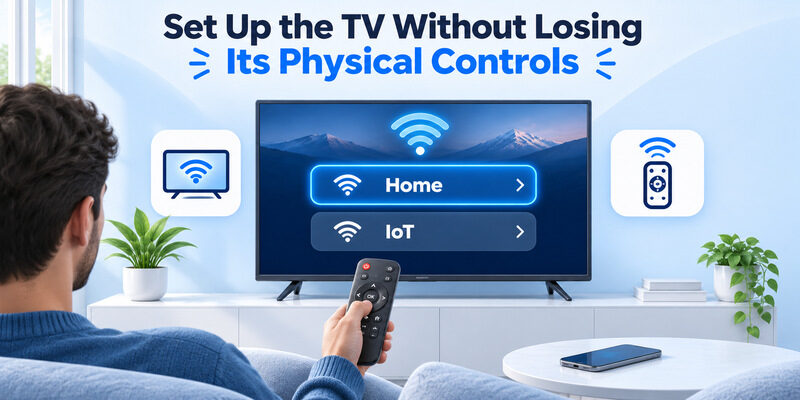
The question what devices should be on iot network is important because separating only your television may provide limited benefits when numerous other smart devices remain on the primary network.
Devices Commonly Suitable for an IoT Network
Typical candidates include:
| Device | IoT network recommendation | Important consideration |
|---|---|---|
| Smart TV | Usually recommended | Phone remote and casting access |
| Smart speakers | Often recommended | Voice assistant discovery |
| Security cameras | Strong candidate | Local recording and monitoring |
| Smart plugs | Usually recommended | Smart-home hub connectivity |
| Smart lights | Usually recommended | Hub or bridge communication |
| Smart thermostats | Usually recommended | Mobile control and automation |
| Streaming devices | Depends on setup | Casting and remote compatibility |
| Smart appliances | Usually recommended | Cloud access and updates |
Devices that primarily communicate with manufacturer cloud services are often easier to isolate than devices that depend heavily on local networking.
However, some cameras, hubs, and smart-home systems require local communication to function correctly.
Always check device-specific requirements.
Which Devices Should Stay on Your Main Network?
Your primary network is usually the better place for trusted personal devices such as:
- Work laptops.
- Personal computers.
- Smartphones.
- Tablets.
- Devices used for sensitive financial or business activities.
These devices may need access to printers, local storage, and trusted network services.
Where possible, use strong authentication, updated software, and appropriate firewall protections.
Should Streaming Devices Use the Same Network as the TV?
Not necessarily.
A streaming box connected to your TV through HDMI does not need to share the TV’s network for HDMI video output.
However, a streaming device may need to communicate with your phone for casting or remote control.
If the TV and streaming player have different networking roles, they can sometimes be placed on different segments.
The best arrangement depends on which device receives commands from the phone.
This is another reason the answer to should smart tv be on iot network should consider your entire entertainment setup rather than the television alone.
Download TV Remote App5. How to Set Up an IoT Network for Your Smart TV
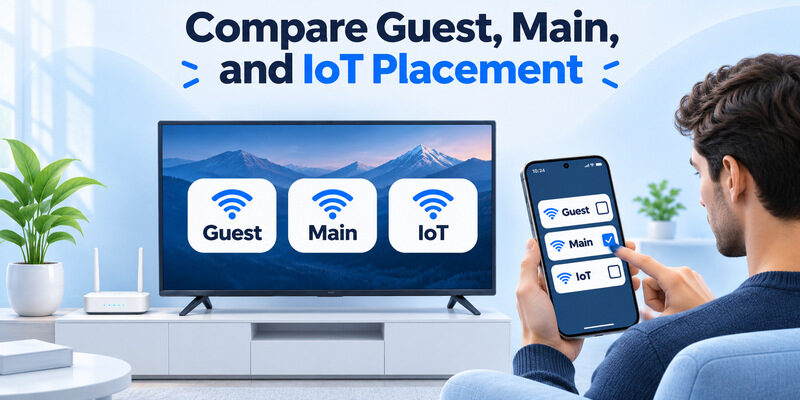
If you decide should smart tv be on iot network is best answered with yes, follow a configuration that prioritizes both security and usability.
Step 1: Check Whether Your Router Supports IoT Networking
Open your router’s management application or administration interface.
Look for features such as:
- IoT Network.
- Separate Wireless Network.
- VLAN.
- Guest Network.
- Network Isolation.
- Firewall Rules.
The available options depend on the router manufacturer.
Advanced routers may support separate VLANs, while basic routers may only offer an isolated guest WiFi connection.
Step 2: Create a Dedicated Network
Create a separate network name, such as:
Home-IoT
Use a strong, unique WiFi password.
Choose WPA3-Personal when supported by your router and devices. If older IoT equipment does not support WPA3, a compatible WPA2-based configuration may be necessary.
Avoid weakening the security of your main network merely to accommodate an older television.
Step 3: Connect Your Smart TV
On your television:
- Open Settings.
- Navigate to Network or Connection.
- Select the WiFi configuration menu.
- Choose the new IoT network.
- Enter the network password.
- Confirm that the TV connects successfully.
The exact menu differs across Samsung, LG, Roku, Google TV, and other systems.
Step 4: Configure Network Access Rules
This is the most important part of the setup.
A useful security model allows trusted devices to initiate approved connections to the IoT network while restricting unnecessary IoT-initiated access to your main network.
For example:
- Allow the Smart TV to access required internet services.
- Restrict the TV from initiating unnecessary connections to personal computers.
- Allow your trusted smartphone to reach the TV’s supported control services.
- Permit return traffic for authorized connections.
- Configure device discovery when your networking equipment supports it.
Use the minimum permissions required.
Do not blindly open every port or disable the firewall.
Step 5: Configure Local Device Discovery
Some remote control and casting technologies use multicast discovery protocols.
These may include mDNS, SSDP, or manufacturer-specific mechanisms.
When devices are on separate VLANs, the router may need an appropriate multicast discovery gateway, mDNS reflector, or vendor-supported discovery feature.
Opening ordinary unicast firewall ports alone may not make cross-network discovery work.
Use your router’s documented configuration instead of copying random port-forwarding instructions.
Step 6: Test the Television and Smartphone
After configuring the network:
- Open a streaming application on your TV.
- Confirm internet access.
- Open your smartphone’s remote application.
- Search for the television.
- Test volume and navigation controls.
- Try screen mirroring or casting if supported.
If the phone cannot discover the television, temporarily place both devices on the same trusted network to test whether segmentation is responsible.
Step 7: Keep the TV Updated
Security does not end after configuring the network.
Check the television for firmware updates and enable automatic updates when available.
NIST’s consumer IoT security guidance emphasizes secure software update capabilities because vulnerabilities may be discovered after products reach consumers.
A separate network is valuable, but maintaining supported firmware and removing unused applications are equally important precautions.
6. Will an IoT Network Affect TV Remote Apps and Screen Mirroring?
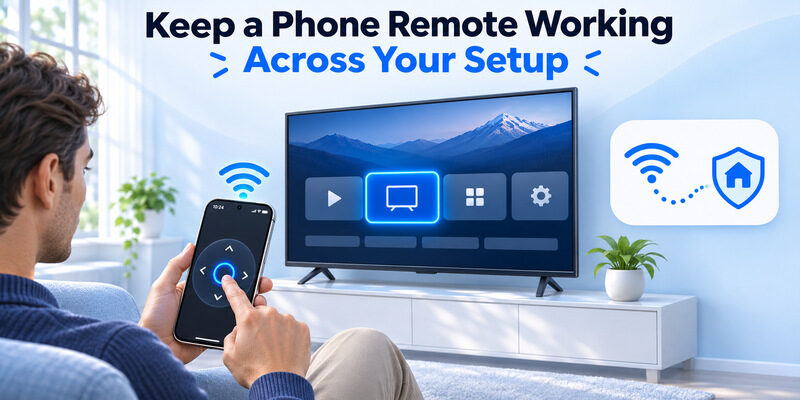
For people asking should smart tv be on iot network, remote app compatibility is often the deciding factor.
The television may connect to the internet normally while remaining invisible to a smartphone.
Why Remote Apps Need Local Network Communication
Many WiFi-based remote applications discover compatible TVs using network protocols.
Once connected, the phone sends commands to the television through the network.
Depending on the application and TV model, these commands may control:
- Volume.
- Channels.
- Navigation.
- Input selection.
- Playback.
- Menu functions.
If a firewall blocks communication, the application may fail to connect.
The issue is usually network accessibility rather than an inherent problem with the remote application.
Using Remote TV App on an IoT Network
The Remote TV app provides smartphone-based remote control options for compatible television models.
To use a supported WiFi remote connection:
- Connect the TV and smartphone to compatible networks.
- Ensure the network allows communication between them.
- Open the remote application.
- Allow the necessary permissions.
- Search for the TV.
- Select the television.
- Approve pairing if prompted.
For a simpler setup, connect the phone and TV to the same trusted local network during initial pairing.
Advanced networks may support communication between separate segments, but the required configuration varies.
How to Troubleshoot Remote Discovery
If your TV disappears after moving it to an IoT network, check:
- Whether the phone can reach the TV’s IP address.
- Whether device isolation is enabled.
- Whether multicast discovery is blocked.
- Whether Local Network permission is enabled on iPhone.
- Whether the remote application supports the TV model.
- Whether the TV requires another pairing approval.
Restart the television and application after making configuration changes.
For additional guidance, see our universal remote tv setup and troubleshooting guide.
Use Universal Remote TV Control
A compatible universal remote tv control application can provide convenient phone-based operation for supported Smart TVs.
Features depend on the television model and application compatibility.
Remember: Moving a television to another network does not automatically prevent remote control, but blocking the required traffic can make the application unusable.
The answer to should smart tv be on iot network is therefore yes for security-conscious users who can preserve the necessary connections.
Download Remote TV for iPhone
Want to use your iPhone as a Smart TV remote?
Download universal remote tv control from the App Store.
After installation, follow the setup instructions and allow the required network permissions.
The application works with supported television models and cannot bypass network isolation or guarantee compatibility with every device.
7. Should Apple TV, Samsung TV, and Other Streaming Devices Use an IoT Network?
Different entertainment platforms have different connection requirements.
This affects the decision about should smart tv be on iot network.
Should Apple TV Be on an IoT Network?
The question should apple tv be on iot network has a similar answer to other streaming devices.
Apple TV is a connected entertainment device that can reasonably be placed on an IoT or media-device network.
However, Apple TV also integrates with iPhones, iPads, HomeKit-related features, and AirPlay.
Apple’s support guidance recommends keeping an iPhone or iPad on the same WiFi network as the Apple TV or compatible Smart TV when using the Apple TV Remote or standard AirPlay setup.
Separating these devices without the appropriate network configuration can interfere with discovery.
For households that frequently use AirPlay, placing Apple TV and trusted Apple devices on the same local network is the simplest setup.
Advanced users may configure separate VLANs with supported routing and discovery features.
Apple also supports Ethernet on certain Apple TV 4K models, although the third-generation WiFi-only model does not include an Ethernet port.
A wired connection does not necessarily prevent remote control, provided the devices can communicate through the local network.
Should Samsung Smart TV Use an IoT Network?
Samsung Smart TVs are generally suitable candidates for an IoT network.
However, Samsung SmartThings requires compatible networking and device registration for phone-based controls.
If you use a samsung tv remote app, confirm that the phone can discover and communicate with the television.
Samsung SmartThings may also require account authentication and television approval during setup.
For more detailed instructions, see our Samsung TV remote app guide.
What About Google TV and Roku?
Google TV and Roku devices can also benefit from sensible network segmentation.
However, their remote applications and casting functions may require local-network access.
Google explicitly warns that AP isolation can interfere with Cast device setup and discovery.
A restricted guest network may therefore be unsuitable for a television you regularly control from your phone.
A dedicated media or IoT network with carefully configured access rules is often a better option than fully isolating the TV from every trusted device.
Download TV Remote App8. Frequently Asked Questions About Smart TV IoT Networks
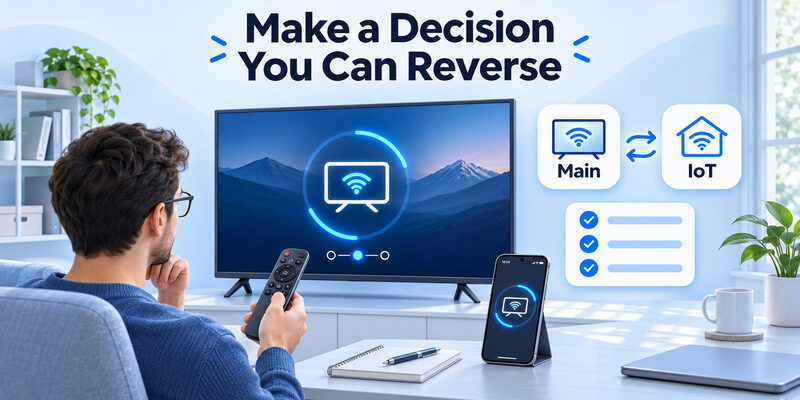
Should Smart TV Be on IoT Network for Better Security?
Generally, yes.
A dedicated network can reduce unnecessary communication between connected appliances and sensitive personal devices.
However, should smart tv be on iot network depends on whether your equipment can support network segmentation without breaking important entertainment features.
Should Smart TVs Be on IoT Network or Main WiFi?
If you’re asking should smart tvs be on iot network, choose a separate IoT network when your router supports secure, controlled access.
Otherwise, keeping the television on a protected main WiFi network may be easier.
Always use strong WiFi security and keep your television updated.
Should TV Be on IoT Network if I Use Screen Mirroring?
For users searching should tv be on iot network, screen mirroring adds an important consideration.
A separate network can work, but the phone and TV must support communication across the configured networks.
If your router cannot support this, use the same trusted local network for reliable mirroring.
Is WiFi Necessary for a Smart TV?
The answer to is wifi necessary for smart tv is no.
Many Smart TVs support Ethernet connections, and basic functions such as HDMI input playback can work without WiFi.
However, streaming services, software updates, and many connected features require internet access.
WiFi is only one way to provide that connection.
Can My Smart TV Work Without Internet?
Yes, for certain activities.
You can usually watch content through compatible HDMI devices, antennas, or supported local media sources without an active internet connection.
Cloud streaming applications and other online services will generally require internet access.
Some local remote-control features may work without internet when the necessary local network remains operational.
Can an IoT Network Protect My Smart TV From Hackers?
It can reduce some risks, particularly unauthorized communication with other household devices.
However, network isolation does not prevent every attack.
Keep device software updated, remove unnecessary applications, and review privacy and security settings.
Will Moving My TV to IoT WiFi Improve Streaming Speed?
Not necessarily.
Creating a separate network does not automatically increase available bandwidth.
Streaming quality depends on connection stability, network congestion, internet speed, and the television’s capabilities.
A poorly configured IoT network could perform worse than a stable primary connection.
Can My Smartphone Control a TV on Another VLAN?
Yes, in some configurations.
The router must support suitable routing, access-control rules, and any necessary device-discovery services.
A basic consumer router may not provide all those options.
For typical users, placing the devices on the same trusted local network is easier.
Is a Guest Network the Same as an IoT Network?
Not always.
Many guest networks restrict connected devices from communicating with each other or accessing other parts of the LAN.
An IoT network may instead use separate VLANs and customizable firewall policies.
The exact features depend on the router.
What Is the Best Network Setup for a Smart Home?
A practical setup uses a trusted primary network for personal devices, a restricted guest network for visitors, and an IoT network for connected appliances.
The NSA recommends this three-network approach as part of its home network security guidance.
However, should smart tv be on iot network remains a usability decision as well as a security decision.
Configure any necessary access from trusted phones to televisions rather than leaving all devices unrestricted.
Final Thoughts
So, should smart tv be on iot network?
For most security-conscious households, a dedicated IoT network is a sensible choice when the router supports proper segmentation and controlled device access.
Keeping connected appliances separate from sensitive personal devices can reduce unnecessary network exposure.
However, Smart TVs often need to communicate with smartphones for remote control, AirPlay, casting, and smart-home features.
The best solution is to isolate unnecessary traffic while allowing trusted devices to access the television when required.
If you prefer a straightforward setup, use a well-secured local network and maintain regular firmware updates.
For convenient control of compatible televisions from your iPhone, explore the Remote TV app guide or download Universal Remote TV Control.
