Element TV Remote App Download: Find the Right App for Your Screen
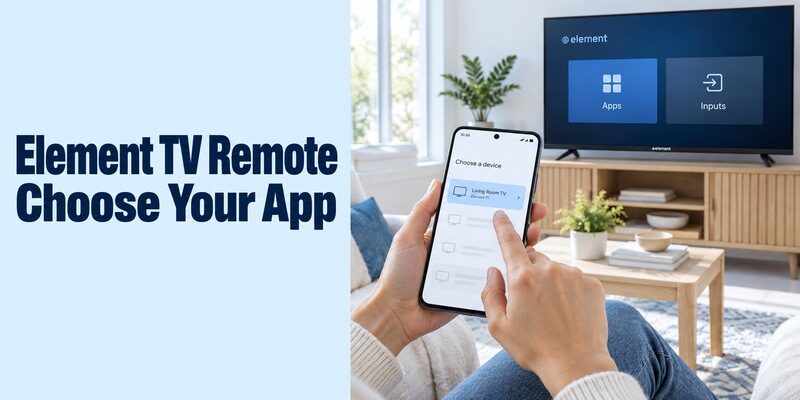
Short answer: Choose the remote app for your Element TV’s operating system: Roku, Google TV, Amazon Fire TV, or the correct Xumo version; older infrared models need compatible transmitting hardware. An element tv remote app download is not one universal product for every television carrying the Element name. The screen’s platform and your phone both matter. This guide helps you identify the correct branch, find its supported app, connect it, and test the controls you use every day. It also explains the two Xumo app routes, what an independent Element infrared app requires, and what to do when the television is offline or the original controller has disappeared.
Start Your Element TV Remote App Download with the Platform
Read the Home Screen and Model Information
The platform determines the download more reliably than the brand logo. Element’s current smart-platform page lists Xumo, Google TV, Roku TV, and Powered by TiVo. Its support site also contains older Android TV and Amazon Fire TV families. That range explains why two Element televisions in the same home may need different phone applications.
Before an element tv remote app download, record the full model from the rear label, purchase documents, or accessible About screen. Note the platform shown when you open the television’s own Home menu. Use the model-specific manual when the interface is unfamiliar, especially with an older smart set or a TiVo-powered model.
This model-first approach is also useful in this guide to matching a TV remote app to its model, because a brand name alone does not identify the supported phone-control route.
Separate the Television from an HDMI Player
A Roku or Fire TV screen may come from an attached streaming device rather than the television itself. Trace the HDMI connection if you are unsure. In that arrangement, the player’s phone app primarily controls the player; television inputs and some sound functions may still require another controller.
An element tv remote app download should target the device that needs the missing buttons. If you can open streaming apps but cannot switch back to an antenna channel, you may be controlling the player successfully while still lacking the TV’s input controls.
Consider a bedroom television with a streaming stick and a living-room television with the same platform built in. Both may appear in one phone app, yet only the built-in system directly owns that television’s menus. Label the targets by room and device type. When asking for help, describe which Home screen appears and whether an HDMI input is involved; that is more useful than sending only a photograph of the Element badge.
| What you identify | Supported starting point | Check before pairing |
|---|---|---|
| Element Roku TV | Official Roku mobile app | TV and phone network |
| Element Google TV or supported Android TV | Google TV app | Compatible TV and displayed code |
| Element Xumo TV | Xumo app for its version | Berry or Teal interface |
| Element Fire TV | Amazon Fire TV app | Amazon account and home Wi-Fi |
| Older or other Element platform | Model-specific support or compatible IR | Exact model and phone hardware |
Identify Your Xumo Version Before Choosing an App
Berry and Teal Have Different Requirements
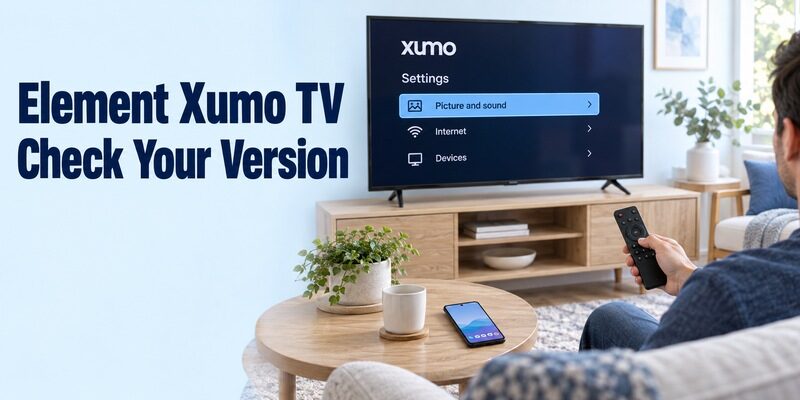
Xumo has two remote-app routes, so the Xumo name alone is insufficient. Its current support instructions identify Berry when the first Settings item is Closed captions, and Teal when it is Picture and sound. Berry uses the Xumo TV app for iOS; Teal uses Xumo Remote for iPhone or Android.
For an element tv remote app download on a Xumo model, check that screen before searching the store. An Android owner with a Berry television should not assume the Teal application will work merely because both products say Xumo. If you are choosing a phone remote from Apple’s platform, this Roku iPhone remote guide is a useful example of why the television platform, rather than the badge on the screen, determines the correct app.
Follow the Connection Flow for That Version
Xumo’s Berry instructions require the TV to be activated, showing its home screen, and on the same network as the phone. Select the television in the iOS app and enter its displayed pairing code. Teal instead discovers compatible devices on the same Wi-Fi network and opens the remote after selection.
Keep the version in your setup notes after the element tv remote app download. This prevents another household member from installing the wrong similarly named application. Use the official Xumo support page’s store route when the names are difficult to distinguish.
If one person has already connected an iPhone, ask which app and version they used before repeating the process on a different phone. A working setup on one handset establishes a useful reference, but it does not establish support for another operating system. Keep the original connected phone available while checking the second one so you retain access to the television’s settings throughout the process.
Install the Official Roku App for an Element Roku TV
Use Roku’s Own Mobile Application
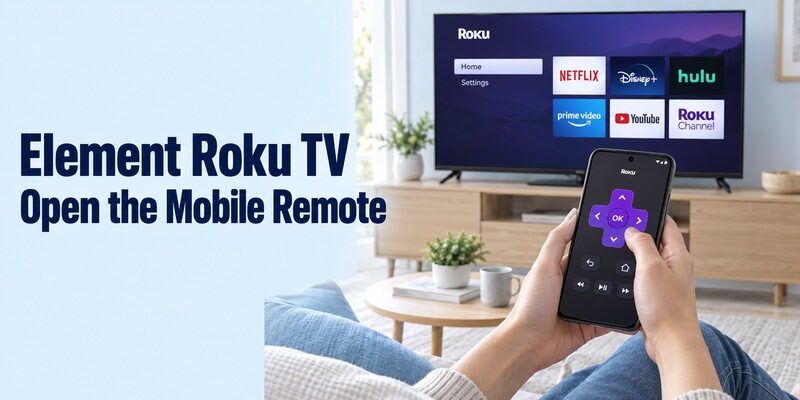
An Element Roku TV can use the official Roku application for iOS or Android. Element’s Roku platform page explicitly describes this phone-control option, and Roku identifies its mobile app as free. Choose the publisher associated with Roku rather than assuming every purple remote icon is the same application. For Element Roku TVs, use this Roku TV remote app for Android guide to check the standard discovery and connection steps on an Android phone.
For this element tv remote app download route, install the app on the phone, connect it to the home network used by the television, and follow Roku’s current sign-in and device-connection prompts. Select the intended TV and open Remote. Keep the television awake during the initial test.
Check Navigation Before Extra Features
Try directions, selection, Home, and Back first. Then inspect available volume, keyboard, voice, and Headphone Mode controls. Roku notes that the buttons offered depend on the device, so do not use a screenshot from another model as a complete feature guarantee.
After the element tv remote app download connects, launch one familiar app and return to Home. If you use a separate Roku player, remember that supported power and volume integration involves the player’s TV-control settings and connected equipment. A working directional pad does not establish that every television function is available.
Pair Google TV with a Supported Element Google or Android TV
Download the Phone App, Not a Television APK
Google TV includes the phone remote for compatible Google TV and Android TV equipment. Install the Google-published mobile app through the store offered for your phone. A television’s built-in Google TV interface and the mobile Google TV application are related products on different devices.
For an element tv remote app download, do not begin by adding an arbitrary remote APK to the TV. The first useful step is installing or opening the supported application on the phone and making the television available on the home network.
Select the TV and Confirm Its Code
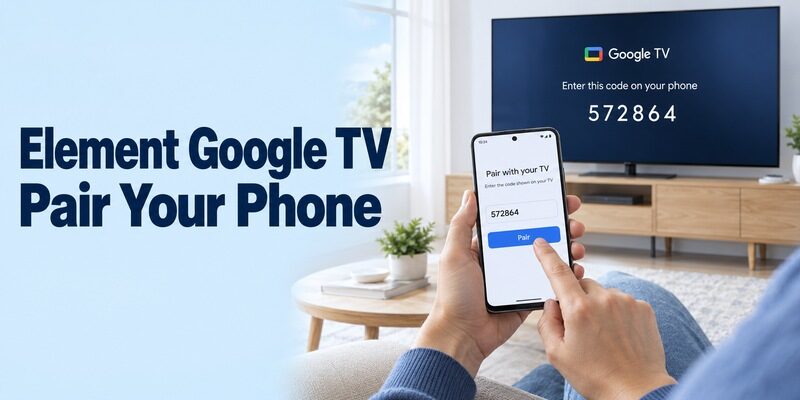
Google’s Android instructions use TVs nearby, then the selected television, its displayed code, and Pair. Follow the corresponding remote prompts on your installed phone version. Read the code from the screen you intend to control, especially when several TVs appear in the device list.
Complete the element tv remote app download setup by moving around the TV’s own home screen. Test a short search in a supported text field, then return. A keyboard that works for search may not appear for every protected login field or every third-party application; test the particular task you need.
Use a harmless search phrase for this first keyboard check rather than starting with an account password. Watch whether the text appears in the intended field and whether you can erase it. This establishes that the phone is addressing the correct interface without mixing an account-sign-in problem into the initial remote test. If navigation works but one application ignores typing, record that narrower limitation.
Read more: Samsung TV Remote App: iPhone, Android and Online Control
Use Amazon’s App for an Element Fire TV
Confirm Fire TV Is the Actual Target
The Amazon Fire TV app applies to Fire TV equipment, including an appropriate Element Fire TV model. Element’s support catalog confirms that it has a Fire TV product family. This does not make the same app the correct controller for Element Roku, Google, Xumo, or other televisions.
If you see Fire TV only after selecting an HDMI input, record the attached player’s name too. When you download remote for element tv, that distinction helps you decide whether the immediate problem is player navigation or access to the television’s own settings.
Follow Amazon’s Current Setup Prompts
Amazon’s mobile-remote instructions specify the same Wi-Fi network, opening the Fire TV app, signing in to an Amazon account, choosing the remote icon, and selecting Set Up New Fire TV. Continue through the displayed prompts for your device and app version. If your Element television is genuinely a Fire TV model, compare the setup with this free Fire TV remote app guide before using a controller intended for another Element platform.
After this element tv remote app download is connected, test menu navigation and the keyboard before relying on sound or power controls. Those functions can depend on the equipment and its control configuration. Keep the physical TV controller available while you establish which device each on-screen button affects.
Consider Infrared for an Older Element Television
Check the Phone’s Transmitter First
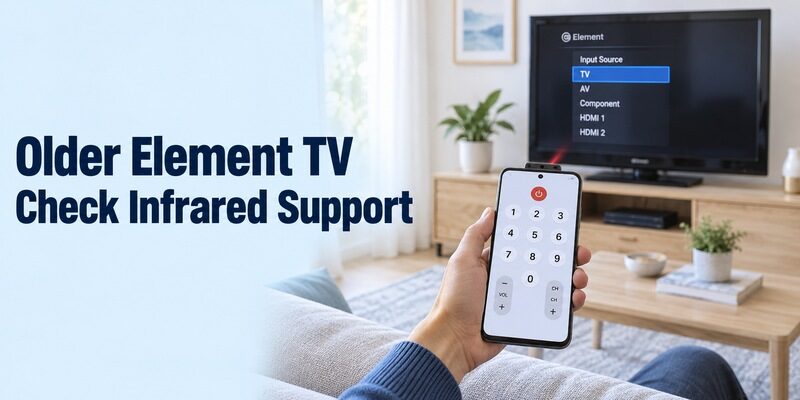
An IR-only app needs a real infrared transmitter in the phone. Remote for Element TV by Remotevio is one independent Android example: its Google Play description requires an IR blaster, identifies the app as unofficial, and lists advertising. The listing is not a model-by-model compatibility guarantee. For a practical explanation of testing infrared versus network control, see this TV remote compatibility testing guide before relying on an independent Element-branded listing.
Before this element tv remote app download, verify your exact handset’s hardware specifications. Android software alone does not imply infrared, and an ordinary iPhone does not gain an appliance-control transmitter by installing an app. A separate IR accessory, if supported, requires its own compatible hardware and software arrangement.
Test the Matching Profile with the TV Awake
Point the transmitting edge toward the television’s sensor and follow the application’s available profile-selection process. Try several essential buttons rather than declaring success after one power response. A partly matching code family can leave input selection or menu navigation incomplete.
For an element tv remote app download on an older set, record which profile actually works. If the handset lacks IR and the TV has no documented network-remote route, a compatible physical replacement is a practical solution. Software cannot supply missing transmitting hardware or add a network-control feature to the television.
Read more: Roku Remote Control Reset: Restart, Re-Pair and Fix Problems
Check the Listing Before Granting Access or Paying
Match the Publisher and Device Requirements
A familiar brand name in an app title does not establish official support. Compare the publisher with the platform’s own instructions. Read the description for an explicit network or infrared requirement, then check whether the store accepts your phone’s current operating system.
An element tv remote app download may install successfully while still being unsuitable for the television. Save the app name and publisher together so a later search does not accidentally lead to a different product. Treat a request for a subscription as a purchasing choice, not as proof that the TV has been detected.
Allow Relevant Access During Connection
Network remote apps may request access needed to discover local devices. Read the prompt and relate it to the function you are starting. For example, microphone access belongs to a voice feature; it should not be treated as a substitute for completing device discovery and pairing.
Evaluate optional paid features only after checking the basic control path where the app allows it. Advertising, trials, and purchases vary between independent apps. Use the current listing and purchase screen rather than assuming the word free covers every feature indefinitely.
Before confirming an element tv remote app download purchase, identify the actual feature you would receive. An ad-free interface, additional layouts, and access to a particular control are different benefits. If the application has never discovered the TV, paying for a cleaner interface does not demonstrate that discovery will begin working. Keep the compatibility question and the price question separate until both have clear answers.
Recover a Missing Connection Without Erasing the TV
Separate Installation, Discovery, and Pairing Problems
Find the first failed step before changing settings. If the store refuses installation, investigate the phone or regional listing. If installation succeeds but the TV is absent, check the platform, television power state, and local network. If a code appears but pairing fails, retry the current code for the selected screen.
An element tv remote app download cannot normally connect to a television that has never joined the relevant home network. When the physical remote is missing, consult the model’s available onboard controls or use a compatible replacement to restore that connection. Do not assume every set accepts a USB keyboard for initial setup.
Preserve Settings That Still Work
A routine restart is different from a factory reset. Google recommends checking the shared Wi-Fi connection and restarting a Google TV when its virtual remote fails; follow the support instructions appropriate to your own platform. Keep account, network, and channel information intact while testing.
For an element tv remote app download that stopped working after a router change, compare the TV’s current network with the phone’s. Guest-network isolation can prevent local communication even when both devices reach the internet. Change one relevant condition, repeat the same test, and note the result.
| Symptom | First useful check | What the symptom does not prove |
|---|---|---|
| No television in the list | Platform, power, local network | That another subscription is needed |
| Pairing code rejected | Correct screen and current code | That the TV needs a factory reset |
| IR interface opens, no response | Transmitter, aiming, code profile | That all phone hardware is compatible |
| Menus work, volume fails | Audio device and supported controls | That the entire connection failed |
| One household TV works | Selected device and platform | That every Element model is supported |
Verify the Whole Viewing Routine
Test Inputs, Sound, and a Return to Home
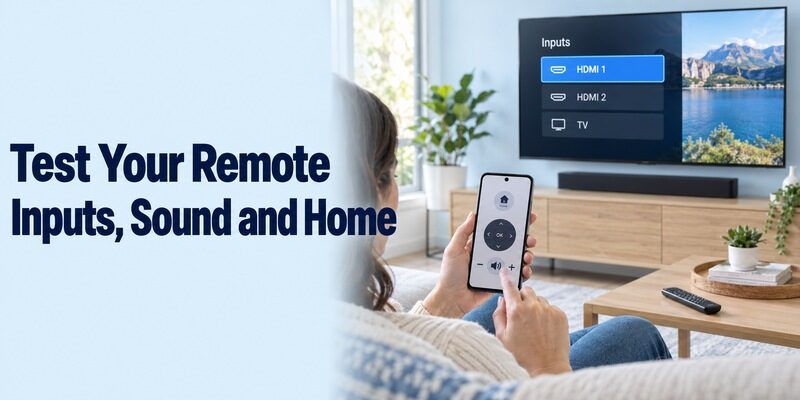
A usable remote should complete your normal viewing sequence. Start at Home, open a familiar app or input, adjust sound modestly, and return. If a soundbar or external receiver produces the audio, identify which controller is responsible for that device.
Repeat the sequence after closing and reopening the phone application. Use a room-specific device name where the platform permits it. This is more informative than repeatedly testing one direction button while leaving the rest of the setup unexamined.
After an element tv remote app download, let another regular viewer complete that same sequence without verbal guidance. Notice whether they select the wrong room, confuse the player with the television, or cannot find the input command. Resolve the device names and explain any separate sound control before calling the setup finished. A repeatable everyday routine matters more than a long list of advertised buttons.
Keep a Clearly Labeled Backup
Retain a compatible physical remote for a flat phone battery, initial setup, or a button the mobile app does not expose. For TiVo-powered or other Element models outside the documented routes above, ask Element support for the exact model’s current phone-control option rather than substituting a DVR app with a similar name. When a phone cannot complete an initial setup or access an unsupported button, this comparison of the best universal TV remotes and physical alternatives can help you choose a practical backup.
Write down the television model, platform, application publisher, and any remaining limitation. Broader platform guidance is available at , but those household-specific notes are what make a working setup easy to repeat.
Keep the backup in a consistent location and check its batteries occasionally. If the television later loses its network connection, that controller may be the simplest way to restore access. A phone remote is convenient during normal viewing, but having a second working control method prevents a small connection problem from becoming a complete setup interruption.
Final Thoughts
Choose by platform, confirm the connection, and test the buttons you actually need. An element tv remote app download can mean Roku, Google TV, Amazon Fire TV, a version-specific Xumo app, or a compatible infrared tool. Match that choice to the exact television and phone, preserve working settings during troubleshooting, and keep a physical backup for setup and unsupported functions.