Roku TV Remote Batteries: Size, Types, and Replacement
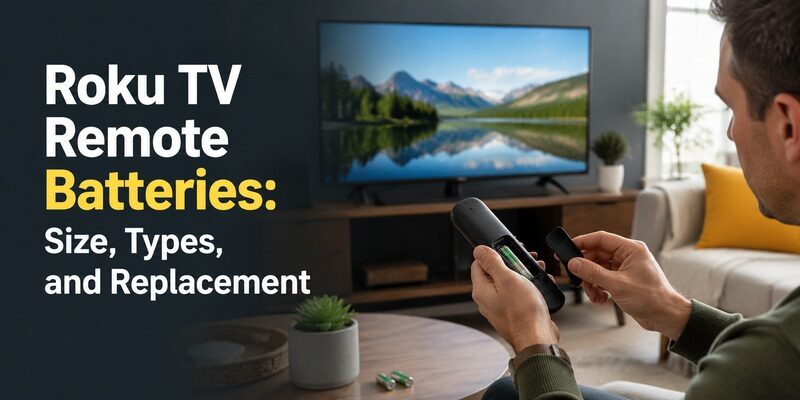
Quick Answer: Most standard Roku TV remotes use two replaceable batteries, commonly AAA, but some models use AA. The correct Roku TV remote batteries depend on the remote model, so check the markings inside its battery compartment before buying replacements. Roku Voice Remote Pro models have built-in rechargeable batteries instead of removable AA or AAA cells.
To replace removable batteries, open the back cover, remove both old batteries, insert a fresh matching pair according to the + and – markings, and close the cover.
If your Roku remote still does not work, check the battery contacts, restart the remote, and re-pair it if it is a wireless voice model.
What Batteries Does a Roku TV Remote Take?
Roku TVs can use several types of remote controls, including basic infrared remotes, wireless voice remotes, and rechargeable voice remotes.
The television brand alone does not determine the battery size.
Roku Remote Battery Size Chart
| Roku Remote Type | Battery Type | What to Check |
|---|---|---|
| Roku Simple Remote | Replaceable AA or AAA, depending on model | Battery compartment markings |
| Roku Voice Remote | Replaceable AA or AAA, depending on model | Remote model and compartment |
| Roku Voice Remote Pro | Built-in rechargeable battery | Charging port |
| Roku Voice Remote Pro (2nd edition) | Built-in rechargeable battery | Charging port and model |
| Third-party Roku TV remote | Varies by manufacturer | Product instructions |
Best rule: Check the battery compartment or the exact remote’s manual. Do not purchase batteries based only on the words “Roku TV remote.”
Does a Roku Remote Use AA or AAA Batteries?
Many Roku remotes use AAA batteries, while other compatible designs use AA.
The easiest way to confirm is to:
- Turn the remote over.
- Open the battery cover if the remote has one.
- Read the AA or AAA markings inside the compartment.
- Check how many batteries are required.
- Match the battery type and polarity markings.
AA and AAA batteries are different sizes and are not interchangeable.
If your remote has no removable battery compartment, it may be a rechargeable model.
TCL Roku TV Remote Batteries
TCL Roku TVs can use different compatible remote designs.
A standard TCL Roku TV infrared remote may use replaceable batteries, while an upgraded Roku voice remote may have different battery requirements.
Before buying replacements:
- Check the exact remote model.
- Open its battery compartment if present.
- Read the battery-size markings.
- Use a fresh matching pair.
For more TCL-specific guidance, see our TCL TV remote battery guide.
If the remote remains unresponsive after battery replacement, our TCL Roku TV remote troubleshooting guide covers additional causes.
Hisense, onn., and Other Roku TV Remotes
Hisense, onn., Philips, and other Roku TV manufacturers may supply different remote models.
Some use basic infrared remotes, while others include wireless voice remotes.
The battery size depends on the physical remote rather than the Roku TV brand or screen size.
Always inspect the compartment or consult the model-specific manual.
If you have a Hisense television, our Hisense 4K TV remote guide explains how remote compatibility differs by TV platform.
How to Change Roku TV Remote Batteries
Replacing AA or AAA batteries usually takes less than a minute.
Step-by-Step Battery Replacement
Step 1: Turn the remote over
Place the remote face down on a clean, dry surface.
Step 2: Open the battery compartment
Most removable-battery Roku remotes have a sliding battery cover.
Apply gentle thumb pressure in the direction indicated by the cover.
Do not force the cover or pry it open with a sharp metal object.
Step 3: Remove both old batteries
Take out the batteries and check the compartment for dirt, leakage, or damaged contacts.
Step 4: Check the battery size
Read the markings inside the compartment.
Confirm whether the remote needs AA or AAA batteries.
Step 5: Insert a fresh matching pair
Match the positive (+) and negative (–) ends to the compartment markings.
Replace both batteries together.
Step 6: Close the battery cover
Slide the cover back into place until it is secure.
Step 7: Test the remote
Point an infrared remote toward the TV and press Home, Power, or Volume.
For a wireless voice remote, wait for it to reconnect and test navigation.
If it does not respond, follow the troubleshooting steps later in this guide.

What If the Roku Remote Battery Cover Is Stuck?
Try these steps:
- Hold the remote firmly with dry hands.
- Look for a small arrow or sliding direction.
- Apply gentle pressure with your thumb.
- Slide the cover rather than lifting it if it is designed to slide.
- Stop if the plastic bends or cracks.
Avoid sharp tools, excessive force, and liquids.
If the cover is damaged, consider replacing the cover or the remote rather than forcing it open.
Can You Change Roku Remote Batteries Without a Lid?
If the battery cover is missing, first confirm that the batteries are seated correctly.
However, operating the remote without a secure cover can allow batteries to shift or fall out.
The preferred solution is to obtain a compatible replacement battery cover or remote housing.
Do not use conductive materials or improvised objects that could short the battery contacts.
Should You Use Alkaline or Rechargeable AA/AAA Batteries?
For a removable-battery Roku remote, use the battery chemistry recommended by its manufacturer.
Fresh alkaline batteries are a practical default for many models.
Rechargeable AA or AAA batteries may work in some remotes, but performance depends on the remote’s voltage requirements and the rechargeable cell type.
Do not attempt to charge ordinary alkaline batteries.
Also, never confuse removable rechargeable AA/AAA batteries with the built-in rechargeable battery used in Roku Voice Remote Pro models.
How to Charge Roku Voice Remote Pro
The Roku Voice Remote Pro family uses a built-in rechargeable battery.
Do not attempt to remove AA or AAA batteries from a Roku Voice Remote Pro.
Instead, charge it using the correct USB cable for its model.
Roku Voice Remote Pro Charging Ports
| Remote Model | Charging Method |
|---|---|
| Roku Voice Remote Pro (original) | Micro-USB |
| Roku Voice Remote Pro (2nd edition) | USB-C |
Check the charging port and model before selecting a cable.
How to Charge the Remote
- Locate the USB charging port on the remote.
- Connect a compatible cable.
- Connect the other end to a suitable USB power source.
- Allow the remote to charge.
- Check the battery status on your Roku device if available.
- Disconnect the cable when charging is complete.
If you charge from a TV USB port, remember that some televisions stop supplying USB power when turned off.
A suitable wall USB power source may be more reliable.
Roku Voice Remote Pro Not Charging?
Try the following:
- Check that the USB cable matches the remote’s charging port.
- Try another known-working cable.
- Use a different compatible USB power source.
- Inspect the charging port for visible debris or damage.
- Allow the remote time to charge if its battery is fully depleted.
- Restart the remote using Roku’s supported procedure if charging is complete but the buttons do not respond.
Do not open the remote housing or attempt to replace its internal lithium-ion battery yourself.
If the remote becomes unusually hot, stop charging and consult Roku’s safety instructions.
When New Batteries Don’t Fix the Remote
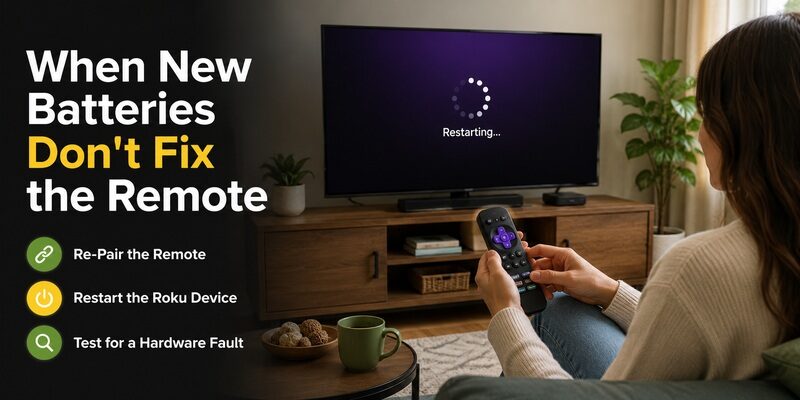
One of the most frustrating problems is a roku tv remote not working with new batteries — you’ve done the obvious fix and nothing changed. This narrows the cause considerably, because it rules out the batteries themselves.
If genuinely fresh batteries produce no response, the issue is usually one of three things: the remote lost its pairing, the Roku system is frozen, or the remote has a hardware fault. The same applies to a tcl roku tv remote not working with new batteries — the brand doesn’t change the diagnosis.
Re-Pair the Remote
For an enhanced remote, a lost pairing is the most likely cause when new batteries don’t help. Hold the pairing button inside the battery compartment for five seconds to re-pair. A full reset walkthrough is in .
This is the step people most often skip, jumping straight to buying yet another set of batteries. If the batteries are genuinely fresh, re-pairing is far more likely to be the actual fix.
Restart the Roku Device
A frozen Roku system can ignore a perfectly good remote. Unplug the TV or streaming device for 10 seconds, plug it back in, and let it fully boot before testing the remote again with the new roku tv remote batteries installed.
Give it the full 10 seconds rather than a quick off-and-on, since a rushed reconnection sometimes leaves the same glitch in place that made the remote seem dead.
Test for a Hardware Fault
For an infrared remote, point it at a phone camera and press a button — a working remote shows a faint light on the camera screen. No light after fresh batteries means the remote hardware has failed and needs replacing, not more batteries.
This camera test is the single most decisive check for an IR remote, cleanly separating a battery or pairing problem from a genuine hardware failure so you’re not guessing about whether the remote is worth keeping.
How Long Do Roku Remote Batteries Last?
Battery life varies by remote type and usage, but there’s a rough pattern worth knowing so you can plan ahead.
A standard infrared Roku remote sips power and can run for many months to a year on one set of roku tv remote batteries. Enhanced voice remotes with Bluetooth and a microphone draw more power and typically need fresh batteries more often. Heavy daily use, especially of voice search, shortens the interval noticeably.
Temperature and battery quality also play a role. Cheap batteries and cold rooms both shorten life, while quality alkalines in a normal indoor environment reach the upper end of these estimates. If your remote seems to eat batteries unusually fast, the type of battery is often the first thing worth changing.
Signs Your Batteries Are Low
The first sign is usually a remote that responds slowly or intermittently rather than dying outright. A sluggish remote is often showing an early low-battery symptom, so a fresh set frequently restores full speed before an outright failure.
Extending Battery Life
Using quality alkaline batteries and turning off features you don’t use, like the remote finder’s constant listening on some models, can extend how long a set lasts. Storing spare batteries so you’re never caught without them is the simplest way to avoid downtime.
Removing the batteries from a remote you won’t use for a long stretch — a spare in a drawer, for example — also prevents slow drain and the risk of leakage that can damage the contacts inside the compartment.
Common Mistakes When Replacing Roku Remote Batteries
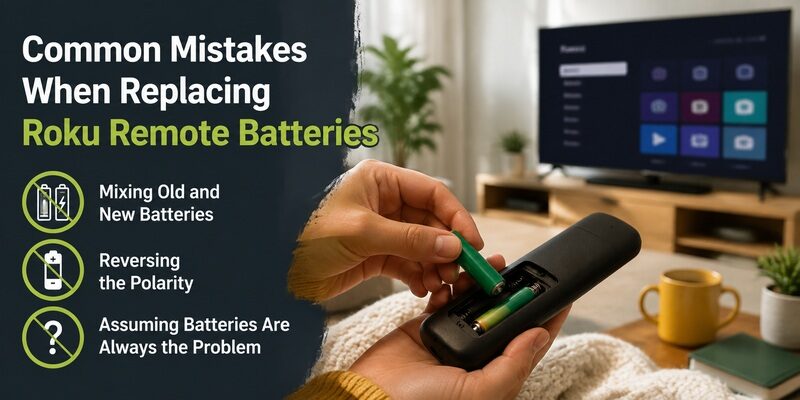
A few avoidable errors turn a simple battery swap into a confusing troubleshooting session. Keeping these in mind makes replacing roku tv remote batteries painless.
Sidestepping these three mistakes means a set of fresh roku tv remote batteries almost always solves the problem on the first try.
Mixing Old and New Batteries
Pairing one fresh battery with one half-drained one leaves the remote underpowered and behaving erratically. Always replace both roku tv remote batteries at the same time so you’re not diagnosing a half-fixed remote.
Reversing the Polarity
Installing a battery backwards is easy to do in low light and stops the remote from working entirely. Double-check that each battery’s flat negative end sits against the spring, matching the markings inside the compartment.
Assuming Batteries Are Always the Problem
When a remote dies, batteries are the first thing to try but not the only possible cause. If a fresh set doesn’t help, move on to re-pairing and a device restart rather than buying yet more roku tv remote batteries.
Keep Watching When Your Remote Batteries Die
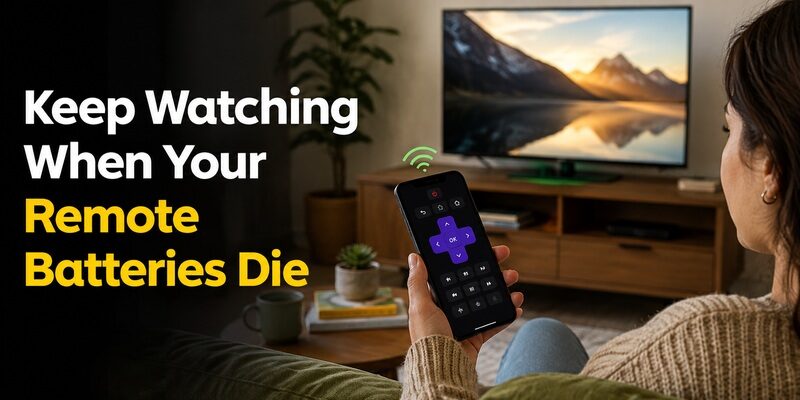
The moment your remote goes dead and you don’t have spare roku tv remote batteries on hand, you don’t have to lose access to your TV. The Remote TV App turns a phone into a working remote over Wi-Fi, covering power, volume, navigation, and app launching.
It’s the fastest way to keep watching while you pick up fresh batteries, and many people keep it installed as a permanent backup for exactly these moments. so a dead battery never means a dark screen.
FAQs About Roku TV Remote Batteries
What size batteries does a Roku TV remote use?
Most Roku TV remotes use two AAA batteries. Some older models and a few enhanced remotes use two AA instead. The Roku Voice Remote Pro has a built-in rechargeable battery charged via USB.
Why isn’t my Roku remote working with new batteries?
If fresh batteries change nothing, the remote likely lost its pairing, the Roku system is frozen, or the hardware has failed. Re-pair the remote and restart the Roku device before concluding the remote is broken.
How do I change Roku remote batteries without the lid?
Insert the batteries matching the polarity markings and secure them with a small piece of tape over the compartment. It’s a temporary fix that maintains contact until you find the lid or replace the remote.
How long do Roku remote batteries last?
A standard infrared remote can last many months to a year. Enhanced voice remotes with Bluetooth and a microphone drain faster, especially with heavy voice-search use, and need replacing more often.
Can I use rechargeable batteries in a Roku remote?
Yes, but rechargeables sometimes output slightly lower voltage that can affect enhanced remotes. Quality alkaline batteries are the more reliable choice for most Roku TV remotes.
Final Thoughts
Most roku tv remote batteries are two AAA, with a few older or specialized remotes using AA or a built-in rechargeable cell. Confirming the size against the compartment markings is the surest way to buy the right ones.
And when a fresh set doesn’t revive the remote, remember it’s usually a pairing or hardware issue, not the batteries. Keep the Remote TV App installed as a backup, and a dead battery becomes a quick errand rather than a night without your TV.
Download TV Remote App