Free Dish TV Remote App: Check Your Receiver and Phone First
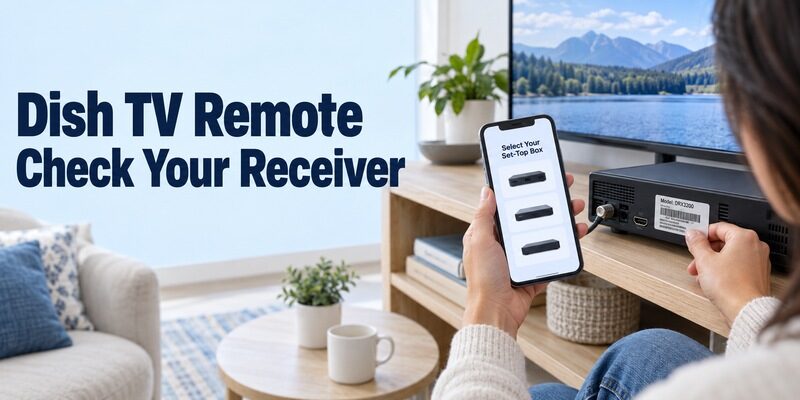
Short answer: Try Mi Remote’s set-top-box controls on an IR-equipped Android phone and check for your receiver’s supported profile. A free dish tv remote app cannot control every satellite box, and an ordinary phone without the required transmitter cannot gain infrared control from software alone.
The phrase can also refer to three different systems: DD Free Dish in India, DishTV India, or DISH in the United States. Their equipment and official services are not interchangeable. This guide starts with the hardware check, then explains how to identify the receiver, evaluate a download, test an infrared profile, and separate channel control from the television’s own volume and input controls. It also explains why a free remote app does not replace a paid television subscription or repair a missing satellite signal.
Choose a Free Dish TV Remote App That Matches the Hardware
Check the phone and receiver together. Xiaomi’s official Mi Remote listing includes set-top boxes among supported appliance categories and describes infrared-capable phones. That makes it a reasonable first check on suitable hardware, not a guarantee that your exact receiver appears in its profiles.
- Phone transmitter: Confirm an actual IR blaster in the phone manufacturer’s specifications.
- Receiver identity: Read the manufacturer and complete model from the set-top box, not the television frame.
- Supported profile: Look for the correct receiver or service entry in the chosen app.
- Basic response: Test a harmless menu movement before relying on channel or volume buttons.
- Alternative connection: Use a network app only when the receiver’s own documentation supports it.
A free dish tv remote app result that promises every receiver with no hardware explanation has not answered the essential compatibility question. Keep the original controller or a compatible replacement available while evaluating the app, especially if you cannot currently open the box’s settings.
Identify DD Free Dish, DishTV India, or US DISH
These names describe different television systems. Prasar Bharati identifies DD Free Dish as its free-to-air DTH service; DishTV India and the US DISH service have their own receivers, subscriptions, and support routes.
| Name on your equipment or service | What to identify | Relevant starting point |
|---|---|---|
| DD Free Dish setup | Actual receiver make and model | Compatible receiver remote or supported IR profile |
| DishTV India | DishTV receiver model and control method | Model support and a matching physical or app route |
| DISH United States | Receiver family and account service | DISH’s supported equipment and app guidance |
| Television connected to any receiver | TV brand, model, and input | TV’s own remote method for its controls |
Prasar Bharati explains that DD Free Dish receiving equipment is obtained in the market rather than directly marketed by the broadcaster. Consequently, the service name alone does not identify one universal remote command set.
Before a free , photograph the receiver’s label for your own reference. Keep the model distinct from a viewing-card number or account identifier. The technical question is which device receives the commands, not which channel package appears on the screen.
Confirm Infrared Support on the Phone
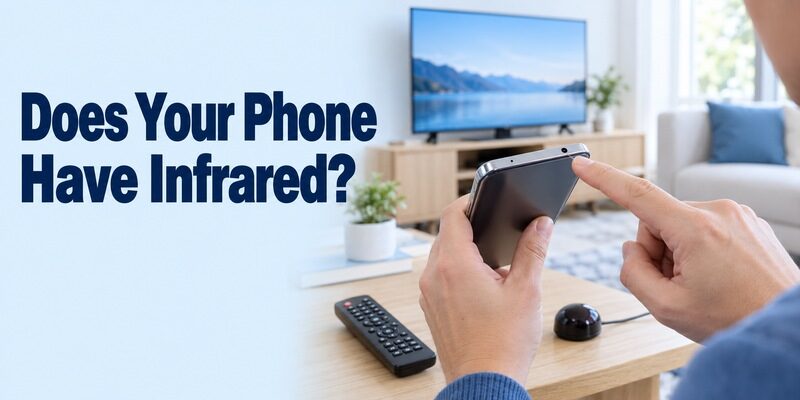
A network-connected smartphone is not automatically an infrared remote. Wi-Fi, Bluetooth, a camera, and a flashlight serve different hardware functions from an IR transmitter.
Check the exact phone model
Read the phone’s specifications for an infrared blaster or supported remote-control hardware. Do not infer support from a brand name: a manufacturer may sell both IR-equipped and non-IR models. An app’s ability to install does not prove that the phone can send its commands.
For a free dish tv remote app, identify where the transmitter is located so you can aim it correctly. A protective case or your hand may cover that edge. Check the manufacturer’s hardware information rather than assuming the camera module is the transmitter.
Understand the alternative when IR is absent
If the phone lacks IR, investigate a network-control method explicitly supported by the receiver or a compatible physical replacement. A separate IR accessory would need its own documented phone and app compatibility; its connector alone is not sufficient evidence.
Do not pay for a free dish tv remote app upgrade to add transmission hardware. More software buttons cannot create a missing emitter. A working physical controller may be the most direct way to restore viewing while you establish whether a supported phone route exists.
Read more: Apple TV Remote for iPhone: Where to Find It and How to Set It Up
Download from a Verified Publisher and Read the Requirements
Distinguish official software from independently developed remotes. Mi Remote is published by Xiaomi. A remote app using the DishTV name may be a separate developer’s product rather than the television provider’s own application.
Compare the listing with your equipment
For example, the Google Play listing for Dish Tv Remote by AIT Services explicitly says it is unofficial and requires an IR blaster. It describes a particular DishTV remote layout. Those disclosures matter more than a broad claim that the app replaces a lost controller.
| App or route | Publisher relationship | What it does not prove |
|---|---|---|
| Xiaomi Mi Remote | Xiaomi-published appliance remote | Every DD Free Dish receiver is supported |
| AIT Services Dish Tv Remote | Independent DishTV-oriented app | Official DishTV status or universal receiver support |
| Provider-supported network tool | Depends on the identified provider | Compatibility with a different country’s service |
| Compatible physical controller | Must match the receiver | Automatic control of every connected television |
A free dish remote control mobile app should disclose its control method, supported equipment, and free-use terms. Treat a store description as the developer’s claim, then verify the actual response on your receiver. This guide does not claim hands-on testing of every profile.
Avoid an APK detour that cannot solve the problem
A free dish tv remote control app download apk search can lead to archived or repackaged software. Prefer the developer’s verified distribution route and current store requirements. An older package does not make a non-IR phone capable of infrared transmission.
Before a free dish tv remote app download, read any advertising, trial, and in-app purchase terms. Check whether the essential buttons remain available without payment. If the supported receiver is absent, resolve compatibility rather than accepting a subscription in the hope that it will appear afterward.
Test a Matching Profile on a DD Free Dish Receiver
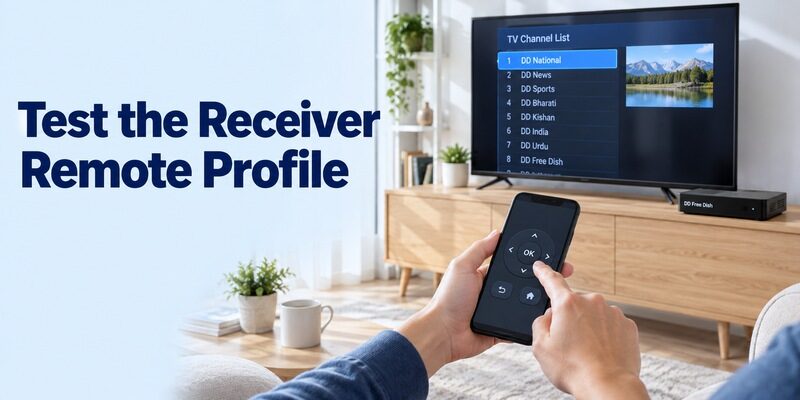
Match the receiver model, then verify several commands. DD Free Dish describes the broadcast service; the box’s manufacturer determines the local remote implementation.
Add the correct appliance category
In an app that supports your hardware, choose the relevant set-top-box or receiver category and follow its profile-selection process. Select the exact available make or documented equivalent. Keep the receiver powered and its front sensor unobstructed during the test.
For free dish tv remote app testing, start with Menu or a simple directional command if the app offers that choice. If the setup process uses Power, watch the receiver’s response and restore it before continuing. Do not accidentally judge only the television turning off.
Verify the profile beyond one button
Check directional movement, OK, Back or Exit, and channel selection. Then test the receiver’s volume if that feature is supported. A profile that sends one matching command can still have missing or incorrect mappings for other keys.
Save the profile only after the controls you need behave consistently. Give it a recognizable name that distinguishes the box from the TV. A free dish tv remote app should make the household’s normal viewing routine repeatable, not depend on trying several unnamed remotes every evening.
Keep a short test record when more than one profile partly works. Note which profile moves the menu correctly and which one only changes power. This avoids returning to a known partial match because its name looks closer to the original receiver’s branding.
Check DishTV India’s Receiver and Physical-Remote Options
Follow the exact DishTV equipment documentation. A standard receiver, a smart box, and an accessory advertised alongside them may have different control capabilities.
Evaluate a DishTV-oriented infrared app accurately
The AIT Services listing is an example of an independent IR-based option, not evidence that DishTV publishes one universal smartphone controller. Check its stated receiver support, then test the buttons on your particular box with an IR-equipped phone.
A free dish tv remote app that shows a familiar remote picture still needs compatible hardware and commands. If Menu, OK, or channel numbers do not work, inspect the profile rather than assuming the picture proves compatibility.
Consider the provider’s universal physical remote
DishTV’s official universal-remote page describes learning selected TV buttons from an existing television controller. This is a physical-remote feature, separate from installing a phone app. Follow the instructions for the exact remote model and preserve any required original controller.
For free dish tv remote app users, that option can be useful when the phone lacks IR or the receiver has no documented network route. It is not a free software replacement, but it may combine the receiver and television controls needed for everyday viewing.
Use US DISH Apps for Their Documented Purposes
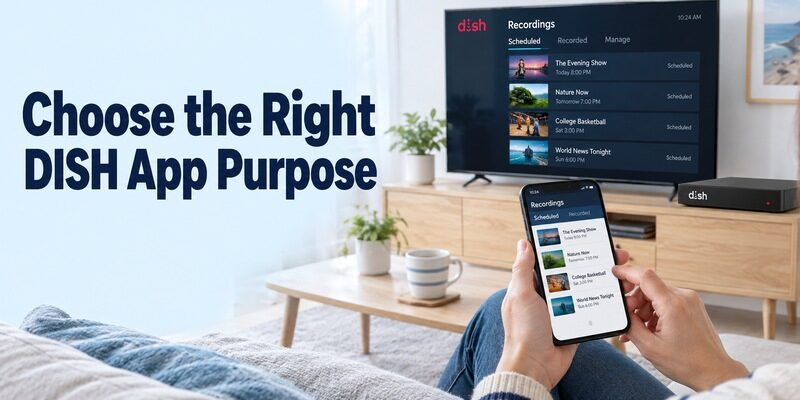
Do not apply Indian receiver instructions to US DISH equipment. Identify the receiver family and consult DISH’s current support information for your account and installation.
Separate DISH Anywhere from a universal remote promise
DISH describes DISH Anywhere primarily as access to live, recorded, and on-demand programming, with DVR management features and compatible equipment requirements. Its current page identifies inclusion with a DISH subscription and supported Hopper equipment.
That is different from a free dish tv remote app that operates an arbitrary satellite receiver. Watching a program on the phone does not prove that the app controls every TV power, input, or audio function in the living room.
Check specialized control tools and receiver support
DISH OnePoint’s official Apple listing describes managing supported DISH receivers and multiple televisions, including business-style viewing arrangements. It lists supported receiver families and requires internet connectivity to the receivers. Confirm current suitability with DISH for your installation before depending on it.
An old tutorial about a DISH app is not a universal setup procedure for every present-day receiver. For a free dish tv remote app search in the US, use the provider’s actual model guidance and retain a compatible physical remote for functions the supported mobile tool does not expose.
Keep Television Volume and Receiver Channels Separate
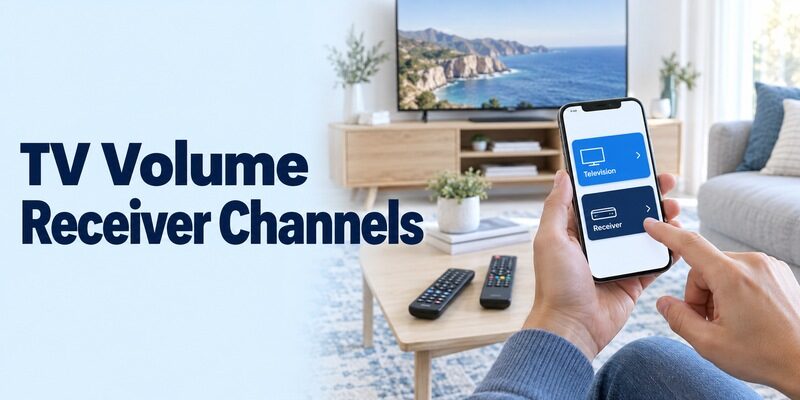
The television and satellite box are different control targets. The receiver usually provides the program interface, while the television provides its own input and display controls. Audio may pass through another device as well.
Test the receiver’s channel and menu controls
Select the correct TV input, then move through the receiver’s program guide or channel list. Watch for a response in that interface. A phone controlling the television’s Home screen is not necessarily sending commands to the receiver connected by HDMI.
For free dish tv remote app verification, use the same recognizable channel or menu item each time. That makes it easier to see whether a command reached the receiver or only changed something on the television.
Test the audio path independently
Change volume by one step and restore it. Observe whether the receiver, television, or soundbar changes level. Keep the usual listening level comfortable while testing; a volume indicator on one component does not necessarily describe the final sound output.
You may need separate profiles or controllers for the box and television. A free dish tv remote app should be evaluated by the tasks it performs successfully, rather than a claim that every device in the setup becomes one universal target.
Diagnose No Response, Wrong Buttons, or Missing Channels
Identify whether the problem is control or reception. A receiver that responds to Menu but displays a signal error is not showing the same fault as a box that ignores every command.
| Symptom | Likely area to inspect | Useful next step |
|---|---|---|
| No app buttons work | IR hardware, aiming, or profile | Confirm transmitter and receiver identity |
| Only Power works | Partial command match | Test another documented compatible profile |
| TV responds but box does not | Wrong target | Select the receiver profile |
| Menus work but a channel is absent | Reception or channel configuration | Consult current provider and receiver guidance |
| Network app finds no receiver | Documented connectivity requirements | Restore the supported receiver connection |
Retry a controlled infrared test
Move to a clear position in front of the receiver, remove objects blocking its sensor, and ensure your hand is not covering the phone’s emitter. Try the same simple command once. Compare with a working physical remote if one is available.
For a free dish tv remote app failure, change one factor at a time. Reinstalling several products while moving the receiver and changing profiles makes it difficult to identify what actually restored a response.
Leave channel and satellite settings intact during remote diagnosis
Prasar Bharati’s guidance distinguishes receiver-specific channel scanning from the general service. Do not change satellite parameters or erase the channel list merely because a phone button fails. Restore a reliable controller before following any model-specific tuning procedure.
A free dish tv remote app does not create a missing satellite signal or unlock a channel outside your service. If the existing remote can navigate but viewing fails, investigate the receiver’s displayed error and provider guidance separately from mobile control.
Keep a Supported Fallback and Understand Free-Use Limits
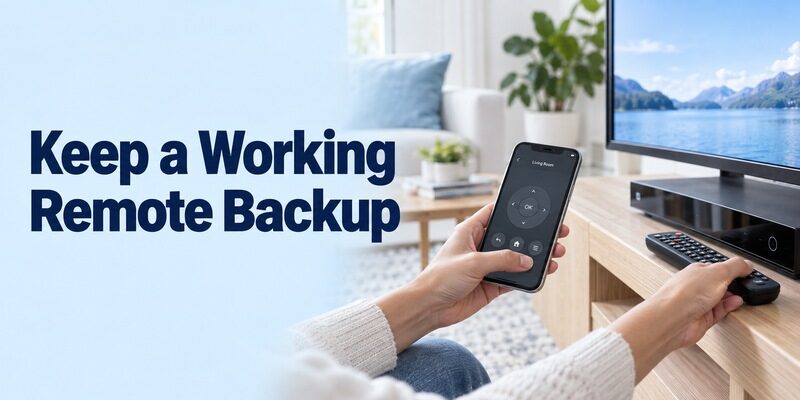
Choose a fallback that can actually communicate with the equipment. Keep a compatible physical receiver remote available for setup, changing profiles, and a phone with an empty battery.
If your television itself supports phone control, review and confirm the exact TV and phone compatibility. On a supported connection, it can help navigate the television when its physical remote is misplaced. That does not establish support for a separate satellite receiver.
Keep the roles clear: the TV app may help reach the correct HDMI input, while the receiver still needs its own supported control path. A free dish tv remote app arrangement can involve two useful controllers without either one reproducing every function of the other.
Read independent app terms before starting a trial, and separate remote-software costs from equipment and television-service charges. DD Free Dish’s lack of a monthly viewing subscription does not mean every third-party remote app or replacement controller is also free.
Before lending the phone to another family member, show them which saved profile controls the receiver and which controls the television. A short demonstration prevents accidental input changes and makes the backup useful when the usual controller is unavailable. Keep the receiver model written beside its saved profile.
Frequently Asked Questions
Can an ordinary iPhone send infrared commands to a DD Free Dish box?
Not without suitable additional hardware and explicit app support. A free dish tv remote app cannot add an infrared emitter to a phone that lacks one. Check a receiver-supported network option or use a compatible physical controller when no documented phone communication path exists.
Is there one DD Free Dish profile for every receiver?
No. Identify the actual receiver make and model, then check the app’s supported profiles. DD Free Dish is the broadcast service, and receiving equipment comes from different market sources. A matching service name or remote picture does not prove that all commands will work.
Does DISH Anywhere provide free access without a DISH subscription?
Do not treat the app’s free download as a replacement for service eligibility. DISH describes its Anywhere service as included with a DISH subscription and compatible equipment. Check current account and receiver requirements, and keep that service separate from DD Free Dish in India.
Will another APK fix missing IR hardware or a satellite signal error?
No. An APK cannot create a physical transmitter or repair satellite reception. Confirm the phone’s hardware for IR control, then diagnose reception separately if the receiver menus already respond. Use the verified developer route for software and the receiver’s own guidance for technical faults.
Final Thoughts
The right free dish tv remote app depends on your receiver, phone hardware, and supported control method. Check Mi Remote’s set-top-box options on suitable IR hardware, verify any receiver-specific profile, and distinguish independent apps from provider-published tools.
Keep DD Free Dish, DishTV India, and US DISH separate throughout setup. Test several commands, preserve working channel settings, and retain a compatible physical backup when the phone cannot provide the required connection.