Mi TV Remote App Free: Choose Xiaomi’s IR or Wi-Fi Control Route
Short answer: A mi tv remote app free setup can use Xiaomi’s Mi Remote on supported equipment, or the official app for the television’s Google TV or Fire TV platform. Mi Remote’s infrared functions require a real IR blaster; its listed Wi-Fi support is a separate route for compatible devices.
A Xiaomi phone, a Mi television, and the Mi Remote application are three different things. Owning one does not automatically establish the requirements of the others. This guide explains how to distinguish infrared from network control, verify the app publisher, connect a supported television, and test essential functions. It also covers iPhone use, external streaming boxes, and the problems that another download cannot fix. Start with the exact TV platform and the phone you intend to use.
Mi TV Remote App Free: Separate Infrared from Wi-Fi
Identify the signal path before choosing the app. Infrared sends commands from a transmitter toward the television; a network remote communicates with a supported service on the connected device.
| Control route | What it needs | Appropriate starting check |
|---|---|---|
| Mi Remote infrared | Real phone IR blaster and matching TV commands | Phone specifications and compatible profile |
| Mi Remote Wi-Fi | Supported TV or box protocol and local connection | Actual app mode and television support |
| Google TV mobile remote | Compatible Google TV or Android TV device | Platform identity and on-screen pairing |
| Fire TV mobile remote | Supported Fire TV equipment | Amazon app and selected Fire TV device |
| Physical replacement remote | Controller compatible with the exact equipment | TV model and necessary setup buttons |
Read the phone’s hardware specifications
Some Android phones contain an IR blaster, but it should be verified for the exact model. A camera, flashlight, Bluetooth radio, or charging connector is not an interchangeable transmitter. An ordinary iPhone cannot gain infrared hardware through a download.
For a mi tv remote app free choice, distinguish a missing transmitter from an unavailable network feature. Installing a different IR layout will not solve a hardware requirement that the phone does not meet.
Identify the television’s actual platform
Use the TV’s system information and regional model documentation. Xiaomi’s A Pro 55 2026 product page identifies Google TV, while its UK F 43 2026 page identifies Fire TV built in. These examples demonstrate why the brand alone is insufficient.
A mi tv remote app free search should therefore begin with the television you own, not an assumption that every Xiaomi product runs the same software. Keep an attached streaming box separate from the TV’s native interface.
Install the Xiaomi-Published Mi Remote Application
Verify the developer on the actual store listing. Xiaomi’s Google Play product is called Mi Remote controller – for TV, and identifies Beijing Xiaomi Mobile Software Co.,Ltd.
Use current store requirements
Open the supported listing on the phone and check whether the current release is available for that device and region. An older tutorial’s phone list or version number should not override the requirements shown by the current store.
A mi tv remote app free download result may belong to another publisher. Similar wording, a familiar orange icon, or the presence of a Xiaomi television in screenshots does not establish that it is Xiaomi’s own application.
Check what the installed app actually offers
The Mi Remote listing describes infrared appliance control and Wi-Fi operation for supported Mi TV, Mi Box, and other devices using compatible protocols. Treat that as a description to match against your equipment, not a guarantee that every mode appears on every phone.
Someone searching for mi tv remote app for android free download should inspect the available connection choices after installation. If a required mode is absent, use the supported television-platform route rather than repeatedly reinstalling the same application.
Read more: Element TV Remote App Free: Choose the Correct Xumo, Roku, or Google App
Add an Infrared Remote When Your Phone Supports It
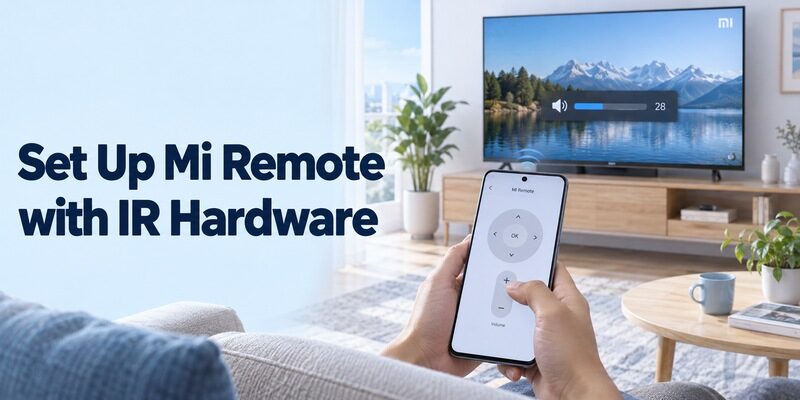
Choose the correct appliance category and test the command profile. Xiaomi’s Mi Remote instructions describe opening the app, choosing Add remote, selecting the relevant device type, and following the response test.
Add the television rather than an unrelated appliance
Choose TV for the television, then follow the application’s brand and response prompts. Keep the phone emitter aimed toward the set. Select a different category only when you actually intend to operate a separate receiver or another appliance.
For a mi tv remote app free IR setup, answer the response questions according to what the television does. Do not confirm success merely because a button animation appears on the phone. The app needs the physical device’s response to identify a useful profile.
Verify more than the power button
After an apparent match, test volume, directional movement, selection, and input recovery. Use ordinary reversible actions, then return to the previous state. A partly matching profile may operate Power while sending incorrect commands elsewhere.
A free mi tv remote app is most useful when the saved profile covers the routine you need. Record any buttons that still require the original controller, and do not repeatedly press unfamiliar commands in a setup menu while searching for a match.
Use Mi Remote’s Network Mode Only on Compatible Equipment
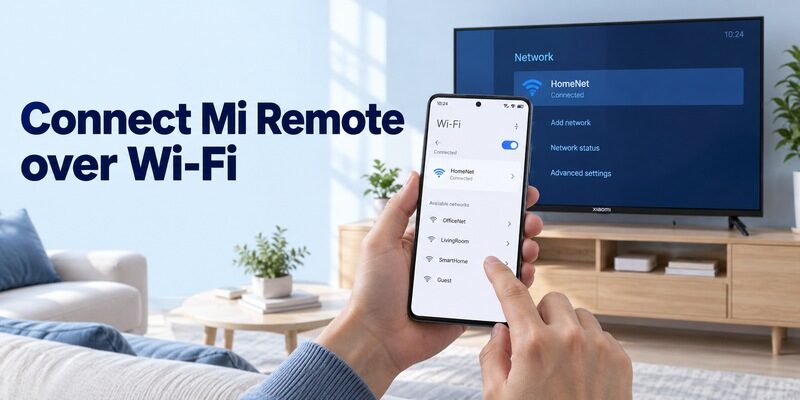
Wi-Fi support is separate from infrared support. The app listing describes operation of compatible televisions and boxes through standard network protocols; that statement does not remove the need to verify the target.
Keep the intended television reachable
Connect the phone and supported television or box through the required local network. Keep the target awake and open the relevant device-selection mode in the current app. Follow any connection or authorization prompts displayed by that equipment.
A mi tv remote app free network attempt should begin with the target’s saved connection. Phone internet access alone does not demonstrate that the television is on the same usable network, especially after a router replacement.
Switch routes when support is missing
If the expected Wi-Fi mode is not available or the TV does not support the relevant protocol, check its platform-specific app. Do not assume the absence of a device proves that the television is faulty or that a paid universal remote will fix it.
For a mi tv remote app free comparison, preserve any working infrared profile while trying a supported network option. The two routes can address different situations, including ordinary navigation and recovery when the television’s network is unavailable.
Pair Google TV with a Compatible Mi or Xiaomi Television
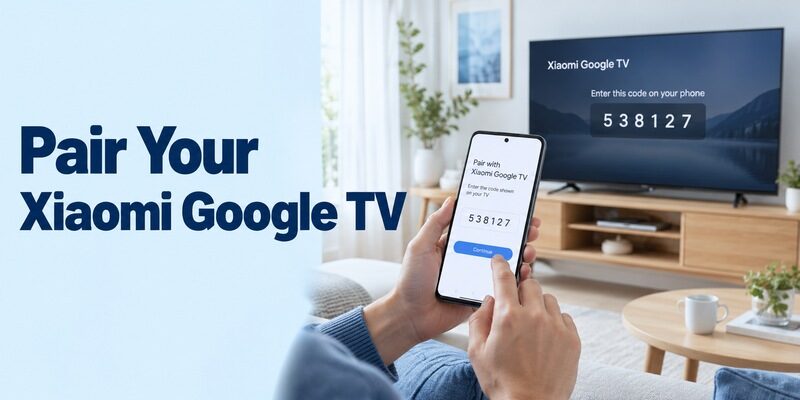
Google’s mobile remote is a supported route for compatible Google TV remote and Android TV equipment. It applies according to the target platform, including supported TVs and streaming devices.
Complete the code-based connection
Google’s current instructions describe opening Google TV on the phone, selecting TVs nearby, choosing the intended device, entering its displayed code, and tapping Pair. Use the current equivalent control if the interface label differs.
Keep the correct television visible during a mi tv remote app free pairing test. If another room shows the code, return to the selector. A displayed pairing code is not an infrared brand code and should not be taken from a generic remote-code list.
Confirm navigation and supported text entry
Move one menu highlight, open a familiar item, and return Home. Then type a short word in a supported search field. Check where the text appears before entering a longer password or account detail.
The guide covers Google’s broader mobile controls. For a Xiaomi set, keep model-specific information available when a command concerns picture settings, external sound, or a television feature outside ordinary platform navigation.
Use the Fire TV Route on Xiaomi Models That Run Fire TV
A Xiaomi television with Fire TV needs the appropriate Amazon platform connection. Do not apply Google TV’s setup simply because another Xiaomi model uses it.
Amazon’s Fire TV phone guidance describes connecting through the required shared Wi-Fi network, signing in as instructed, opening the remote controls, and selecting or setting up the intended Fire TV device. Follow the current app and television prompts, then verify Home and navigation.
For a mi tv remote app free setup on this product family, inspect the Amazon-published application rather than an unrelated controller with Mi in its name. Sound and power features still depend on supported equipment and its configuration.
If a Fire TV Stick is connected to a different Xiaomi television, distinguish the stick from the screen. The phone may control the Fire interface correctly while the television’s own input or picture controls remain with its physical remote.
Choose an iPhone Route Without Assuming Mi Remote Is Universal
Use a verified iOS application for the target platform. Google’s help explicitly provides an iPhone and iPad remote-pairing route for compatible Google TV and Android TV devices.
Check the publisher and phone requirements
A free xiaomi tv remote app search on an iPhone may return independent products. Compare the developer, supported television platform, current iOS requirements, and included controls. Do not treat a matching title as evidence that it is the same application as Xiaomi’s Android listing.
For a mi tv remote app free iPhone connection, use the documented network route and follow any required local-device permission prompts. If access was denied earlier, review that application’s permission settings before repeating discovery.
Keep casting separate from full control
A television can support an iPhone casting feature without providing the same menu-navigation interface through every app. Open the actual remote controls and test Home or a directional movement after connecting.
A video playing successfully on the television does not prove that the phone can open network settings or select every input. Retain a physical controller for tasks outside the supported mobile interface.
Test Sound, Channels, and Reconnection Independently
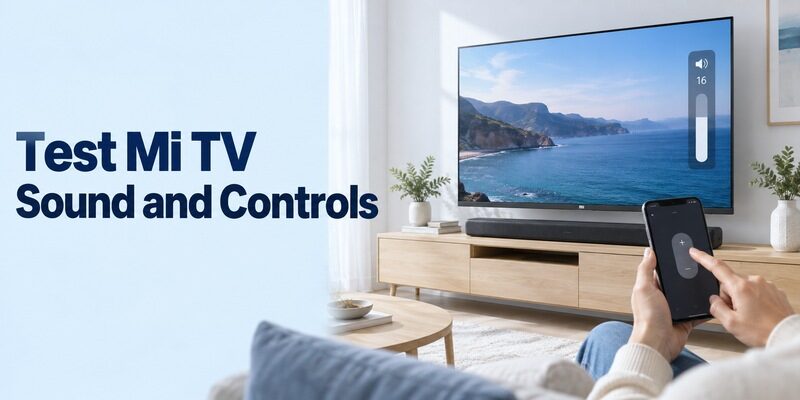
Confirm the controls in the same viewing setup you use daily. Navigation, audio output, and receiver channels can involve different devices.
| Task | What to test | What the result establishes |
|---|---|---|
| Home navigation | Move and select a familiar item | Commands reach the intended interface |
| Television volume | Change one step and restore | That audio path accepts the control |
| Receiver channels | Change using the receiver’s supported route | The correct source handles channel commands |
| Input recovery | Return to the normal viewing source | Another user can recover after a source change |
| Later session | Reopen the app and reconnect | The route works beyond installation |
Watch which device responds
Check whether sound comes from the television, a soundbar, or an AV receiver. A physical remote can use a different command path from the phone, so its success does not automatically prove identical mobile support.
Your mi tv remote app free evaluation should also identify which device supplies channels. If a provider box handles them, a working TV directional pad does not guarantee access to the box’s channel list or recording controls.
Test after closing the app and after standby
Reopen the application, select the same target, and repeat a familiar command. Then test again after the television has spent time in ordinary standby. If the phone cannot wake it, use the physical remote and see whether mobile navigation resumes.
A xiaomi tv remote app free connection that works only while the set is awake can still be useful. Record the limitation clearly rather than treating wake behavior and navigation as one undifferentiated failure.
Read more: Apple TV Remote App Free: Use the iPhone Control You Already Have
Diagnose Missing Devices and Incorrect Buttons
Start with the failure you can actually observe. Infrared mismatch, local-network discovery, and platform pairing need different checks.
Isolate infrared and network symptoms
For an IR profile, verify transmitter hardware, pointing direction, and a clear path to the receiver. Repeat one reversible command and compare the result with the original remote. If only certain buttons fail, revisit the profile instead of changing Wi-Fi settings.
For network control, check the target’s power and saved network, the phone’s selected connection, and required local-device access. If another household phone works, compare its app identity and selected device before changing the television.
A mi tv remote app free problem after a router change should begin with reconnecting the TV or box. The phone joining the new network does not automatically transfer those credentials to the television.
Preserve a working configuration during recovery
Use the equipment’s normal restart procedure if needed, allowing startup to finish before retesting. Keep a restart distinct from a factory reset. Avoid erasing a working configuration when the physical controller is missing and there is no confirmed way through initial setup.
Record the app publisher, TV model, and first failed step if support is needed. State whether the device is absent, pairing fails, or only one command is unavailable. This is more useful than reporting that several apps did not work.
Compare Free Access with Optional Purchases
Read the actual free-use terms separately from compatibility. A free installation, an advertising-supported interface, and a time-limited trial are different arrangements.
For a mi tv remote app free alternative, check whether the essential controls remain available without starting a subscription. If a purchase screen appears, identify the feature and developer before accepting it. Payment cannot add an IR blaster or install a missing network protocol in the television.
Keep entertainment charges separate from remote control. A streaming service or film rental can cost money even when the mobile remote is free. Read the current screen rather than interpreting every content offer as a requirement for navigation.
Do not use an archived installation package merely to recreate an outdated tutorial. Prefer the verified current store route and the model’s supported instructions. If the app is unavailable for the phone or region, choose a documented alternative.
Keep a Supported Alternative and an Accessible Backup
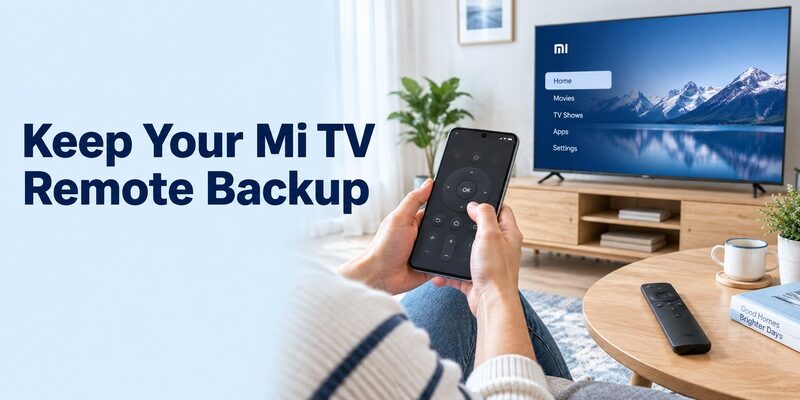
Choose another interface to solve a specific control need. Review if an additional supported option would help, and verify the exact television and phone combination.
Keep a working official or platform-supported connection while comparing the alternative. Use the same input, sound output, and navigation sequence in each test. A mi tv remote app free comparison is clearer when only the phone interface changes.
Store the physical controller where the household can reach it. It remains useful for setup, network changes, unsupported television settings, and a phone with an empty battery. Demonstrate how to return to the usual source before putting the new phone remote into everyday use.
Keep a simple note of the successful app publisher, target model, and saved device name. Recheck those details after replacing a television or streaming box. A familiar brand label does not guarantee that the new equipment uses the same control route.
When adding a second household phone, reproduce the known working route before comparing new applications. Select the same television, follow the required authorization, and repeat a basic Home-screen action. Keep room names distinct if more than one compatible device is listed.
For a mi tv remote app free setup used across several rooms, test the intended screen while another person watches it. This prevents a saved device with a similar name from silently becoming the wrong target. Confirm the selection again after changing a television or moving a streaming box.
A mi tv remote app free routine should also work when the primary phone is charging. Show another viewer the physical fallback and the correct input, then let them repeat the recovery sequence. This small practical check helps reveal any missing control before it interrupts ordinary viewing.
Final Thoughts
The right mi tv remote app free setup depends on real phone hardware, the supported connection, and the television’s actual platform. Use Mi Remote where its IR or Wi-Fi mode applies, or the appropriate Google TV or Fire TV mobile route.
Verify visible commands, test sound and reconnection separately, and keep a physical fallback. A clear, repeatable control method is more useful than several unverified downloads.