Free Emerson TV Remote App: Check Infrared, Smart Models, and Streaming Players
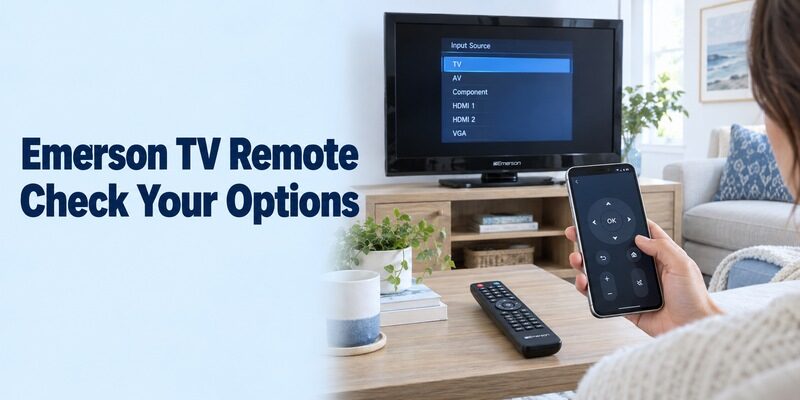
Short answer: A free emerson tv remote app can help when the phone and television share a supported control method. An infrared-only Emerson TV needs real IR transmitter hardware and compatible commands; a smart model or attached streaming player needs its own verified network-control route.
Do not assume every Emerson television is an old non-smart set, or that every current model works with Google’s remote. Emerson Audio also lists smart televisions, including the webOS-based ESTD-2400 with a built-in DVD player. The right answer therefore starts with your exact model and the source you normally watch. This guide explains how to check the phone, evaluate an infrared app, separate streaming-player control, and keep essential television functions accessible.
Free Emerson TV Remote App: Check Whether the Phone Can Send Commands
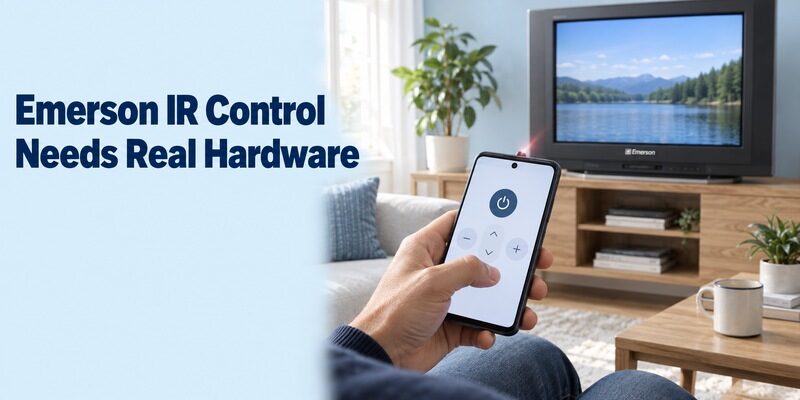
Identify the connection before choosing the application. A remote interface on a phone screen cannot operate a television without a supported way to send its commands.
Verify infrared hardware on an older-TV route
Some Android phones contain an IR blaster. Check the exact phone specifications rather than assuming that Android, a camera, or a charging connector provides one. An ordinary iPhone does not gain television-control infrared hardware when an application is installed.
For a free emerson tv remote app intended for infrared control, that hardware check is the first useful step. If the phone lacks a supported transmitter, changing app settings or reconnecting Wi-Fi will not create the missing signal.
Distinguish a network remote from an IR profile
A network remote communicates with a service supported by the target television or player. An IR app sends a matching command pattern through physical transmitter hardware. These are separate routes, even if their on-screen buttons look almost identical.
A free emerson tv remote app search should therefore be paired with the full television model and the phone model. Keep an attached streaming box on a separate line in your notes so its Wi-Fi capability is not mistaken for a feature built into the Emerson screen.
Evaluate an Independent Emerson Infrared App
Read the publisher’s requirements and disclaimer before installing. The Emerson name in an app title does not establish that Emerson publishes it.
Check the current listing rather than a download mirror
The Google Play listing Emerson Universal Remote by illlusions Inc identifies the product as an infrared remote, requires transmitter hardware, discloses advertisements, and says it is not Emerson’s official remote. Those are useful facts for evaluating the listing, rather than proof of universal model compatibility.
When choosing a free emerson tv remote app, use the supported store destination and inspect the current phone requirements. Avoid selecting an archived installation package merely because an old tutorial uses that version or shows a different icon.
Treat broad feature claims as claims to test
An independent listing may describe multiple Emerson device categories and many buttons. That does not guarantee every command works on your television. Choose the TV category for a television, and identify a DVD player or receiver separately when the app supports those targets.
A free emerson tv remote app should be judged against a few required tasks on the actual model. Keep the original controller or another working input method available while testing, especially if the set is already configured for your normal viewing source.
Test and Save an Infrared Profile Carefully
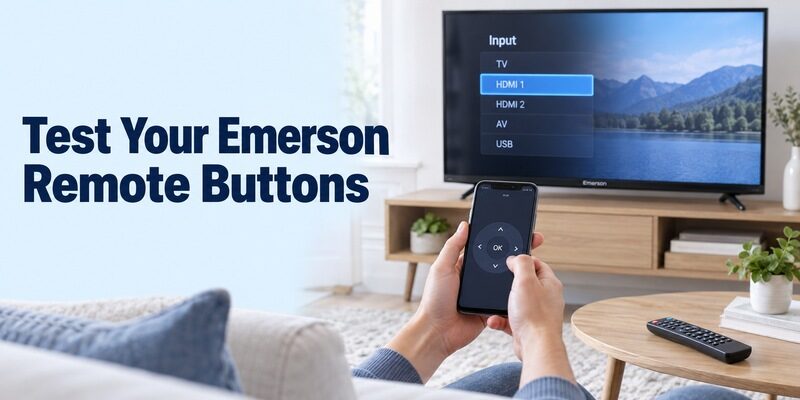
One successful power command is not a complete compatibility test. A partly matching profile can operate one button while sending incorrect commands for others.
Use visible, reversible commands first
Aim the phone’s supported emitter toward the television and follow the app’s profile test. Start with volume or another ordinary action that produces a clear response. Watch the screen rather than counting a button animation on the phone as success.
For a free emerson tv remote app infrared setup, keep a clear path to the TV’s receiver and try a normal viewing distance. If a profile fails, follow the application’s next-profile process instead of repeatedly pressing unfamiliar commands inside a television settings menu.
Confirm the buttons needed for recovery
Test menu navigation, selection, volume, and input access before saving the profile. If you use antenna channels, check the channel controls you actually need, including any supported number-entry method. If the television contains a DVD player, evaluate its required controls separately.
Save a free emerson tv remote app profile only after confirming useful behaviour on the intended set. Give it a clear name where supported and reopen it from the saved-device area. This verifies that the next viewing session will use the same working configuration.
Read more: Free TV Remote App for iPhone by Television Platform
Identify a Smart Emerson Model Before Choosing Its App
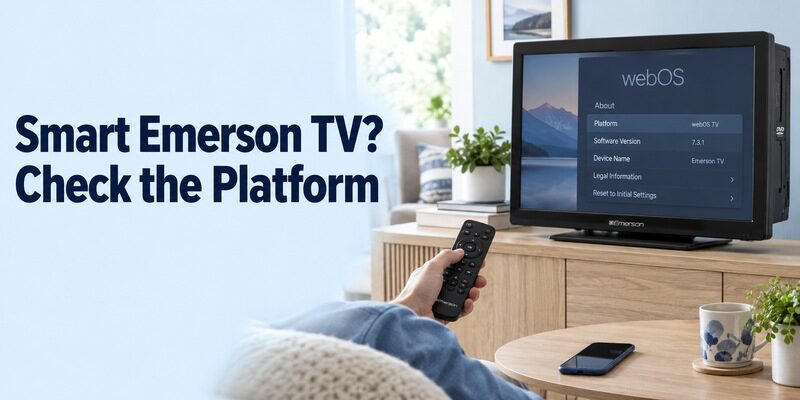
Smart televisions require model-specific confirmation rather than a brand-wide assumption. Emerson Audio’s own ESTD-2400 product page identifies a webOS system and a built-in DVD player.
Check the television’s own system information
Read the full model label and inspect the television interface with its physical controller. A Google or Roku screen arriving through HDMI may belong to a player instead of the Emerson television. Return to the TV’s own menus before identifying its built-in platform.
A free emerson tv remote app choice for a webOS-based model should follow that model’s supported mobile-control guidance. Do not assume that a webOS label guarantees every LG-branded phone function, or that an app designed for Google TV will control it.
Use documented model support for the connection
Check the television’s current manual, on-screen help, or Emerson Audio support for the appropriate mobile application and its prerequisites. Where a phone route is documented, install the verified application, use the required local connection, and follow the authorization actually shown by the set.
If the documentation does not establish a compatible phone route, preserve the physical remote and ask about the full model. A free emerson tv remote app listing that merely includes a smart-TV picture is not sufficient evidence to invent a pairing process.
Read more: Free Remote Control App for TV: Best Free Apps for iPhone, Android & Smart TVs
Control an Attached Streaming Player as a Separate Device
The player’s app controls the player; television functions need their own support check. This distinction often explains why streaming navigation works while the Emerson input menu remains inaccessible.
Choose the application for the player platform
For a supported Roku player, use Roku’s official mobile app. For Fire TV, use Amazon’s verified Fire TV application. For compatible Google streaming equipment, use Google’s documented phone remote. Each route has its own device-selection and connection prerequisites.
In a free emerson tv remote app search, identify whether your real goal is to browse that player’s streaming apps. You may already have a suitable free platform remote without needing an app carrying the Emerson name.
Check the television functions that remain separate
Power, volume, and input behaviour can depend on the player, television, audio equipment, and supported HDMI control settings. Current Roku and Fire TV mobile features include some television controls on supported configurations, so test your equipment rather than assuming those controls are always present or always absent.
The guide covers Roku’s TV-versus-player distinction. Keep the Emerson controller available for television setup and any functions outside the player’s supported route.
Read Free Access and Hardware Costs Separately
A free application does not make required hardware free. It also does not establish that every optional feature remains available without payment.
| Proposed route | What it requires | What free does not establish |
|---|---|---|
| Phone infrared app | Compatible transmitter and command profile | Hardware is present or every button matches |
| External IR accessory | Exact phone, accessory, and app support | Any adapter works with any remote app |
| Smart-TV network app | Supported model and authorized connection | Every Emerson platform is compatible |
| Streaming-player app | Compatible selected player | Complete control of the television underneath |
| Independent premium tier | Terms and included functions | Payment fixes an unsupported target |
For a free emerson tv remote app comparison, inspect the actual store page and the controls available after installation. An advertisement-supported app and an introductory trial are different arrangements. Read an optional purchase screen before accepting it, and check which function it would unlock.
An ordinary phone case, cable, or software setting cannot substitute for infrared hardware. If an accessory is being considered, confirm its specific compatibility before spending money; a matching connector shape alone is not enough to establish a working remote-control system.
Preserve DVD, Tuner, and Input Functions
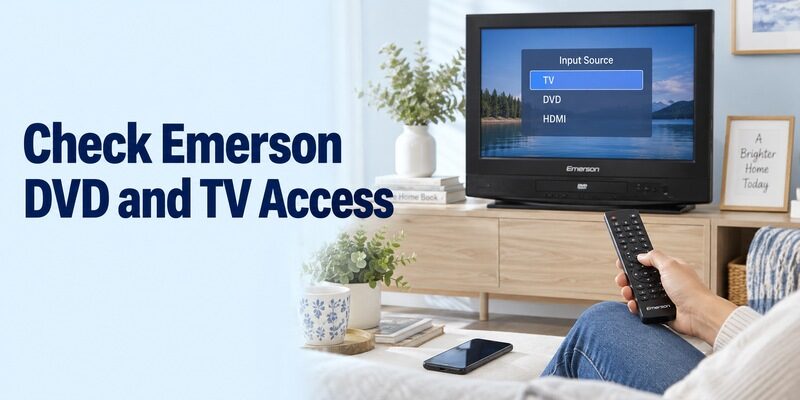
Check the source you use every day, not just the easiest button to demonstrate. Combination televisions can need controls that a minimal mobile remote does not expose.
Test the television tuner and number entry
If you watch over-the-air channels through the TV, confirm that channel changes reach the tuner. A separate provider box uses its own controller even when the picture appears on the Emerson display. Note which equipment handles the channel list and programme guide.
A free emerson tv remote app evaluation should include your normal way of selecting channels. A working volume control does not establish that a number pad, subchannel entry, or guide shortcut is supported by the chosen profile.
Check built-in DVD and return-to-TV access
On a model with a built-in DVD player, test only the playback and menu actions documented for that set. The Emerson ESTD-2400 product information confirms a DVD feature, but a generic remote app’s ordinary TV controls do not prove complete DVD support.
For a free emerson tv remote app setup, verify how to leave DVD or another input and return to your usual source. Keep the physical controller if that recovery action is absent. A remote that starts playback but cannot navigate back may not meet the household’s everyday needs.
Diagnose Infrared and Network Problems Differently
Use the connection type to choose the first check. Troubleshooting Wi-Fi will not fix an incorrect infrared profile, and pointing the phone at the screen will not repair network discovery.
| Observed problem | Likely area to investigate | Useful next check |
|---|---|---|
| IR app has no effect | Transmitter and profile | Confirm hardware, aim, and matching commands |
| Power works but menus fail | Partial IR match | Test another compatible profile |
| Network app finds no device | Target support and local connection | Verify model, awake state, and saved network |
| Player responds but TV does not | Different control targets | Use the television’s supported route |
| DVD controls are missing | App and combination-model support | Compare the required physical buttons |
| Connection stops after router change | Stored network credentials | Reconnect the target with a working controller |
Preserve a known working reference
If the original remote still works, use it to confirm the TV responds normally to the action under test. If another household phone works, compare its app identity, selected device, and connection. This helps isolate the new phone without disturbing the television’s useful setup.
During a free emerson tv remote app investigation, record the first failed step and the visible result. Saying that a profile changes power but not input is much more specific than saying that several applications did not work.
Restart only the relevant connection
Reopen the application or restart the equipment using its normal procedure where appropriate. Allow startup to finish and keep any active software update uninterrupted. A restart and a factory reset are different operations.
Avoid factory-resetting a working television merely to test a free emerson tv remote app. Removing saved setup can make recovery harder when the physical controller is missing. Preserve the current source and network while checking model support or a replacement controller.
Keep a Physical Option When a Phone Route Is Unsupported
A compatible replacement remote can solve tasks an unsupported phone cannot reach. Confirm the television model and required buttons rather than choosing by appearance alone.
The controller should provide access to menus, selection, inputs, and any combination-TV features you use. If it is a universal physical remote, follow that remote’s own manufacturer instructions and code process. Those codes are not interchangeable with an on-screen network-pairing PIN.
A free emerson tv remote app is useful when its requirements are met, but it should not delay restoring essential television access. An IR-only set with a phone that lacks a transmitter needs suitable hardware, not repeated changes to the phone’s Wi-Fi settings.
Make the Working Setup Easy to Use Again
Evaluate a complete viewing routine before relying on the phone. Check the same source, audio output, and control sequence each time you compare options.
Test comfort as well as basic response
Review if another supported interface would help, and verify the exact Emerson model and phone combination first. Keep the known working platform app or IR profile available until the alternative has proved useful beyond installation.
Try the phone from your usual seat and make sure the buttons you use most are easy to reach. An infrared phone may need to remain aimed toward the receiver, while a supported network remote has a different connection requirement. The more comfortable interface is the one that fits the actual task and hardware you have available.
Check whether an advertisement or optional purchase prompt interrupts a common action. Also return to the remote after briefly using another phone application. If the TV must be selected again, make that step part of the household routine instead of assuming the remote is broken whenever it opens without an active target.
Preserve the details needed for a future change
Close the remote, reopen it, select the saved device, and repeat a basic command. Then test after ordinary standby where the chosen route supports it. If a physical controller is needed to wake the set, document that clearly and check whether phone control resumes afterward.
For a free emerson tv remote app used by several people, use a distinct device name and show another viewer how to return to the normal source. Keep the physical backup where it can be found when the phone is charging or unavailable.
Record the television model, phone model, app publisher, and successful control method. Recheck those details when replacing a phone or adding a player. A different handset may lack the old one’s IR hardware, while a new streaming box can change which device the phone should select.
Before changing routers, confirm that the television or player can still be configured using a working physical controller. Reconnect the network target first and only then repeat phone discovery. The phone joining a new network does not automatically transfer the network password to an older television or streaming device that retains its previous setup.
If the old phone remains available, use it as a reference until the replacement has passed the same tests. Note whether the new handset differs in transmitter hardware, application version, permissions, or selected device. Avoid changing several television settings at once merely because the new phone has a different screen layout.
For support, describe the exact equipment and the first action that fails. Include whether the original controller still works and whether the issue affects all buttons or just one source. This keeps the request focused on a reproducible problem and avoids confusing the television with an unrelated Emerson appliance or industrial product sharing the brand name.
Final Thoughts
Keep the model details with your setup notes for future reference.
A free emerson tv remote app works best when the control method, phone hardware, and exact target are verified. Check real infrared requirements for older sets, consult model-specific guidance for smart televisions, and treat attached streaming players separately.
Test the buttons needed for sound, channels, DVD where applicable, and input recovery. Preserve a physical fallback and diagnose the first failure rather than installing more apps without a confirmed match. Dependable access to your own viewing setup is the useful outcome.