Free Bush TV Remote App: Set Up Smart Centre on a Supported TV
Short answer: Check TV Smart Centre by Vestel for a supported Bush smart television. A free bush tv remote app search should begin with the model’s own instructions: the app lists Bush among supported brands, but explicitly says compatibility varies by TV model.
Bush televisions do not all share an identical mobile-control system. Some manuals describe Smart Centre, while an older set may need a physical infrared remote. This guide explains how to verify the supported route, prepare the television, connect an iPhone or Android phone, and recover when the TV does not appear. It also separates basic remote functions from optional media features and shows why downloading another app cannot fix missing network access or unsupported hardware.
Free Bush TV Remote App: Check Smart Centre Model Support
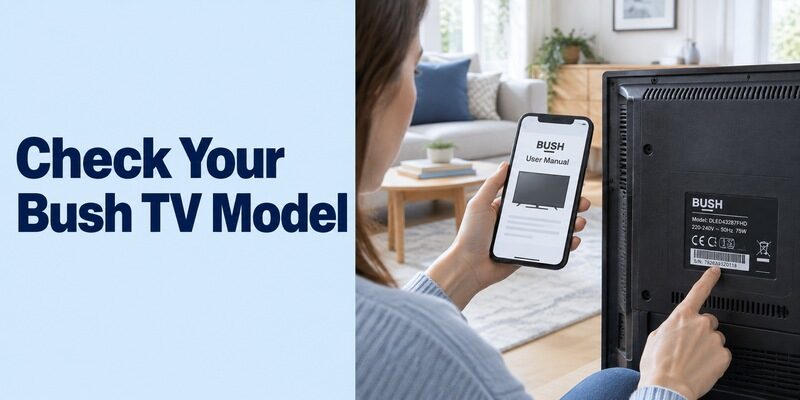
Start with the full model number and its manual. Argos provides Bush product support by catalogue and manufacturer number. Its DLED55UHDHDRSB instruction manual, for example, includes Smart Centre instructions; that is model-specific evidence rather than a promise for every Bush television.
Find the complete television identity
Read the model label or the television’s information screen. Keep the catalogue number too if you have the purchase record. A description such as “Bush 32-inch smart TV” can match several generations with different software and remote requirements.
Before choosing a free bush tv remote app, search the correct product-support page and find the manual’s mobile-control section. Look for Smart Centre, Virtual Remote, or another explicitly documented application. The absence of a familiar icon on the Home screen does not establish that an unrelated phone app will work.
Use the manual as a compatibility filter
The TV Smart Centre store description names Bush and qualifies support by model. Combine that statement with your television’s instructions. Neither a brand list nor a screenshot of a similar set should replace the exact-model check.
If a free bush tv remote app result makes universal claims, ask what connection it actually uses. A supported network service and a matching infrared command profile are different technologies. Establish which one the television offers before comparing download buttons or premium features.
Prepare the Television before Installing the Phone App
The television must already be reachable through the required connection. TV Smart Centre’s current store guidance calls for internet access on the TV, Virtual Remote enabled, and the phone on the same Wi-Fi network.
Keep a working controller within reach
Use the existing remote or a model-supported alternative to open the TV’s settings. If the remote is lost and the television is offline, restore a usable control method first. Installing a free bush tv remote app on the phone cannot automatically enter the television’s missing network password.
Find the physical TV buttons in the manual if necessary. Their functions vary: a power button may not provide full menu navigation. Avoid assuming that a USB socket guarantees support for any keyboard or mouse during initial setup.
Compare the network connections
Read the selected network on both devices, including any Guest or Upstairs suffix. Internet access on the phone is not enough; mobile data and isolated guest Wi-Fi may not provide the local path needed to discover the television.
For a free bush tv remote app setup, keep the TV awake while connecting. Do not reset the set merely to prepare it for an app. A reset can remove the working network configuration and leave you needing the physical remote again before you can proceed.
Read more: Apple TV Remote App Free: Use the iPhone Control You Already Have
Enable Virtual Remote on a Compatible Bush Television
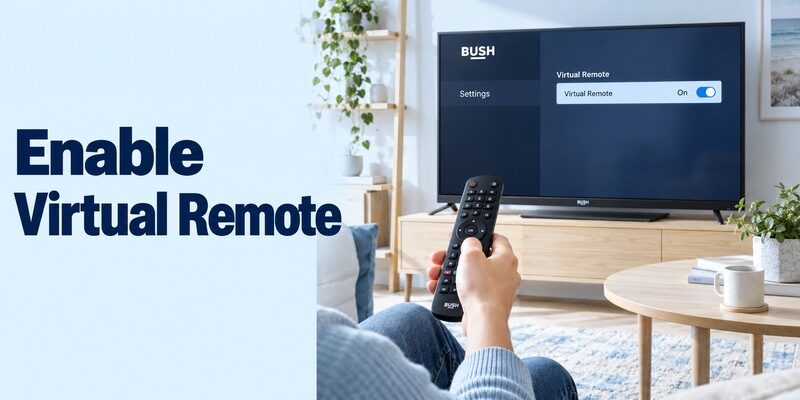
Virtual Remote is a documented prerequisite for TV Smart Centre. Locate it using your model’s settings guide, then turn it on if it is disabled. Menu organisation can differ between televisions and software versions.
Change the setting that belongs to remote control
The Bush DLED55UHDHDRSB manual lists Virtual Remote in its settings description. Use that example to recognise the feature, but follow your own model’s navigation path. Do not change unrelated service menus or install another model’s software to make a missing option appear.
When testing a free bush tv remote app, record the original setting before changing it. Return to the app and repeat device discovery after the relevant change. This keeps the result understandable and avoids confusing several simultaneous adjustments with one successful fix.
Separate remote access from media sharing
Audio Video Sharing is a different feature discussed in Bush’s Smart Centre instructions. It relates to sharing supported media. It should not be treated as a universal substitute for Virtual Remote or evidence that every phone-control feature is enabled.
If your goal is simply to change volume or navigate menus, verify those actions first. A free bush tv remote app connection should be judged by the controls you need, not by whether every optional photo-sharing or television-streaming feature is also available.
Install the Correct TV Smart Centre App
Verify the publisher as well as the app name. The current Apple listing identifies Vestel Elektronik ve Sanayi Ticaret AS and labels TV Smart Centre free. Its Google Play listing provides the Android route under Vestel.
Compare the listing with the supported instructions
Open the app store on the phone and inspect the actual product page. A sponsored result using the Bush name can belong to an independent developer. That does not automatically make it unsuitable, but it is not the same application described by the Smart Centre instructions.
A bush tv remote control app free search can return several business models. Read any purchase or trial screen before accepting it. If an unexpected subscription appears while you intended to install TV Smart Centre, recheck the publisher and the app you opened.
Use the current phone requirements
An older printed manual may describe earlier iOS or Android versions. The current store listing determines whether you can install the current release on your phone. Do not assume the operating-system minimum printed years ago remains sufficient.
For a free bush tv remote app download, prefer the verified current store destination over an archived installation package. If the supported app is unavailable for your device or region, check Bush support for an appropriate alternative instead of treating every similarly named file as interchangeable.
Connect an iPhone or Android Phone through Add TV
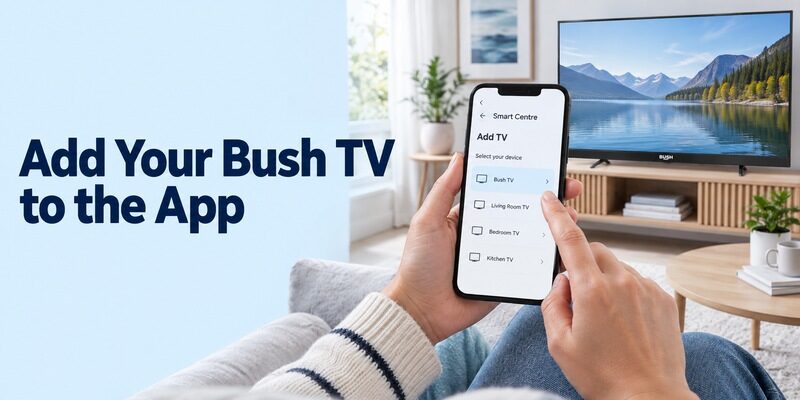
Finish the supported discovery process before testing extra features. With the TV prepared, open TV Smart Centre and use Add TV. Follow the prompts actually displayed by the current application and your television.
Select the intended television
Keep the television visible while choosing it. In a home with several compatible sets, a saved device name may refer to another room. Select the correct target and complete any authorization shown by that specific setup.
Someone looking for a free bush tv remote app for iphone should also check any requested local-device permission in iPhone Settings if discovery fails. Grant access in the context of connecting to the television, then reopen the app and repeat the selection.
Confirm a visible response
Open the remote interface, move one menu highlight, and select an ordinary item. Return to the previous screen afterward. This establishes that the selected television receives commands; a saved TV card alone does not prove an active connection.
For a free bush tv remote app on Android, follow its current permission prompts and confirm the phone remains on the intended network. If another household phone already works, compare its app identity and selected network before changing the television’s settings.
Close and reopen the application after the first successful test. Reconnect to the same TV and repeat a simple command. This brief second session helps distinguish a dependable everyday setup from a connection that worked only during initial installation.
Read more: Sony TV Remote App for Android: Complete Download and Setup Guide
Test the Controls You Actually Use
Navigation, sound, and media features deserve separate checks. TV Smart Centre describes basic remote controls and additional functions, but the television’s capabilities determine what is available.
| Everyday task | Simple check | What the result tells you |
|---|---|---|
| Menu navigation | Move a highlight and select an item | Basic remote commands reach the TV |
| Television volume | Change one step, then restore it | The current audio path accepts that control |
| Input selection | Return to the usual viewing source | You can recover after changing sources |
| Text entry | Type a short search in a supported field | That field accepts phone keyboard input |
| Reconnection | Reopen the app and select the TV again | The setup works beyond its first session |
Check the television and external equipment separately
A satellite receiver, streaming stick, or soundbar can require its own control route. If the phone opens Bush menus but cannot change a receiver’s channels, determine which device handles those channels before diagnosing the TV app.
A free bush tv remote app may make ordinary television use easier without replacing every physical button in the cabinet. Keep a suitable controller for tasks the phone does not expose. Missing receiver controls are not automatically a failure of the Bush connection.
Treat optional functions as optional
Recording, FollowMe TV, media sharing, and voice features have additional conditions. Do not infer their availability from a successful navigation test. Read the relevant feature instructions for the model and the phone before relying on them.
Your free bush tv remote app evaluation should prioritise a repeatable viewing routine: Home, the usual source, playback where supported, and a return to the starting screen. A long feature list is less useful than knowing those daily tasks work reliably.
Resolve a Bush TV That Does Not Appear
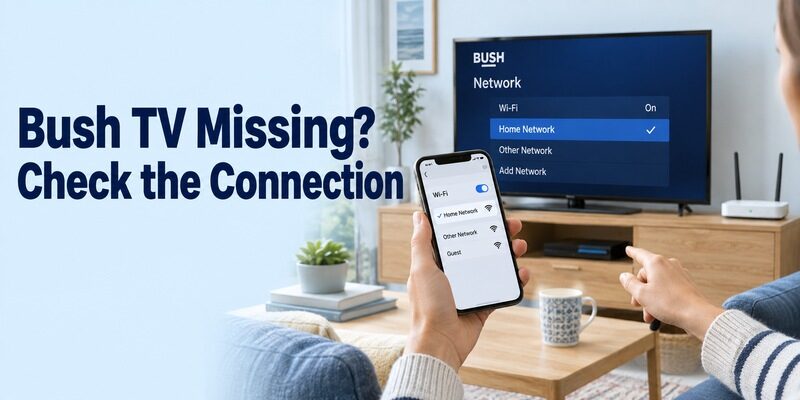
Find the first failed stage: compatibility, discovery, or response. Reinstalling repeatedly is less informative than checking the prerequisite associated with that stage.
| Symptom | First check | Practical next step |
|---|---|---|
| No television listed | Model support and shared network | Wake the TV and compare connections |
| Smart Centre cannot add TV | Virtual Remote and TV internet access | Restore documented prerequisites, then retry |
| Another room responds | Selected device identity | Return to the selector and choose the correct TV |
| Only one phone fails | App version and required access | Compare with a working household phone |
| Menus work, channels do not | Active receiver or viewing source | Use the controller for the device handling channels |
Retest one change at a time
After correcting a network or permission issue, reopen the app’s device list. Keep the television awake and repeat the same selection. Note which change restored discovery rather than making several adjustments and losing the useful result.
For a free bush tv remote app problem after a router replacement, check the TV’s stored connection first. A phone joining the new network does not transfer that network configuration to the television. Use a supported controller to reconnect the set if required.
Preserve evidence for model support
Record the TV model, phone system, app name, and exact step where the process stops. Distinguish an empty device list from a selected TV that ignores commands. That description gives support a better starting point than saying the entire app is broken.
Avoid resetting a working television while its only physical remote is missing. A free bush tv remote app troubleshooting attempt should preserve access to setup menus and the known network whenever possible, especially when the current problem affects only one phone.
Understand Free Use and Infrared Limitations
A free download does not create hardware or guarantee every feature. The Smart Centre route is documented for supported network-connected televisions. An older Bush set with only infrared control needs an appropriate transmitter and matching commands.
Confirm a real infrared control path
An ordinary iPhone cannot become an infrared remote merely by installing software. Some Android phones contain an IR blaster, but that must be confirmed in the phone’s specifications. A camera, flashlight, or Bluetooth connection is not equivalent to the required infrared transmitter.
Read the limits of an independent free tier
When comparing a free bush tv remote app from another publisher, inspect both compatibility and its free tier. Check whether navigation remains available after any introductory screen and whether the functions you need require a purchase. A paid upgrade does not repair an unsupported television platform.
Keep television subscriptions and movie purchases separate from remote access. Opening a streaming service through a phone controller does not make that service’s content free, and a programme purchase screen is not necessarily a charge for the remote itself.
If an infrared app offers several profiles for the brand, verify more than the power key before saving one. A partially matching profile may turn the television on while sending the wrong menu or input commands. Use a simple reversible sequence, and do not repeatedly press unfamiliar buttons in a settings screen.
A free bush tv remote app that depends on an external IR accessory also depends on that accessory’s compatibility, setup, and power. Check those requirements separately from the phone application. An accessory purchase can change the cost of the overall solution even when the software itself has no download charge.
Keep a Practical Alternative and a Physical Backup
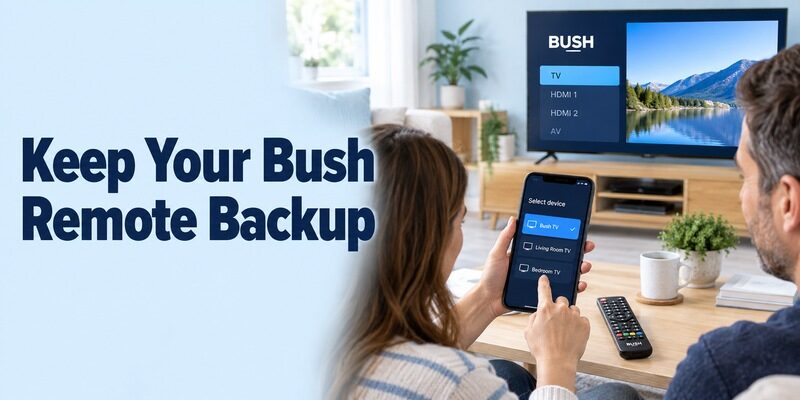
Choose a backup around the situation it needs to solve. For another phone interface, review and confirm support for your Bush model and phone. On a compatible connection, it can keep navigation convenient when the physical remote is misplaced.
Retain the verified Smart Centre setup while comparing another app. Test both on the same television state and source. A free bush tv remote app alternative should solve a specific control or usability gap rather than introduce several indistinguishable icons with untested device connections.
Keep a compatible physical controller for initial setup, network changes, and a discharged phone. Show another household member how to select the correct TV and return to the normal viewing source. Those small preparations are more useful than assuming every future interruption can be solved by another download.
Give each saved television a clear room identity wherever the supported interface allows it. Avoid relying only on the default brand name when two sets appear alike. Before lending the phone, demonstrate the device selector, Home control, and return to the usual input so the next person can recover from an accidental selection.
Keep a short note of the app that actually worked, the TV model, and any functions still requiring a physical controller. After a television replacement, check the new model afresh instead of assuming the previous saved connection transfers. The same brand name can conceal a different operating system or control service.
For a free bush tv remote app arrangement used daily, test after a normal overnight standby rather than only immediately after setup. If the app cannot wake the set, use the physical controller to turn it on and then confirm phone navigation again. That separates standby behaviour from a complete loss of compatibility.
If an app starts showing an unfamiliar purchase screen after an update, first confirm its identity and current terms. Keep your working control method available while deciding whether the changed interface still suits your needs. There is no need to disturb the television’s tuning or network settings merely to compare a different phone layout.
Final Thoughts
The most useful free bush tv remote app starting point is TV Smart Centre where your Bush model supports it. Verify the manual, enable Virtual Remote, establish the required network connection, and confirm a visible response from the intended television.
Use current store requirements for the phone, test everyday controls separately from optional media features, and retain a physical fallback. A supported and repeatable connection is the basis of a dependable free setup.