Philips TV Remote App Free: Match the App to Your Television
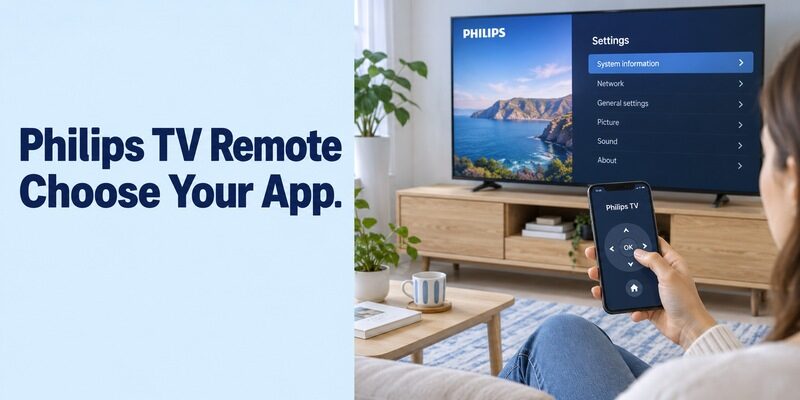
Short answer: Use Philips Smart TV, Google TV, or Roku’s app according to your Philips television’s platform. A philips tv remote app free search does not have one universal answer because Philips-branded televisions use different systems across models and markets.
The official Philips Smart TV app is relevant to supported TP Vision televisions, Google TV provides a documented route for compatible Google TV sets, and Roku televisions use Roku’s own mobile app. This guide helps you choose between those routes before installation, then test the controls you need without confusing a free download with guaranteed compatibility. It also covers Ambilight, older model references, network discovery, and what a phone can realistically do when the physical remote is missing or the TV is offline.
Choose the Philips TV Remote App Free Route for Your Platform
Read the TV’s system information before choosing an app. Look for the complete model number and the operating system shown in its settings or product documentation. A streaming player attached to HDMI is a separate target from the television.
| Television or source | Starting route | Verify first |
|---|---|---|
| Supported TP Vision Philips TV | Philips Smart TV app | Model, region, firmware, and phone requirements |
| Philips Google TV or supported Android TV | Google TV platform remote | Documented platform support and local connection |
| Philips Roku TV | Official Roku mobile app | Roku system and shared network |
| Older Philips smart-TV platform | Model-specific Philips support | Current app availability and supported functions |
| Non-smart Philips television | Compatible physical or hardware-based remote | Actual infrared hardware and command support |
This comparison routes you to a plausible option; it does not certify every model. For philips tv remote app free use, the television’s support page and the app’s current listing should agree about the supported system.
Do not infer compatibility from screen size or purchase date alone. A recently purchased clearance television can belong to an older software generation. Keep the full model identifier available throughout setup, especially if the instructions you find refer to a different country or series.
Pair the Philips Smart TV App on Supported Models
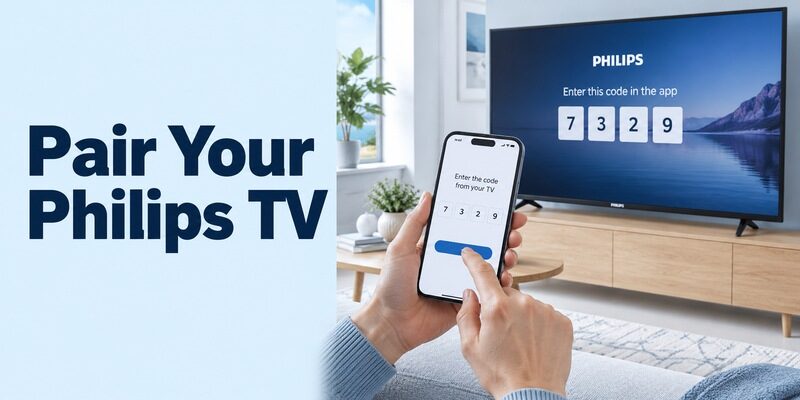
Check that the publisher is TP Vision for this app route. Its official store description explains network-based television control and describes compatibility with its supported Philips smart-TV range. Regional product support still matters.
Install the correct app and select the television
For a philips tv remote app free download, start from the manufacturer’s app or model-support page and follow its store destination. Keep the television on, connect the phone to the required home network, and open the app’s device-selection process.
Follow the authorization prompt displayed by your television. Philips’ Smart TV app instructions describe a TV-screen code during pairing on supported models; use the current prompt rather than assuming every Philips platform follows the same sequence.
Confirm a response before exploring extra controls
Once selected, move the TV highlight once and open an ordinary menu item. Return to the previous screen. A philips tv remote app free session is useful only when commands reach the intended television, not merely when the app shows a saved device.
Close the controls and reopen them to check reconnection. If you have more than one television, choose a recognizable name through the supported settings. That small step prevents a working app from appearing unresponsive because it is controlling a different room.
Use Google TV for a Philips Google TV Set
Philips’ US support page titled How do I use my phone as a remote for my Philips Google TV describes the Google TV app on Android. Apply that guidance to the listed platform and supported models, not to every Philips television.
Connect through the platform’s remote control
Open Google TV on the Android phone and choose its nearby-TV or remote control entry. Select the television and complete the on-screen pairing steps. Google’s current help labels may differ from an older Philips screenshot, so follow the current app’s device-connection control.
For philips tv remote app free setup, compare the phone and television’s network names before retrying an empty list. A television connected to the main home network may be invisible to a phone on an isolated guest connection even though both can stream video.
Test the tasks you actually use
Check Home navigation, selection, Back, and a short text search. Then inspect supported playback and volume functions. Do not use a successful cast session as your only evidence; sending a video and navigating the television’s menus are different tasks.
An iPhone user should check the current platform and model guidance separately. Do not treat an older Android-only support page as a universal statement about every present-day iOS route. A philips tv remote app free recommendation must fit both the TV and the phone you have now.
Select Roku’s App for a Philips Roku Television
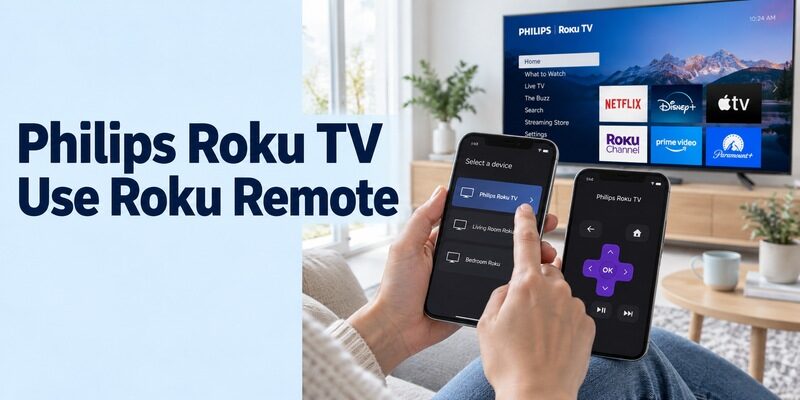
A Philips Roku TV follows Roku’s remote-control system. The official Roku mobile app is the appropriate starting point when Roku OS is built into the television, rather than an unrelated app chosen solely for the Philips name.
Connect the phone to the reachable Roku TV
Roku’s official mobile-app guidance describes selecting the device and opening Remote on the same home network. Confirm that the TV is powered and already configured for that network. The app cannot discover a television sitting offline after a reset.
When evaluating philips tv remote app free options, note whether you own a Roku television or just a Roku player attached to a Philips screen. A player primarily controls its streaming interface; additional TV functions depend on the supported configuration.
Check TV-level controls separately
On a Roku television remote, inspect the available volume, input, and live-TV controls in addition to menu navigation. What appears can depend on the device and current source. Do not confuse a streaming service’s program list with the TV’s antenna-channel guide.
If a philips tv remote app free session navigates Roku normally but fails to control another connected source, select that source’s own supported remote. A soundbar, receiver, or HDMI box may still need a different control path for its specialized functions.
Test Ambilight, Text Entry, and App Shortcuts by Feature
The Philips Smart TV listing describes functions including Ambilight control, keyboard entry, and switching television apps on supported equipment. Check each feature against the television’s actual hardware and software.
Ambilight requires an Ambilight television
An app button cannot add rear lighting to a television without the hardware. If your Philips set includes Ambilight, try a simple supported setting and verify the physical change. Restore the previous setting after the test so other viewers recognize the normal appearance.
For a philips tv remote app free comparison, do not equate a generic remote’s colored interface with real Ambilight integration. A useful claim identifies the supported feature and equipment rather than borrowing the television’s marketing images.
Keyboard and app switching need their own tests
Open a supported search field and type a short word. Compare the result on the screen before entering an account password. If one television app rejects phone typing, try another supported field to distinguish that app’s behavior from a lost remote connection.
Test an app shortcut by opening a service already installed on the TV. A philips tv remote app free choice does not make unavailable apps appear in a regional catalog, nor does it provide a subscription to the service it launches. Control and content access are separate questions.
Check Older Models and Regional App References Carefully
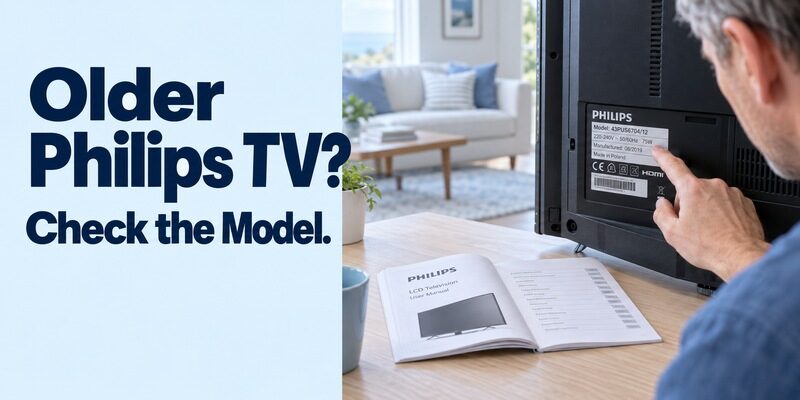
Older product literature can describe features that differ from today’s downloads. Philips televisions have used several smart platforms, and support pages can remain searchable long after the interface shown in their illustrations changes.
Match the market and model suffix
Use the support information for the television’s full identifier, including its regional suffix. A similar series name in another market may use a different platform or manufacturer support route. Do not apply a broad app-store claim to an unrelated Philips-branded product family.
For philips tv remote app free research, current store requirements should be read alongside the model manual. The store page tells you about the phone app; the manual and product support establish what the television can actually do.
Avoid reviving an old app by guesswork
An old manual may mention MyRemote or another previous app name. Check the manufacturer’s current guidance before searching for an archived package. Installing legacy software does not guarantee that the television service, phone permissions, or operating-system compatibility still exist.
If your older TV lacks a current supported phone route, retain a compatible physical controller. A philips tv remote app free search should end with a usable control method, not a collection of unverified downloads that cannot communicate with the set.
Before replacing an app, photograph its existing device name and the TV model label. This helps you tell a failed update from a change in the selected television. If support asks for a software version, copy it from the television settings rather than using the version number shown in the phone store. Those refer to two different products.
Read more: Hisense TV Remote Control App Free Options by Platform
Keep the Download Free and Permissions Understandable
Inspect the publisher and the ongoing price, not just the install label. A free universal remote app for philips tv may use advertising, a trial, or paid functions. Those terms differ from the official platform options.
Read trial and feature limits before accepting
Check whether navigation, volume, keyboard input, and device switching are included without payment. If the app offers a trial, read the renewal wording and the relevant cancellation process before starting it. Do not approve a recurring charge just to see whether your TV appears.
A philips tv remote app free installation that cannot find an unsupported television will not necessarily improve after purchase. Establish compatibility and a working basic command before comparing premium features.
Grant access for the documented function
Local discovery can require phone permissions, while voice input can require microphone access. Follow the selected app’s current instructions and distinguish necessary setup access from optional features. Android and iOS organize permissions differently across versions.
If you previously denied required local access, inspect the app’s settings and retry discovery before reinstalling. For philips tv remote app free troubleshooting, changing one permission at a time produces a clearer result than approving everything and resetting both devices together.
Read more: Vizio TV Remote App Free: Official Setup and Wi-Fi Limits
Understand Offline Control Before Discarding the Remote
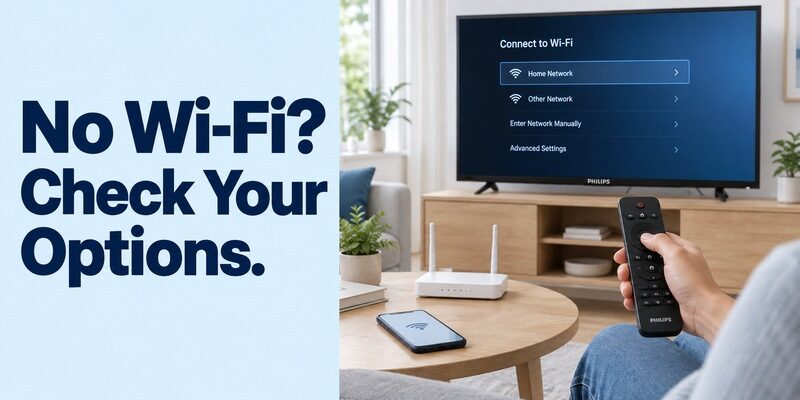
A phone still needs a supported communication path. A network remote depends on the television being reachable; an infrared solution depends on real transmitter hardware and compatible commands.
An internet outage is not the same as no local network
A router can keep the household network running while its internet connection is interrupted. Whether a particular app and session continue working depends on that product’s design and requirements. Test your essential controls before relying on them during an outage.
Do not assume that every philips tv remote app free option works offline merely because it is installed. A phone on cellular data cannot automatically reach a TV isolated on the home network, and an unconfigured television still needs a way to complete setup.
Infrared and Bluetooth are not interchangeable promises
Most phones do not transmit infrared commands without appropriate hardware. Bluetooth on both devices also does not establish that a particular app supports direct remote commands. Read the documented method rather than interpreting wireless icons as universal compatibility.
If the TV accepts only a physical controller in its current state, obtain a suitable replacement. That can restore network access and make a philips smart tv remote app free setup possible afterward, without erasing the television’s existing configuration.
Diagnose the First Failed Step in the Connection
Classify the problem before changing settings. Installation failure, an empty device list, a rejected authorization prompt, and one missing function do not point to the same cause.
| Observed problem | Relevant check | Practical response |
|---|---|---|
| App unavailable for phone | Store region and system requirements | Consult the official supported route |
| TV never appears | Correct platform and shared network | Check TV connection and phone permissions |
| Code appears on another screen | Selected device | Cancel and choose the intended TV |
| Navigation works, Ambilight does not | Hardware and app feature support | Check the model’s lighting capabilities |
| TV disappears after router change | Saved television connection | Reconnect with a supported controller |
For philips tv remote app free recovery, start by waking the television and reopening the correct app. Compare network names and review its model requirements. Keep a record of any change that improves the result, then retest the same simple navigation action.
If the physical remote and phone both fail on the same frozen screen, the issue may be broader than mobile control. Consult the television’s model-specific restart guidance. Avoid resetting the set while you have no reliable way to navigate its initial setup afterward.
For an intermittent failure, write down whether the television was fully on, in standby, or just returning from an input change. Repeat the same navigation command under that condition after each adjustment. This makes a support request more useful than reporting that the app sometimes works, and avoids mistaking a sleeping television for an unsupported model.
Frequently Asked Questions
Is one Philips phone app suitable for every Philips television?
No. A philips tv remote app free choice depends on the operating system, model, market, and supported phone requirements. Philips Smart TV, Google TV, and Roku cover different routes. Identify the television first, then follow its documented app rather than choosing by the Philips logo alone.
Can I control Ambilight through any universal remote app?
No. Ambilight requires compatible television hardware and an app that explicitly supports the feature. Generic directional navigation does not prove access to lighting settings. Test the documented feature on your model, and retain the television’s own controls for options the phone interface does not expose.
Can I use an iPhone with a Philips Roku TV?
Yes, the official Roku mobile app provides an iOS route for supported Roku devices. The TV must be reachable through the required network, and the phone must meet the current app requirements. This does not establish compatibility with Philips televisions running a different operating system.
Will a paid upgrade reconnect a TV after a factory reset?
Do not assume so. A reset can remove network settings, leaving the television undiscoverable. Restore its supported connection using a compatible controller first. Paying for an app does not by itself join the TV to Wi-Fi or complete an inaccessible initial setup screen.
Choose an Alternative Only for a Specific Unmet Need
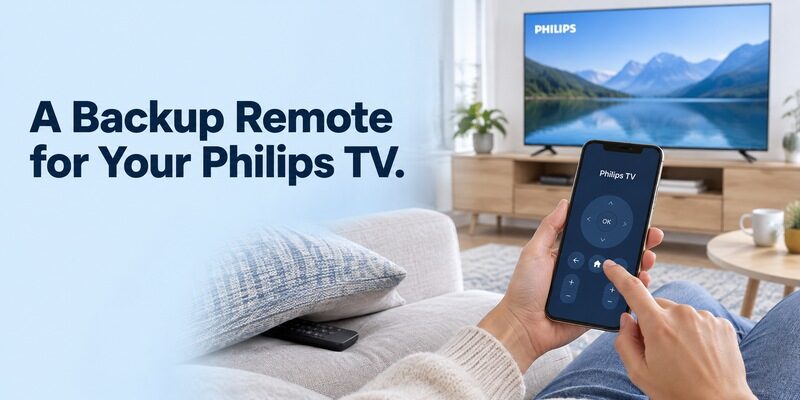
Keep a working official app as your baseline. If you want a different layout or another supported control interface, compare it against the functions you have already verified, not against a broad universal-control slogan.
Review and check support for your Philips model and phone. On a compatible connection, it can make navigation available when the physical remote is misplaced. It does not add unsupported Ambilight hardware or bypass the television’s network and authorization requirements.
A dependable philips tv remote app free arrangement should also be easy for another household member to use. Show them how to select the correct room, return Home, and reach the usual input. Keep the physical backup accessible for network changes and phone charging.
Final Thoughts
The right philips tv remote app free option starts with the television’s platform and full model number. Choose the documented Philips Smart TV, Google TV, or Roku route, then confirm basic navigation before exploring extra controls.
Check Ambilight, text entry, audio, and offline behavior separately. Clear compatibility and a repeatable test are more useful than a universal claim, and a supported physical remote remains the practical backup when the network or phone is unavailable.