Vizio TV Remote App Free: Official Setup and Wi-Fi Limits
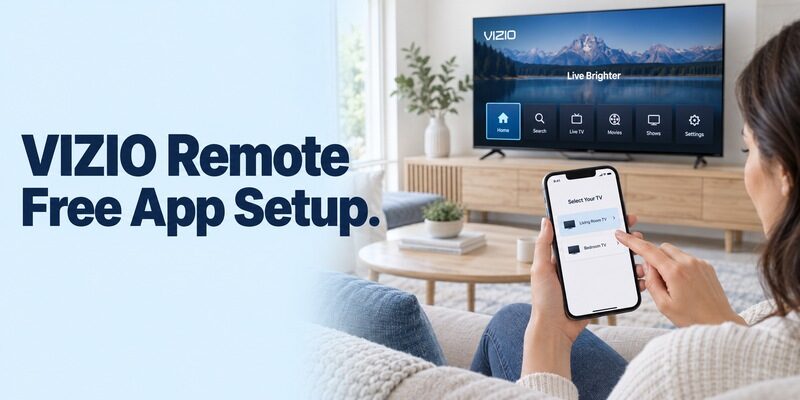
Short answer: Use the official VIZIO mobile app for free phone control of a compatible VIZIO smart TV. A vizio tv remote app free search should lead you to the manufacturer’s app before any paid universal alternative, but the television must support mobile control and be reachable from your phone.
The important difference is between losing a remote after the TV is connected and trying to set up a disconnected TV for the first time. This guide explains how to identify the right download, pair an iPhone or Android phone, check which controls work, and recover from discovery problems without erasing your television’s settings. It also separates a free remote from paid streaming subscriptions and explains why an app cannot add infrared hardware to your phone.
Choose the Official Vizio TV Remote App Free Option
The publisher matters more than the app icon. Search results can mix VIZIO’s own app, independent remotes, video services, and advertising pages that resemble download buttons. Begin at VIZIO’s official mobile-app page and follow its store route on your phone.
Identify VIZIO’s own listing
For a vizio tv remote app free download, check the developer information and the destination store before installing. An app that places the brand in its title is not necessarily made by that brand. Read the compatibility description rather than judging by a familiar television illustration.
Keep the store page available until you finish pairing. If a subscription screen appears unexpectedly, you can return to the listing and compare its developer with the manufacturer’s destination instead of assuming that VIZIO requires payment for every remote command.
Read more: Free Remote Control App for TV: Best Free Apps for iPhone, Android & Smart TVs
Separate remote access from entertainment purchases
People looking for a free smart remote often also see movie rentals and streaming subscriptions. Those are separate transactions. A vizio tv remote app free option does not make every service launched on the television free to watch.
| Option | Appropriate use | Check before choosing |
|---|---|---|
| Official VIZIO mobile app | Supported VIZIO smart-TV control | Model compatibility and network access |
| Independent remote app | Alternative interface for supported devices | Developer, trial terms, supported functions |
| Physical replacement remote | Offline setup and dependable basic control | Exact TV or remote compatibility |
A useful check is to distinguish an install button from a button inside an advertisement. If a page opens a checkout form before showing the actual store listing, close that page and start again from the manufacturer. You should be able to inspect the product identity before deciding whether to download it. Keep purchases of films, paid channels, and remote software separate when reviewing any charges.
Confirm That Your Television Supports Mobile Control
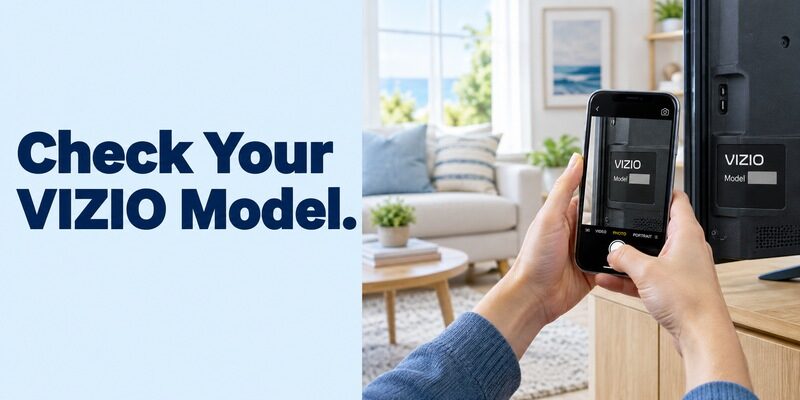
A VIZIO logo alone is insufficient evidence of compatibility. Find the model number on the rear label or in the television’s system information, then consult that model’s support material. Photograph the label if reaching behind the screen is awkward; do not move a large television alone just to read it.
Modern smart television versus an older set
A free vizio smart tv remote app is relevant when the TV has a supported network-control system. An older set that accepts only infrared commands cannot acquire that system by installing software on a phone. Its HDMI sockets and USB ports do not establish mobile-app support.
When evaluating a vizio tv remote app free listing, look for explicit device requirements. Avoid interpreting a long list of television brands as a promise that every model from those manufacturers works.
Read more: Samsung Remote TV: Complete Guide to Setup, Use, Fix, and Control Your Samsung TV
Built-in apps versus an HDMI streaming device
If you normally watch through a Roku player or Fire TV Stick, decide which device you need to control. The VIZIO app addresses supported television functions; the streaming device has its own platform remote. A phone showing playback controls for the stick may still lack access to the TV’s input menu.
For a vizio tv remote app free setup, test the television’s own Home screen first. That removes uncertainty about whether a button is affecting the TV, an HDMI player, or neither.
Do not substitute a series nickname for the complete model number when contacting support. Sets that look nearly identical can have different software generations. For a vizio tv remote app free compatibility question, the full model is the useful identifier; the screen size and the year you purchased it are only supporting details. A secondhand television may be considerably older than its purchase date suggests.
Connect the Phone and TV Before Pairing
An existing shared home network is the starting point. VIZIO’s mobile-app guidance specifies the same Wi-Fi network for the television and phone. Mobile data on the phone is not equivalent to joining the TV’s home network.
Check both network names
Open Wi-Fi settings on the phone and the network menu on the TV. Compare the actual names, including suffixes such as Guest or Upstairs. Two connections supplied by the same internet company are not necessarily part of the same local network.
A vizio tv remote app free connection can fail even while both devices stream video perfectly. Streaming checks access to the internet; remote discovery depends on communication between devices inside the home. Guest networks commonly restrict that communication.
Keep a working control available
Before installing anything, place the physical remote beside you if it still works. You may need it to read settings, select the correct input, or wake the television. Charge the phone sufficiently to complete setup without a battery interruption.
Do not factory-reset the TV to prepare a vizio tv remote app free connection. A reset can remove the very Wi-Fi configuration that allows a phone to find it, creating a harder problem than the original missing-remote situation.
Pair an iPhone and Approve Local Network Access
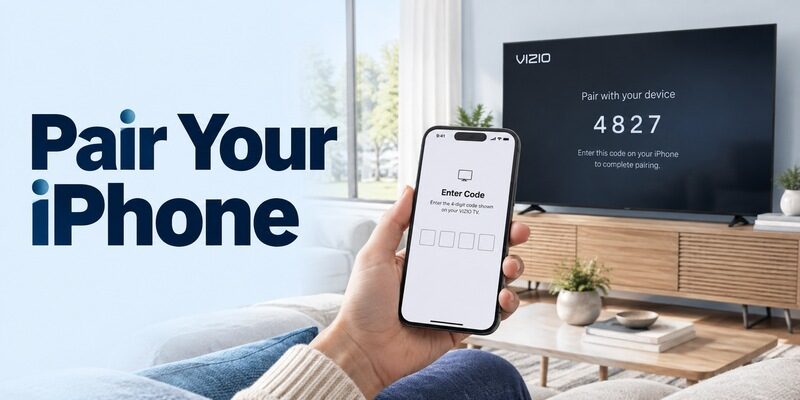
For a free vizio tv remote app for iphone, use the official iOS store route and then open the app near the television. Allow the app to discover devices on your local network when iOS requests that access.
Choose the television and enter its code
VIZIO’s official mobile page describes selecting the TV in the device selector and entering the four-digit code displayed on the screen. Read the code from the intended television, especially in a home with more than one VIZIO set.
An unexpected code on a different screen means you selected the wrong device. Return to the device list and choose again. A vizio tv remote app free pairing code is a local authorization step, not an activation fee or a payment-card verification request.
Repair a permission declined earlier
If you dismissed the permission prompt, check the VIZIO app’s settings in iOS and enable Local Network access where available. Reopen the app afterward. VIZIO’s app FAQ specifically identifies this permission when troubleshooting Apple devices.
Do not repeatedly reinstall a vizio tv remote app free candidate before checking that setting. Reinstallation creates extra work and may obscure whether the actual issue was permission, network selection, or device compatibility.
If the connection works on another household iPhone, compare permissions and network selection on the first phone before changing the TV. That comparison narrows the fault to one device without disrupting a working setup. Conversely, when several phones fail to discover the same television, inspect the TV and network together. These are diagnostic comparisons, not proof that any particular app or phone is defective.
Set Up Android Without Paying for Basic Navigation
The same official app route applies when choosing a free vizio tv remote app for android. Read each permission in relation to the feature you are using, then pair with the television shown in the device selector.
Complete one setup attempt at a time
Install from Google Play, open the app, and follow the current connection prompts. Keep the TV visible while reading its pairing code. Avoid opening several remote apps simultaneously because it becomes difficult to identify which app produced a prompt or initiated a connection.
After pairing, press a direction once and watch the highlighted TV item move. That simple test proves more than a connected badge. A vizio tv remote app free interface should be assessed by its response on your actual television.
Understand what “without remote” means
The search free vizio tv remote app for android without remote describes two different situations. A television already reachable on the home network may pair with your phone. A television waiting for initial Wi-Fi setup may still require a compatible physical controller.
Keep those situations separate when following instructions. An app installation is not a substitute for completing an inaccessible television setup screen, and installing additional copies will not put an offline TV onto the network.
After the first successful session, close the app normally and open it again. Confirm that selecting the saved television restores navigation. Then let the TV enter its ordinary standby state and see whether the app can reconnect in your configuration. A vizio tv remote app free arrangement that works only while the screen is already awake may still be useful, but the household needs to know how to turn the television on.
Read more: Apple remote tv app: Complete Apple TV Remote Guide for iPhone, Siri Remote, Pairing & Fixes
Check Volume, Inputs, and Playback Individually
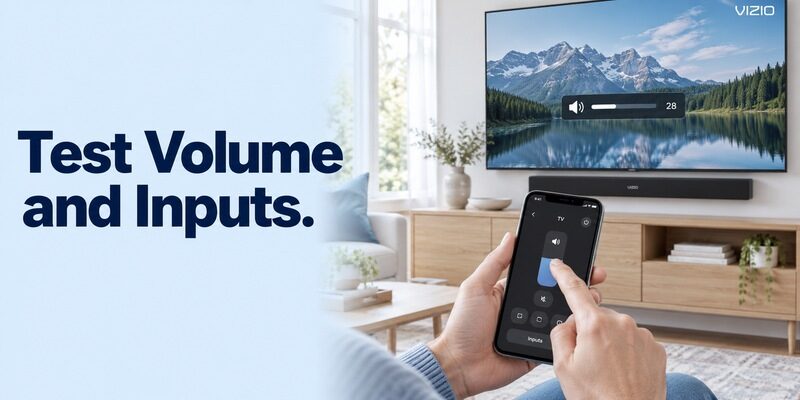
Successful pairing does not prove that every function in your setup is covered. VIZIO’s mobile page describes volume, input, and playback controls, but your audio arrangement and connected equipment still matter.
Verify the television controls
With a vizio tv remote app free connection active, check Home, directional navigation, selection, and Back before opening a streaming service. Then change volume by one step and return it to the original level. Finally, check the input selector without disconnecting cables.
This sequence establishes a baseline. If menu navigation works but one streaming app ignores a command, the connection itself may be healthy. Note which screen and function fail instead of treating all control problems as pairing failures.
Check external sound and source devices
A soundbar may handle volume differently from the TV’s speakers. Likewise, an HDMI player can need its own remote interface for navigation. Test those separately and consult their settings rather than expecting one on-screen remote to reproduce every physical button.
If your vizio tv remote app free choice controls the TV but not a receiver, keep the receiver remote accessible. A practical setup can use more than one control method while still making everyday television navigation easier.
Keep a short record of the successful functions: for example, Home and inputs on the TV, playback on the active streaming source, and volume on the soundbar. This avoids replacing a working application because one unrelated device needs a separate command. The goal of a vizio tv remote app free setup is reliable access to your viewing routine, so judge it against those actual tasks.
Understand the “Without Wi-Fi” Claims
Queries such as vizio tv remote app without wifi free and free vizio tv remote app without wifi often lead to overly broad promises. A phone needs a supported communication path to the TV. Downloading an app does not create one.
No internet is different from no network
A home router can remain powered while the internet connection is down. That is different from a television and phone having no shared network at all. Whether a particular app continues working during an internet outage can depend on its current session and features.
Do not rely on a vizio tv remote app free solution as your only emergency control. Test the functions you need in your own setup before removing the physical remote from everyday use.
Infrared needs real hardware
An infrared remote sends light signals to the TV’s receiver. Most phones cannot transmit those signals, and an app cannot turn a camera or ordinary Bluetooth radio into an IR emitter. A free universal remote app for vizio tv must disclose whether it uses network control or requires actual infrared equipment.
If neither a usable network connection nor compatible IR hardware exists, obtain a suitable physical remote. That is a connectivity requirement, not a limitation that a premium app subscription automatically removes.
Diagnose a TV That Does Not Appear
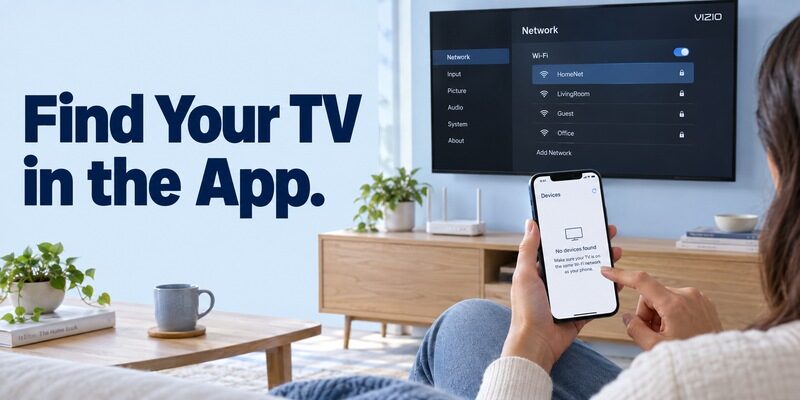
Start with the earliest failed stage: discovery, authorization, or response. A television absent from the list requires different checks from one that displays a pairing code but ignores commands.
| Symptom | First check | Useful next action |
|---|---|---|
| TV missing from device list | Power and shared network | Wake TV and compare Wi-Fi names |
| iPhone sees no local devices | Local Network permission | Enable access and reopen app |
| Code appears on another TV | Selected device name | Cancel and choose the intended set |
| Navigation works, volume fails | Audio output arrangement | Check TV versus soundbar control |
| Connection disappeared after router change | Saved network credentials | Reconnect TV with a working remote |
For a vizio tv remote app free troubleshooting attempt, change one variable, reopen the device list, and record the result. Restarting the app is less disruptive than resetting the television. If the network recently changed, repairing the TV’s connection should come before experimenting with unrelated downloads.
Persistent failures deserve a model-specific support check. Gather the TV model, phone system version, app version, and the exact screen where setup stops. That information is more useful than reporting only that the app does not work.
Keep a Free Setup Free and Maintain a Backup
Read subscription terms before confirming any trial. A free download label may describe installation rather than unrestricted use. The phrase free tv remote app for vizio can return independent products with different business models.
Evaluate an alternative fairly
If you consider a free remote control app for vizio tv, inspect the developer, supported models, renewal wording, and which controls remain available without payment. Do not purchase a plan merely because the app has not discovered your television; payment does not repair a network mismatch.
For another interface, review and confirm that your specific VIZIO model and phone are supported. It can provide convenient phone controls on a compatible connection when the physical remote is unavailable, but it cannot bypass offline setup or add missing hardware.
Prepare for the next interruption
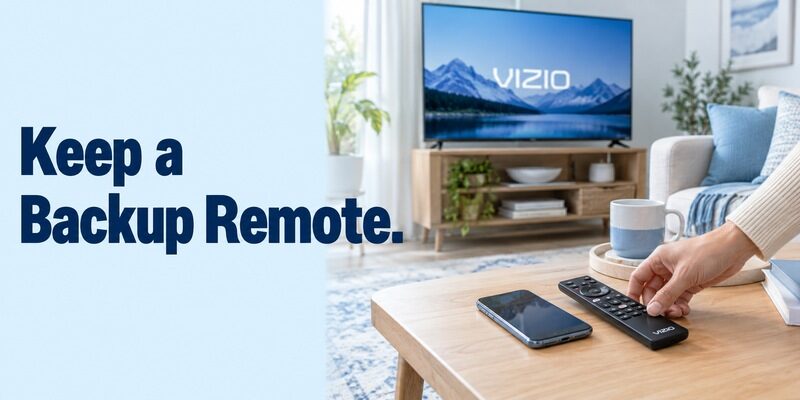
Once your vizio tv remote app free setup works, give the TV a recognizable device name if its settings allow it. Keep a compatible physical remote where other household members can find it, and record which phone app you installed.
After changing the router, revisit the television’s network settings immediately. A few minutes of preparation prevent a later situation in which the TV is offline, the remote is missing, and every phone app appears broken for the same underlying reason.
If another person shares the TV, ask them to try the basic controls while you are nearby. Show them how to choose the right device, leave an unwanted input, and return to the usual viewing source. Do not share account passwords just to explain a remote layout. Keep any app account access within the household arrangements you already use, and remove old devices through the relevant settings when a phone changes hands.
Read more: Hisense TV Remote Control App Free Options by Platform
Final Thoughts
The best starting point for a vizio tv remote app free search is VIZIO’s official mobile app paired with a compatible television on the same home network. Confirm compatibility, complete the on-screen pairing step, and test the controls you actually use.
Treat iPhone permissions, external audio, and disconnected-TV setup as separate issues. Keep a physical fallback for network changes and initial setup, and judge any alternative by its documented support and clear pricing rather than a universal-control promise.