Roku Remote Control Free: Get the Official App Working
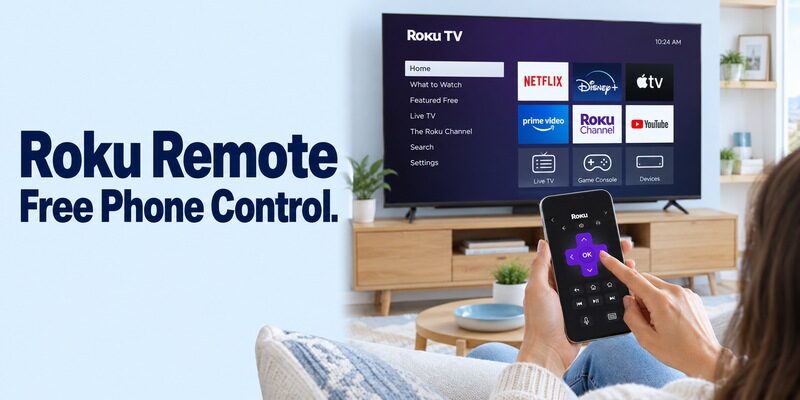
Short answer: The official Roku mobile app provides a free remote for a compatible Roku TV or streaming player. Start your roku remote control free setup with that app and a Roku device already connected to the same home network as your phone.
The television brand, a lost physical remote, and the presence of a payment screen can make the choice seem less straightforward than it is. This guide explains where free controls fit, how to select the correct device, and why an app cannot discover a player that has never joined your network. It also covers the difference between a Roku television and an HDMI player, practical keyboard and headphone checks, and sensible recovery steps before you consider resetting anything.
Start with the Official Roku Remote Control Free Download
Use Roku’s own mobile-app page to reach the store listing. It identifies the app as free for iOS and Android and distinguishes the remote from optional paid entertainment. Similar names in a store search do not establish the same publisher or pricing.
Verify what you are installing
For a roku tv remote app free result, compare the developer details with the destination linked by Roku. Do not install the first sponsored result simply because its icon resembles a remote. Open the description and confirm that it offers control of Roku devices.
A roku remote control free search can also show physical accessories and browser streaming pages. Neither is the same as the mobile remote. Decide whether you want to control the screen in the room, watch programming on the phone, or buy replacement hardware before selecting a result.
Keep remote control separate from paid content
If you ask is the roku tv remote app free, the answer for the official app is yes. Roku’s app itself does not require a remote subscription, although services, rentals, and premium content reached through it can still cost money.
Read any purchase prompt in context. A movie charge is different from a recurring fee imposed by an independent remote app. You do not need to approve an unfamiliar trial merely to check whether your Roku appears in a device list.
Keep the exact app name in a note after installation. If you later search for roku remote control free on a replacement phone, that record helps you return to the same official product. It also makes it easier to identify an unrelated app if an unexpected renewal appears in your purchase history.
Confirm the Roku Is Ready Before Opening the Phone App
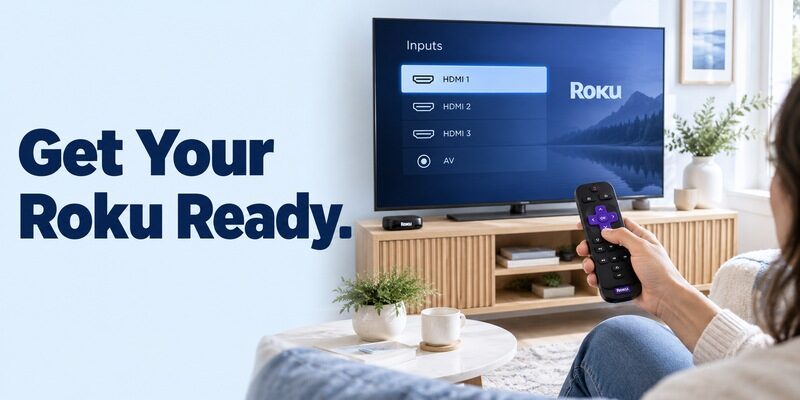
A reachable, powered Roku is the essential prerequisite. Roku’s official lost-remote guidance says the device must already be connected to the home network, with the phone on that same network.
Check the screen and network
Turn on the television and select the Roku source if you use an HDMI player. Seeing a television’s own Home screen does not prove the separate Roku player is awake. If you still have a working remote, inspect the Roku’s network information before changing anything.
When setting up roku remote control free access, compare the phone’s Wi-Fi name with the Roku connection. A guest network, phone hotspot, or mobile-data connection can leave the devices separated even though each has internet access.
Preserve a working connection
Avoid resetting the Roku when its physical remote is missing. Resetting can remove saved network settings and send the player back to initial setup. The mobile app then loses the connection it needs to replace the missing controller.
If roku remote control free access is already working intermittently, keep that session available while checking the network. Do not erase the app’s data and the Roku’s settings together; doing both removes useful diagnostic evidence and can turn a partial success into a complete setup problem.
Open Devices, Connect, and Test the Remote
Select the intended Roku before sending commands. A household with several televisions can show multiple similar device names, so watch the target screen during the first navigation test.
1. Open the official app: Follow its current sign-in and setup prompts on the phone.
2. Choose the device: Open the available-device area and select the Roku you intend to control.
3. Open Remote: Use the app’s remote interface rather than the phone’s streaming-content page.
4. Test one direction: Press a directional control once and confirm that the highlighted item moves on the TV.
5. Return Home: Verify a simple navigation action before testing extra features.
The useful result of a roku remote control free installation is a visible response on the correct screen. A device name or connected indicator is only part of that result. If another television responds, stop and select the right device before adjusting volume or opening an app.
Once connected, return to your usual viewing source and close the phone app normally. Reopen it and repeat a basic command. A successful second connection is a better daily-use check than leaving the first session running indefinitely.
Know Which Buttons Belong to a Roku TV or Player
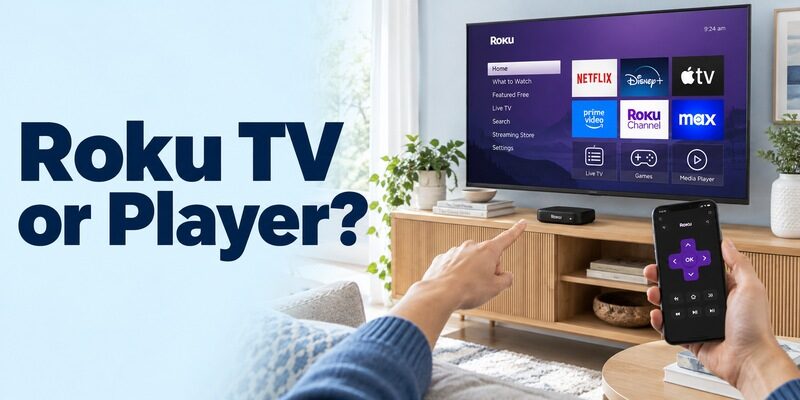
A Roku TV and an HDMI Roku player have different control responsibilities. The former includes the television; the latter primarily operates its own streaming interface, with some TV functions dependent on supported control arrangements.
Roku televisions from different brands
An onn roku tv remote app free query and a tcl roku tv remote app free query can lead to the same official Roku mobile app when the sets actually run Roku OS. The same reasoning applies to a free search. Verify the operating system rather than relying on the panel’s brand.
Your roku remote control free session should be tested against the TV functions you use: navigation, inputs, volume, and live-TV controls where supported. An antenna channel function is not relevant when you are navigating a separate streaming service’s catalog.
Streaming players and HDMI control
Roku’s current remote-support article also discusses enabling TV power and volume through supported player and HDMI-CEC settings. Availability depends on the Roku, television, and configuration. Do not assume that every player exposes the same controls or can wake a TV in every power arrangement.
For roku remote control free troubleshooting, a working directional pad with missing TV volume suggests a control-path question rather than a failed app installation. Check the current model guidance and keep the television’s own remote available while testing that distinction.
| Target | Main control scope | Extra check |
|---|---|---|
| Roku TV | TV interface and supported television functions | Correct TV selected |
| Roku HDMI player | Streaming-player navigation | Supported HDMI-CEC and TV-control settings |
| Roku audio device | Supported streaming and audio functions | Exact product capabilities |
| Non-Roku TV without a Roku player | Not a Roku-app target | Use that TV’s documented platform app |
A Roku device powered from a television USB port may lose power when the TV switches off. In that arrangement, a roku remote control free session cannot rely on a powered-down player to wake the screen. Inspect the supported power setup and manufacturer instructions before treating a missing wake command as an application problem.
Configure iPhone and Android Access Deliberately
The phone must support the current app and permit the required connection. Check the live store listing for your device, especially if the phone has older software or uses a modified operating system.
iPhone and local device discovery
For a free roku tv remote app for iphone, use Roku’s official App Store destination. Allow local-network access when required and check that the phone stays on the intended home Wi-Fi. A successful phone video stream does not establish that local devices are discoverable.
If roku remote control free access works on another iPhone, compare permissions and network selection before altering the TV. This keeps a phone-specific problem from becoming an unnecessary television reset.
Android installation and compatibility messages
A free should come from Roku’s Google Play destination. Roku’s troubleshooting documentation identifies store updates, Google Play services, and device certification as relevant when compatibility or security errors appear.
Do not treat an unofficial APK as the default answer to such an error. Record the message and follow the platform’s documented checks. An onn roku tv remote app free for android search does not change the phone requirements of the official Roku app simply because the television carries a different brand.
Make Keyboard, Voice, and Headphone Features Useful
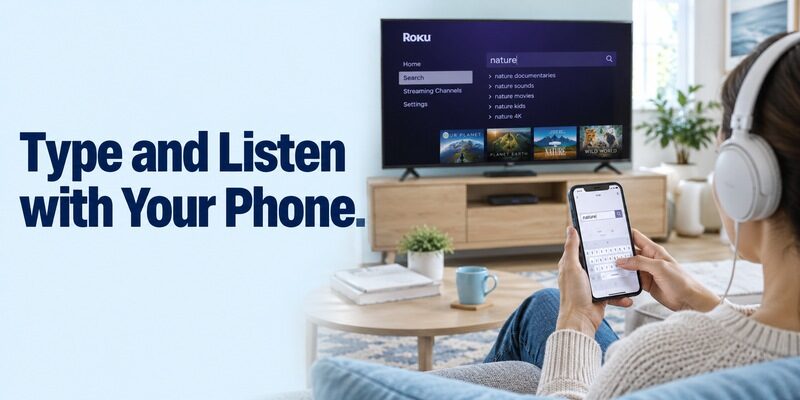
The app can do more than reproduce a directional pad. Test optional features against a specific task, rather than assuming every field or source will respond identically.
Type a search instead of moving letter by letter
Open a supported search field on the Roku and select the phone keyboard control. Start with a short, ordinary title so you can check the result without exposing a password. Compare what appears on the TV with what you typed.
For a roku remote control free setup, reliable text entry can save more effort than changing the remote’s appearance. If a particular app’s field does not accept phone text, use directional navigation for that field and test the keyboard elsewhere before declaring the entire connection broken.
Use voice only when it helps
Activate the microphone feature intentionally and permit access when needed for voice input. Search for a clear title or issue a supported command. Background conversation and unfamiliar names can make the outcome harder to interpret, so begin with something simple.
Listen through the phone’s headphones
Roku documents Headphone Mode for supported configurations. Connect your headphones to the phone, activate the relevant control, and begin at a comfortable volume. Check the actual program source and device support if sound does not transfer as expected.
With roku remote control free listening, distinguish an audio-route problem from lost navigation. If menus still respond, the app is connected; investigate the headphone connection and playback source before restarting the entire system.
Try the traditional button layout before switching to gesture navigation. Roku documents both layouts, and the clearer directional buttons can simplify a first roku remote control free test. If gestures feel inconsistent, return to buttons and compare the response before changing network settings that already support reliable navigation.
Recover a Missing Remote After a Network Change
A new router can leave the Roku on an old, unreachable connection. The app cannot repair that merely by scanning harder. Roku’s lost-remote guidance makes this limit explicit for initial setup and reset devices.
When the saved network still works
If the Roku remains connected and the phone joins the same network, the official app can replace the physical remote for supported tasks. Use that access to inspect settings, rename the device clearly, and prepare a backup while control is available.
This is the favorable roku remote control free situation: the missing item is the hand-held controller, not the connection between the Roku and phone. Treat it differently from a device sitting at an unconfigured welcome screen.
When a physical replacement is needed
Choose a remote documented for the exact Roku model. Roku distinguishes simple and voice remotes, and compatibility matters. A generic infrared replacement should not be assumed to control every Roku streaming device.
Before buying, identify both the TV and the Roku player, if separate. A remote compatible with a television brand may operate the panel but not the Roku’s menus. Conversely, a Roku controller may not replace every input or sound-system function in your setup.
Avoid Browser-Remote and Universal-Code Confusion
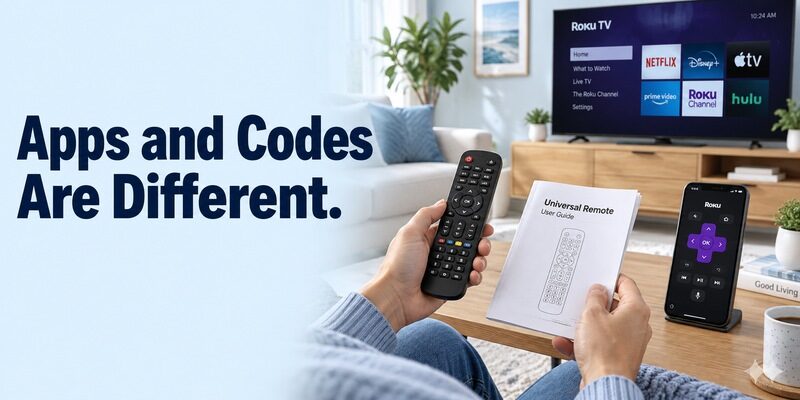
The phrase roku tv remote online free can refer to several unrelated experiences. Watching Roku content in a browser is not the same as controlling a local Roku television. Inspect what the site actually promises before entering account information.
Browser pages versus a local remote
For most households, the documented mobile app is the clear starting point for roku remote control free use. A web page displaying arrow buttons does not prove that it can discover or authorize your Roku. Do not interpret a connection illustration as evidence of model support.
If a site asks for payment to activate an allegedly free remote, compare its identity with Roku’s official route. Leave the page if the purpose of the transaction is unclear; you can return to the official app without completing an unrelated purchase.
Universal-remote codes are a different system
Searches for free concern compatible physical universal remotes and their code libraries. Those codes are not a universal pairing password for the Roku mobile app.
A code list must match the universal remote’s make and model as well as the television. Do not enter random TV-brand codes into unrelated phone prompts. Separating hardware programming from app discovery prevents unnecessary resets and repeated failed authorization attempts.
Fix Discovery Without Losing the Working Configuration
Start with power, network, and mobile-control settings. Roku’s app troubleshooting page identifies Control by mobile apps in the advanced system settings as a relevant check. Follow the current options shown on your device.
| What you observe | What to inspect | Next useful action |
|---|---|---|
| No devices listed | Roku power and shared network | Wake Roku and compare connections |
| One phone fails | App permissions and compatibility | Compare with a working household phone |
| Device visible but unresponsive | Selected target and mobile-control settings | Verify intended screen and retry Home |
| Navigation works but TV volume does not | Roku type and TV-control configuration | Check supported HDMI-CEC guidance |
| Failure began after reset | Initial setup and missing network | Use a compatible physical controller |
For roku remote control free recovery, restart the app before clearing its data. If necessary, restart the phone and Roku through their normal supported methods, then retry one command. Keep network passwords and the exact model available before making broader changes.
If the app displays a security or access message, follow its specific support route instead of changing TV settings unrelated to that error. Screenshots of the message and the app version can help support distinguish an account problem from local discovery.
Record whether a roku remote control free failure occurs immediately, after standby, or only after switching rooms. Those different patterns suggest different checks: initial authorization, wake behavior, or selecting the wrong saved device. A brief description of the sequence is more helpful than reinstalling without noting what changed.
Decide Whether You Need an Alternative Interface
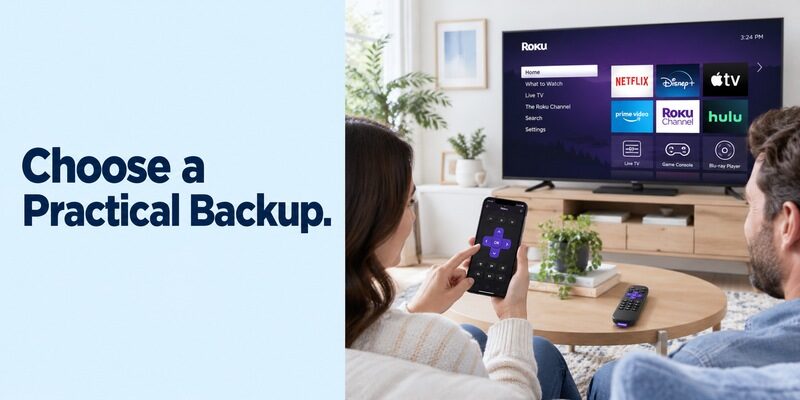
Compare alternatives only after establishing a working baseline. If Roku’s official app cannot find an offline device, an independent app using the same local connection is unlikely to solve the missing network by itself.
Check compatibility and pricing together
Someone seeking a roku tv remote free app should inspect the developer, supported devices, and recurring-payment terms. Do not pay merely to discover whether the app recognizes your television. Test device selection and basic navigation first when the product permits it.
Review as an alternative interface and confirm support for your Roku configuration. On a compatible connection, phone controls can help when the physical remote is unavailable, while the television’s own setup and authorization requirements still apply.
Keep access practical for the household
Once your roku remote control free choice is working, make the device name recognizable and show another person how to open Remote. Keep a supported physical backup accessible for a dead phone, router replacement, or initial setup.
Test the arrangement again after a major app or TV update. The useful standard is simple: select the correct Roku, issue a command, and get the expected response without unexplained payment prompts or repeated setup work.
Final Thoughts
The official mobile app is the strongest starting point for roku remote control free access. Choose the genuine listing, connect to the reachable Roku, and verify the commands on the intended screen.
Keep TV-level functions, optional audio features, and physical-remote programming separate. If the Roku is offline after setup or a router change, restore a supported connection before testing more apps, and keep a compatible physical controller for the situations a phone cannot solve alone.