Roku TV Remote Price: What It Costs and Cheaper Options
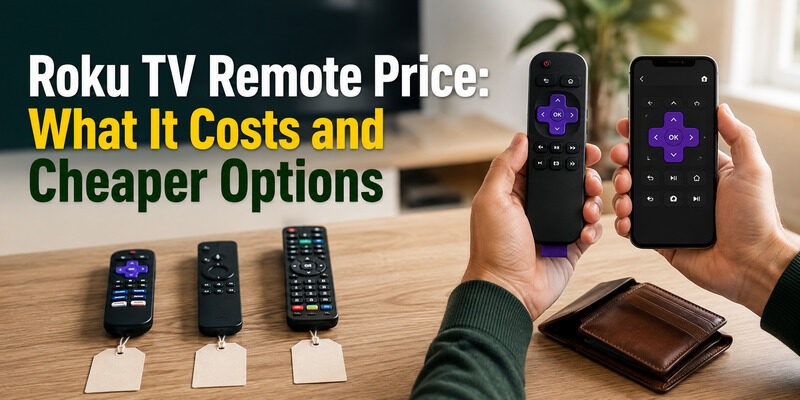
An official Roku TV remote price currently starts at $9.99 in the U.S. Roku lists the Roku TV Remote at $9.99, the Roku Voice Remote at $19.99, and the rechargeable Roku Voice Remote Pro (2nd edition) at $29.99. The best choice depends on whether you only need basic TV controls or want voice, backlit buttons, rechargeable power, and a lost-remote finder.
Here is the quick comparison:
| Roku remote | Roku price* | Best for |
|---|---|---|
| Roku TV Remote | $9.99 | Basic Roku TV replacement |
| Roku Voice Remote | $19.99 | Voice + TV controls |
| Roku Voice Remote Pro (2nd edition) | $29.99 | Premium features |
| Third-party replacement | Varies | Low-cost basic control |
| Roku mobile app | Free | Temporary/backup control |
*Prices are based on Roku’s U.S. store at the time of writing and can change because of promotions, retailer pricing, or product updates.
How Much Is a Roku TV Remote?
For an official replacement, expect to spend about $10 to $30 depending on the remote.
The current official lineup provides three straightforward price points:
$9.99 → Roku TV Remote
$19.99 → Roku Voice Remote
$29.99 → Roku Voice Remote Pro
The cheapest option is enough for many Roku TV owners.
But price should not be the only consideration.
Before ordering, check whether you own:
- A Roku TV
- A Roku streaming player
- A Roku Streaming Stick
- Roku audio equipment
Not every Roku remote works with every Roku device.
Roku TV Remote — $9.99: Best Budget Choice
The standard Roku TV Remote is Roku’s lowest-priced official replacement for Roku TVs.
At the time of writing, Roku lists it at:
$9.99
It includes:
- TV Power
- Volume
- Mute
- Roku navigation
- Playback controls
- Pre-set streaming app shortcuts
It also comes with two AAA batteries.
Who should buy it?
Choose the Roku TV Remote if:
- You own a Roku TV.
- You lost or damaged the original basic remote.
- You do not need voice search.
- You want the cheapest official Roku option.
- You mainly need Power, Volume, Mute, and navigation.
Compatibility
Roku says this remote works with all Roku TV models.
That includes Roku TVs from brands such as:
- TCL
- Hisense
- Philips
- Sharp
- onn.
- JVC
- RCA
- Magnavox
- Westinghouse
- Roku-branded TVs
However, there is an important limitation:
The Roku TV Remote is for Roku TVs. It is not designed as a replacement remote for Roku streaming players or Roku audio devices.
Do not buy it simply because the product has a Roku logo.
Read more: Roku Remote Control Online: Free Apps and How to Use Them
Roku Voice Remote — $19.99: Best Value
The standard Roku Voice Remote currently costs:
$19.99
For many users, this is the best balance between price and features.
It adds:
- Push-to-talk voice search
- Voice controls
- TV Power
- Volume
- Mute
- Roku navigation
- Pre-set app shortcuts
It uses two AAA batteries.
Why spend $10 more?
The biggest difference is voice control.
Press the voice button and speak to search for entertainment or use supported Roku voice commands.
The remote also has broader Roku-device compatibility than the basic Roku TV Remote.
Roku says the Voice Remote works with:
- All Roku TV models
- Most Roku players
- Roku audio devices
Some older devices may not be supported.
Who should buy the Roku Voice Remote?
Choose it if:
- You want voice search.
- You have a Roku TV and want an upgrade.
- You have a compatible Roku player.
- You want TV Power, Volume, and Mute.
- You do not need premium features such as backlighting or a rechargeable battery.
For most users who want more than basic navigation, the additional cost over the $9.99 remote is reasonable.
Read more: Roku Remote Control Volume: How to Set It Up and Fix Problems
Roku Voice Remote Pro — $29.99: Best Premium Option
The Roku Voice Remote Pro (2nd edition) currently costs:
$29.99
It is Roku’s premium remote.
Features include:
- Rechargeable battery
- USB-C charging
- Touch-activated backlit buttons
- Push-to-talk voice
- Hands-free voice controls
- Lost remote finder
- TV Power
- Volume
- Mute
- Live TV guide button
- Quick Launch shortcut
- Roku navigation
Rechargeable battery
Unlike the $9.99 Roku TV Remote and $19.99 Roku Voice Remote, the Voice Remote Pro uses a rechargeable battery.
Roku says a charge typically lasts around three months, depending on use.
A USB-C charging cable is included.
Backlit buttons
The second-generation Pro adds touch-activated backlit buttons.
This is particularly useful when watching TV in a dark room.
Lost remote finder
If losing the remote is a regular problem, this can justify the higher price.
With supported setup, the remote can play a sound to help you locate it.
Hands-free voice
The Pro also supports hands-free Roku voice functionality.
You can use supported “Hey Roku” commands without pressing the voice button.
Is the Roku Voice Remote Pro worth $29.99?
It is worth considering if you specifically value:
- Rechargeable power
- Backlit buttons
- Lost remote finder
- Hands-free voice
- Customizable shortcut features
If you only need Power, Volume, and navigation, the $9.99 Roku TV Remote is much better value.
If you want voice but do not care about the premium extras, the $19.99 Voice Remote is the better middle option.
Read more: TCL TV Remote Battery: Size, Replacement, Fast Drain & Fixes
Roku TV Remote vs Voice Remote vs Voice Remote Pro
Use this feature comparison before spending more:
| Feature | Roku TV Remote | Voice Remote | Voice Remote Pro |
|---|---|---|---|
| Current Roku price | $9.99 | $19.99 | $29.99 |
| Roku TV control | Yes | Yes | Yes |
| Power | Yes | Yes | Yes |
| Volume | Yes | Yes | Yes |
| Mute | Yes | Yes | Yes |
| Voice | No | Yes | Yes |
| Hands-free voice | No | No | Yes |
| Rechargeable | No | No | Yes |
| USB-C | No | No | Yes |
| Backlit buttons | No | No | Yes |
| Lost remote finder | No | No | Yes |
| App shortcuts | Yes | Yes | Yes |
| Roku players | No | Most | Most |
For a Roku TV owner, the buying decision is simple:
Basic control → $9.99
Voice control → $19.99
Premium remote → $29.99
Which Roku Remote Should You Buy?
Choose based on what you actually use.
Best cheap official remote: Roku TV Remote
Buy the $9.99 option if you have a Roku TV and simply need a working replacement.
There is little reason to pay more if you never use voice.
Best value: Roku Voice Remote
For an additional $10, you get voice control and broader compatibility.
This is the most balanced option for users who want a noticeable upgrade without paying for premium extras.
Best premium option: Roku Voice Remote Pro
Spend $29.99 if the rechargeable battery, backlight, lost remote finder, and hands-free voice would genuinely improve your experience.
Do not buy the Pro solely because it is the most expensive model.
Official vs Cheap Roku Replacement Remote
Third-party Roku TV remotes are widely available and can cost less than an official Roku voice remote.
That does not automatically make them a bad choice.
A simple third-party replacement can be enough if you only need:
- Power
- Volume
- Mute
- Navigation
- Home
- Back
- Playback
However, check the specifications carefully.
Cheap replacement remotes may omit
Depending on the product, a lower-cost replacement may not include:
- Voice search
- Wireless pairing
- Lost remote finder
- Rechargeable battery
- Backlit buttons
- Custom shortcuts
- Full compatibility with Roku players
Some inexpensive remotes are infrared-only.
They can work well with compatible Roku TVs but may be unsuitable for a Roku Streaming Stick.
Related Fixes: Factory Reset and Locked Remotes
Some people searching remote price are actually dealing with a remote that seems broken. A few common fixes may save the cost of a replacement.
Factory Reset With the Remote
A roku factory reset with remote is done through Settings > System > Advanced system settings > Factory reset. This won’t fix a physically broken remote, but it can resolve software issues that made the TV seem unresponsive, potentially avoiding an unnecessary purchase.
Note down your Wi-Fi password and streaming logins first, since a factory reset clears them and you’ll need to sign back in afterward.
Unlocking a Locked Remote
If your roku remote locked up or stopped responding, it’s usually a battery or pairing issue rather than a true lock. Fresh batteries and a re-pair typically restore it, saving you from buying a replacement. A full reset guide is at .
A remote that pairs and then quickly stops responding is almost always a battery symptom rather than a genuine lock or fault.
The Secret Remote Menu
The roku secret remote menu, reached with a button sequence on some models, exposes advanced settings. It’s unrelated to price but often searched alongside remote troubleshooting, and it won’t help a hardware fault — for that, a replacement or app is the answer.
Use it with care, since some of its options are meant for diagnostics rather than everyday changes.
How to Get the Best Value on a Roku Remote
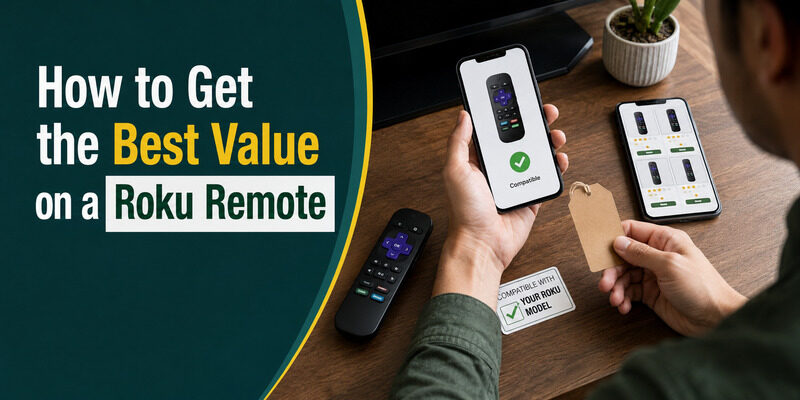
If you do decide to buy, a little care gets you the best roku tv remote price. Compare a few sellers, since marketplace listings mark up ordinary remotes inconsistently.
Check whether a spare or universal remote you already own will pair first, since that costs nothing. And remember the free app covers full control, so there’s rarely a reason to overpay. A roku remote coupon code from the retailer, when available, can trim the price further, but the app remains the true zero-cost option.
Where to Buy a Replacement Roku Remote
If you decide a physical remote is worth it, knowing where to look helps you get a fair deal rather than an inflated one.
Official and Authorized Retailers
Buying a genuine remote from Roku or an authorized retailer gives the most reliable match and predictable pricing. It’s the safest route when you want a guaranteed-compatible remote with no surprises, even if it isn’t the absolute cheapest option.
Marketplaces and Third-Party Sellers
Online marketplaces carry both genuine and compatible remotes, often cheaper, but quality and pricing vary widely between sellers. Read the listing carefully to confirm whether it’s genuine or compatible, and check the return policy before ordering.
Checking a Spare First
Before any purchase, confirm whether a spare remote from another Roku device pairs with your TV. Since enhanced Roku remotes are cross-compatible, a forgotten spare in a drawer can make a purchase unnecessary altogether.
Skip the Cost Entirely With a Remote TV App
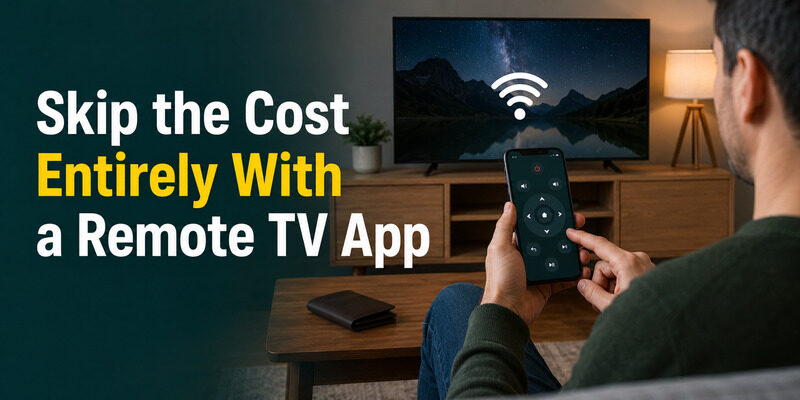
The simplest way to avoid any roku tv remote price is to not buy a remote at all. The Remote TV App gives you full Roku control from your phone over Wi-Fi for free.
It handles everything a physical remote does for daily use, and it’s always with you, so there’s nothing to lose or replace. and skip the cost of a physical Roku remote.
FAQs About Roku TV Remote Price
How much does a Roku TV remote cost?
It varies by type: basic infrared remotes are the cheapest genuine option, enhanced voice remotes cost more, and compatible third-party remotes fall in between. A phone app replaces any of them for free.
Does the Roku remote app cost money?
No, core control is free in the official Roku app and reputable alternatives like the Remote TV App. Some apps offer optional paid extras, but the essential remote functions cost nothing.
Will a spare Roku remote work to avoid buying one?
Often yes. Enhanced Roku remotes pair with any Roku TV via the pairing button, so a compatible spare you already own may save you the cost of a replacement entirely.
Is a universal remote cheaper than a genuine Roku remote?
Usually a basic universal remote is cheaper, and it covers power, volume, and input once programmed. It won’t replicate voice or app shortcuts, so weigh that against the lower price.
What’s the cheapest way to replace a Roku remote?
A free phone app is the cheapest, covering full control at no cost. Among physical options, a basic universal or compatible third-party remote is usually the least expensive.
Final Thoughts
Roku TV remote price ranges from low for a basic infrared remote to higher for an enhanced voice model, with third-party and universal remotes offering cheaper physical alternatives. But the true lowest cost is free, via a phone app.
Before paying anything, check whether a spare remote pairs and try the Remote TV App, which covers full control at no cost. That way you only spend on a physical remote if you genuinely want one.
Download TV Remote App