Google Remote TV App: Best Free Options for Android & iPhone
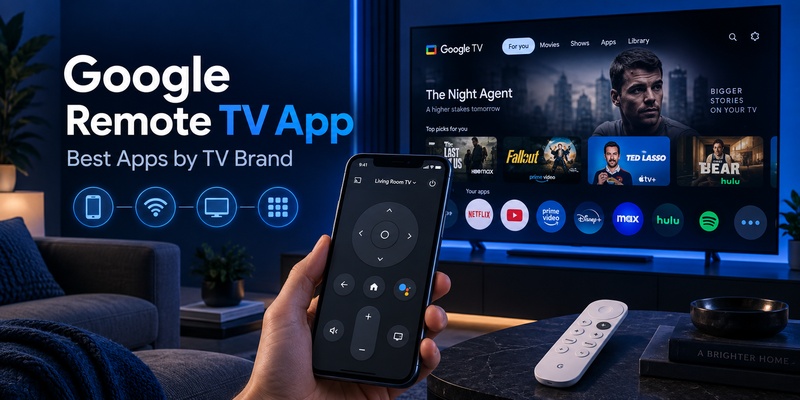
Need a google remote tv app right now? You can turn your phone into a free virtual remote with the official Google TV app or the built-in remote in the Google Home app. Open the app, tap TVs nearby, choose your TV, enter the code shown on screen and tap Pair (Google’s pairing steps). You get a touchpad and D-pad, a phone keyboard for typing and voice search, usually in under a minute. Below, we compare the best apps so you download the right one the first time.
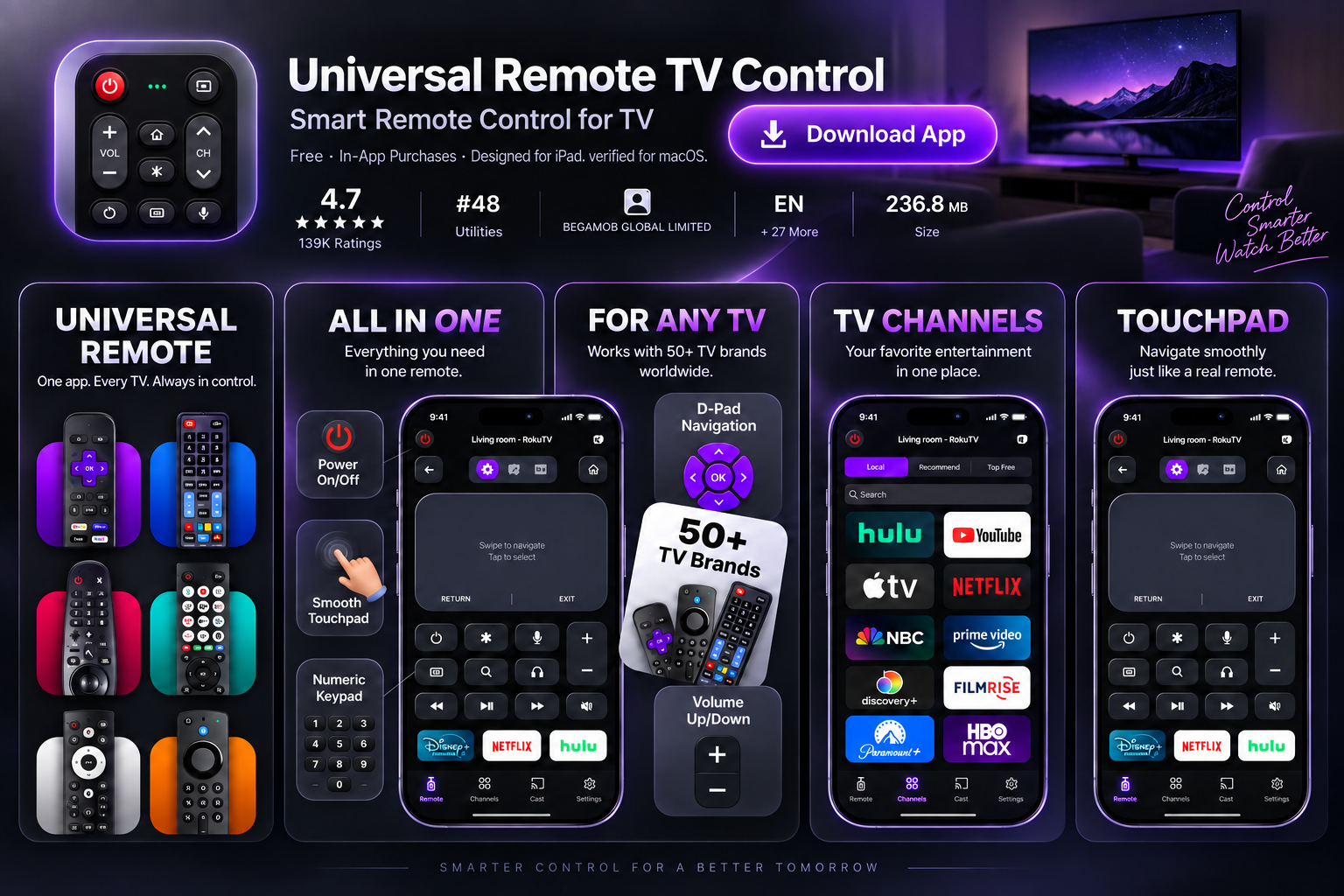
Quick answer: The best google remote tv app for most people is the official Google TV app: it is free, works on Android and iPhone, and controls Google TV and Android TV. Pick Google Home if your TV already lives in your smart-home setup. Pick a universal app like Remote TV App by Begamob if one phone has to control several TV brands.
What Is the Best Google Remote TV App? (Review Table)
The best google remote tv app depends on your TV’s operating system first and its brand second. Here is how the main options compare:
| App | Best for | Works with | Key strength | Limitation |
|---|---|---|---|---|
| Google TV app (Google LLC) | Most Google TV owners | Google TV, Android TV | Official, free; navigation, playback, keyboard, voice, power and volume | Google/Android TV only |
| Google Home | Smart-home users | Chromecast, Google TV, Android TV | One app for TV and other Google-linked devices; reported ad-free with no in-app purchases | Busier interface than a pure remote |
| Android TV Remote Service (Google LLC) | Android phones, as a system fallback | Android TV | Lets an Android phone or tablet act as a remote | Works in the background; not a standalone app to open daily |
| Brand apps (Sony BRAVIA Connect, Xiaomi Mi Remote) | Brand-specific features | Supported models only | Extra device settings beyond the basic remote | Limited to one brand and certain models |
| Remote TV App by Begamob | Homes with several TV brands | 1,000+ TV brands incl. Samsung, LG, Sony, TCL, Hisense, Roku | One familiar remote for every TV, Wi-Fi auto-detection | Feature support varies by TV model |
| Other universal apps (Sure Universal, Peel, AnyMote) | Older or IR-controlled devices, macros | Varies | Extra control modes; AnyMote is a paid, ad-free option | Features and ads vary by app |
Our pick: use the Google TV app first. If your family owns more than one TV brand, add a universal google remote tv app as a single backup.
Ready to try the universal option? One app, every TV in your home. Download Remote TV App free →
📖 Read More Guides: Google Remote TV: Complete Guide to Apps, Pairing, Fixes, Phone Control, and Replacement
Google TV Remote App Download: Is It Free on Android and iPhone?
Yes. For a safe google tv remote app download, install the Google TV app only from Google Play or the Apple App Store. Make sure the developer is Google LLC.
Is the Google TV remote app free?
The google tv remote app free option is the official Google TV app: it costs nothing, and you do not need to buy a replacement physical remote. Availability and minimum OS versions can vary by country and device.
Is there a separate Google TV remote app for Android?
Not really. The google tv remote app for android is built into the Google TV app and Google Home, and Android phones can also add the remote to Quick Settings. Android TV Remote Service is a supporting service, not the app most people open daily. Details: Google TV remote app for Android.
Should you download a Google TV remote mod APK?
No. A modified APK can carry malware, tracking code and outdated protocols, and gets no security updates. Any google remote tv app you install should come from an official store and only ask for network and local-device permissions.
How Do You Use the Google TV Remote Control App?
The google tv remote control app talks to your TV over Wi-Fi, so your phone and TV must be on the same network. It is not an infrared remote.
Google TV remote app Android setup in 5 steps
- Open the Google TV app on your Android phone.
- Near the bottom right, tap TVs nearby.
- Select your Google TV or Android TV.
- Enter the code shown on your TV screen.
- Tap Pair.
These are the steps in Google’s official guide. iPhone users can follow the iOS tab of the same guide.
Tip: on Android, add the google remote tv app controls to Quick Settings so the remote opens with one swipe.
Using Google Home as a remote
Open Google Home, tap your Chromecast or Google TV device and open the remote (Google Home steps).
What can the app do?
- Touchpad & D-pad: swipe or press to browse menus.
- Phone keyboard: type searches, passwords and logins faster than the on-screen keyboard.
- Voice search: use the microphone button to search with Google Assistant.
- Power, volume and playback on supported TVs.
Need a deeper walkthrough? See how to control Google TV with your phone or how to pair a Google TV remote.
Google remote tv app: control your TV from your phone
Which Google TV Remote App for Android Fits Your TV Brand?
Pick a google remote tv app by operating system first, brand second. A TCL or Hisense TV only works with Google’s app if it actually runs Google TV or Android TV.
| TV brand | If it runs Google TV / Android TV | If it runs something else |
|---|---|---|
| TCL | Google TV app or Google Home (TCL Google TV remote app guide) | TCL Roku TV: use a Roku-compatible remote app |
| Hisense | Google TV app | VIDAA, Roku TV or Fire TV: use the matching or a universal app |
| Sony BRAVIA | Google TV app; BRAVIA Connect on supported models | Universal app |
| Philips | Google TV app | Universal app |
| onn. / Element | Google TV app or Google Home | Compatible universal app |
| Xiaomi | Google TV app, Google Home or Mi Remote | Universal app |
Not sure what your TV runs? Check your home screen or go to Settings → System → About (the path varies by brand). Google TV shows “For you” and Apps tabs.
Google Remote TV App vs Universal App: Which Should You Choose?
The official google remote tv app is optimized for the Google TV platform. A universal app is optimized for convenience across brands. This is not a contest, because many homes use both.
- One Google TV: stay with the Google TV app.
- Brand-specific features: add the manufacturer’s app, such as BRAVIA Connect.
- Two or more TV brands: use one universal app instead of a folder full of remotes.
Lost the remote under the couch again? Remote TV App by Begamob controls 1,000+ TV brands from one screen, so every family member has a working remote. Get Remote TV App by Begamob →
Why Is My Google Remote TV App Not Connecting?
If the google remote tv app cannot find your TV, check the basics before reinstalling anything:
- Same Wi-Fi: confirm phone and TV share one network (not guest Wi-Fi or mobile data).
- Restart the TV: unplug it for 10 seconds, plug it back in and scan again.
- Restart the app: close the google tv remote app android or iPhone version completely, then reopen.
- Volume not working? Go to Settings → Remotes & Accessories → Set up remote buttons → Volume control and try Auto (CEC).
- Check the platform: a Roku TV or VIDAA TV will not appear in the Google TV app.
Still stuck? Read Google TV remote not working: 15 fixes or connect Google TV to Wi-Fi without a remote.
Google Remote TV App FAQs
Can I use my phone as a remote on Google TV?
Yes. Install the Google TV app, tap TVs nearby, select your TV, enter the on-screen code and tap Pair. Your phone and TV need to be on the same Wi-Fi network. Any google remote tv app you pick should work the same way.
How can I control Google TV without a remote?
Use the Google TV app or the remote inside Google Home. On Android, add the remote to Quick Settings for faster access. If the TV is not connected to Wi-Fi yet, see our guide to connecting Google TV to Wi-Fi without a remote.
Can a Google remote control my TV?
Yes. A Google TV remote can control your TV’s power and volume once set up. If volume does not respond, go to Settings → Remotes & Accessories → Set up remote buttons → Volume control. See the Google TV remote not working guide for more.
How to use the Google TV remote app?
Open the Google TV app, tap TVs nearby, pick your TV, enter the code and tap Pair. Then use the D-pad, keyboard and voice buttons. Full steps are in the section above.
Does Google TV have a free remote app?
Yes. The Google TV app and Google Home are both free ways to use a google remote tv app on compatible Google TV and Android TV devices.
Can one remote app control TCL, Sony and Hisense TVs?
Possibly. A universal google remote tv app alternative such as Remote TV App can control several brands, provided each TV model and platform is supported. Check the operating system as well as the brand.
Can I use a Google TV remote app without Wi-Fi?
The standard network-based app needs the phone and TV on the same Wi-Fi. If your TV has no network, connect it first, or use an infrared-capable phone with a compatible IR app.
Is the Google TV remote app available on iPhone?
Yes, in supported regions. The Google TV app is listed for iPhone and iPad, and the iOS tab of Google’s help page covers pairing.
Download TV Remote App