
How to Save Electricity With TV: Settings and Cost Examples
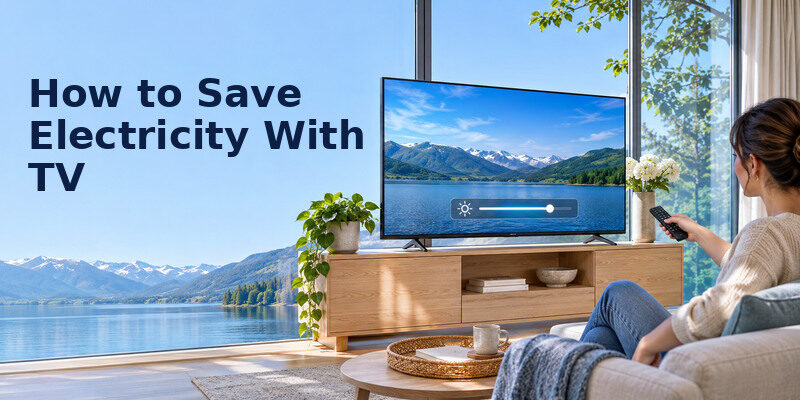
Short answer: Lower excessive screen brightness, enable a suitable energy-saving or ambient-light setting, turn the TV off when no one watches, and compare the TV’s actual wattage and hours. The biggest saving often comes from reducing unnecessary viewing time and a very bright picture mode.
How to save electricity with tv depends on its screen size, technology, picture setting and daily hours. ENERGY STAR says certified televisions are, on average, about 34% more energy efficient than conventional models under its comparison, but your home’s saving is not automatically 34%. Use the EnergyGuide label or product specifications, then calculate your own kWh. This guide separates on-mode energy from standby and gives a repeatable test.
Calculate Your TV’s Electricity Use First
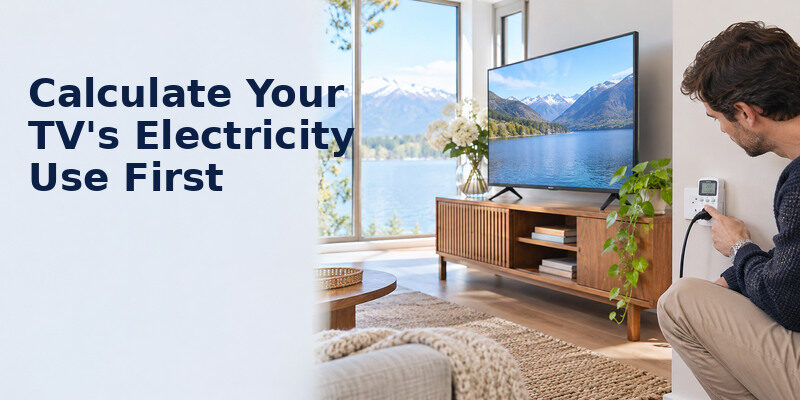
A watt is the instantaneous power draw; a kilowatt-hour is the energy billed over time. Divide watts by 1,000 and multiply by hours. For cost, multiply by your local price per kWh. How to save electricity with tv becomes clearer when you know whether your television runs for two or eight hours a day.
Formula: TV kWh per month = on-mode watts ÷ 1,000 × hours per day × days. Add standby separately if you want a full estimate.
| Illustrative on-mode draw | 4 hours/day, 30 days | At $0.20/kWh |
| 60 W | 7.2 kWh | $1.44 |
| 100 W | 12.0 kWh | $2.40 |
| 150 W | 18.0 kWh | $3.60 |
These are worked examples, not measurements of a named TV. At eight hours per day, on-mode kWh doubles. A 100 W set at four hours daily uses about 146 kWh/year before standby: 0.1 kW × 4 × 365. Your electricity rate, taxes and additional devices change the bill. A soundbar, cable box or game console is separate; measure them if the whole entertainment area matters. How to save electricity with tv starts with actual viewing hours rather than a generic annual average. If the picture becomes too dark or loses detail after an adjustment, learn how to fix common TV picture quality issues while keeping the screen comfortable to watch.
Find a credible wattage figure
Check the official product page, EnergyGuide label or ENERGY STAR product listing. A rear-label maximum input rating is not necessarily typical viewing draw. HDR, brightness and content affect real use. A plug-in energy meter can measure an accessible outlet if used according to its instructions; it can also reveal whether a set-top box stays active. Never wedge a meter behind an unstable wall-mounted TV or use an underrated adapter.
Account for standby accurately
Standby draw varies with network wake, quick start, voice listening and platform behavior. ENERGY STAR’s current television page says certified models must use no more than 0.5 W in Sleep Mode, but other standby-active modes have separate criteria. Do not apply a single number to every TV. Example: 1 W for 20 hours/day over 30 days equals 0.6 kWh, or $0.12 at $0.20/kWh. A 5 W connected mode on the same schedule equals 3 kWh. Verify the actual mode before deciding that standby is your main problem.
Read more: How to Extend TV Lifespan: A Practical Care Plan
Change Picture Settings With the Largest Likely Effect
Leave store or Vivid mode
Retail presets are designed to stand out under bright showroom lights. The US Department of Energy notes that picture settings such as Vivid, Sports and Cinema change brightness and energy use. Choose a comfortable Home, Standard or Cinema preset and compare the screen in your room. How to save electricity with tv does not require an unwatchably dim image. Reduce only excess light output while preserving detail.
Tune panel light rather than crushing black levels
TV menus use different names: Backlight, OLED Pixel Brightness, Panel Brightness or Brightness. On some sets the ordinary “Brightness” slider changes black level, so moving it too far hides dark detail without the intended power benefit. Read the model’s explanation. Make a small change, view bright and dark content, then keep the setting if comfortable. Note the original value so you can reverse it. The size of a brightness saving in how to save electricity with tv should be measured on the model. For more context on display technologies, read our OLED vs QLED comparison, then compare the energy figures for the exact models you are considering.
Try the ambient light sensor
Automatic brightness control can reduce screen light when a room is dark. ENERGY STAR describes this feature as matching TV brightness to room brightness. Test daytime and nighttime scenes before keeping it on; a sensor blocked by a soundbar or bright lamp may respond poorly. Avoid placing the set opposite a window that forces high brightness to defeat glare. A curtain or lamp adjustment can make a moderate setting comfortable.
Understand HDR behavior
HDR can intentionally show bright highlights, and some sets switch into a separate HDR picture mode. A daytime HDR film may draw different power from an SDR program on the same TV. Do not assume one preset carries across all inputs or apps. When comparing watts, play similar content and wait for the display to settle. How to save electricity with tv while enjoying HDR is mainly a comfort and usage decision, not a demand to disable an advertised feature.
Read more: How to Clean TV Screen Safely: Steps for OLED and LCD
Stop Paying for an Empty Room
Use a sleep timer
A timer is effective when a TV frequently runs after everyone falls asleep. Set a reasonable shutoff period or use the platform’s inactivity option. Verify that an autoplay app does not keep the TV awake indefinitely. If the TV serves as ambient background audio, a supported audio-only or screen-off mode may save display power while sound continues; confirm your model offers it and test how to restore the picture. Before buying a replacement television, compare streaming devices for your TV and check their compatibility, power requirements and available apps.
Turn off related devices too
The TV may not be the only load. A game console left rendering a menu or a set-top box recording in the background has its own power behavior. Do not shut off a DVR if it needs power for scheduled recordings. Some HDMI-CEC configurations can coordinate sleep, but test them to avoid turning off a device someone else uses. A simple household rule—turn the entertainment system off when the room is empty—usually beats obscure tuning. A sleep timer is often central to how to save electricity with tv that runs unattended overnight.
Decide whether quick start is worth it
Quick Start, network wake and always-listening features may keep a TV in a higher-power standby mode. Disable features you do not use, then measure or consult the manual for the difference. Keep remote and accessibility needs in mind; a family member may rely on voice wake or fast response. Do not cut mains power abruptly during firmware updates or OLED compensation cycles. The TV manual governs standby behavior.
Read more: Easy to Use Remote for Elderly: A Task-Based Buying Guide
Choose Efficient Hardware When Replacement Makes Sense
Replacing a working television solely to save a few dollars of electricity may not be economical. Compare the EnergyGuide annual kWh for similarly sized models and picture quality that meets your needs. ENERGY STAR says its certified televisions average about 34% higher efficiency than conventional models, but compare actual annual consumption on the specific listings. Larger screens generally present more display area; model-specific design matters.
Compare like with like
Look at screen size, resolution, panel type and HDR settings. A 43-inch TV and a 75-inch TV are not a fair power comparison if your room needs the larger image. Use the same assumed viewing hours and electricity price. Check whether the label includes standby and how it defines on-mode testing. A model with lower annual kWh may cost more upfront; calculate payback realistically rather than claiming automatic savings.
Keep an old display useful when practical
If a TV’s built-in apps age out but its screen is sound, a low-power streaming device can be cheaper than a replacement. Add that device’s draw to your estimate. If an old TV has a failing backlight or high repair quote, replacement can be reasonable for broader reasons than energy alone. How to save electricity with tv should be part of a total cost decision, not a pretext to discard working equipment. When estimating how to save electricity with tv, add consoles and boxes only as separate loads.
A Seven-Day Home Test
- Record the current picture mode, brightness setting and typical daily viewing hours.
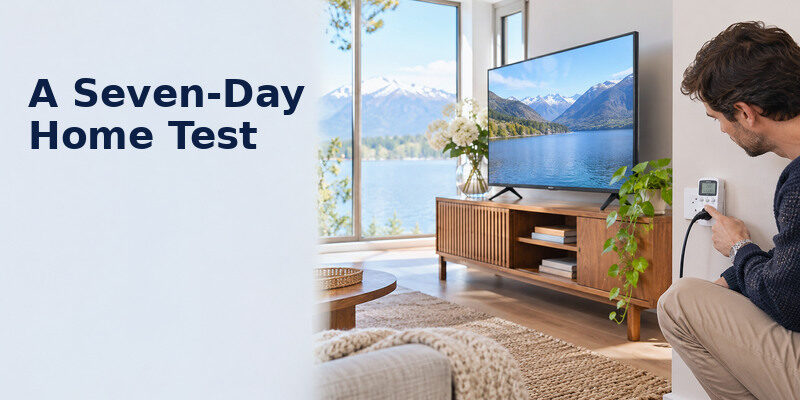
- If safe and accessible, measure a representative hour with a suitable plug-in meter, or use the official typical-power figure.
- Switch from a store-like preset to a comfortable home preset; compare similar content.
- Enable an ambient-light option and check both day and night viewing.
- Use a sleep timer and note how many unattended hours it prevents.
- Check whether a console, streamer or box remains powered overnight.
- Recalculate monthly kWh using the new hours and measured or specified watts.
Example of a real decision
Suppose a household reduces an illustrative 120 W draw to 90 W for four hours a day. The assumed 30 W change saves 0.03 kW × 4 × 30 = 3.6 kWh/month, or $0.72 at $0.20/kWh. Turning the same 90 W TV off for two unused hours each day saves another 5.4 kWh/month, or $1.08. These figures are arithmetic scenarios, not a claim about a specific brightness setting. How to save electricity with tv is easier to prioritize when the changed hours are visible in the calculation.
When a meter and label differ
An official label uses a standard test; your HDR content, connected devices and room light can differ. Measure several representative periods, not one paused black screen. Standby can fluctuate after a software update or during network activity. Record the conditions, allow the device to settle, and avoid comparing a game at maximum HDR with an SDR documentary. The purpose is a useful estimate, not laboratory certification.
Read more: Voice Command TV Not Working? Diagnose the Failed Control Path
Troubleshooting Settings That Undo Savings
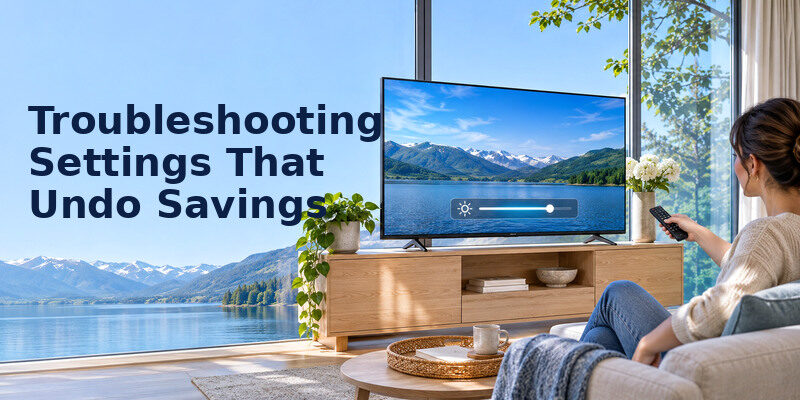
The screen keeps getting brighter
Check whether Store Mode, automatic picture optimization, Dynamic Contrast or a separate HDR preset is active. Some apps switch frame-rate and color modes. Verify the sensor is not shaded. If a firmware update reset picture values, compare against your notes. Do not change a calibration setting blindly if the picture already looks right.
The TV remains warm when off
Warmth alone does not prove an unusually high draw, but check Quick Start, network wake and background updates. Consult support if the set is abnormally hot, noisy or repeatedly shuts down. Keep vents clear. A wattmeter can distinguish a brief maintenance task from sustained standby draw, provided you can measure safely. How to save electricity with tv should not break an OLED’s required standby care.
A power strip breaks remote wake
Full disconnection eliminates TV standby draw but may also prevent scheduled recordings, updates and OLED panel care. Restore ordinary standby if the manual requires it. For controlling the TV without hunting for a remote, the can be useful on compatible devices and networks; its availability and features depend on the TV. Phone control does not itself reduce the display’s electricity use. If you use a Samsung television, the Samsung remote control manual can help you identify the controls used to reach supported TV settings.
Prioritize the Household’s Biggest Load
A very bright room
If glare forces the panel light to maximum, adjust curtains, blinds or screen placement first. Then use a comfortable picture mode and check text legibility. How to save electricity with tv in this room may be easier than forcing a dim Eco preset against direct sun. Measure a representative hour before and after under similar content; a large change in room lighting can otherwise distort the comparison.
Overnight autoplay
A sleep timer can prevent many hours of unattended operation. Set it long enough for the normal viewing session and test whether an app’s autoplay resets inactivity. How to save electricity with tv is often more about hours than a few watts. If the family uses the TV as background audio, check for a genuine screen-off mode; a black image on some LCDs still leaves the backlight operating.
A console and soundbar
Measure the whole setup and then individual devices if possible. A TV setting will not fix a console left on a menu. HDMI-CEC can coordinate sleep but needs testing for accidental shutdowns. How to save electricity with tv should include the devices needed to view content while respecting a DVR’s recording schedule. Keep a simple list of which units should remain in standby. A local kWh price makes how to save electricity with tv a household-specific calculation.
A replacement decision
Compare the current TV’s measured annualized kWh with a candidate’s EnergyGuide figure using the same viewing hours where possible. Multiply the difference by the local tariff, then weigh the purchase price and other benefits. How to save electricity with tv is not automatically a reason to buy a new panel. An efficient model may be attractive when replacement is already necessary, but energy payback alone can be long.
Read more: Cheap Smart TV Review: What You Gain and Give Up in 2026
Keep a Simple Energy Log

Record the TV’s usual start and stop times for seven days. Then note whether it ran unattended, which picture mode was used and whether a console stayed on. How to save electricity with tv becomes concrete when you can separate a bright preset from idle hours. Use a meter only on a safe accessible outlet and compare similar content. Do not infer a bill change from one evening’s reading.
At the end of the week, multiply representative watts by observed hours and the local tariff. If the saving from a dimmer picture is small but the image becomes unpleasant, restore the setting. How to save electricity with tv should favor a sustainable routine. A sleep timer or room-light adjustment may be a better change than a drastic preset.
How to save electricity with tv should be evaluated with local rates and the viewing hours that actually occur.
Frequently Asked Questions
How much electricity does a TV use?
Multiply its actual on-mode watts by daily hours. At 100 W and four hours per day, the illustrative figure is 12 kWh in a 30-day month, plus standby and connected-device energy. Model size, settings and content can shift the actual wattage. Use the EnergyGuide label or measurement rather than a universal number. The picture should remain comfortable after a change intended to show how to save electricity with tv.
Does energy saving mode affect picture quality?
It can lower brightness, alter contrast behavior or enable automatic adjustment. Some rooms still look excellent; others become too dim. Compare a familiar program in daylight and at night. A modest manual setting may be preferable if the preset hides detail. Save your old setting so the choice is reversible.
Is standby a major cost?
It depends on the actual watts and hours. One watt over 20 hours a day is 0.6 kWh per 30-day month; higher connected standby can add more. ENERGY STAR distinguishes Sleep Mode from other modes. Check the model, and do not sacrifice required updates or OLED care to save an unmeasured amount.
Should I turn down resolution?
Lowering a streaming app’s resolution may change data use, but it is not a dependable TV power-saving method across panels and content. Panel brightness and viewing hours are more direct controls. Measure on your model if you want to compare. Avoid reducing picture quality based only on an assumed watt saving.
Sources and Editorial Method
The figures here are transparent calculations from stated assumptions. The Remote TV App Team reviewed US Department of Energy television purchasing guidance and current ENERGY STAR television information on efficiency, sleep mode and automatic brightness control. TV power, local rates, menu names and usage differ; verify model specifications and your bill before claiming a specific saving.
