
Best Streaming Device 2026: 5 Top Picks Compared
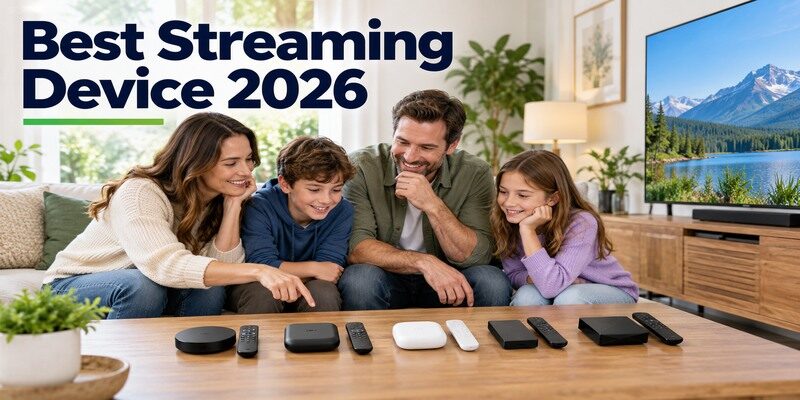
Short answer: The best streaming device 2026 depends on your ecosystem: Roku Ultra for a straightforward dedicated player, Fire TV Stick 4K for an Amazon-led compact setup, Google TV Streamer for Google households, Apple TV 4K for Apple integration, and Nvidia Shield TV Pro for a local media library. There is no one-size-fits-all winner for every app and region. Check the exact generation: Apple introduced a new Apple TV 4K in October 2026, and Amazon’s Fire TV list includes a 2026 Stick 4K. This guide ranks by use case, then shows how to verify compatibility, formats, and the full cost before buying.
Best Streaming Device 2026: Quick Picks
Start with the task the device must do every day. The top streaming devices ranked by generic speed can miss an essential app, a needed Ethernet port, or the remote your household likes. These picks reflect manufacturer-documented capabilities, not a claim that we performed laboratory testing. Confirm availability and software features in your country, since app catalogs and service plans vary.
Our best streaming device 2026 shortlist is intentionally use-case based: every pick should earn its place through a concrete household need.
| Pick | Best for | Check before ordering |
|---|---|---|
| Roku Ultra | Simple remote-led viewing and wired option | App and regional channel availability |
| Fire TV Stick 4K (exact 2026/2025 model) | Compact Amazon/Alexa setup | Generation, software, and TV power requirements |
| Google TV Streamer (4K) | Google TV, casting, and wired network | HDMI cable and desired apps |
| Apple TV 4K (current generation) | Apple ecosystem and smart home | Generation, storage, and app support |
| Nvidia Shield TV Pro | USB storage, Plex, and advanced media | Existing library, ports, and network |
Choose by the app you watch most
Before choosing the best streaming device 2026, search the app’s official support page for the exact device family and country. A service may appear in a store but offer different picture, audio, or live-channel features by model. If your only must-have app is absent, another device’s fast chip will not compensate. Test that app soon after installation while a return remains possible.
If the Roku handset is unavailable, a free Roku remote control app can provide phone navigation once the player is reachable on the local network.
Treat model names as part of the recommendation
Roku, Amazon, Apple, and Google sell or have sold multiple products under similar names. Apple’s October 2026 newsroom announcement describes a new Apple TV 4K, while older third-generation units may still appear in listings. Amazon’s specification table distinguishes its 2026 Stick 4K from earlier models. A best streaming device for tv search is incomplete until you identify the exact box and its included accessories.
Read more: Best Streaming Device 2026: Five Picks for Different TVs
Best for Simple Viewing: Roku Ultra
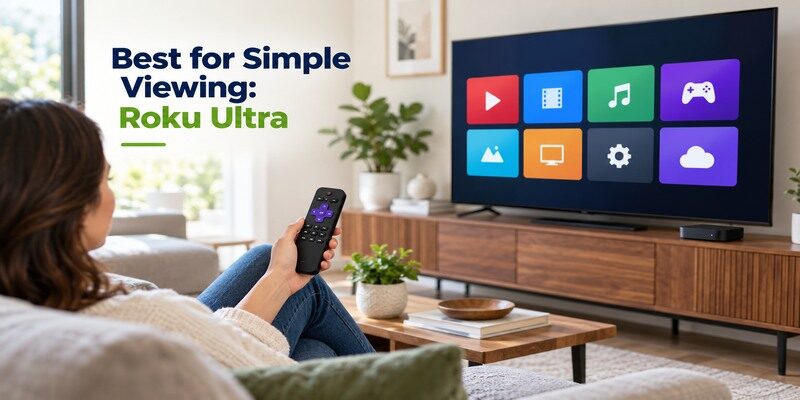
Roku Ultra is a dedicated player with an included remote, Ethernet, and a broad interface for channels and apps. Roku’s official product and support pages describe 4K HDR, Dolby Vision, Bluetooth, private listening, and its Voice Remote Pro features for the current model. A Roku Streaming Stick may be a cheaper or smaller alternative, but it has a different port and network arrangement. Choose Ultra when a set-top form factor and wired option are useful, not because every viewer needs the most elaborate Roku.
Roku can be the best streaming device 2026 for a viewer who values a familiar remote more than a tightly integrated phone ecosystem.
Remote and interface strengths
Roku’s remote-led home screen is approachable for someone who wants to open a service quickly. The Ultra support page documents private listening and the included remote’s features. Set up the remote’s TV power and volume control separately from navigating Roku. If a soundbar handles audio, test the equipment-control path. A best streaming device 2026 recommendation should account for the person who actually uses the handset every evening.
After the device is online, the Fire TV Stick remote app can serve as a phone-based navigation option for a compatible Stick.
Check the channels in your region
“Roku Channel” and third-party app availability vary by country and service rights. Verify the exact live-TV, sports, or local app before buying. If you depend on a niche Android TV app or a personal media workflow, another platform may fit better. Roku Ultra’s Ethernet can stabilize a fixed cabinet setup, but it cannot repair an unstable internet connection upstream. Test the network at the TV location.
Best Compact Amazon Option: Fire TV Stick 4K
Amazon lists a 2026 Fire TV Stick 4K and separate 2025 and earlier variants in its official device specifications. The 2026 model has its own software and Direct Power design in Amazon’s documentation, so avoid applying old power-adapter advice or app assumptions automatically. Fire TV’s Alexa-led interface and small form factor suit a TV without cabinet space. Read the exact listing and manufacturer spec, particularly if a retailer calls several generations “newest.”
That generation check is essential before calling a Fire TV model the best streaming device 2026 for your favorite third-party app.
Match the Stick to the TV
An HD screen does not require a 4K output solely for the label, while a 4K HDR television calls for compatible hardware and services. Confirm the formats on the model page and whether your favorite app supports that Fire TV software generation. Amazon’s developer table can reveal the operating-system differences that marketing pages compress. The best streaming device 2026 for a guest room may be a simpler Stick than for the main theater.
For supported Google streaming devices, the Google Home TV remote offers another way to navigate from a compatible phone.
Understand power and network limits
The 2026 Stick 4K’s Direct Power arrangement differs from many older Fire TV instructions. Follow the supplied model-specific guide and the TV’s port requirements. A Wi-Fi device behind a wall-mounted TV may need a stronger network or compatible accessory. If a welcome screen does not appear, select the correct HDMI input before troubleshooting Wi-Fi. This practical check solves more setup confusion than comparing processor labels.
Read more: Chromecast vs Nvidia Shield: Which Google TV Setup Makes Sense?
Best for Google Households: Google TV Streamer
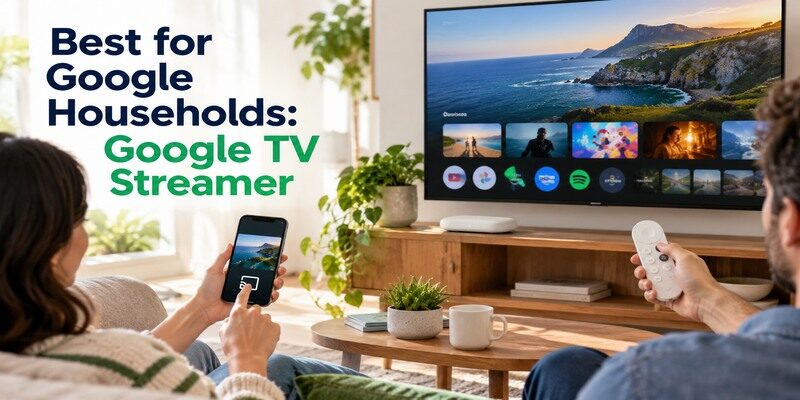
Google TV Streamer (4K) is Google’s newer set-top successor to Chromecast with Google TV. Google’s specifications list Ethernet and Google TV features; the product is separate from older casting-only Chromecast dongles. It suits a household that wants Google TV navigation, Google Cast from compatible apps, and a wired route. Google notes that an HDMI cable may be needed separately, so verify the local box contents before installation.
For a Google household, the best streaming device 2026 may be this Streamer if the family wants both phone casting and remote browsing.
Cast and browse on the same screen
A compatible app can cast from a phone, while the included remote browses the TV interface. That combination is useful when some viewers choose titles on phones and others prefer the sofa remote. Casting still requires local-network discovery; a guest network that isolates devices can block the target even when both have internet. For best streaming device for smart tv shoppers, this dual control path can matter more than interface animations.
Compare it with existing Chromecast hardware
If an older Chromecast already casts your essential apps reliably, an upgrade may be unnecessary. Chromecast with Google TV adds a remote and home screen, but Google TV Streamer has its own form factor and hardware. Google’s official comparison page lists both separately. Do not purchase a secondhand Chromecast under the assumption it has Streamer Ethernet or the same current features. Identify the generation and warranty.
The Chromecast remote app guide explains how phone control differs between a cast-only Chromecast and a Chromecast with Google TV.
Best for Apple Integration: Apple TV 4K
Apple announced a new Apple TV 4K in October 2026, and its current technical specification page lists the latest storage, connectivity, and Siri Remote features. An older third-generation Apple TV 4K has different specifications; Apple’s model-identification page helps distinguish them. The current model fits people who use Apple services, HomeKit or Matter accessories, and compatible Apple devices. Confirm the exact regional availability and features rather than attributing the newest specifications to older stock.
Because the release is recent, a best streaming device 2026 comparison should separate the newly announced generation from discounted older stock.
Apple services and smart-home use
Apple’s product page describes integration with its services and smart-home controls. If you already manage an Apple household, setup and media sharing may feel cohesive. The best streaming device 2026 for that household can be different from one centered on Alexa or Google Home. Check the services you subscribe to and their app support, including local sports or live TV. Apple integration is valuable only if it reduces your actual steps.
Verify the generation and ports
The current Apple specifications list HDMI, Ethernet, Wi-Fi, and remote details, but retail boxes and older generations differ. Apple’s 2022 third-generation model, for example, had Wi-Fi-only and Wi-Fi-plus-Ethernet variants. Read the full listing before expecting a wired connection. A new generation’s capabilities do not arrive through an update on older hardware. This is especially important when a sale price appears unusually low.
Read more: Fire TV Stick vs Nvidia Shield: Which Streaming Device Should You Buy?
Best for a Media Library: Nvidia Shield TV Pro
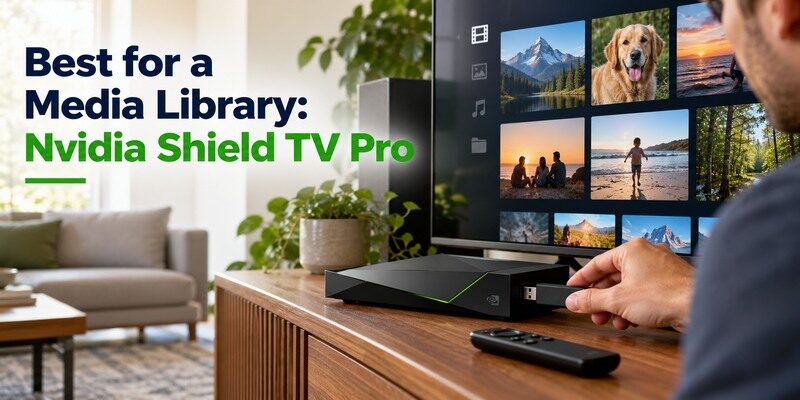
NVIDIA’s Shield TV Pro has two USB 3.0 ports, built-in Ethernet, AI-enhanced upscaling, and Plex Media Server support according to its official product and support pages. Those features serve a more specific job than launching a few subscription apps. The standard tube-shaped Shield TV has different expansion limits. Buy Pro for a library or connection requirement you can name, not because the word “Pro” implies universally better streaming.
Shield Pro can be the best streaming device 2026 for a library owner even when a mainstream viewer needs none of its extra hardware.
Host versus play local media
A Plex client plays a library served elsewhere. Shield TV Pro can host Plex Media Server in supported configurations, which requires a drive, network planning, and ongoing power. If a NAS or computer already hosts your files, a cheaper client may suffice. The best streaming device 2026 for local files depends on whether the new box must be the server. Test your subtitles, audio tracks, and a representative high-bitrate file.
For a compatible Apple TV, the Apple TV Remote for iPhone can provide a convenient phone-based alternative when the physical remote is unavailable.
Evaluate upscaling with your content
NVIDIA advertises AI-enhanced upscaling for lower-resolution video. It cannot convert a low-quality source into native 4K detail, and a TV may apply its own processing. Compare a familiar HD channel and native 4K title on the same television with documented settings. If you watch almost entirely native 4K, USB and Ethernet may be more relevant reasons to choose Pro than upscaling alone.
Compare the Costs Beyond Hardware
The device price is only one part of streaming. An HDMI cable, Ethernet run, compatible power adapter, or storage drive may be needed depending on the model. Paid apps remain separate. Avoid using one retailer’s temporary sale as a permanent ranking. For the best streaming device 2026, calculate the setup you will actually install, including a reliable router and the services you intend to keep.
If the best streaming device 2026 costs less up front but needs several accessories, compare its complete installed cost against a box with built-in ports.
| Cost or constraint | What to check | Common surprise |
|---|---|---|
| Streaming subscriptions | Monthly plans and simultaneous streams | Hardware does not include every service |
| HDMI and power | In-box contents and model instructions | A box may need a separate HDMI cable |
| Ethernet or storage | Port, accessory, cable, drive | Dongle and set-top box differ |
| App compatibility | Country and OS generation | Same brand name can hide different software |
Do a one-month service audit
List the apps you use weekly and cancel redundant trials before buying new hardware to “save money.” A better interface does not reduce the subscription bill by itself. If live sports is a requirement, check the current service and blackout rules. The best streaming device for tv may be the one that supports the least expensive service mix you are willing to keep, but costs and rights can change.
Plan the full signal chain
Confirm the TV’s HDMI version and the receiver or soundbar path for desired HDR and audio. A new streamer cannot force a title, service tier, or old receiver to support a format. Test ordinary playback, then a known 4K or surround title. If the menu works but the title fails, isolate each HDMI link before exchanging the device. A short equipment inventory prevents an avoidable purchase.
Read more: Fire TV Stick vs Chromecast: Which Fits Your TV Better?
Decide by TV and Household Scenario
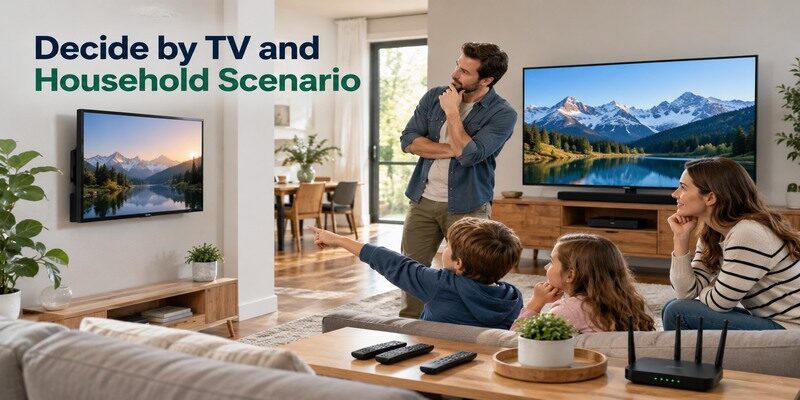
The best streaming device 2026 for a wall-mounted spare TV is rarely the same as for a theater cabinet or a family’s main room. Write down the TV resolution, essential apps, control style, network path, and space for cables. Then eliminate any option that fails a hard requirement. A five-way ranking without those inputs can produce an expensive mismatch.
Before committing, ask a second household member to rank the remote and app workflow; their daily friction can outweigh your technical preference. Before adding storage or configuring a media library, follow how to set up NVIDIA Shield TV and confirm that basic playback works.
Spare TV or travel setup
A compact Stick can be convenient, provided the location supports its power and Wi-Fi needs. Sign-ins on a shared or hotel network may have extra steps, and app rights vary by country. Keep the device and remote together. If a hotel TV blocks HDMI switching, the best streamer cannot override that limitation. Check the TV’s input policy before relying on a travel device.
Main living room and home theater
A wired-capable set-top device can be easier to manage in a fixed cabinet. Roku Ultra, Google TV Streamer, current Apple TV 4K, and Shield Pro have different strengths in remote design, ecosystem, media storage, and audio workflow. Choose the one with your apps and desired connections. The top streaming devices ranked for a generic consumer may omit the exact receiver format your room requires, so verify it yourself.
Family with mixed phones
A physical remote and simple on-TV navigation matter when not everyone uses the same phone platform. Roku, Fire TV, Google TV, Apple TV, and Shield all have remote-equipped options. Account profiles and purchase controls vary by service and platform. Test whether a guest can start a familiar title without using the owner’s personal phone. The best streaming device 2026 is the one the household can operate consistently.
Set Up and Test Your Choice
After purchase, begin with HDMI, model-correct power, input selection, network, account, and one supported app. Use the manufacturer guide for that generation. An on-screen welcome page proves power and input before you change router settings. Install updates, then play a normal clip and a demanding title if your equipment supports it. Keep packaging until the must-have app and remote functions pass.
The best streaming device 2026 on paper should pass a real playback test in your room before you discard the box.
Verify the core route
Choose the correct HDMI input with the TV’s own remote. Complete device setup, enter the home network, and sign in. Test directional navigation and Back or Home before TV volume. If only volume fails, configure equipment control rather than resetting the streaming account. This staged process reveals whether a problem sits with the device, app, network, or audio chain.
Have a remote fallback
A lost handset can interrupt viewing even when the streamer is healthy. Official phone-remote features exist for supported platforms and generally need local-network access. The offers a phone-based fallback for compatible TVs and streaming devices; check model support and connect the phone appropriately. It cannot replace power or correct the television’s physical input when the device is offline.
Read more: Westinghouse TV Remote App: Roku TV Setup and Phone Controls
Best Streaming Device 2026 FAQ
These questions address the last checks that can overturn a recommendation. A best streaming device 2026 verdict should still follow your exact apps, region, and television capabilities.
Which streaming device has the most apps?
A raw app count is less useful than availability of your specific services in your country. Check each must-have app’s current support page and the exact device generation. Feature support inside the app can differ as well. A service missing from one platform settles the choice more quickly than an aggregate store number.
The best streaming device 2026 for that service is whichever supported model delivers its needed live and playback features in your region.
Do I need a 4K streaming device for a 4K TV?
A 4K-capable streamer is sensible if you want supported 4K content, but the app, plan, title, network, and TV must also cooperate. An HD device can still display on a 4K television at lower output resolution. Compare the actual model and formats instead of assuming every product in a brand is 4K.
Is an old Chromecast still useful?
Yes, if its supported casting apps and network work for you. An older casting-only model lacks the remote and on-TV interface of Chromecast with Google TV or Google TV Streamer. Software and service support can change. Upgrade for a specific missing feature or compatibility problem rather than the device’s age alone.
Does a faster streamer stop buffering?
Not necessarily. Buffering can come from the internet plan, router, Wi-Fi interference, service outage, or app. Test multiple services and devices in the same room. Ethernet may remove a weak wireless segment where a compatible port or accessory is available, but it cannot fix slow broadband or a struggling service.
Can I avoid a physical remote?
A supported phone remote can help on a reachable local network. Older casting-only Chromecast relies on a phone as its normal control path. A physical remote is still useful for guests and recovery when a streamer is not yet on Wi-Fi. Verify compatibility before treating a phone as the only controller.
Final Thoughts
The best streaming device 2026 is the one that runs your essential apps and fits your TV, network, and control habits. Roku Ultra favors straightforward remote-led viewing; Fire TV Stick 4K fits compact Amazon setups; Google TV Streamer fits Google casting and wired viewing; current Apple TV 4K fits Apple households; Shield TV Pro serves local libraries and expansion. Confirm exact generations, especially the October 2026 Apple release and Amazon’s 2026 Fire TV model, then test your real content soon after setup.
Revisit the best streaming device 2026 choice if a required service changes its device support or your home network moves to a different room.
