Logik TV Remote App Free: Connect the Right App to Your Television
Short answer: Roku’s free mobile app is the first option for a Logik Roku TV; older Logik sets need a model-supported network app or compatible infrared hardware. A search for logik tv remote app free can return controllers designed for very different televisions. Some communicate over your home network, while others require an infrared transmitter that your phone may not have. The Logik name alone cannot settle that choice. Start with the television’s model and home screen, then follow the matching route below. You will also learn what to do when the original remote is missing, how to recognise a connection problem, and when a physical replacement remains the most useful solution.
Logik TV Remote App Free: Check These Details First
Identify the Television Behind the Screen
Read the model label or the television’s About information before choosing an app. Currys identifies the Logik L40RFE25 as a Roku TV and explicitly lists the Roku app under smartphone support. That gives owners of this model a clear starting point, without implying that every older Logik television uses Roku.
For your logik tv remote app free search, write down the full model, including any suffix. If the screen shows a streaming stick’s menu, press the television’s own Home button when available. The stick’s software may be different from the television’s built-in system.
Record What Still Works
Check whether the set powers on, opens its own settings, and remembers the household network. Note whether the physical remote is lost, completely unresponsive, or only missing a working button. Those situations require different recovery steps, even when the eventual phone app is identical.
Prepare these details:
- Full Logik model and the system shown on its own home screen.
- Phone type and whether its specifications include an IR blaster.
- Current network connection and access to the television’s buttons.
- Essential controls, such as volume, input selection, and live channels.
Connect the Official Roku App on a Logik Roku TV
Choose Roku’s Own Listing
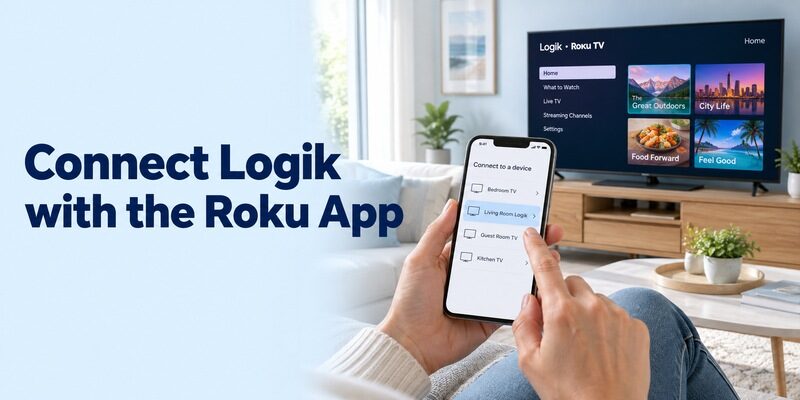
Use the official Roku mobile app for a television confirmed to run Roku OS. Roku advertises its app as free for iOS and Android. Check the publisher before installing, because a similar icon or a title containing “Roku remote” does not establish that a listing comes from Roku.
This is the clearest logik tv remote app free route for a supported Roku model. A paid streaming subscription is a separate product from remote control. Choosing the official controller does not make subscription channels free, and opening a subscription channel does not prove that the remote itself requires payment.
Select the Television and Test Navigation
Roku’s support instructions describe connecting the phone and Roku device to the same wireless network, opening Devices, selecting the device, and choosing Remote. Keep the television on during this first connection. Follow any permission or connection prompts that actually appear on your phone.
Start with one arrow press and Back. If the correct television responds, continue with Home and a simple menu selection. For a logik tv remote app free setup, this short trial is more informative than immediately testing voice search, headphones, and several streaming services at once.
Keep the first test on a familiar home-screen item. Avoid opening purchases or changing account settings while you are still learning how quickly the phone’s buttons respond to a tap.
Read more: Hisense Roku TV Remote App: Setup and Free Options
Treat Older Virtual Remote Models Separately
Look for the Setting in the Correct Manual
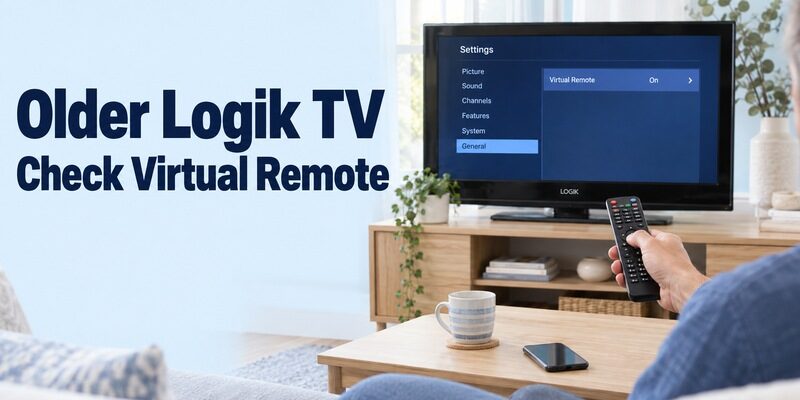
An older Logik smart interface is not automatically a Roku interface. The official L43UE19(A) manual includes a Virtual Remote setting under its additional system settings. It also documents a separate Audio Video Sharing option. These labels show why “smart TV” is too broad a compatibility description.
If you are researching logik tv remote app free for this generation, use the exact model manual to identify the supported phone-control route. A menu switch alone does not establish compatibility with every app advertising Vestel support, and a casting feature does not establish full remote access.
Confirm the Companion App Before Changing Settings
Ask Currys support or the app publisher to confirm the full model when the manual does not name a currently available companion app. Include the model suffix and the phone operating system. This is more useful than asking whether an app supports “a Logik smart television.”
Enable a documented remote-control setting only when you are following the matching instructions. Keep a note of its previous value. If the app still cannot discover the television, avoid enabling every sharing option in the menu; unrelated features can make the test harder to interpret.
Check Infrared Hardware Before Trying an IR App
Read the Publisher’s Requirements
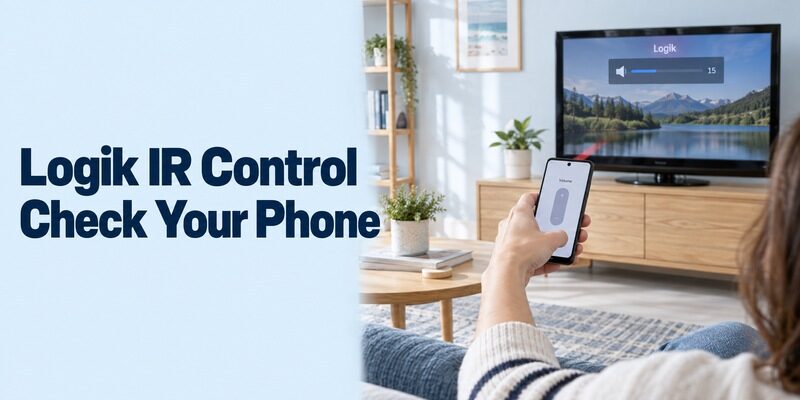
An IR-only controller needs a real infrared transmitter. The Google Play listing called Logik TV Remote, published by Remote Controls, states that it is unofficial, contains ads, and requires infrared phone hardware. Those conditions matter more than a broad claim that an app supports many televisions.
A logik tv remote app free download cannot add that transmitter to a phone. Most phones do not include one, and iPhones do not provide a built-in TV-remote IR blaster. A camera opening, proximity sensor, or Bluetooth connection is not an interchangeable substitute for the required emitter.
Test a Profile Without Losing Your Place
If your phone specifications confirm IR support, select the appropriate Logik profile and aim the emitter toward the television’s receiver. Begin with a small volume change. Try navigation and input selection before treating a working power command as proof of a complete match.
Save the profile only after several essential commands behave correctly. During a logik tv remote app free test, write down which profile worked and which buttons failed. This prevents repeated code searches and helps you distinguish a partial code match from a phone that cannot transmit at all.
Remote codes printed for a Sky, Virgin Media, or another physical controller belong to that controller’s programming system. They are not necessarily values you can enter into a phone app. Use the instructions supplied with the app’s own profile selector. If a list asks you to try several on-screen layouts, test each layout consistently rather than mixing commands from different profiles and assuming you have found one complete match.
Recover Access When the Original Remote Is Missing
Get the Television Online First
A network remote usually needs the television to be reachable before it can help. If you changed routers and the TV still remembers the old network, the new app cannot simply type the replacement password into an undiscovered device. Physical controls or a compatible replacement may be needed first.
Check the manual for the function of the set’s buttons or joystick. Some provide more than power, but do not assume that every Logik model offers a complete settings menu through them. Keep the television securely positioned while locating controls; there is no need to remove its casing.
Avoid Resetting Away a Useful Connection
A factory reset can remove saved network information and return the set to an initial setup screen. If your goal is logik tv remote app free access, that may leave you with fewer options than before. Try an ordinary restart and the documented discovery checks before considering a reset.
Borrowing a confirmed compatible controller can be enough to reconnect the TV, approve a prompt, or enable the necessary setting. Once the phone works, keep that recovery method available. A phone app is most convenient when it supplements a setup you can still reach independently.
Compare the Routes by What They Require
Choose by connection method and model support, not by the number of remote buttons in a screenshot. The following comparison is a decision aid for your logik tv remote app free search. It does not imply that a single app supports every television listed under the Logik brand.
| Route | Appropriate starting point | Required check | Main limitation |
|---|---|---|---|
| Official Roku app | Confirmed Logik Roku TV | Correct Roku device on the network | Does not control a different built-in TV system |
| Model-supported network app | Older smart model with documented support | Manual, companion app, remote setting | Smart features alone do not prove compatibility |
| Independent IR app | TV with a matching IR profile | Phone emitter and successful button tests | Cannot work through software alone without IR hardware |
| Physical replacement | Missing remote or unavailable app route | Exact model or verified remote compatibility | Requires a separate controller |
For a guest room used mainly for live television, reliable channel and volume buttons may matter more than a phone keyboard. For a Roku set used for streaming searches, navigation and text entry may be the priority. Define that requirement before spending time comparing optional features.
Consider a household with an older Logik in the kitchen and a newer Roku model in the living room. The same phone may support the living-room network remote while offering no usable route to the kitchen set without IR hardware. That is not inconsistent behaviour: each television accepts a different kind of command. A useful logik tv remote app free comparison therefore lists the model beside the app, rather than assigning one app to the whole household by brand name.
Find the Cause When the TV Does Not Appear
Separate Network Access from App Compatibility
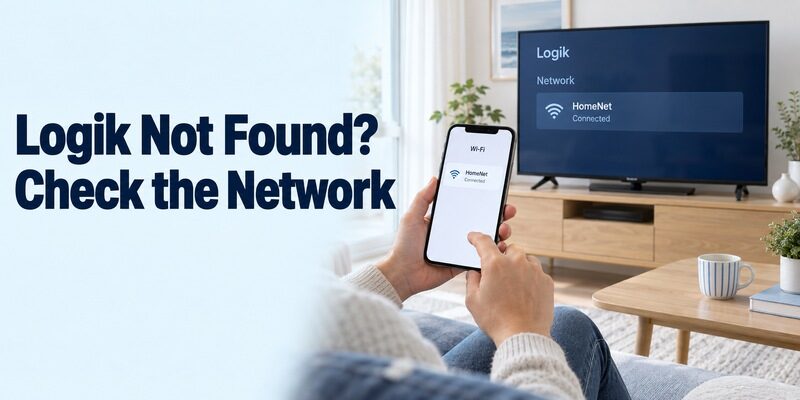
A phone with internet access is not necessarily on the television’s local network. Check the actual network name on both devices. A guest network, an isolated access point, or mobile data can leave the phone online while preventing it from reaching the television.
When a logik tv remote app free setup produces an empty device list, establish the basic facts first: correct TV system, supported app, television awake, and local access allowed. Reinstalling several apps before checking those conditions can repeat the same failure without providing any new information.
Change One Condition at a Time
Temporarily disconnect a VPN if it interferes with local access, then repeat discovery. Review the app’s relevant local-network permission on the phone. Restart the app after making a change so that you are testing a fresh connection attempt rather than a stale device list.
If another household phone already controls the TV, compare its app publisher, connection, and permissions with yours. That working example narrows the problem considerably. For your logik tv remote app free troubleshooting notes, record the last successful step instead of simply writing that nothing works.
For example, distinguish “the TV never appears” from “the TV appears but Remote will not open” and “arrows work but volume does not.” The first points toward discovery or compatibility, the second toward the connection stage, and the third toward an individual function or target device. These are starting points for diagnosis, not guarantees. They make your logik tv remote app free support request specific enough for a publisher to suggest a relevant next check.
Read more: Roku Remote Quit Working? Here’s How to Fix It
Check Volume, Inputs, and Everyday Reliability
Confirm Which Device Receives the Command
A remote for a connected streaming player is not automatically a complete television remote. If your Logik display is showing a Roku player connected through HDMI, the app’s navigation may be reaching the player. Television power and volume depend on the supported device and control arrangement.
For built-in Roku models, test the television controls offered by the app. If you use a soundbar, confirm where the sound is coming from before judging the volume result. A moving on-screen slider and unchanged sound can point to an audio setup issue rather than failed navigation pairing.
Repeat the Tasks After a Short Break
Close the app, reopen it, and select the same television again. Try your normal viewing sequence: open the correct source, navigate, adjust sound modestly, and return to the home screen. Then check what happens after the television enters standby.
This makes a logik tv remote app free trial realistic. A controller that only works immediately after manual setup may be useful, but it needs a different backup plan from one that reliably reconnects. Do not assume that successful power-off also guarantees power-on from every standby state.
Decide Whether an App’s Free Version Is Enough
Test the necessary controls before accepting a trial or upgrade. Independent remote apps can use ads, purchases, or subscriptions, and their terms can change. Read the current store listing and any purchase screen. “Free to install” does not tell you which buttons remain available without payment.
| What you encounter | What to establish before continuing |
|---|---|
| Upgrade screen at launch | Whether basic remote controls remain accessible without accepting it |
| Trial with a renewal date | Whether you want the recurring purchase and know its terms |
| Working arrows but locked volume | Whether the unpaid version meets your actual viewing needs |
| App asks for broad permissions | Which requested access relates to the feature you intend to use |
Keep the logik tv remote app free decision focused on your own television. A high rating from owners of another platform does not prove compatibility with yours. Likewise, paying for an upgrade cannot supply missing infrared hardware or create a remote service that the TV does not support.
For additional setup explanations, offers related television-control guides. Compare the connection requirements in any guide with your model before following menu instructions, particularly when the television is an older Logik set with a different smart interface.
Keep a Small Record of the Working Setup
Save Useful Details Instead of Every Attempt
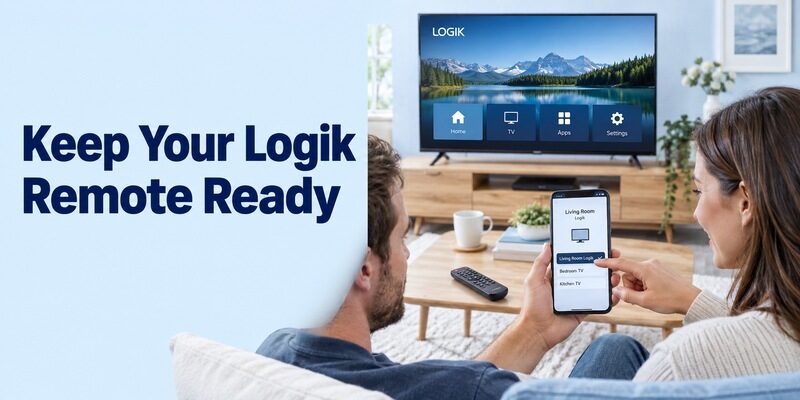
Record the app publisher, selected TV name, and controls you confirmed. Add the working IR profile if that is your route. A short note is enough; you do not need to retain screenshots of every failed search result or every alternative app you tried.
After your logik tv remote app free setup succeeds, remove unused trial apps if you no longer need them. Check any trial subscription separately before removing an app, since deleting software is not the same action as cancelling an active subscription through the appropriate store.
Make the Backup Easy to Find
Keep a compatible physical remote in a known place, especially if other people use the room. Show them which TV name to select on the phone and which controller handles the soundbar or streaming box. Clear device names reduce accidental control of another room’s television.
Recheck the setup after replacing the router, changing the phone, or updating the television’s system. Those changes do not automatically mean the app has become incompatible, but they can alter discovery, permissions, or saved device entries. Start with the recorded working arrangement before trying a new route.
If you lend the television to someone else, pass on the model details and the physical controller together. Your phone’s saved connection is not a substitute for their own setup. They should install the verified publisher’s app on their device and connect through their own household network. This keeps a successful logik tv remote app free arrangement understandable when the television changes rooms or owners.
Final Thoughts
The right logik tv remote app free choice depends on the television you own. Use Roku’s official app for confirmed Logik Roku models, verify older smart-TV companion support, and check physical IR hardware before trying an infrared controller. Start with basic navigation, then test sound, inputs, reconnection, and standby separately. Keep the original or a verified replacement remote available for network changes and recovery. A small amount of model checking at the beginning saves repeated installations and gives you a phone remote that fits your normal viewing routine.