RCA TV Remote App Free: Choose a Supported App and Test Your Connection
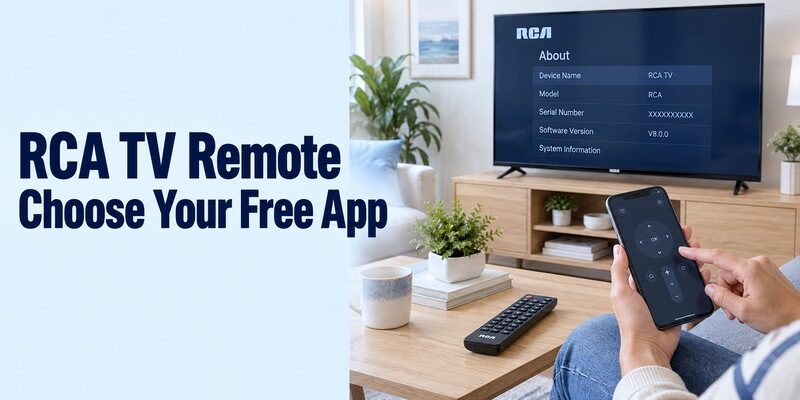
Short answer: For an rca tv remote app free setup, use Roku’s official app for an RCA Roku TV or Google’s Google TV app for compatible Google TV and Android TV models. RCA webOS and older televisions need separate model-specific checks; infrared apps require actual transmitter hardware.
RCA appears on televisions with different operating systems and on universal physical remotes used with other brands. Those are different starting points, so identify the television itself before choosing a download. Read its complete model code and system information, then confirm the phone app’s publisher and connection requirements. This guide compares the practical routes, explains how to evaluate independent listings, and provides tests for navigation, sound, inputs, and reconnection. You will also know when to keep a physical controller because a phone route does not cover the required function.
RCA TV Remote App Free: Match the Television’s Platform
Use the operating system and exact model together. Neither the RCA name nor the size of the screen identifies a universal mobile remote.
| Your RCA television | Route to check first | What still needs confirmation |
|---|---|---|
| Roku TV | Official Roku mobile app | Correct device and local network |
| Compatible Google TV or Android TV | Google TV mobile app | Supported phone and TV authorization |
| RCA webOS model | Model’s documented mobile-control route | Exact app and network-remote support |
| Older IR-controlled television | Compatible infrared app or physical remote | Real transmitter and matching commands |
| TV displaying an HDMI player’s interface | Application for the player | Separate television-specific controls |
RCA’s official product information identifies Roku equipment such as the RTRU5527-US and webOS models such as the RWOSU5847. Its current products directory also lists Google TV and Android TV models. Those examples explain why the same app is not automatically appropriate for every RCA television.
For an rca tv remote app free search, keep an attached streaming player separate from the built-in TV platform. The player’s app may navigate streaming content while input selection, picture settings, or tuner controls remain functions of the television.
Decide What Free Access Needs to Cover
Define the required buttons before comparing optional features or purchases. A useful remote should complete your everyday viewing task without an unexpected gap.
Separate basic remote use from entertainment charges
A movie rental or streaming subscription pays for content, not necessarily the phone remote. Check which screen is presenting an offer and what the purchase unlocks. Do not interpret every entertainment promotion as a mandatory fee for moving through the television’s menus.
For an rca tv remote app free comparison, list the functions that matter: navigation, selection, Back or Home, sound, and a return to the normal input. Decide whether optional voice, casting, or other extras improve your actual routine after the essentials work.
Read each application’s current terms
Independent applications can use advertisements, optional upgrades, or introductory trials. Free installation does not establish permanent access to every feature. Read the current listing and the terms shown by the installed application rather than transferring a pricing claim from another similarly named product.
An rca tv remote app free option should be judged during a complete task, including reopening the remote after another phone app. Notice whether advertisements or purchase prompts interrupt routine actions. Keep a known working alternative until a new interface has passed the same test.
Pair Google’s Mobile Remote on Compatible RCA Models
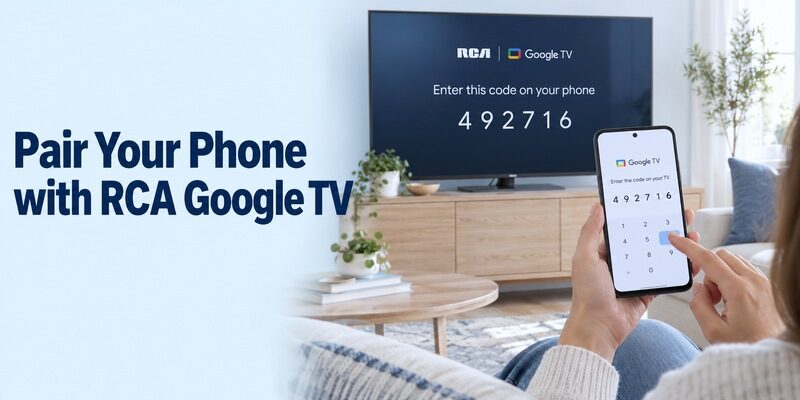
Use the Google-published phone application when the television supports Google’s remote route. A TV-side service or an archived standalone remote package is not the same download.
Confirm the platform and prepare the connection
RCA’s products directory identifies the TC-LE50K-GO2401 as Google TV and the TC-LE32K-AN2401 as Android TV. Read the system information on your own television before using those platform instructions; a similarly named model or regional variant should still be checked independently.
Before testing an rca tv remote app free connection, turn on the TV and connect the phone and television to the same suitable home network. Keep the original controller available for network setup. An offline television cannot be discovered merely because the phone has internet access.
Enter the code shown by the selected television
Google’s current instructions use Google TV’s TVs nearby selector, followed by device selection, the code shown on the TV, and Pair. Keep both screens visible and complete the authorization for the intended RCA. If the prompt expires, repeat the supported process rather than trying unrelated numbers.
For an rca tv remote app free pairing test, send one visible command after authorization. Check directional movement and selection before trying the keyboard in a harmless search field. Phone pairing is separate from a physical universal remote’s code setup or Bluetooth pairing for a supplied voice controller.
Read more: How to Reset Google TV Remote: Chromecast & Google TV Streamer Guide
Use Roku’s App for an RCA Roku Television
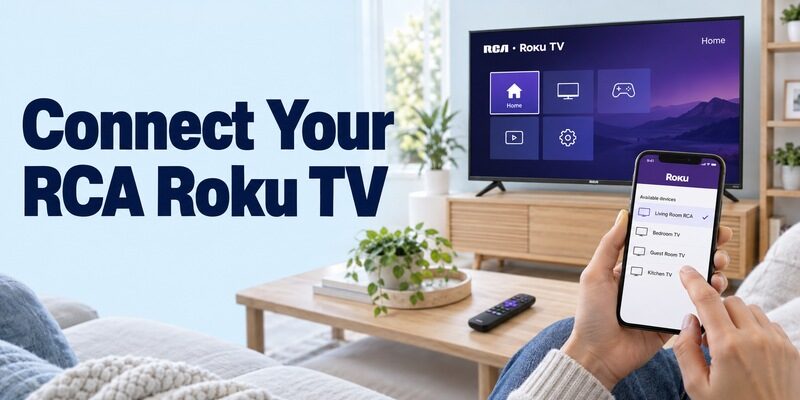
Roku’s verified mobile application is the platform route for a compatible RCA Roku TV remote. RCA’s Roku product guidance describes free mobile control on supported iOS and Android phones.
Select the correct Roku device
Install the official application published by Roku, Inc., check the current phone requirements, and connect the configured television and phone to the same local network. Use the application’s Devices area to choose the television and open Remote, following any relevant access prompts.
An rca tv remote app free Roku setup should be confirmed from the television’s response. If several Roku devices appear, choose by room and identity and watch which screen changes. A successful connection to a separate player does not prove that the TV itself was selected.
Check additional features with the source you use
Start with Home, directional movement, selection, and Back. Then test supported text entry, voice, or listening features separately. Requirements can depend on the device, phone, and viewing source, so avoid assuming every feature works identically with antenna channels, streaming apps, and HDMI equipment.
Keep a familiar controller nearby while checking television sound and inputs. A phone interface can be convenient for streaming yet still leave a particular equipment-specific action outside the supported route. Record that limitation as part of the household setup.
Read more: How to Connect Roku Remote to TV: Full Pairing Guide
Verify RCA webOS Support Before Choosing an LG-Branded App
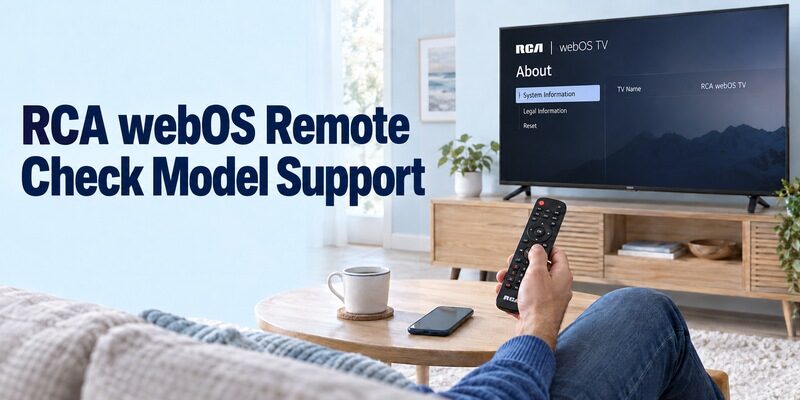
The webOS name alone does not establish support for every application designed for an LG television. Follow the instructions for the exact RCA model and its regional software.
Read the model’s own mobile-control guidance
RCA’s RWOSU5847 information confirms a webOS platform. That identifies the operating system but does not, by itself, document a universal phone-pairing process. Check the TV’s supplied help, manual, or model support for the appropriate mobile application and its requirements.
For an rca tv remote app free choice on webOS, preserve the distinction between supported network remote control and other smart features. A television can offer streaming applications or voice-assistant integration without supporting the same phone interface as another brand’s webOS set.
Keep unsupported assumptions out of setup
Do not substitute Google’s pairing code procedure simply because the TV advertises Google Assistant. Likewise, do not assume that a television registered in a home-device application exposes full remote controls. Follow the authorization process actually documented for the selected model and application.
An rca tv remote app free search can also produce independent apps claiming webOS support. Read those as publisher claims to test on the exact equipment. If support remains unconfirmed, keep the physical controller and ask model support about the specific app rather than resetting the TV to force discovery.
Evaluate Independent Wi-Fi and Infrared Listings
Publisher identity and connection mode matter more than a familiar television picture. An app using RCA in its title may be an independent product.
Separate advertised Wi-Fi and IR modes
The Google Play listing RCA TV Remote by Code Cooker discloses advertisements and states that it is not an official RCA application. It describes Wi-Fi control for compatible smart TVs on the same network and IR control for phones with an infrared blaster; functions can vary by model.
For an rca tv remote app free evaluation, choose the mode that your equipment actually supports. A Wi-Fi discovery failure is not automatically fixed by tapping IR mode. The latter requires a physical transmitter and matching commands, even if the on-screen buttons look the same.
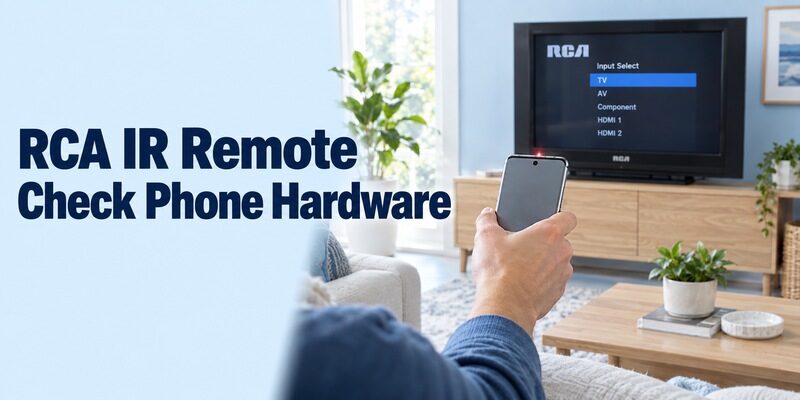
Inspect phone hardware before testing an IR profile
Read the exact phone specifications to confirm a built-in IR blaster. Many Android phones lack one, and an ordinary iPhone does not acquire traditional TV-control infrared hardware through an app download. An external transmitter needs its own verified phone and software compatibility.
With supported hardware, aim toward the television and test more than power before saving a profile. Check volume, menu movement, selection, and inputs. For an rca tv remote app free IR route, a partially working profile should not be treated as a complete replacement for the original controller.
Distinguish an RCA Universal Remote from an RCA Television
The name printed on a physical controller may identify the controller’s brand rather than the TV it operates. Check the television’s own label before choosing a phone application.
Identify which product needs configuration
An RCA-branded universal physical remote can be configured for equipment from other manufacturers. Its model and instructions determine its programming process. A phone app with RCA in its title is a separate product and does not inherit compatibility from that physical controller.
For an rca tv remote app free search, first decide whether you want to control an RCA television or replace the functions of an RCA universal remote used with something else. If the TV belongs to another brand, its own platform and model should guide the mobile app choice.
Keep code entry and phone authorization separate
A physical universal remote’s code list belongs to that remote’s programming system. It is not a list of Google TV pairing PINs or a way to authorize any phone on a network. Use the instructions for the actual device being configured.
If the original physical remote is still useful, retain its working setup while testing the phone. There is no need to remove a paired controller or erase a functioning code merely to compare a mobile interface. Preserving it makes recovery easier if an app lacks a required button.
Read more: Mi TV Remote App Free: Choose Xiaomi’s IR or Wi-Fi Control Route
Test Sound and Input Recovery on the Whole Setup
A working directional pad does not prove that the phone controls every connected component. Verify the tasks needed for your normal source.
Check where sound and channels come from
Change volume one step and observe which speakers respond. An external soundbar or receiver may need a different supported control route. For live channels, distinguish the television’s tuner from a provider box whose channel list and programme guide belong to separate equipment.
An rca tv remote app free acceptance test should include the controls you actually use, including mute or direct channel entry where relevant. Avoid declaring the app complete after a demonstration that only opens a streaming tile while leaving the household’s ordinary viewing source untested.
Return from external players and other inputs
Keep a recovery controller available before switching away from the usual source. Test whether the phone can reach the television’s input list and return to the expected HDMI or TV input. A player’s own mobile app may navigate that player without exposing the television’s complete settings.
Some supported player and television combinations provide power or volume through HDMI control features. Check the actual equipment rather than assuming those controls are always present or always absent. Record which application controls the player and which route handles any remaining television-specific functions.
Troubleshoot the First Failed Stage
Choose the next check from the symptom you can reproduce. Keep discovery, authorization, and individual-command failures separate.
| What happens | First check | What to preserve |
|---|---|---|
| No network device appears | Correct platform, power, local connection, and phone access | TV’s working network configuration |
| Device appears but pairing fails | Intended target and displayed authorization | Exact message on both screens |
| Navigation works but typing fails | Supported text field | Working direction and selection controls |
| IR commands do nothing | Transmitter, aim, and profile | Original physical controller |
| Sound fails while menus work | Actual speakers and audio equipment | Known working sound settings |
| Failure begins after router change | TV’s saved network credentials | A way to reopen network setup |
For an rca tv remote app free investigation, change one relevant condition and repeat the same short test. Reopen the app after correcting a prerequisite. Use an ordinary restart when appropriate, allow startup to finish, and avoid interrupting an active software update.
Do not factory-reset a working television simply to compare applications. Removing saved credentials can make recovery harder when the physical controller is missing. If another phone still works, use it as a reference for app identity, target selection, permissions, and network connection.
Keep the Successful Setup Easy to Reuse
A dependable phone remote should remain understandable after the person who installed it leaves the room. Save the useful details while the connection is working.
Name the target clearly where supported and record the TV model, app publisher, phone model, and connection method without passwords. Show another viewer how to open the remote, select the television, return Home, and recover the normal input. Ask them to repeat the routine from the closed application.
If another interface would improve comfort, review and confirm exact-platform support first. Compare it against the verified route with the same source and audio setup. A different layout should make a needed task easier while preserving the controls already working.
Repeat the basic test after normal standby and after returning from another phone app. Before changing routers, confirm that a physical controller can still configure the television. Reconnect the target to the new network first and only then repeat phone discovery.
For an rca tv remote app free setup on a replacement handset, keep the previous phone available as a reference where possible. Compare the application and permissions before changing the TV. A restored app backup does not prove that the new phone has the old one’s transmitter hardware.
An rca tv remote app free support request should identify the complete model and the first failed action. Explain whether the physical controller still works and whether the problem began after standby, an update, or a network change.
Frequently Asked Questions
Is there one official free RCA app for every television?
Choose by the television’s platform and documented model support. An rca tv remote app free result may be a Roku or Google application, an independent controller, or an incompatible listing. The name alone does not establish universal support.
Can I use a phone without Wi-Fi?
A supported infrared route can work without a Wi-Fi connection, but it requires actual transmitter hardware and matching commands. A normal network remote still needs its supported connection. A phone app cannot add either missing TV support or missing IR hardware.
Does webOS guarantee LG ThinQ compatibility?
No. Confirm the exact RCA model’s supported mobile application and setup instructions. The shared operating-system name does not prove that every LG-branded phone feature is available on that RCA television.
What if the free app lacks an important button?
Check whether the function is supported by the model and whether it belongs to another connected component. Keep the physical controller or another verified route for that task. Paying for an extra feature does not necessarily resolve a hardware or protocol limitation.
Final Thoughts
An rca tv remote app free setup is most useful when the television platform, app publisher, and real connection method are verified first. Choose Roku or Google where supported, check RCA webOS instructions separately, and confirm infrared hardware before relying on an IR app.
Test the full viewing routine, including sound and input recovery, then retain a physical backup. Clear device names and brief setup notes make the working connection easier to restore after a phone or network change.