
Fire TV Stick vs Chromecast: Which Fits Your TV Better?
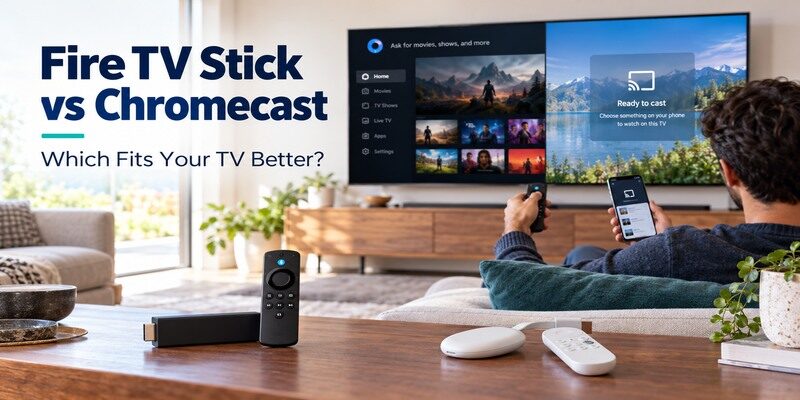
Short answer: Choose Fire TV Stick for an Alexa-led, remote-first TV, and choose Chromecast with Google TV for Google casting and its familiar Google TV interface. If you are buying new in 2026, compare the actual Fire TV model on sale with Google’s successor, Google TV Streamer, rather than assuming every device called Chromecast is currently sold. Older casting-only Chromecast models have a different experience from Chromecast with Google TV. This fire tv stick vs chromecast guide separates those generations, then helps you decide using the apps, controls, display, and household devices you already own.
Fire TV Stick vs Chromecast at a Glance
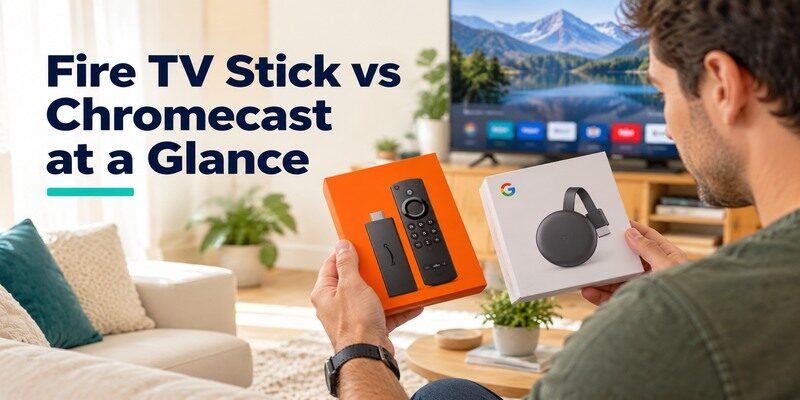
The decision hinges on which Chromecast generation you mean. A Chromecast with Google TV has a home screen and voice remote; older Chromecast models depend on a phone and supported apps for casting. A Fire TV Stick has a TV interface and included remote. Google now promotes Google TV Streamer as its newer set-top option, while Amazon’s Fire TV lineup includes several generations and configurations. Match the product name printed on the box before comparing a seller’s specifications.
For fire tv stick vs chromecast, an apples-to-apples shortlist is a remote-equipped 4K Fire TV Stick versus Chromecast with Google TV 4K. A basic HD Fire TV model and an older Cast-only device answer different needs. Record the listing’s year and storage before deciding that a price gap reflects the platform alone.
| Decision point | Fire TV Stick | Chromecast with Google TV | Older Chromecast |
|---|---|---|---|
| Primary navigation | Included Fire TV remote | Included Google TV voice remote | Phone and Cast button |
| Home screen | Fire TV interface | Google TV interface | No full app-grid interface |
| Voice ecosystem | Alexa | Google Assistant/Google TV features | Phone-dependent |
| Casting from apps | Depends on app and protocol | Built-in Google Cast | Core use case |
| New purchase caveat | Check exact Stick generation | Check remaining stock and support | Usually secondhand |
Pick by how you control the TV
If you sit down and browse with a physical remote, compare Fire TV Stick with Chromecast with Google TV, not a casting-only dongle. If you typically choose a title on your phone, Google Cast is the more important question. The difference between fire tv stick and chromecast is most obvious in an older model without the Google TV remote: the phone is the starting point for almost everything. This is a workflow difference, not simply a speed benchmark.
For a closer look at the buttons and setup process, see the Chromecast with Google TV remote guide before comparing it with the Fire TV handset.
Check the exact model year
Amazon’s official Fire TV device-specification table lists multiple sticks, including a 2026 Fire TV Stick 4K and earlier 4K Max generations. Google’s official comparison distinguishes Google TV Streamer from Chromecast with Google TV. Specs, operating systems, and availability change by model and region. A fire tv stick vs chromecast 2026 search can therefore mix products several years apart. Write down the full model name from the retailer page and verify it against the manufacturer’s listing.
App Selection and Search Experience
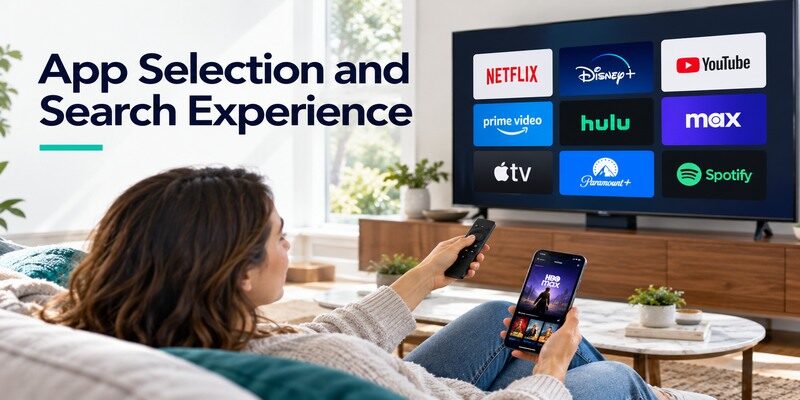
For fire tv stick vs chromecast, both remote-equipped platforms provide mainstream streaming apps, but a particular service can vary by country, device generation, and subscription. Search within the app stores on the exact product before buying for a niche service. An app’s availability is a better deciding factor than an interface screenshot if that service is the main reason you stream.
The Chromecast remote app guide explains when a phone provides a full virtual remote and when it only controls casting playback.
Fire TV home-screen browsing
Fire TV organizes apps, recommendations, and search around Amazon’s TV interface. Alexa voice search and smart-home controls can suit an Alexa household. You still sign in to individual services; an Amazon account does not include every third-party subscription. If you already use Prime Video heavily, the navigation may feel familiar, but test whether your other essential apps appear on the product and in your region. Fire tv stick or chromecast for streaming is often an ecosystem decision first.
Open the app listing itself and check whether it supports the particular Fire TV software generation in the shop listing. For fire tv stick vs chromecast, a smaller regional sports app may outweigh the appearance of either home screen. A logo in an advertisement does not prove the service is available in your country.
Google TV recommendations and casting
Chromecast with Google TV combines a remote-driven TV interface with casting from compatible phone apps. Google TV can group recommendations across participating services, although availability and integration vary. Older Chromecast hardware lets you cast but does not supply the same on-TV browsing experience. Google TV Streamer is another device again. When someone says Chromecast has no remote, ask which generation they mean before accepting that fire tv stick vs chromecast comparison.
If a family member uses a phone to queue videos but another prefers an on-TV app grid, Chromecast with Google TV can accommodate both patterns. The older casting-only model does not create an app grid by installing Google Home on a phone. That distinction often settles fire tv stick vs chromecast faster than a processor specification.
Read more: Fire TV Stick vs Chromecast: Which Fits Your TV Better?
Remote, Phone, and Voice Controls
A good remote must handle navigation, not just power and volume. Both remote-equipped devices offer directional control and voice functions, subject to account, language, and region. TV equipment control is a separate setup: if navigation works but volume does not, check the soundbar or receiver configuration. A casting-only Chromecast has no included remote, which changes who can start playback when the owner’s phone is absent.
Try the buttons that matter in ordinary viewing: Home, Back, direction, and Select. Then test TV power and audio separately. In fire tv stick vs chromecast, a handset’s ability to navigate its own interface should not be confused with controlling a receiver several devices downstream.
The physical-remote household
For shared family viewing, an included remote means a visitor can open an app without borrowing another person’s phone. Fire TV Stick and Chromecast with Google TV both meet this basic need. Compare button placement, TV power and volume setup, and whether the remote can switch inputs in your equipment chain. The answer to fire tv stick vs chromecast which is better is different for a TV in a guest room than for a personal screen controlled almost entirely by a phone.
Casting and phone control
Google Cast is integrated into Chromecast products and Google TV Streamer. A supported app on a compatible phone can hand playback to the television. Fire TV has its own app and phone-remote options, but do not assume every Cast button targets Fire TV. Check the specific service’s supported destinations. If the physical handset is missing, a phone remote can help you navigate only when the phone and TV device meet that app’s network and compatibility requirements.
Before connecting either generation, review how to set up Chromecast to identify the correct setup route for your model.
Picture, Sound, and Network Differences
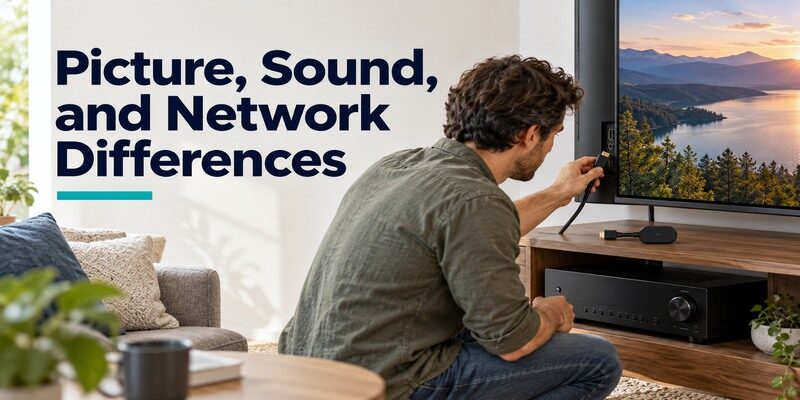
A label such as 4K or Dolby Vision applies only to a specific model and compatible playback chain. The TV, HDMI input, service tier, title, internet connection, and audio equipment also matter. Amazon’s Fire TV specifications and Google’s Chromecast with Google TV and Google TV Streamer specification pages are the proper places to confirm supported formats. Do not compare an HD stick against a 4K Chromecast and treat the result as a platform verdict.
Test an ordinary title before testing HDR. If normal video plays and a particular HDR title goes black, check that app’s plan, the receiver’s HDMI pass-through, and the TV input mode. Fire tv stick vs chromecast cannot isolate a cable or receiver fault without this simple baseline.
| Check before purchase | Why it matters | Where to verify |
|---|---|---|
| Output resolution and HDR | HD, 4K, and HDR support vary by model | Exact manufacturer specification |
| Wi-Fi version and Ethernet option | A distant router may need a wired route | Model and compatible adapter details |
| Audio format support | Receiver and app must match | Device spec plus sound-system manual |
| Power arrangement | Weak TV USB power can cause restarts | Included adapter instructions |
Match 4K and HDR end to end
If a TV supports 4K HDR, choose a device and service tier that support the format you actually watch. A 4K home screen does not guarantee every title streams in 4K. Some HDR or surround formats are available only in certain apps or plans. For fire tv stick vs chromecast, compare the same class of device and use the exact specification page, not a generic claim that either brand always has better picture quality.
Consider a wired connection
The streaming sticks typically depend on Wi-Fi unless a compatible Ethernet accessory is used; Google’s newer TV Streamer has its own Ethernet feature. Check the exact model and accessory rather than assuming an Ethernet socket exists on a Chromecast dongle. If buffering occurs only in the far room, first measure network reliability there. Switching ecosystems will not repair a weak signal. The physical form factor can matter more than a theoretical speed figure.
Read more: How to Set Up Fire TV Stick
Setup and Daily Friction
Both families connect to HDMI and power, then guide you through network, account, and app setup. Fire TV uses an Amazon account, and Google TV uses a Google account; separate services still require their own logins. The original TV remote remains useful for selecting the correct HDMI input. The common error is to troubleshoot Wi-Fi while the television is showing the wrong HDMI port. Confirm the welcome screen first.
Before resetting anything, take a photo of the TV input label and note which device is plugged into it. In fire tv stick vs chromecast setup, a multi-port TV can make a correctly powered device look dead simply because the other input is selected. Power-cycling the router will not reveal a welcome screen on the wrong port.
First-time setup on Fire TV
Use the supplied power arrangement, select the HDMI port, pair the Fire TV remote if needed, join Wi-Fi, and sign in. Amazon’s official setup help describes the model-specific process. Allow updates before judging responsiveness. A fire tv stick vs chromecast decision should account for the accounts your household can maintain easily.
First-time setup on Google devices
Chromecast with Google TV can use Google Home or its remote in setup. A casting-only Chromecast relies on Google Home and a compatible phone. Google TV Streamer follows its own instructions and may require an HDMI cable purchased separately. Check what is actually in the box. If you share a TV with someone who does not use a smartphone, the casting-only route creates more daily friction than the remote-equipped version.
Which Is Better for Different Households?
There is no universal winner in fire tv stick vs chromecast. Choose based on a small set of real tasks: your primary apps, who controls the TV, the voice ecosystem, and the actual device generation available. If a purchase listing calls an old Chromecast and Google TV Streamer simply “Chromecast,” ask for the model number. Avoid paying extra for an advertised format that your TV or services cannot use.
Make a three-item must-have list before opening a retailer page. For example, a specific sports app, voice control that matches existing speakers, and a remote that guests can use may decide fire tv stick vs chromecast immediately. Check the return policy if a niche app’s support page is ambiguous for the exact hardware generation.
Alexa and Amazon-centered viewing
Fire TV Stick is a straightforward fit if you already use Alexa, prefer the Fire TV interface, and find your required apps in its store. Choose between HD and 4K hardware according to the television and budget. A more expensive Stick is not required solely because the TV is large; resolution, network conditions, and app support are the useful criteria. Fire tv stick vs chromecast 2026 comparisons must also specify which Fire OS or newer software generation is under discussion.
Google casting and phone-led viewing
Chromecast with Google TV is a natural fit if your household frequently casts from supported apps and likes the Google TV interface. For a new purchase, also compare Google’s current Google TV Streamer and its form factor, features, and cost. If you already own an older casting-only Chromecast and only need phone-to-TV playback, replacing it may offer little benefit unless an app or performance limitation bothers you. The best fire tv stick or chromecast for streaming depends on that actual use.
Guests, children, and shared TVs
A remote-equipped device simplifies access for people who do not have your phone or app credentials. Set up separate service profiles where supported and review purchases and parental controls on the chosen platform. If a child’s favorite service is the deciding app, confirm its current availability first. A casting-only Chromecast can still work in a shared room, but everyone must understand how to connect to the right device and network.
When a Phone Remote Helps
A lost remote does not require replacing the whole streaming device immediately. Amazon’s official Fire TV phone app and Google’s phone-control options can provide navigation on supported models once the devices can communicate. Phone control is a recovery tool, not a substitute for initial power, HDMI, and network setup. Check compatibility and local-network access before relying on it while traveling or changing routers.
If the router name or password changed, the phone may no longer discover an offline streamer. For fire tv stick vs chromecast remote recovery, first restore the device’s network access through a working physical control or supported setup route. Then use phone control to finish the everyday configuration.
Recover Fire TV navigation
First try batteries and remote pairing. If the device is online, a compatible phone remote on the same reachable network can help navigate settings. The Remote TV App offers a contextual phone-based fallback for supported TVs and streaming devices; check the model’s compatibility and connect the phone to the appropriate network before using . A phone cannot solve a disconnected power adapter or a TV left on the wrong input.
Recover Google TV navigation
Google’s support describes its virtual remote for compatible Google TV devices. If the physical Chromecast with Google TV remote is missing, use a compatible phone on the same network to restore navigation, then handle replacement or pairing. An older casting-only Chromecast never required that handset; open a supported app and cast. Keeping these two cases separate prevents a misleading diagnosis in fire tv stick vs chromecast advice.
Fire TV Stick vs Chromecast FAQ
Is Chromecast discontinued?
Google introduced Google TV Streamer as the successor to Chromecast with Google TV, but existing Chromecast devices can still function. Retail availability, updates, and app support depend on the specific generation. Do not use “Chromecast” as a single model name when comparing current buying options.
Can Fire TV Stick receive Google Cast?
Do not assume a Cast button in every phone app detects Fire TV. Google Cast targets compatible receivers, including Chromecast and Google TV devices. Some services offer other casting, mirroring, or app-based control routes for Fire TV; check that service and model directly.
Do I need a subscription for either device?
No subscription is required simply to own the hardware and use its interface, but particular apps and titles may require paid plans. Both platforms can offer free, ad-supported content in supported regions. Confirm the app and content you actually want before choosing a device.
Which is easier to use without a phone?
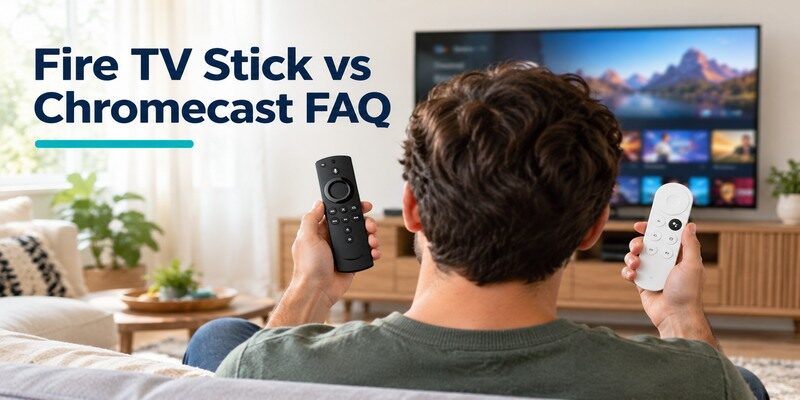
Fire TV Stick and Chromecast with Google TV both include physical remotes and on-TV navigation. Older casting-only Chromecast models rely on a phone or another compatible casting sender. Google’s newer TV Streamer also has a remote. Identify the product generation before making this choice.
Will either device improve a weak Wi-Fi signal?
No. A different Wi-Fi radio or Ethernet arrangement may help in a particular room, but a poor router link still needs diagnosis. Test the signal near the TV and verify compatible wired accessories if needed. Neither platform guarantees that an overloaded internet connection becomes fast.
Final Thoughts
Fire tv stick vs chromecast comes down to remote-first Alexa viewing versus Google casting and Google TV, with a crucial generation check on both sides. Confirm your must-have apps, compare like-for-like HD or 4K models, and verify the exact listing against Amazon and Google specifications. For new Google hardware, include Google TV Streamer in the shortlist. If the handset becomes the weak point after purchase, a compatible phone remote can keep the TV usable while you resolve pairing or replacement.
When a salesperson uses a broad product label, request the precise model and compare that model’s official specifications. The practical fire tv stick vs chromecast winner is the one that plays your services through your actual TV and gives every viewer a comfortable way to control them.
