
Best TV for Gaming: 2026 Picks for PS5, Xbox, and PC
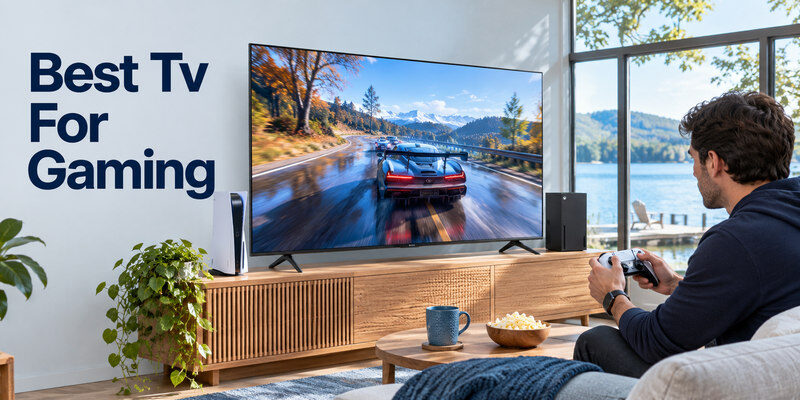
Short answer: The best TV for gaming is a 120 Hz or faster model with low input lag, VRR, ALLM, and enough compatible HDMI ports; compare LG C6, Samsung S90H, Sony BRAVIA 7 II, and value Mini-LED models by your room and system.
No manufacturer page can prove a measured input-lag score by itself, so use independent tests of the exact model for that number. Published specifications establish panel refresh, port support, HDR formats, and size options. A PS5/Xbox path differs from high-refresh PC gaming, and a bright room may favor a different display from a dark one.
Gaming TV Shortlist by System
| User | Model family to compare | Published strength | Verify |
| PS5 and movies | Sony BRAVIA 7 II or LG C6 | PS5-oriented modes on Sony; OLED/Dolby Vision on LG | VRR port allocation, price |
| Xbox and mixed HDR | LG C6 | Dolby Vision and 120 Hz native, VRR up to 165 Hz on cited model | Size-specific ports, independent lag |
| Bright room gaming | Samsung S90H or Mini-LED alternative | Glare Free on S90H; higher LCD brightness options | Reflections and dark-scene handling |
| Value gaming | TCL QM7K / selected Hisense U models | Mini-LED and gaming modes | Native refresh and actual port modes |
| High-refresh PC | LG C6/Samsung S90H | Published VRR ceilings above 120 Hz | Resolution, chroma, GPU compatibility |
LG’s official 2026 C6 page lists 120 Hz native refresh and VRR up to 165 Hz for the cited 55-inch US model. Samsung’s 2026 S90H comparison lists 165 Hz motion and Glare Free. Sony’s BRAVIA 7 II materials describe PS5 Auto HDR Tone Mapping and Auto Genre Picture Mode. These are published features, not a claim that all games run at 165 fps or that every size has identical ports.
Choose by the weakest link
The console, game, HDMI cable, receiver, and TV input must all support the desired mode. PlayStation says PS5 supports 4K/120 through HDMI 2.1 but recommends checking the correct port, firmware, cable, and intermediaries when it fails. A television’s “144 Hz” label does not guarantee 4K/144 from a PC, and a soundbar that passes 4K/60 may block VRR. Map the complete connection before buying. If colors, motion, or HDR still look wrong across several sources, review common TV picture quality issues and compare the game with the TV’s own picture test.
Picture still matters
Fast refresh is only one part of gaming. Deep blacks and quick pixel response help a dark game, while a bright Mini-LED may show HDR highlights better in daylight. Color accuracy, reflection handling, viewing angle, and tone mapping affect everyday use. Test a dark cave, bright sky, and fast pan on the same game rather than judging a store demo loop.
Core Features: Native Refresh, VRR, and ALLM
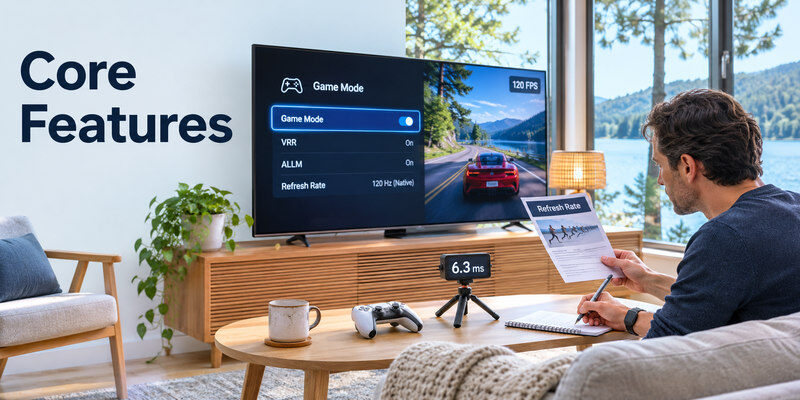
A native 120 Hz panel can receive and display up to 120 distinct frames per second when the source supplies them. VRR lets the display’s refresh follow supported changing game frame rates to reduce tearing and stutter. ALLM can switch the TV into a lower-latency mode when the console requests it. Each feature needs an end-to-end supported path; no cable can add a missing panel capability.
Read refresh-rate marketing carefully
A “240 motion” or Game Accelerator label can refer to processing or a reduced-resolution mode. Read the native panel refresh and the maximum accepted HDMI signal at full 4K. A PC gamer might benefit from 144 or 165 Hz, while most console choices center on 60 or 120 Hz output. A game rendering at 40 fps in a 120 Hz container does not become 120 fps because the TV says 120 Hz.
Use Game Mode, then verify input lag
Game Mode usually reduces video processing for quicker response. Manufacturer descriptions rarely give comparable, independent input-lag measurements across all modes. Check a transparent review for the exact size and firmware if competitive timing matters. Test the same controller and game on the candidate TV. A soundbar audio delay can make a game feel odd even when controller input lag is low; diagnose audio and video separately.
For everyday power and volume controls, explore the Xbox and PS5 TV control options available with compatible televisions and accessories.
Read more: Best Budget Smart TV: Choose a Good Picture Without Paying for Extras
HDMI Ports and Soundbar Planning
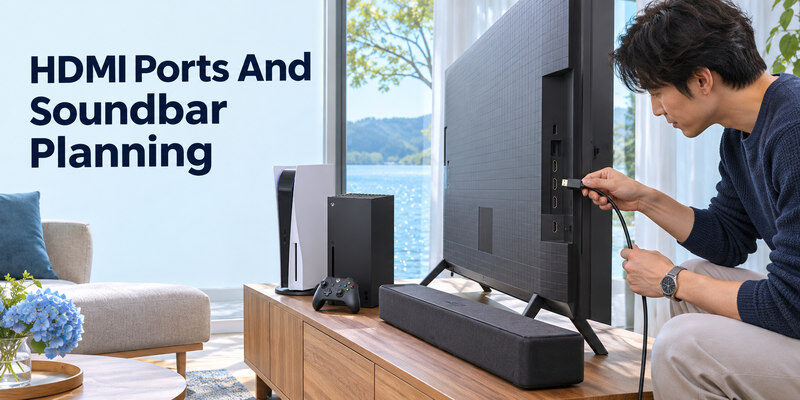
Count high-bandwidth ports, not just total HDMI sockets. If one is used for eARC to a soundbar and another for PS5, can an Xbox or gaming PC still get the desired mode? Sony’s official BRAVIA 7 II specification for a cited model lists VRR on HDMI 3/4, illustrating why a port map matters. Check each local model rather than assuming all four inputs are equivalent. If you need to select the soundbar’s input or adjust its settings, check these soundbar remote app options and confirm compatibility with your exact model.
Connect directly for the baseline
Start console → TV with the included or certified Ultra High Speed HDMI cable for 4K/120. Then return TV audio to a soundbar by ARC/eARC where supported. If a receiver or bar handles video passthrough, its specifications must include resolution, refresh, HDR, and VRR. A direct connection that works while the receiver path fails identifies the intermediary as the next item to investigate.
Check the cable category
HDMI Licensing Administrator identifies Ultra High Speed as the certified category for up to 48 Gbps, applicable to 4K/120 configurations. Premium High Speed covers up to 18 Gbps and many 4K/60 setups. A cable’s capability is necessary for certain signals but not sufficient if the TV input or source cannot deliver them. Test the intended mode before running a long cable through a wall.
Read more: Best TV Brand 2026: Choose by Picture, Budget, Gaming, and Software
OLED or Mini-LED for Games?
| Consideration | OLED | Mini-LED LCD |
| Dark-scene blacks | Pixel-level control | Local-dimming zones; possible halos |
| Bright room | Model-dependent reflection/brightness | Often strong sustained brightness |
| Pixel response | Typically fast | Varies by panel and processing |
| Static HUD use | Consider care features and usage | No OLED-style burn-in concern |
| Viewing angle | Often wider | Varies by panel technology |
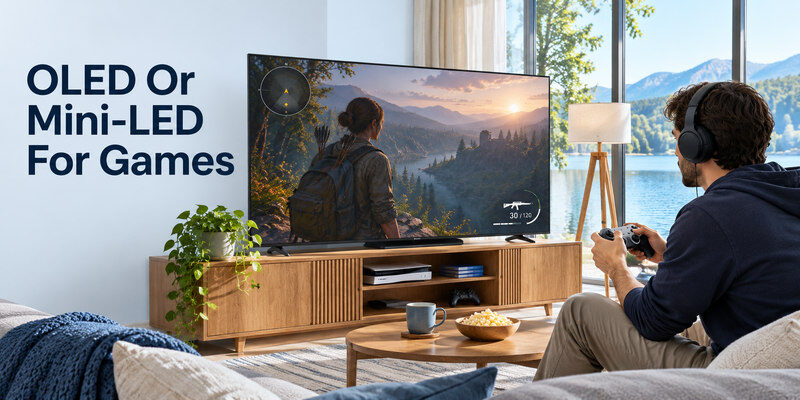
A gaming HUD may stay in one place for hours. Modern OLED sets include care features, but the risk depends on use and cannot be reduced to a universal lifespan claim. A budget Mini-LED may show blooming or narrower viewing angles. The room and games determine which compromise matters. Compare named models at the same size and price.
Dark-room single-player games
OLED’s pixel-level blacks can make shadow detail and star fields compelling, provided the game and TV are calibrated sensibly. Turn off an overly bright store mode and run HDR calibration in Game Mode. Check whether near-black detail is crushed; a low-contrast source can look murky on any panel. A premium mini-LED can also perform strongly, so do not choose only by technology label.
Daylight multiplayer sessions
Window reflections and bright highlights may matter more than perfect black. Samsung’s Glare Free finish and bright Mini-LED alternatives deserve direct inspection under similar lighting. Matte finishes can alter perceived dark-scene contrast. Sit where you actually play and test off-axis color if several people share the screen. A TV with a great dark-room review may be awkward in a sunlit room.
HDR and Format Compatibility
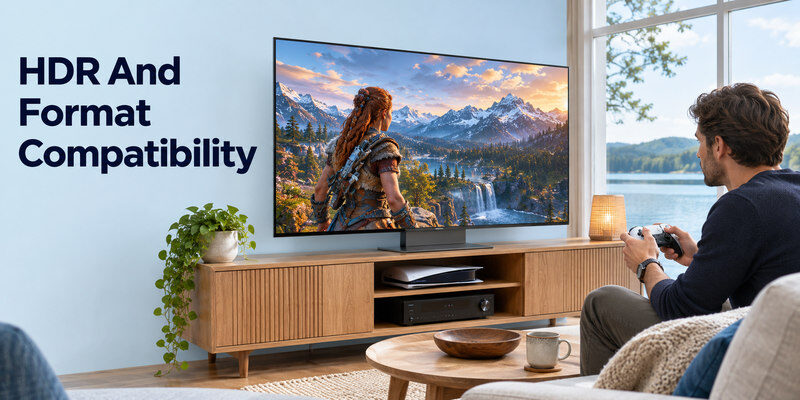
Check HDR10 on the TV and console, then compare Dolby Vision support if that format matters to your games or streaming. LG C6’s official page lists Dolby Vision; Samsung’s format mix differs. The source, game, TV mode, and any receiver must agree. Run each console’s calibration on the selected input and picture mode. Do not copy generic settings from another panel size.
Tone mapping affects the result
A bright highlight can clip or lose detail when the TV and game’s HDR calibration disagree. Test a scene with both highlights and shadows. Dynamic processing may change the intended appearance. Use a neutral baseline and adjust one control at a time. An “HDR” badge confirms format support, not measured peak brightness or accurate tone mapping.
Streaming and games share the TV
A gaming TV may also be the household’s main movie screen. Check your essential apps, subtitles, soundbar audio formats, and remote navigation. A separate streamer can solve some app limitations without changing the panel. If you need Dolby Vision films and high-refresh games, verify both use cases on the same exact model.
Read more: Best LG TV Remote App in 2026: 8 Top Picks Compared
Value and Size Decisions
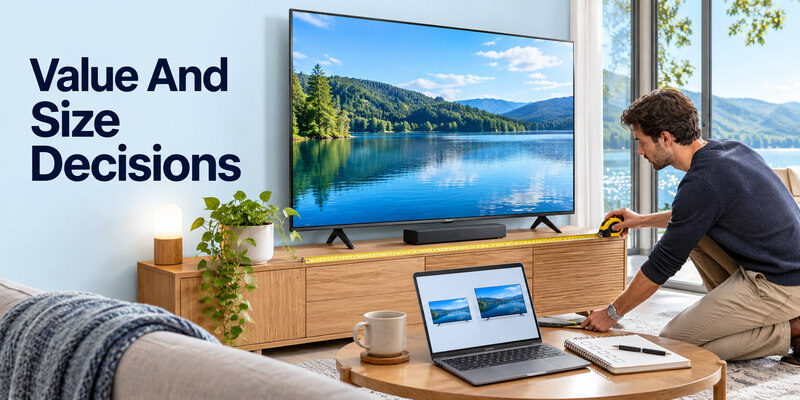
A 55-inch high-tier TV and a 65-inch mid-tier Mini-LED can have similar prices. The larger image may be more immersive from a distant sofa, while the smaller premium panel can have better blacks or processing. Measure distance and cabinet fit, then compare both sizes with real game content. Prices change by retailer and region, so avoid a permanent ranking tied to one sale.
Check size-specific specifications
A product family can use a different panel or refresh support at smaller sizes. Hisense’s official lineup includes size footnotes on native refresh for some series; TCL’s gaming accelerator claims may involve reduced resolution. Read the exact SKU, not only the family page. Confirm the number of full-feature ports and the return terms for the size delivered.
Plan accessories after the TV
A soundbar can improve speech and game effects, but it must fit the TV’s ARC/eARC route. A mount should allow airflow and cable access. The console’s included cable may already be sufficient. Spend first on the TV qualities you cannot later add: panel, brightness, response, and inputs.
If you already own a compatible Samsung soundbar, learn how to control a Samsung soundbar with a TV remote and test volume after connecting your gaming system.
Test a Gaming TV During the Return Window
- Confirm all requested HDMI ports work at a basic mode.
- Connect the console directly and read its display-capability report.
- Test 4K/120, HDR, VRR, and ALLM individually where supported.
- Play dark, bright, and fast-motion game scenes.
- Compare built-in speakers and the intended soundbar/headset.
- Test ordinary streaming apps and input switching.
If an advanced mode fails, return to a working basic connection and check cable, port, and intermediary. A brief black screen during a format switch is different from repeated loss in play. Document the exact game, console mode, TV port, and firmware before contacting support.
Avoid a single-number verdict
An input-lag measurement at 1080p/60 may not describe 4K/120 with VRR. A peak-brightness number in a tiny test window does not describe sustained daylight visibility. Read test methods and firmware dates. Published specs and independent measurements answer different questions; combine them rather than treating a marketing score as proof.
Remote control fallback
A compatible may select inputs on a supported, powered TV already on the required network if the physical handset is missing. It does not make a console compatible with an unsupported refresh rate. Keep a physical input control for setup and recovery.
Read more: Best TV Remote App for Android in 2026: 8 Apps Compared
Best Gaming TV FAQ
Does PS5 need a 165 Hz TV?
No. PS5 supports up to 4K/120 output on compatible displays. A 165 Hz ceiling is mainly relevant to a capable PC. Check whether the games you play offer a 120 Hz mode.
Is OLED always better than Mini-LED for gaming?
No. OLED offers pixel-level blacks and fast response; Mini-LED can suit bright rooms and static HUD-heavy use. Compare exact models and your lighting, budget, and game habits.
Does every HDMI 2.1 port support VRR and 4K/120?
Not necessarily. HDMI features can be optional or differ by port. Read the exact TV input table and test the complete path with your console or PC.
What if 4K/120 works directly but not through a soundbar?
The bar may not pass that video mode. Keep the console directly connected to the TV and use ARC/eARC for audio if supported, or choose a bar/receiver with documented passthrough.
Is a cheap 60 Hz TV unusable for games?
No. It can be enjoyable at 60 Hz, especially for casual or slower games. Pay for 120 Hz, VRR, and lower measured lag when those features matter to your sources and play style.
Gaming Setup Scenarios That Change the Pick
One PS5 and a soundbar
The best tv for gaming in this room needs a documented 4K/120 input for PS5 and a separate ARC/eARC path for the soundbar. Check whether the audio-return port consumes one of the few VRR-capable inputs. Connect PS5 directly and confirm its Video Output Information before inserting a receiver or switch. PlayStation recommends its included or an Ultra High Speed cable for high-bandwidth troubleshooting. A great OLED panel cannot show 4K/120 from a console plugged into a lower-capability port, so wiring is part of the recommendation.
Two consoles and a gaming PC
Count high-bandwidth HDMI ports and look at the PC’s desired refresh and chroma support. Some TVs advertise a high PC VRR ceiling while consoles remain at their own supported output. The best tv for gaming here may be a model with four capable ports, even if another has slightly brighter HDR. Verify that both VRR and ALLM work with each input, and test eARC simultaneously if audio is external. A switch adds cost and must pass all video and HDCP features, not merely say 4K.
Competitive play in a bright room
Prioritize low input lag in Game Mode, clear motion, and daylight visibility. An OLED’s fast pixel response can look crisp, while a good Mini-LED may maintain strong brightness under sunlight. Reflection finish and seating angle can dominate a published peak-nit number. Compare measured input lag at 60 and 120 Hz from an independent tester using a consistent method. The best tv for gaming should feel responsive with the games actually played, not simply have the largest marketing refresh number.
Long desktop sessions
A PC gamer who leaves static toolbars or game HUDs for many hours should assess OLED care and warranty, while also inspecting LCD text clarity and viewing angle. Check whether the TV supports the desired resolution at native refresh without subsampling that makes text look rough. Position the screen at a comfortable distance. The best tv for gaming as a hybrid monitor can differ from a couch-only console pick. Test desktop text, dark games, and ordinary office windows during the return period.
A family that plays casually
A lower-cost 60 Hz TV with a good Game Mode may be enough for slower games and mixed streaming. Spend the remaining budget on a larger screen, soundbar, or reliable controller if those are noticed more. Avoid paying for 165 Hz when no household device uses it. Still verify HDMI inputs, basic HDR behavior, and the platform’s apps. The best tv for gaming is a conditional choice based on player, room, and equipment rather than one universal SKU.
Final Thoughts
For the best tv for gaming, match the display to your system, room, and games. Verify native refresh, VRR, ALLM, port allocation, and independently measured lag for the exact model. Source basis: official 2026 LG, Samsung, Sony, TCL, and Hisense specifications; PlayStation HDMI guidance; HDMI Licensing Administrator cable categories.
