
Google Assistant Compatible TV: What to Check in 2026
Short answer: A current Google TV with an Assistant voice remote is the clearest Google Assistant compatible TV choice; other TVs may support limited Google Home control through a maker integration.
Compatibility is a feature of a specific model, region, software version, and control route. “Works with Google” on a listing may refer to casting or home automation rather than a built-in microphone. Google’s official Google TV help confirms Assistant on Google TV and describes pressing the remote’s Assistant button. This guide maps the options so you can verify exact commands before buying.
Google Assistant Compatible TV: Three Routes
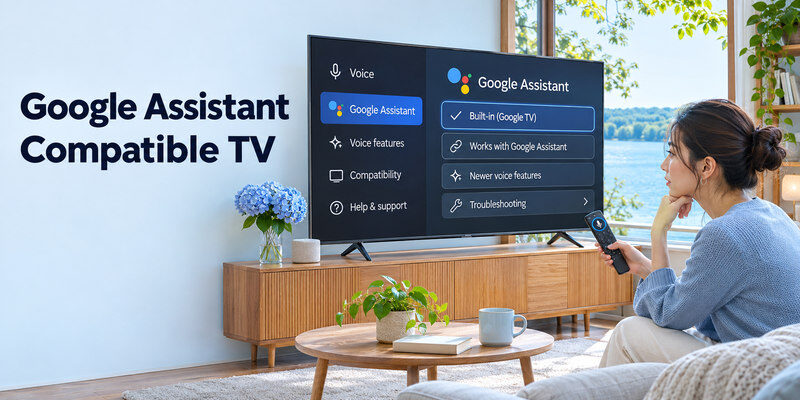
| Route | Typical device | Voice search | Phone/speaker control | Verify |
| Built-in Google TV | Supported Sony, TCL, Hisense, other models | Usually via Assistant remote | Model-specific Google Home features | Exact SKU, language, remote |
| External Google TV streamer | HDMI TV plus Google TV device | In streamer’s apps | Linked streamer, CEC/IR limits | HDMI, power, remote setup |
| Other smart-TV integration | Manufacturer platform | May use separate native assistant | Limited linked Google Home commands | Official maker support list |
A brand can sell Google TV models and models with another operating system in different years or markets. A remote may have a microphone button but use a manufacturer assistant instead. Read the full product specification and support page. The most useful compatibility question is “Can this exact model perform my three chosen commands?” rather than “Does this brand support Google?”
Built-in versus “works with”
Built-in Google TV exposes Google’s interface and voice search on a compatible remote. A TV that “works with” Google Home may accept only certain linked commands such as power or volume. Casting support lets a compatible phone send content; it is not proof of native voice search on the TV remote. Check the maker’s command list and the Google Home setup path before assuming equivalence.
For a closer look at these control routes, learn how to control a TV with Google Assistant using a compatible voice remote, phone, or smart speaker.
Assistant versus newer voice features
Voice features can change with software rollouts, language, region, and model eligibility. A 2026 product page may advertise a newer assistant experience while an older set continues to use Google Assistant. Confirm the feature on the exact SKU’s official page and current firmware. Do not buy based on a future rollout promise without a written compatibility statement.
Read more: How to Set Up Voice Control on TV: A Platform Guide
Models and Families to Investigate
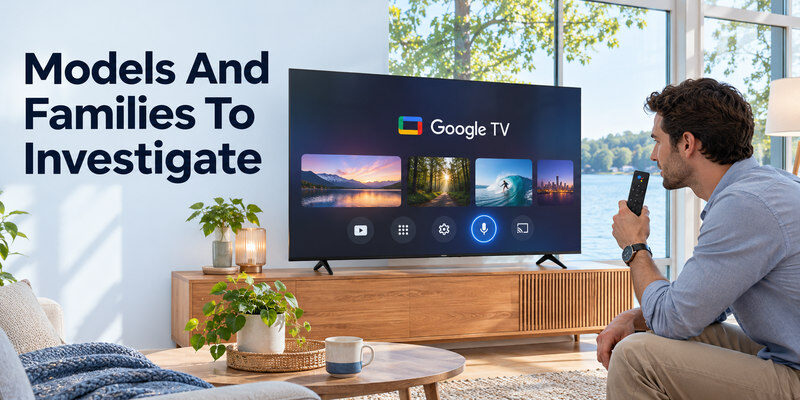
Sony BRAVIA models with Google TV, TCL Google TV models, and other licensed Google TV sets are natural shortlists. Their screens, processors, ports, and prices differ substantially. Sony’s 2026 BRAVIA 7 II official specifications identify a named 65-inch model and its ports; verify the product’s Google TV/voice section separately in its regional page. TCL’s QM7K materials identify its TV series and features; check its exact 55/65-inch retail SKU. A platform name cannot substitute for a picture-quality review.
Match the TV to the room
Choose screen size, panel, and reflection handling before comparing voice features. A premium OLED may suit a dim movie room; a capable Mini-LED may suit bright windows. An entry Google TV with a good Assistant button can still have weak HDR or a slow interface. Test app navigation and exact-size picture quality. A streaming device can add Google TV to a good existing panel without replacing it. Before narrowing your shortlist, compare TV brands by picture, software, and budget, then check the Google Assistant features of each exact model.
Verify the remote is included
Some listings use different remotes for different regions or retailer bundles. Look for a microphone/Assistant button in the exact package contents. A generic IR replacement may control power and navigation but not voice search. If you need hands-free commands, confirm a built-in microphone or a supported smart speaker route; a button-based remote alone is press-to-talk.
Google TV Voice Setup and Language
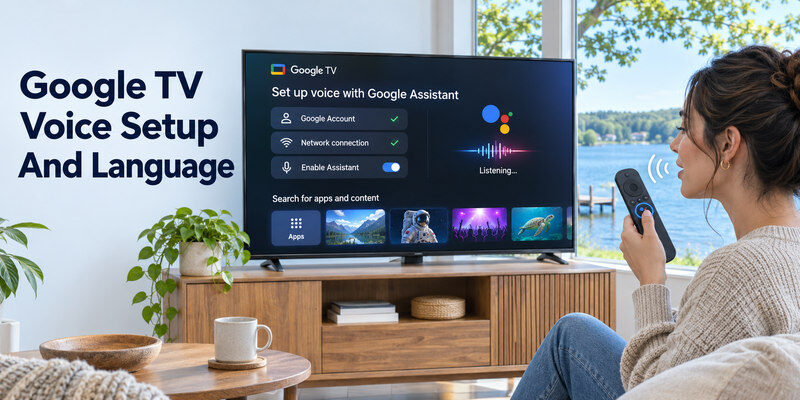
Google’s official help lists a Google Account and network connection for setup. On a Google TV remote, press and hold the Assistant button and speak; Google’s support says a wake phrase is not needed in this flow. Assistant can be enabled during initial setup or later. Language availability is listed by Google but can differ by device and region. A buyer in a market unsupported for the desired language should verify local behavior before purchase.
Pairing and first-time setup
A new Google TV remote may already be paired. Google’s generic setup guide describes Back + Home for certain devices, while third-party TV makers may specify another pairing sequence. Follow the on-screen prompts and the model manual. A phone-assisted setup exists for some devices, but not every model offers the same path. Keep the included physical remote during Wi-Fi and account setup.
Searchable apps and content
Google’s streaming-device support describes a Privacy > Google Assistant > Searchable apps setting on supported Google TV devices. Search results also depend on installed apps, signed-in subscriptions, and country. If voice can open YouTube but cannot find a title in another service, check app integration before assuming the TV is incompatible. A service may charge separately for 4K or HDR content.
Read more: Voice Remote for Smart TV: Pick the Right Control Method
Smart Speaker, Phone, and Power Control
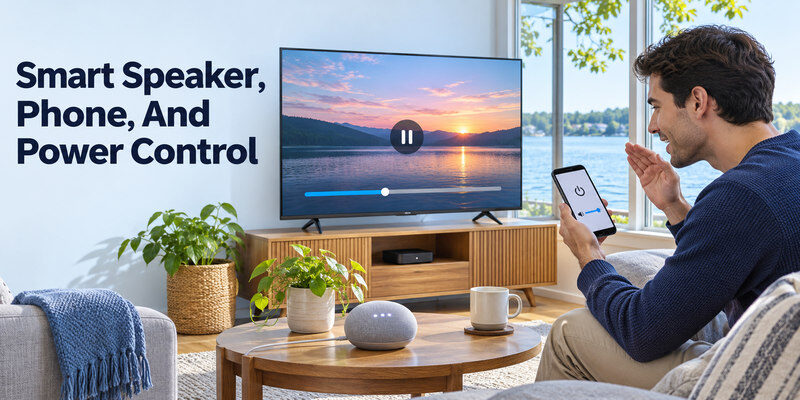
Link a supported TV or Google TV streamer in Google Home with the correct account and a unique name. Test from the phone or a compatible Nest speaker. Commands for play, pause, volume, and power can differ. A streaming box may send power through HDMI-CEC or configured IR, while the TV may need network standby enabled. A TV disconnected from power cannot receive any voice command.
Make a command checklist
| Request | Built-in Google TV | External streamer | Other integration |
| Search installed apps | Usually platform route | Streamer apps only | Check maker |
| Change TV volume | TV’s own audio | CEC/IR setup may be needed | Check maker |
| Switch HDMI input | Model-specific | Often limited | Check maker |
| Power on from standby | Standby settings | CEC/IR and streamer power | Check maker |
| Control home lights | Linked Home devices | Linked Home devices | Separate speaker/app |
“Usually” does not mean guaranteed. Ask a retailer for the exact model demonstration or use the return period to test. The official maker manual is decisive for power and input commands. A microphone badge is especially poor evidence for HDMI input switching. If streaming is your main priority, compare smart TVs for streaming by their regional apps, menu speed, and picture quality as well as voice support.
Multi-room naming
Name the television “Living Room TV” and another “Bedroom TV” in Google Home. A speaker with a default TV can otherwise target the wrong screen. Check account membership in the Home household. If voice works from the physical remote but not the speaker, the issue is likely linking or device selection, not the TV’s microphone.
Read more: Siri TV Control: Apple TV, AirPlay TVs, and Voice Commands
Buying Checklist Beyond Voice
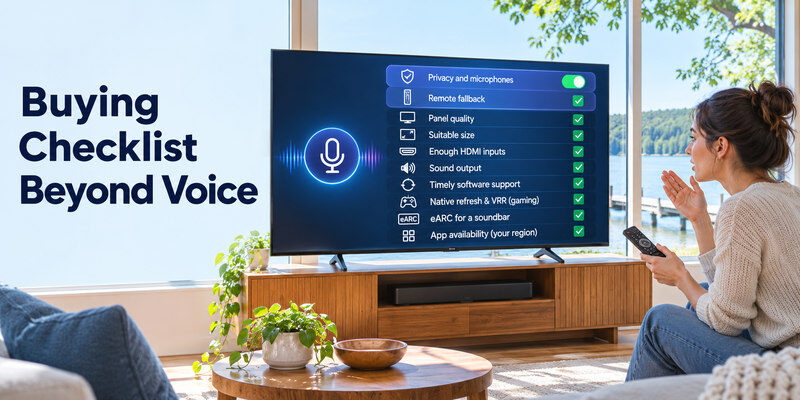
A Google Assistant compatible tv still needs a good panel, suitable size, enough HDMI inputs, sound output, and timely software support. Check native refresh and VRR for gaming, eARC for a soundbar, and app availability for your region. Compare an official specification with an independent exact-size review. Read warranty and return terms; no smart assistant compensates for a poor picture in your room.
Privacy and microphones
Decide whether press-to-talk suffices or hands-free listening is worth enabling. Review voice activity and personalized results. Some TVs have a physical mic switch; its state can affect hands-free requests but not necessarily a remote’s own button. Do not assume every viewer wants an active microphone. Make the setting deliberate during setup.
Remote fallback
A compatible may navigate a supported TV after initial pairing when the physical remote is lost. It does not add Assistant to a TV without integration. Keep the original remote for network changes, first-time setup, and recovery. App-based control needs the right network and power state.
When phone control is central to the purchase, compare a route with the included physical voice remote.
Read more: Alexa TV Control Setup: Link Fire TV or a Compatible Smart TV
Google Assistant Compatible TV FAQ
Does every Sony TV have Google Assistant?
No. Check the exact model year, platform, region, and included remote. A brand may sell multiple operating systems or voice-feature configurations. Use the official model page.
Does Google Cast mean Google Assistant is built in?
No. Cast allows compatible content delivery. Built-in voice search, Google Home commands, and hands-free microphone support are separate features.
Can I add Google Assistant to an old TV?
An HDMI Google TV streamer can add voice search for its own apps. TV power and volume may need HDMI-CEC or IR setup. It does not convert the television’s native menus into Google TV.
Is a voice remote always hands-free?
No. Many Google TV remotes require pressing and holding the Assistant button. Hands-free operation requires an eligible TV or speaker with the appropriate setting.
Which is the best Google Assistant TV?
Choose the exact Google TV model that meets your room, budget, apps, and port needs. Compare independently tested picture quality and demonstrate the specific commands you plan to use. There is no universally best model from the Assistant feature alone. Our guide to voice remote compatibility explains how to check the platform, microphone features, and pairing requirements before buying.
Compatibility Checks Before Buying a Google TV
Read the exact regional model page
A brand may sell a Google TV model in one country and a different software platform under a similar name elsewhere. Search the full SKU, including suffix, on the manufacturer’s local support page. A google assistant compatible tv should list the included remote, voice language, network requirements, and any Google Home integration. Do not infer hands-free microphones from a “Google TV” badge. If a retailer’s page has a generic photo, ask for the exact remote part number and package contents before checkout.
Identify the three command categories
Voice search inside apps, TV hardware control, and smart-home control are separate. Google’s official help describes pressing an Assistant button on Google TV; an attached Google TV streamer can search its apps even if the TV itself lacks Google Home power support. A google assistant compatible tv choice should be tested against your actual needs: perhaps “Open YouTube,” “turn off the living room TV,” and “switch to HDMI 2.” Manufacturer documentation may confirm only the first two. That is a meaningful limit, not a defect.
Check language and privacy choices
Google’s Google TV support lists supported Assistant languages, but specific features can vary by country and model. Confirm your household’s language in the device settings and on the regional product page. A microphone switch may disable hands-free input; a remote voice button may have its own behavior. A google assistant compatible tv should also be usable with ordinary buttons when voice is muted by choice. Review personalized results and searchable apps so guests or children do not receive unwanted information.
Count HDMI and soundbar connections
A TV with built-in Google TV may still need a console, soundbar, cable box, or laptop. Reserve eARC for the bar and count the gaming-capable inputs left for consoles. If an external Google TV streamer is the voice route, it uses another HDMI input and power supply. A google assistant compatible tv that fails your physical port needs is a poor purchase even if its voice recognition is excellent. Compare exact-size specifications and an independent picture review alongside the assistant features.
Compare phone and speaker routes
Google’s official mobile guide says the Google TV app can pair using a code on the screen and activate Assistant on supported devices. Google Home can expose a virtual remote for eligible streamers. These routes generally require a TV already reachable on the network. A google assistant compatible tv for hands-free use also needs a linked speaker or eligible TV mic and a distinct room name. Test a phone control route before losing the physical remote; first-time pairing may need the original.
Standby behavior and power
A streamer can be online while the TV is asleep, but waking the screen may depend on HDMI-CEC or configured IR. A built-in TV may need network standby or a model-specific remote-start setting. A google assistant compatible tv should be tested from its normal overnight state, not only while awake in a showroom. If playback search works but power-on fails, check the power route rather than changing Google Account credentials. No assistant can control an unplugged device.
Compare a real panel, not only a platform
Google TV runs on premium and inexpensive hardware. Screen brightness, contrast, reflection finish, local dimming, motion, and processor responsiveness vary. A google assistant compatible tv in a dark film room may differ from the best choice beside a sunny window. Test a low-bitrate stream and a dark subtitled scene at the exact size, then try voice and menu speed. A separate streamer can add Google TV to a good existing panel if software is the only reason for an upgrade.
Long-term ownership
Ask about software updates, written warranty, local repair, and replacement remote availability for the exact SKU. An app service may change support years later; an HDMI streamer can refresh software if the screen remains sound. A google assistant compatible tv should still have physical navigation for Wi-Fi changes, account recovery, and factory reset. Keep the receipt and model code. Survey or review claims about a brand cannot guarantee the longevity of one new TV.
Final Thoughts
A google assistant compatible tv is easiest to identify by its exact Google TV specification and included Assistant remote. Verify language, apps, power and input commands, and hands-free claims on the particular SKU. A Google TV streamer is a practical way to add voice search to an otherwise good television without assuming universal control.
