
Alexa Compatible Smart TV: Built-In and Works-With Choices
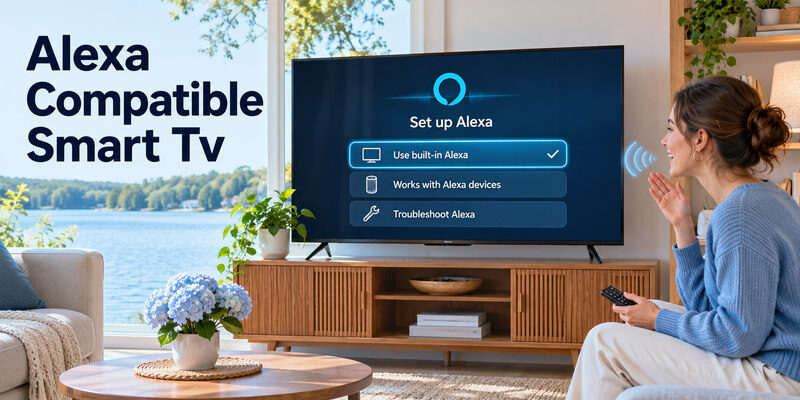
Short answer: A Fire TV smart television with Alexa Voice Remote is the most direct Alexa compatible smart TV route; supported TVs from other brands can use a maker skill or an Echo link with a narrower command set.
“Alexa built in,” “works with Alexa,” and “Alexa Voice Remote” describe different control paths. A TV might respond only while on, require an Echo registered to the same Amazon account, or need its own manufacturer app. This guide compares those routes and the picture/port features you should still evaluate before buying a television.
Alexa Compatible Smart TV: Which Route Do You Need?
| Route | What it offers | Setup | Key limit |
| Fire TV smart TV + voice remote | Alexa search in Fire TV and supported TV functions | Register Fire TV, press remote mic | Hands-free/standby varies |
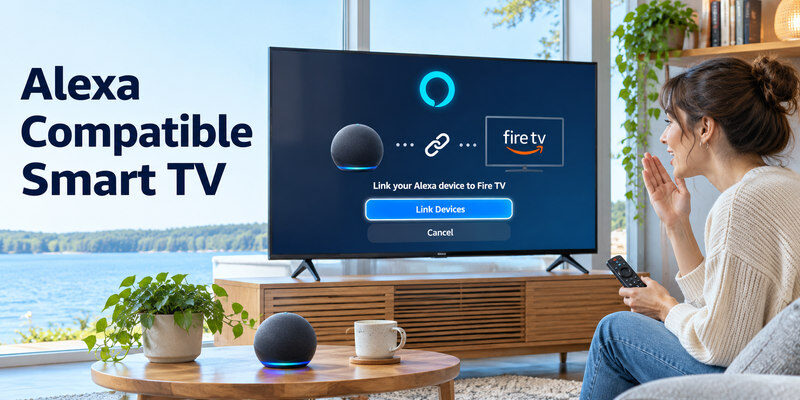
| Fire TV smart TV + Echo | Hands-free supported requests | Link in Alexa TV & Video, same account | Some models ignore standby commands |
| Other TV with Alexa skill | Maker-specific controls | TV app, skill, account linking | Exact model/year/region matters |
| HDMI Fire TV device | Alexa streaming interface on existing TV | HDMI, power, account, CEC/IR | Native TV menus separate |
Amazon’s official Fire TV support says a compatible Alexa device can control volume, power, and inputs on certain Fire TV smart TVs, with important standby exceptions. Its Fire TV link guide requires the Alexa-enabled device and Fire TV to share the same Amazon account. Sony’s official Alexa skill listing gives a different setup via the TV Control with Smart Speakers app on supported TVs. Check the exact manufacturer’s compatibility document before treating a generic badge as a complete feature list.
Built-in Alexa does not guarantee hands-free
A voice remote typically needs a pressed microphone button. Some TVs have far-field microphones and a hands-free setting, while others rely on a linked Echo. Amazon notes eligible Fire TV Omni models can enable Alexa Anytime for screen-off/standby commands. A TV that lacks this feature may not respond when fully off. Check the model’s physical microphone switch and privacy controls.
If you prefer press-to-talk control, learn how to choose a compatible voice remote for your smart TV and check its supported platform and commands.
Works-with features can be limited
An integration might power the TV or change volume but not launch every app, or it may control a Fire TV Stick instead of the TV panel. Look for an official command list. The TV must usually be on the network with the maker account linked. A brand’s current models and older models can use different Alexa skills; Sony’s listing explicitly mentions separate basic and newer routes.
Read more: Alexa TV Control Setup: Link Fire TV or a Compatible Smart TV
Fire TV Models and Remote Compatibility
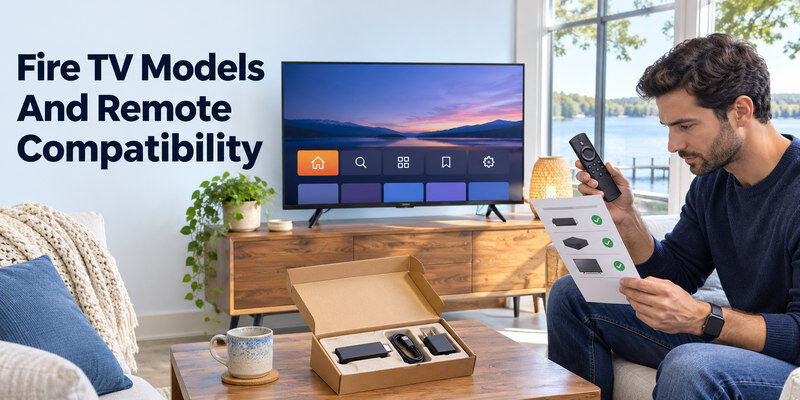
Amazon publishes a 2026 Fire TV Remote compatibility list naming supported Fire TV media devices and Fire TV smart-TV generations. Use it to check a replacement remote, rather than buying one that simply looks similar. Fire TV-branded TVs from different manufacturers may have different picture panels and port layouts despite sharing a software platform. A device’s Alexa integration is one feature among many.
Confirm the package contents
Check whether the exact retail SKU includes an Alexa Voice Remote, whether its mic button is present, and what generation it is. A basic replacement may operate navigation but lack voice. A microphone symbol in product photography can be from a different bundle. Read the manufacturer’s package list and Amazon’s device compatibility page for the exact region.
External Fire TV on another television
A Fire TV Stick can add Alexa search to an HDMI TV, but the voice button addresses Fire TV’s interface. TV power and volume may depend on HDMI-CEC or IR equipment control. An attached soundbar can complicate routing. If you already like your television’s picture, adding a streaming device can be cheaper than replacing the whole set for Alexa. Before buying a replacement, compare universal remote options for Fire TV and verify whether the controller supports navigation, TV volume, and Alexa voice search.
How to Link an Echo
Set up both devices
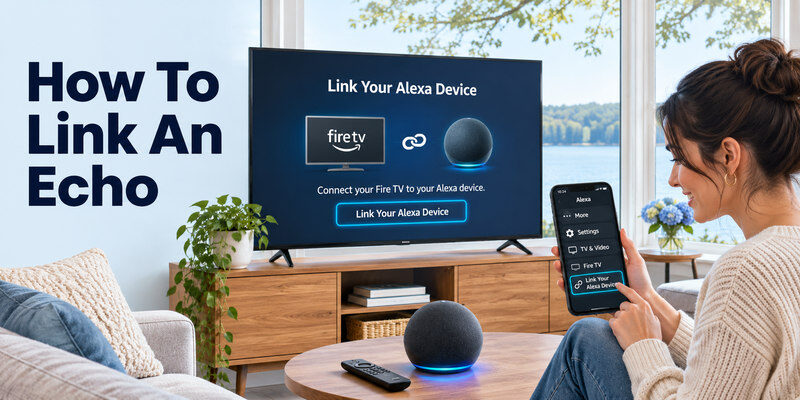
Register the Fire TV and Echo to the same Amazon account, connect them, and update the Alexa app. Confirm the Fire TV works with its physical remote first. In Alexa, go to More > Settings > TV & Video > Fire TV > Link Your Alexa Device, then follow the prompts. Amazon documents this exact path. Give each TV a unique room name to avoid commands going to the wrong display.
Test while the screen is on
Start with a playback request, then try volume and input. A supported command while awake proves the link; a failed power-on may reflect a standby limitation rather than a broken Echo. Amazon’s Fire TV smart-TV help states that some sets do not respond to voice in standby, with specific eligible Omni exceptions. Check a setting such as Turn on TV with Alexa where offered.
Other-brand skill setup
On a supported Sony TV, the maker’s official skill describes launching TV Control with Smart Speakers on the TV, naming the device, enabling the matching Alexa skill, linking accounts, and discovering devices. Another brand may use a different companion app or have no integration. Verify the TV support page rather than installing a random skill with a similar name.
Read more: Google Assistant Compatible TV: What to Check in 2026
Picture Quality Still Decides the TV
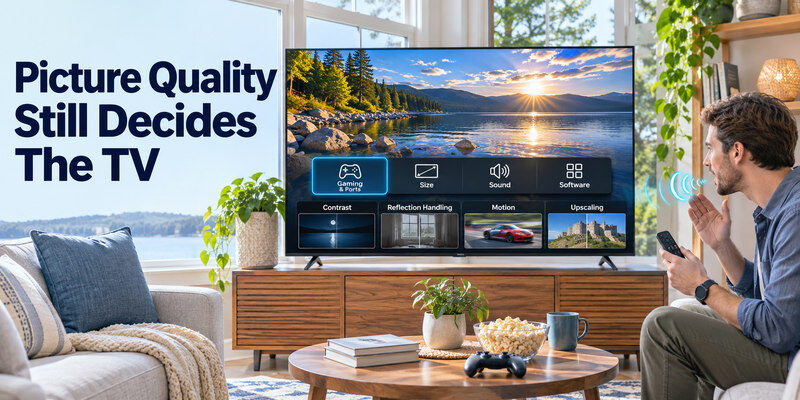
A TV with smooth Alexa control but dim HDR is a poor choice for a bright main room. Compare the exact model’s contrast, reflection handling, motion, and upscaling. A Fire TV smart television can range from basic LCD to higher-tier Mini-LED, so the platform badge cannot predict picture quality. Check independent tests at the size you want and current price in your region.
Gaming and ports
For PS5 or Xbox, inspect native refresh, supported 4K/120, VRR, ALLM, and input lag. Count HDMI ports after reserving ARC/eARC for a soundbar. Alexa compatibility does not imply HDMI 2.1 gaming performance. A model advertised as 120 “motion” may still have a native 60 Hz panel. Test the console output screen after setup.
Size, sound, and software
Measure stand width and cabinet clearance. Thin speakers may need a soundbar for dialogue, which adds cost and a CEC/audio return path. Confirm your country-specific streaming apps and firmware support. A good Alexa TV should also have a useful physical remote for passwords, settings, and recovery when internet or voice services fail. To add the streaming interface to an existing screen, follow our guide to set up a Fire TV Stick, including its HDMI connection, network, and remote.
Read more: How to Set Up Voice Control on TV: A Platform Guide
Privacy and Reliability Checks
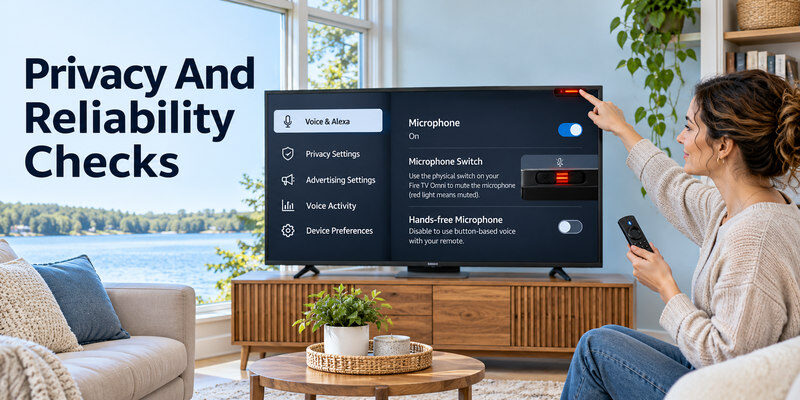
A hands-free microphone can be disabled if you prefer button-based voice. Amazon’s Fire TV Omni guidance describes a physical microphone switch that lights red when muted on eligible models. Review voice activity, advertising settings, and household permissions. A muted microphone is an intentional state, not necessarily a defect. Avoid sharing streaming passwords with third-party remote-control apps or unofficial skills.
| Problem | First check | Likely explanation |
| Echo cannot find TV | Same account, network, device discovery | Link incomplete |
| Search works, power fails | Standby/CEC/IR setting | Power path differs |
| Mic button silent | Remote batteries and pairing | Voice pairing or mic issue |
| Wrong TV responds | Duplicate names/default device | Rename by room |
| Skill unavailable | Exact model, region, year | Unsupported integration |
Remote fallback
If the physical remote is misplaced, a compatible may navigate supported TVs after initial pairing and network setup. It cannot add Alexa to an unsupported TV or bring an unplugged device online. Keep a physical remote or usable TV buttons for first-time setup and network recovery. If you also use a console, compare the TV features that matter for gaming, including refresh rate, input lag, VRR, and available HDMI ports.
Alexa Compatible TV FAQ
Is every smart TV compatible with Alexa?
No. Some Fire TV models have native Alexa features; other TVs need a documented maker skill and may expose fewer commands. Check the exact model, region, and year.
Can Alexa turn on a TV from standby?
It depends. Amazon notes standby limits on Fire TV smart TVs and a model-specific Alexa Anytime option for eligible Omni sets. HDMI-CEC or IR control may be involved with a streamer.
Do I need an Echo to use Alexa on Fire TV?
No, a compatible Alexa Voice Remote offers press-to-talk. An Echo is useful for hands-free commands and must be linked correctly to the Fire TV for supported control.
Can I add Alexa to an older TV?
An HDMI Fire TV device can add Alexa search for its own apps. TV power and volume require appropriate CEC or IR equipment control. The older TV’s native menus remain separate.
Which Alexa TV is best for gaming?
Choose by exact panel and port capabilities, not Alexa alone. Confirm 4K/120, VRR, ALLM, input lag, and soundbar port allocation on the particular model and size.
Read more: Siri TV Control: Apple TV, AirPlay TVs, and Voice Commands
Alexa TV Buying Scenarios
A Fire TV household already using Echo
A Fire TV smart television may integrate naturally with the existing Amazon account, Echo, and app subscriptions. Confirm the exact model includes an Alexa Voice Remote and whether hands-free control needs an eligible TV mic or linked Echo. An alexa compatible smart tv should be judged by the commands you want: content search, power, volume, and input. Amazon’s official guidance gives examples but also warns that some Fire TV sets ignore standby commands. Test while awake, then from the normal overnight state. A duplicate device name can misdirect the Echo.
A bright room on a budget
A Fire TV operating system says little about panel brightness or reflections. Compare a named LED/Mini-LED model at the intended size with alternatives from Google TV or another platform at the same delivered price. An alexa compatible smart tv can be poor value if its HDR is dim or sport looks uneven. Seek independent measurements for the exact SKU, test off-axis seating, and read return terms. An external Fire TV Stick can add Alexa to a better panel later, so software alone should not force a screen compromise.
A premium TV from another maker
A Sony or other supported TV may accept Alexa through a manufacturer skill and account link. Sony’s official skill listing distinguishes a newer TV Control with Smart Speakers app from a basic skill for some older sets. An alexa compatible smart tv outside Fire TV can offer a narrower command list. Verify the model-year list, region, app name, required account, and Remote Start for wake control. If the integration is absent on the exact SKU, an external Fire TV device may be a clearer solution than guessing a skill.
A TV with several HDMI devices
A Fire TV Stick uses an HDMI input, while a soundbar may consume eARC and consoles need high-bandwidth gaming ports. Built-in Fire TV can free a socket but may not have the panel features you want. An alexa compatible smart tv decision should count ports and test CEC with the soundbar. A voice request that opens the wrong input can be a CEC/source problem rather than Alexa recognition. Label sources and test each one directly before adding an HDMI switch.
Voice in a shared household
Review physical mic switches, Alexa voice history, purchasing restrictions, and child profiles. An Echo can hear commands from across a room; a voice remote requires a deliberate button press. Choose the route that matches privacy preferences. An alexa compatible smart tv should remain navigable with ordinary buttons if a microphone is muted. Keep a physical remote accessible for passwords, initial setup, and internet outages. A phone app is useful only after the network and account are configured.
Test the Exact Alexa Command Set
Content and playback
Ask Alexa to open an installed app, search a broad genre, pause, and resume. A paid title may need a subscription and region-specific service integration. If an app search fails while pause works, inspect the app before re-linking the TV. An alexa compatible smart tv is not guaranteed to browse every third-party service in the same way. The maker’s official command list and current Fire TV help are the best references for phrasing.
Volume and audio routing
If a soundbar is connected, determine whether Alexa changes TV or bar volume. HDMI-CEC may relay the command, while optical audio may require another remote or skill. Test with TV speakers first, then the external bar. An alexa compatible smart tv badge does not promise integration with every soundbar. If the Echo hears a request but no volume changes, inspect audio output and equipment control rather than assuming the television microphone failed.
Power and standby
Power off normally and test wake after a short wait. Check model-specific standby settings such as Alexa Anytime on eligible Fire TV Omni models and remote-start features on supported third-party TVs. A Fire TV Stick must remain powered and may require CEC/IR to wake the physical screen. An alexa compatible smart tv should be evaluated from the state in which it will be left daily. Unplugging it fully prevents any voice response, even when other commands work flawlessly while on.
Final Thoughts
For an alexa compatible smart tv, a Fire TV model with a verified Alexa Voice Remote is the simplest path. If considering another brand, read its official skill and supported-model list. Test playback, volume, input, and standby power separately, then judge the television’s picture and ports as carefully as its voice features.
