
Best HDMI Cable for TV: Choose the Certified Type for Your Setup
Short answer: For most 4K/60 TVs, choose a certified Premium High Speed HDMI cable; for 4K/120 gaming, choose a certified Ultra High Speed HDMI cable.
Match the cable to the highest signal the source, TV port, and any soundbar or receiver can actually use. The Best HDMI Cable for TV Licensing Administrator lists Premium High Speed at up to 18 Gbps and Ultra High Speed at up to 48 Gbps. Its newer Ultra96 category supports up to 96 Gbps for HDMI 2.2 uses, but most present TV setups have no need for that capacity. A certification label and an appropriate length matter more than a vague “8K” claim.
Best HDMI Cable for TV by Use Case
| Setup | Sensible certified category | Why | What else to verify |
| 1080p TV and ordinary streaming box | High Speed or better | Modest bandwidth | Source and port work |
| 4K/60 HDR TV | Premium High Speed | Certified up to 18 Gbps | HDR support on both devices |
| PS5/Xbox 4K/120 gaming | Ultra High Speed | Certified up to 48 Gbps | TV input, game, receiver support |
| HDMI 2.2 high-bandwidth future system | Ultra96 | Up to 96 Gbps category | End-to-end 2.2 feature need |
| TV to soundbar via ARC/eARC only | Suitable sound cable per makers | Audio return is the task | Both labeled ARC/eARC ports |
The cable is one link in the chain. An Ultra High Speed cable does not make a 60 Hz television accept 120 Hz, and a premium-priced connector cannot add eARC to a soundbar without it. Start with the highest mode you truly use. If a supplied console cable is working at 4K/120, you do not need to replace it for an advertised “better picture.”
Why certification is useful
HDMI’s official cable programs test models against specified bandwidth and other requirements and use labels that can be verified. The HDMI Licensing Administrator says certified Ultra High Speed packaging carries a label with a QR code; the model and length can be checked. Certification provides stronger evidence than arbitrary marketing names such as “HDMI 2.1 cable,” since HDMI version numbers describe devices and features more broadly than a single cable’s verified capability.
When a cheaper cable is enough
A short, functioning cable carrying 1080p or 4K/60 does not become obsolete because a 48 Gbps category exists. If the source and TV only negotiate 4K/60, a certified Premium High Speed cable is a sensible purchase. If the existing cable passes the desired mode without sparkles, dropouts, or intermittent blackouts, replacing it is unlikely to improve colors or sharpness. Digital video quality depends on the signal and display processing, not expensive plating claims.
Read more: How to Connect Laptop to TV HDMI: Picture, Sound, and Display Modes
What the HDMI Cable Categories Mean
The HDMI organization distinguishes cable categories from source or TV specifications. Premium High Speed supports up to 18 Gbps configurations including 4K/60 and HDR. Ultra High Speed is certified for up to 48 Gbps, including 4K/120 and 8K/60 use cases. Ultra96 is the newer category for up to 96 Gbps under HDMI 2.2. The exact format also depends on chroma sampling, bit depth, compression, and device support; the category is a practical shopping filter, not a promise that every TV mode will appear. For a console-specific walkthrough, learn how to connect a PS5 to a TV for 4K/120 and verify the selected port, cable, and video settings.
Premium High Speed for 4K/60
For a 4K streaming box, Blu-ray player, or laptop running up to 60 Hz, Premium High Speed is often the appropriate certified choice. Check that the TV input accepts HDR if you need it; a cable cannot enable a picture mode absent from the port. If a long in-wall run is planned, verify the certified model at the exact length sold, because a short version’s performance does not automatically apply to a longer cable of different construction.
Ultra High Speed for 4K/120
PlayStation support recommends the PS5’s included cable or an Ultra High Speed cable rated for 4K/120 when that mode fails. The TV port must support the signal, and an intermediary receiver or soundbar must pass it. If a 4K/120 game works directly but loses signal through a receiver, the receiver may be the limit. Do not replace the TV based solely on a low-bandwidth cable; test the direct route first.
Ultra96 for a documented need
HDMI 2.2 introduces Ultra96 for up to 96 Gbps applications. That number is a capability ceiling, not a requirement for ordinary 4K streaming or a typical PS5 connection. Buy it only when the specific source, display, and selected mode call for the newer class and the cable is certified. Future-proofing claims are less useful than documenting the equipment you actually have today.
Read more: How to Connect Headphones to TV: Bluetooth, Wired, and Private Listening
Verify the Label and Avoid Misleading Names
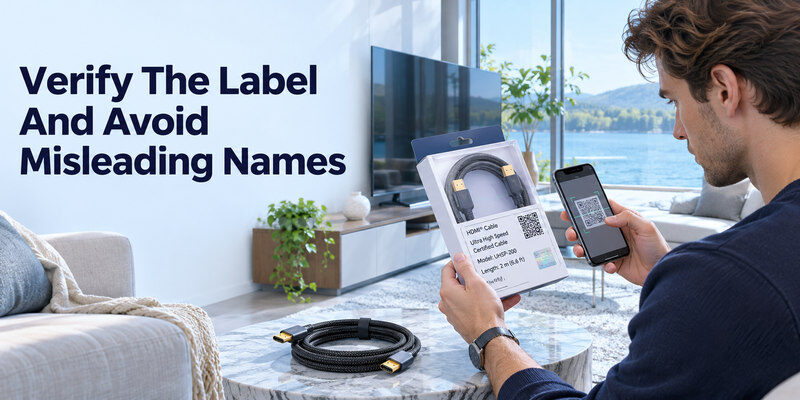
Look for the official cable category and certification label on the package. Scan the label using the verification method described by HDMI Licensing Administrator and compare the returned brand, model, type, and length with the product. A listing that says “8K,” “gold,” or “HDMI 2.1 compatible” without a verifiable program is a weaker basis for a high-bandwidth purchase.
Match the exact length
Certification applies to the cable model and its tested lengths. A seller may list several lengths on one page; verify the specific one you plan to buy. The shortest practical cable reduces clutter and is easier to troubleshoot. Do not stretch it taut or make a sharp bend behind a wall-mounted TV. Leave a service loop so the connector is not carrying the weight of the cable.
Do not confuse active and passive cables
Longer runs may use active copper or optical construction. Some active cables are directional and need the end labeled Source at the player and Display at the TV; some need power. Follow the maker’s instructions. A passive short cable is simpler for ordinary living-room distances. If a wall plate or extender is involved, test a short direct connection before blaming a newly purchased cable. Xbox owners can follow the steps to set up Xbox HDMI video and sound and check the television’s reported capabilities.
Read more: Best TV Brand 2026: Choose by Picture, Budget, Gaming, and Software
Cable Length: Plan the Route Before Shopping
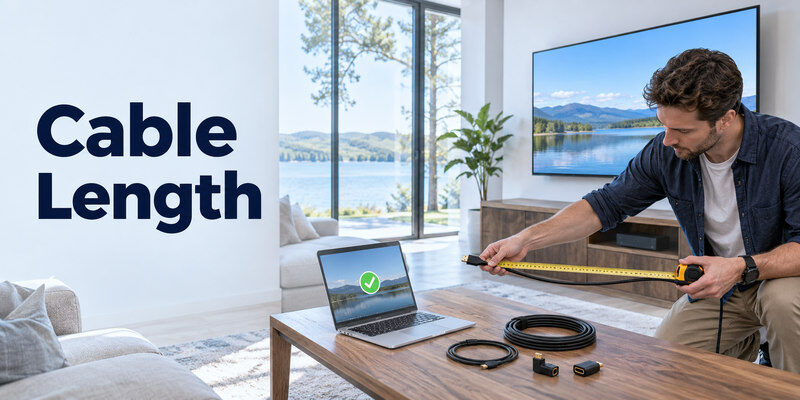
There is no single safe maximum length for every HDMI signal. Higher bandwidth, cable construction, and installation conditions change performance. Choose the shortest route that avoids tension and obstacles, then look for certification at that length. If a long run must cross a room or wall, consider a maker-supported active or optical solution and verify the desired mode before sealing the installation. When comparing displays, review the TV features that matter for gaming, including the exact HDMI ports, refresh rate, and VRR support.
Measure connectors and bends
Measure along the actual cable path, including bends behind the TV and cabinet, rather than the straight-line distance. Leave enough slack to unplug and reconnect devices. A tight wall-mount gap can stress an HDMI port, so a right-angle adapter may help only if it is compatible with the signal and does not add a loose connection. Never force a plug against the port or bend it sharply at the housing.
Test before in-wall installation
Connect the intended source directly and run the highest resolution and refresh rate you expect. Test a long movie or game session for intermittent blackouts, sparkles, or lost audio. A cable that passes 1080p for a minute may still fail at 4K/120 after a longer run. If an active cable has a power supply, test it in its final power arrangement. Record the model and length for future service.
Gaming, Soundbars, and ARC/eARC
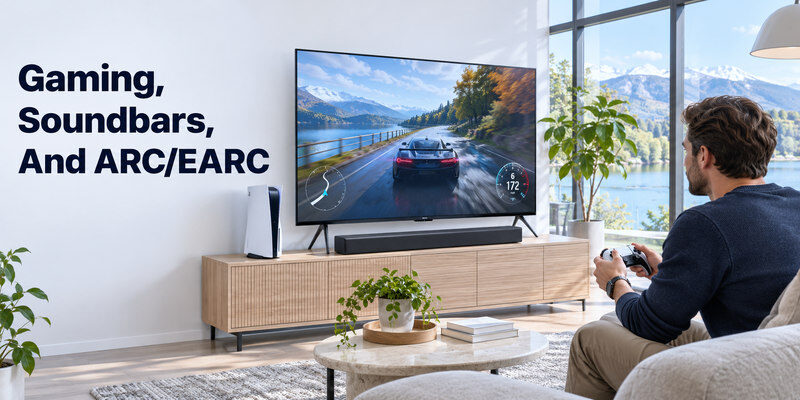
A console-to-TV cable carries the console’s video and audio. A separate TV-to-soundbar HDMI ARC/eARC cable returns TV audio. Those links have different jobs. A soundbar’s HDMI video input may pass 4K/60 but not 4K/120 or VRR; check the soundbar specifications before putting a console through it. The cable alone cannot bypass a receiver’s bandwidth limit.
Choose the console path
Connect PS5 or Xbox directly to a compatible TV gaming port with the included or certified Ultra High Speed cable for 4K/120. Then use ARC/eARC from TV to soundbar if supported. If the soundbar or receiver passes the console video, verify 4K/120, HDR, VRR, and audio on the full path. A TV information screen can show the negotiated signal; a game’s “performance mode” name alone does not prove the port output.
Avoid overbuying for audio return
For soundbar ARC audio alone, follow the TV and soundbar makers’ cable guidance. A 48 Gbps cable may be useful if it is also carrying high-bandwidth video through a bar, but its price cannot fix wrong ARC port selection, disabled HDMI-CEC, or unsupported sound format. Diagnose those settings before replacing a cable that carries another source correctly.
Read more: Best TV for Gaming: 2026 Picks for PS5, Xbox, and PC
Diagnose a Cable Suspected of Failure
| Symptom | Controlled test | Interpretation |
| No Signal on one input | Same source and cable on another port | Port/input or mode may be involved |
| Sparkles or random blackouts | Short certified cable, same devices | Long/poor cable becomes more likely |
| 4K/60 works, 4K/120 fails | Direct link on correct port | Bandwidth somewhere in chain |
| Picture works, no sound | TV output and source format | Cable not the only suspect |
| Works without receiver | Add receiver back | Intermediary may limit mode |
Change one variable at a time. A cable swap that also changes TV port and video mode proves little. Record the source, port, mode, and duration before and after the test. An HDMI plug that is loose or visibly damaged should not be forced; seek qualified repair if the TV socket itself is suspect.
Keep a known-good baseline
A short cable that works between the same source and TV is the strongest comparison. If the long route fails but the short one works at the same mode, inspect wall plates, extenders, active-cable orientation, and length. If both fail, try a lower mode or another source. A factory reset is inappropriate as a first response to a suspected cable fault.
Distinguish source from display
If the TV’s own menu and apps are fine while one HDMI device is blank, focus on that path. If the source works on another display, compare TV port capabilities and firmware. If no source works through one physical port, the connector or settings deserve attention. A cable purchase should follow this isolation, not replace it.
Read more: OLED vs QLED Comparison: Which TV Fits Your Room and Use?
Buying Checklist and Practical Limits
- Signal: Identify the highest resolution and refresh rate actually used.
- Category: Choose the officially certified cable family for that signal.
- Length: Verify certification for the exact length, with enough slack.
- Route: Check source, TV port, and intermediary bandwidth.
- Installation: Confirm active-cable direction and power where applicable.
- Return policy: Test the intended mode while a return is still possible.
The “best” cable is the least complicated certified cable that reliably carries your real signal. A brand’s warranty and local availability can help choose between equivalent certified models, but no universal single product is best across all lengths and countries. Prices change, so compare current local listings and verify the certification label rather than relying on a stale dollar figure.
TV menu control while testing
If the physical TV remote is missing, a compatible may select inputs on a powered, supported, reachable TV. It cannot repair a faulty HDMI cable or turn a 60 Hz input into a 120 Hz one. Keep the physical input button available in case network control is unavailable.
Keep the packaging details
Save the label or note the model and length. If the cable develops an intermittent fault, that information helps warranty support and avoids confusing it with another cable behind the TV. Labeling the ends also saves time when several sources share a cabinet. A successful post-install test at the desired mode is the final buying check.
Read more: Best 55 Inch TV in 2026: Picks by Room, Budget, and Use
HDMI Cable FAQ
Is an “HDMI 2.1 cable” the same as Ultra High Speed?
Look for the official Ultra High Speed certification, not only a version claim. HDMI versions describe a specification that includes many optional device features. The cable program verifies a defined bandwidth class and packaging label.
Does a more expensive cable improve 4K picture quality?
A working digital cable does not add detail or color beyond the source and TV output. A better-certified cable can prevent failures at a mode the old cable cannot carry reliably. Test the actual mode before paying for marketing claims.
Do I need 48 Gbps for a soundbar?
Not simply for ARC audio. If video passes through the soundbar at 4K/120, the complete path may need Ultra High Speed support. Check the bar, TV, source, and cable specifications together.
How long can an HDMI cable be?
It depends on the signal and cable construction. Verify a certified model at the intended length and test the highest mode before permanent installation. An active or optical cable may be appropriate for a long run, with direction and power requirements.
Can a cable fix a TV that says No Signal?
A failed cable can cause that message, but first select the correct input and confirm the source is on. Compare a known-good cable and another source on the same TV port before concluding that the cable alone is responsible.
Cable Choices for Specific TV Wiring
A 4K/60 streamer or cable box
For a normal 4K/60 TV signal, an appropriately certified Premium High Speed HDMI cable is a sound baseline; HDMI Licensing Administrator describes this category at up to 18 Gbps. Check the source’s HDR and color mode, because some combinations push the link harder than basic SDR. The best hdmi cable for tv in this setup is a reliable cable of the needed length, not a costly product advertised with vague “premium picture” claims. Digital HDMI either maintains the requested signal or develops errors; a decorative connector cannot add detail to the video.
A PS5, Xbox, or gaming PC at 4K/120
Start with the console’s supplied cable where the maker recommends it or a certified Ultra High Speed HDMI cable. HDMI.org lists that certification for up to 48 Gbps and modes such as 4K/120. Use a TV port that actually supports the mode and enable its enhanced setting. The best hdmi cable for tv gaming is not useful if a receiver or switch in between passes only 4K/60. Test direct first, then add other equipment and inspect the console’s reported TV capabilities. VRR and HDR should be verified independently.
A long run through a wall
Measure the route, including vertical drops and gentle bends, rather than the straight distance between devices. A long passive copper cable may have difficulty with high-bandwidth modes; an active or optical HDMI design may be appropriate, but some are directional and need correct source/display ends. Verify in-wall fire-rating requirements in your jurisdiction and plan a conduit if possible. Test the entire chain at the desired resolution before closing the wall. The best hdmi cable for tv over a long run is one whose certification and real-world test fit that installation, not the shortest possible cable stretched tight.
A soundbar on ARC/eARC
A soundbar connected to the TV’s labeled ARC/eARC ports does not automatically need an expensive 8K gaming cable for ordinary audio return. Check the soundbar and TV manuals for supported formats and the recommended cable class. A console’s 4K/120 cable can run separately from console to TV while audio returns to the bar. The best hdmi cable for tv audio is sound, correctly connected, and easy to replace if troubleshooting. If audio is silent, first inspect ARC input/output, CEC, and format settings before blaming cable bandwidth.
Final Thoughts
For the best hdmi cable for tv, match a verified category to the actual signal and length. Premium High Speed serves many 4K/60 setups; Ultra High Speed is the practical choice for 4K/120 gaming; Ultra96 matters only for supported higher-bandwidth equipment. Source basis: HDMI Licensing Administrator cable certification and PlayStation 4K/120 troubleshooting guidance.
