
Best 55 Inch TV in 2026: Picks by Room, Budget, and Use
Short answer: The LG C6 OLED is a strong all-round of the best 55 Inch TV choice for films and gaming, while a TCL QM7K Mini-LED deserves a look when daylight brightness or value matters more.
Neither is automatically the best buy at every price. Compare the current street price, the exact 55-inch SKU, the room’s light, and your preferred apps before ordering. This guide names meaningful alternatives and explains which specifications actually change the experience. The picks are based on published manufacturer specifications, not a claim of hands-on testing.
Best 55 Inch TV: Quick Picks and Tradeoffs
| Use case | Model or type to compare | Main strength | Check before buying |
| Balanced premium | LG C6 OLED55C6PUA | OLED contrast, four 4K/120 HDMI inputs, webOS | Price, direct reflections, static-content habits |
| Bright room/value | TCL QM7K 55-inch | Mini-LED local dimming and HDR capability | Actual local-dimming performance and current price |
| Lower-cost OLED | LG B6 55-inch where sold | OLED blacks at a different price tier | 55-inch regional availability and port specs |
| Simple streaming | A well-reviewed 55-inch 4K LCD | App access at lower cost | Backlight, refresh, and update support |
The best 55 inch tv is a model-specific decision. LG’s official C6 specification lists 4K resolution, a native 120 Hz panel, VRR up to 165 Hz, four HDMI inputs supporting 4K/120, Dolby Vision, and eARC on HDMI 2. TCL’s QM7K specification lists 55-inch availability and QD-Mini LED, with dimming and peak-brightness claims that vary by size and test conditions. Treat those claims as starting points; independent measurements and a fair return policy complete the picture.
Why the C6 is a useful reference point
Self-emitting OLED pixels switch off for black, avoiding the halo a zoned LCD may create around subtitles. The C6 combines that with a high-refresh input path and mainstream streaming apps. A family watching films in dim light or playing both console and PC games can use it as a premium benchmark. Its advertised 165 Hz VRR ceiling does not mean a console renders games at 165 frames per second. Check the exact supported modes for your device.
When comparing displays, check for common TV picture quality issues such as unnatural colors, motion artifacts, or washed-out HDR using familiar content.
Why a Mini-LED may be a better fit
A bright room with large windows changes the priorities. The QM7K is a candidate when a strong LCD backlight and value are worth trading some OLED black-level purity. Compare reflection handling, blooming around subtitles, and off-axis contrast on the actual 55-inch variant. A marketing “up to” figure across a series does not guarantee that every size has identical zones or brightness.
Fit a 55-Inch Screen to Your Seating and Cabinet
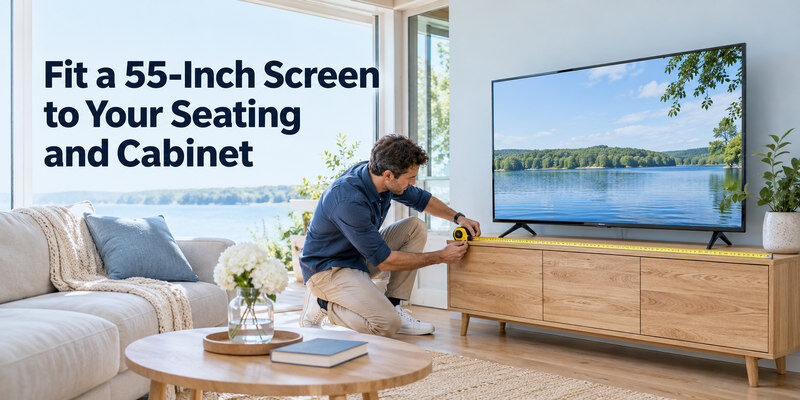
A 55-inch diagonal 16:9 screen is roughly 47.9 inches wide and 27.0 inches high before its frame. The exact television is wider when the bezel and stand are included. LG lists the C6 body as 48.1 inches wide and the stand as 18.5 inches wide on its US product page. Measure your cabinet, wall, vents, and soundbar placement separately. For wall mounting, verify the model’s VESA pattern, bracket weight rating, and access to the rear ports.
Seating distance is a preference, not a fixed rule
At about six to nine feet, a 55-inch 4K picture can work well for mixed viewing, but immersion and visual comfort differ. Sit at the intended distance and simulate the screen width with tape before purchase. If the main seats are farther back, compare a 65-inch model at the same budget. Size often affects the experience more than a small specification advantage. If an LG OLED is on your shortlist, our LG Magic Remote comparison explains why button layout and compatibility matter when choosing a handset.
Check the stand and soundbar clearance
Some stands are centrally mounted, while others need support near the TV’s edges. The remote sensor can also sit low in the frame. A soundbar in front may block it or the bottom of the picture. Look for the stand-foot spacing, screen-to-shelf clearance, and cable bend room in the exact product drawing. The best 55 inch tv on paper will be frustrating if its stand cannot fit safely.
Read more: Best TV Brand 2026: Choose by Picture, Budget, Gaming, and Software
Picture Quality: Dark Room Versus Daylight
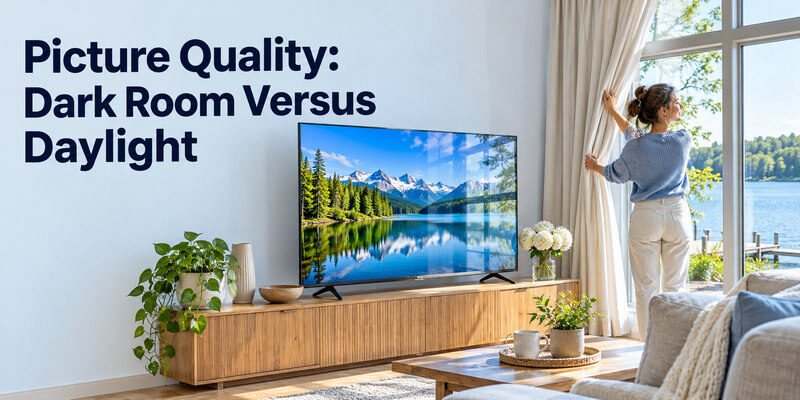
OLED excels at pixel-level contrast in a dark room. A capable Mini-LED can sustain high output in daylight, though local dimming may create a visible halo with bright subtitles on black. A basic LED LCD is not equivalent to a premium Mini-LED merely because both use an LCD panel. Choose the display that addresses the room you actually use, then tune its picture mode after installation.
Test scenes that reveal the difference
Compare a dark subtitled scene, a bright daytime sport, and faces under mixed lighting. Watch from each seat, not only head-on. A vivid retail demo can mask crushed shadows or overbright skin; use a normal or filmmaker-style mode where available. Look for motion artifacts and gradients, not just an eye-catching still frame. If you wear glasses, reflections may be particularly noticeable at night.
HDR formats and real performance
Dolby Vision support is useful if your services and discs offer it; HDR10 remains common. LG’s C6 lists Dolby Vision, HDR10, and HLG. TCL’s QM7K materials list Dolby Vision IQ. Those labels describe compatibility, not measured highlight brightness or tone mapping quality. Check an independent review of the exact size. Do not assume every service sends its highest-quality stream without the required subscription, bandwidth, and device settings. If your preferred 55-inch TV does not support an essential app, compare the best streaming devices for your TV and check the app’s compatibility with the exact player.
Gaming and HDMI Ports on a 55-Inch TV
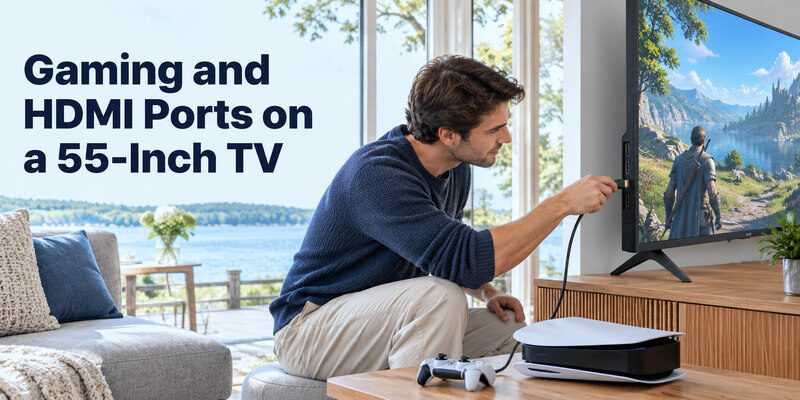
For PS5 and Xbox Series X, prioritize a 4K/120 input, low-latency Game Mode, and VRR when the game supports it. An HDMI port labeled 2.1 does not by itself prove every gaming feature is active. Inspect the manufacturer’s port map. LG’s C6 lists four 4K/120-capable inputs and eARC on HDMI 2; that makes multi-console wiring easier. Sony or other models may reserve some high-bandwidth ports for eARC, leaving fewer for consoles.
Connect the console directly first
Use the included console HDMI cable or a certified Ultra High Speed cable, select the matching TV input, and enable enhanced/4K mode on that input if required. Check the console’s video information screen for 4K, HDR, and 120 Hz availability. A receiver or switch can be added after direct output works. If the screen goes black only at 120 Hz, test the port, cable, and intermediate equipment in that order. Our how to connect ps5 to tv guide covers that sequence in detail.
Match features to the games you play
A person playing slow single-player films and games may value OLED contrast more than the highest refresh ceiling. A competitive player benefits from low input lag and reliable VRR, but a 240 Hz marketing mode at reduced resolution is not the same as native 4K/240. PC gamers should consider desktop text clarity and static HUDs. If the TV doubles as a monitor all day, assess OLED care and warranty language.
If you need to adjust the soundbar’s input or settings, review these soundbar remote app options and confirm compatibility with your exact model.
Read more: Best Budget Smart TV: Choose a Good Picture Without Paying for Extras
Streaming Software and Daily Controls
Pick the apps you use in your country, then test navigation and input switching. LG’s C6 uses webOS 26 and its product page lists major services. TCL’s QM7K uses a Google TV platform in its US materials. App availability and interface updates can change; check the current regional store rather than treating the logo strip on a box as permanent. A separate streaming box can improve an aging interface, but it cannot repair a weak panel.
Remote and accessibility checks
Try the remote’s input, settings, captions, and voice features. A household with several external devices may want quick input selection and a clear source label. Verify whether the TV can start on the last used HDMI input and whether HDMI-CEC works with your soundbar. If you misplace the physical remote after the TV is already set up, a compatible may control supported TVs over the required network; keep the original for first-time setup and recovery.
Wi-Fi and software longevity
Check that the TV supports the streaming services you need and gets firmware updates in your market. Wired Ethernet can stabilize streaming where Wi-Fi is congested, though the TV’s port speed and your service bitrate matter. Manufacturer support commitments vary and should be read for the particular model. Avoid assuming a newer OS label guarantees many years of updates.
Sound, Audio Return, and Installation
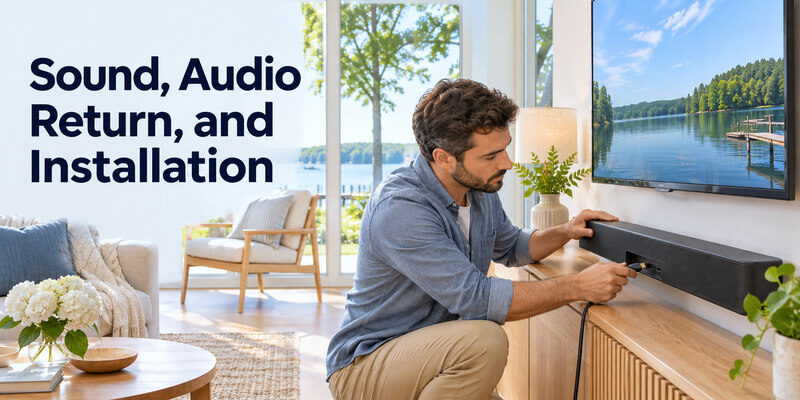
Built-in TV speakers are convenient but thin cabinets limit bass and soundstage. If dialogue matters, budget for a soundbar or headphones, then check ARC/eARC or optical output. The C6 specification lists eARC on HDMI 2. A separate soundbar connection uses that designated port, not just any HDMI socket. Turn on HDMI-CEC if the soundbar requires it, set the TV to external audio, and confirm the bar’s input. Our how to connect soundbar to tv guide has the setup order.
Installation costs beyond the sticker
A wall bracket, cable run, soundbar, extended warranty, delivery, and recycling can materially change the final bill. Confirm that the stand is included, the return window begins when expected, and an installer will not block ventilation. Compare total installed price rather than a temporary promotional tag. In November 2026, product prices and stock shift rapidly; quote a current seller and region when making a purchase decision.
Energy and heat
Official energy labels are tied to a particular model size and measurement method. Brightness setting and content change real-world draw. Leave the manufacturer’s recommended ventilation clearance. If your cabinet is enclosed, check the manual and the heat of attached game consoles as well. A TV’s nominal watts should not be guessed from its panel type alone.
Read more: Best TV for Gaming: 2026 Picks for PS5, Xbox, and PC
How to Compare 55-Inch Models Fairly
| Question | What to verify | Why it matters |
| Exact SKU | Regional suffix and 55-inch spec sheet | A family name can hide different features |
| Inputs | 4K/120 count, eARC port, CEC | Determines actual device wiring |
| Picture | Independent HDR, contrast, reflections | Published claims use different methods |
| Software | Current apps and update policy | Daily friction outlasts a showroom demo |
| Ownership | Warranty, service, returns | Handles defects and panel variation |
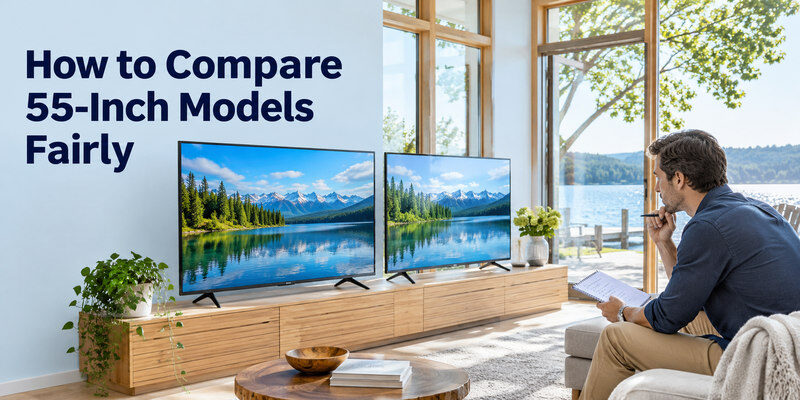
Begin with a realistic budget and room size. Shortlist two or three exact models, then compare their official specifications and independent measurements under similar test conditions. Read the warranty and retailer’s written return terms. This is more reliable than a generic ranked list without dates or sizes. A 65-inch budget model may deliver more immersion at the same spend, while a 55-inch premium panel may win in a small dark room.
Check for model-year and size caveats
Features sometimes differ between 42-, 48-, 55-, and 65-inch versions of a named series. LG’s C6 page gives the exact 55-inch port and dimension details; use that instead of applying a 77-inch review blindly. Compare the SKU on the receipt with the one you researched. If a retailer substitutes a regional variant, recheck apps, tuner, warranty, and voltage.
Watch for misleading labels
“120 motion,” “AI 4K,” and “QLED” can describe different things from native refresh, real processing performance, and Mini-LED backlighting. Ask for the native panel refresh and supported 4K/120 HDMI inputs. An HDR badge means the TV accepts a format, not that it produces bright, accurate HDR. Make every claim measurable before allowing it to drive the purchase.
Best 55 Inch TV FAQ
Is OLED worth the extra money at 55 inches?
Yes, if dark-room contrast, wide angles, and gaming response matter enough to you and the price fits. A Mini-LED may be better value in a bright room. Compare the total installed cost and your static-content habits before choosing.
Is 55 inches too small for a living room?
It depends on viewing distance and preference. A 55-inch set can fit a smaller room well; a distant couch may benefit from 65 inches. Measure the seating position and simulate both widths before ordering.
Do I need HDMI 2.1 for a 55-inch TV?
Not for ordinary 4K streaming. It matters if you want supported 4K/120, VRR, or other console/PC gaming features. Check the exact port capabilities rather than relying on the connector label.
Which 55-inch TV is best for bright rooms?
A well-reviewed Mini-LED LCD with strong reflection handling is a good starting point. Premium OLEDs can also be usable in daylight, but evaluate your window placement and the exact model’s measured brightness.
Can I control a 55-inch TV by phone?
Often, yes, after initial setup if the model supports a compatible app and the network requirements are met. A phone app cannot always power a fully disconnected TV or complete first-time pairing without the physical remote.
Three 55-Inch Purchase Examples
A small dark room for films
The LG C6 55-inch OLED is a useful premium reference because the named US specification lists pixel-level dimming, Dolby Vision, a native 120 Hz panel, and four 4K/120-capable HDMI inputs. The best 55 inch tv for this buyer may be the C6 if its current price and warranty are acceptable. Compare a discounted B-series OLED at the exact size as well. Test subtitles over black, skin tones, and the angle from the side chair. A larger Mini-LED might still win if the couch is farther away than expected.
A daylight lounge with sport
A 55-inch Mini-LED such as TCL QM7K deserves evaluation for brightness and value. Check an independent exact-size review for sustained light output, reflections, blooming, and sports uniformity; TCL’s series-wide claims are not measurements of your unit. The best 55 inch tv may be the LCD when direct window light cannot be controlled. Try the panel from several seats and use the return period to check dirty-screen effect with normal sport, not only a gray test slide.
A shared console and streaming screen
Count inputs: PS5, Xbox, streamer, and eARC soundbar can occupy four connections. An LG C6’s official 55-inch port sheet lists four 4K/120-capable inputs with eARC on HDMI 2, making it flexible, but a cheaper model may have only one high-refresh input. The best 55 inch tv for this setup is the one that accepts the desired signal from each device without a costly switch. Verify the console’s video information and use a normal picture mode for streaming. A fast interface and captions matter daily too.
The purchase at the checkout screen
Record the full SKU, region, exact price, delivery date, return window, and written warranty. Confirm the stand fits the cabinet and a soundbar will not block the screen or sensor. A 55-inch display area is about 47.9 inches wide, but the complete chassis is slightly wider. The best 55 inch tv choice can change during a promotion; compare total installed cost rather than MSRP. If a 65-inch model is close in price, mark both widths on the wall and choose from the actual seating distance.
Final Thoughts
For the best 55 inch tv, shortlist an LG C6 OLED for contrast and gaming, a TCL QM7K Mini-LED for a bright-room comparison, and an appropriately priced simpler LCD when budget dominates. Verify the exact size’s ports, apps, warranty, and current local price. The best choice is the one that performs well in your room and fits all the devices you actually use.
