
IPTV vs Cable TV: Which Fits Your Household?
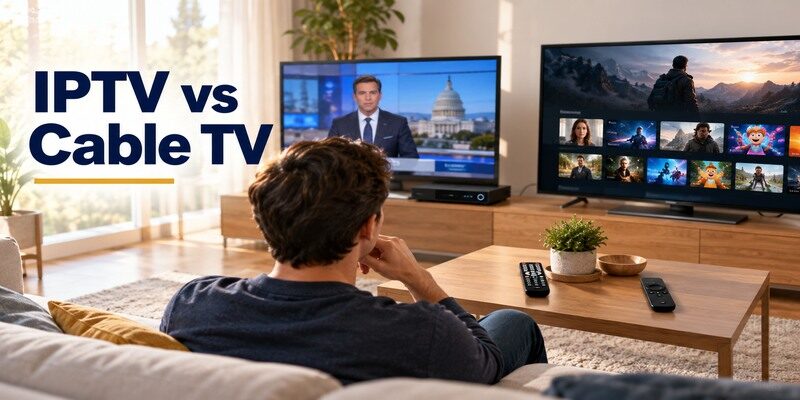
Short answer: Choose IPTV for flexible internet-delivered plans and viewing across supported devices, and choose cable TV when its local channel bundle, existing connection, or household simplicity better meets your needs. Either can be expensive or unreliable in the wrong setup. IPTV describes a delivery method; it does not guarantee that an unlicensed playlist has the rights or support of a legitimate provider. This iptv vs cable tv comparison focuses on licensed services, the full broadband and TV bill, exact live channels, picture quality, DVR, and the controls people use every day. Examples and antenna options are U.S.-focused; check local availability.
IPTV vs Cable TV at a Glance
Cable television is typically delivered through a provider’s cable infrastructure and set-top or compatible TV arrangement. IPTV delivers TV streams over an internet connection, usually through an app or managed provider box. The difference between iptv and cable is the transport and service design, but both can package live channels, recordings, and on-demand programs. Check a real provider and plan rather than assuming every product under either label is identical.
In iptv vs cable tv, the practical question is which route carries your exact programs reliably with a remote the household can use.
| Factor | Licensed IPTV/live-TV streaming | Cable TV |
|---|---|---|
| Delivery | Broadband/IP connection | Provider’s cable TV infrastructure |
| Main interface | App or managed box | Set-top box or provider app |
| Devices | Plan and app dependent | Provider and package dependent |
| Channel lineup | Rights and ZIP specific | Package and local market specific |
| Broadband dependence | Required for streams | TV delivery may be separate, but apps need internet |
| Recording | Cloud DVR or service-specific | Provider DVR or cloud option |
The service is more than the wire
Two IPTV providers can have very different channels, apps, and support, just as two cable packages can. “IPTV” does not mean free premium content. YouTube TV, Hulu + Live TV, Fubo, Sling, and other licensed live providers publish current lineups and terms. For iptv vs cable which is better, compare a named streaming plan against the exact cable quote at your address. A technology label alone cannot answer the bill or rights question. To compare these options in more detail, explore our guide to licensed IPTV services and check each provider’s channel lineup, DVR, and full renewal price.
Compare the whole household
List the local stations, sports events, niche cable channels, number of TVs, and people watching at once. Note which rooms have weak Wi-Fi. If the current cable box is used by someone who does not like app menus, remote experience is a real factor. The iptv vs cable tv choice should reflect how the household starts a program on a normal evening, not only a single viewer’s favorite app.
Read more: What Is Cord Cutting? A Practical TV Guide
Channel Lineup and Local Rights
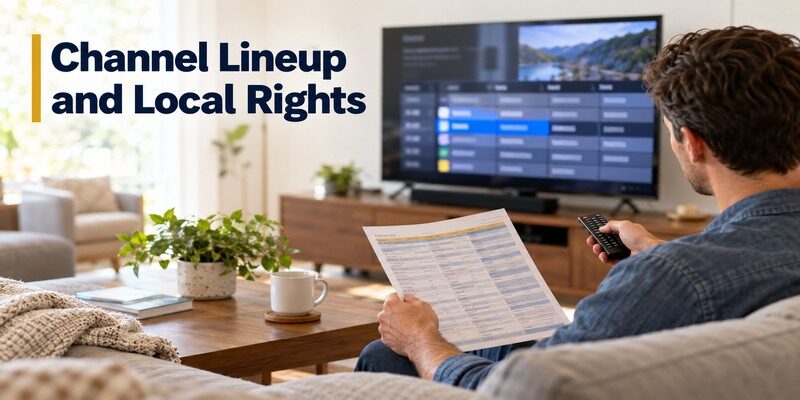
Both options depend on contracts and market rights. A streaming service’s national ad may not include a local affiliate at your ZIP code. A cable package may require a higher tier for one sports network. Search the exact channel and upcoming event on each provider’s official lineup. The program you need matters more than total channel count. Rights can change, so verify again when the season begins.
For iptv vs cable tv channel checks, save both lineups on the same day and compare the named affiliate rather than a network logo.
Local broadcast stations
Enter the address in the provider’s checker and compare exact affiliates. In the United States, an antenna can receive available over-the-air stations as a separate free source, subject to reception. The FCC DTV map offers an estimate, followed by a real scan. An antenna cannot replace cable-only networks. For iptv vs cable tv, local news may be a simple antenna supplement or a decisive package requirement depending on the location.
Sports and regional networks
Check the team, game date, listed broadcaster, local blackout rules, and selected package. A general “sports included” label does not prove access to one game. Some events are streaming-exclusive, while others sit on local stations or regional cable networks. The difference between iptv and cable can shrink when both carry the same rights, but the recording and device rules may still differ. Recheck every season. Compare streaming services for cord cutters to build a combination of live TV, on-demand content, and free viewing around your household’s needs.
Total Cost and Contracts
Compare the existing cable bill with a new standalone broadband quote plus the licensed IPTV plan, add-ons, taxes, hardware, and any promotional expiration. A cable-internet bundle discount may vanish if TV is canceled. IPTV can allow easier month-to-month changes, but its full cost can rise with sports and premium extras. Cable may have equipment rental or contractual terms. Get both written totals for a normal month after promotions.
Read more: Free IPTV Channels: Legal Ways to Watch Live TV
The iptv vs cable tv cost result may flip after a promotion ends, so calculate the same twelve months for both options.
| Cost line | Question for cable | Question for IPTV |
|---|---|---|
| Internet | Does the bundle rate change? | What standalone rate is needed? |
| Live channels | Which package has must-haves? | Which plan and add-on has them? |
| Equipment | Rental and return terms? | Streamer, antenna, or managed box? |
| Promotions | When does the rate rise? | When does the trial renew? |
| Sports | Regional/network fee or tier? | Rights, add-on, blackout? |
Build a twelve-month comparison
A one-month promotional offer can conceal the ongoing rate. Include each sports season, cancellation charge if applicable, and one-time device purchase. Check whether a paid live plan is needed all year or only for a season. IPTV vs traditional tv savings are not automatic; a household with several overlapping apps may spend more than a compact cable bundle. Use the actual post-switch internet price.
Keep a cancellation record
If you switch, confirm the effective date, equipment return, and final bill with the old provider. The FTC advises retaining proof of cancellation and reviewing subsequent charges. Do not disconnect broadband before the streaming option is ready. If the new provider’s trial fails, cancel through the actual billing route rather than deleting its app. A flexible plan saves money only when subscriptions are actively managed. If your television does not support a required IPTV app, compare the best streaming devices for different TVs and verify that the provider supports the exact model before buying.
Reliability and Network Requirements
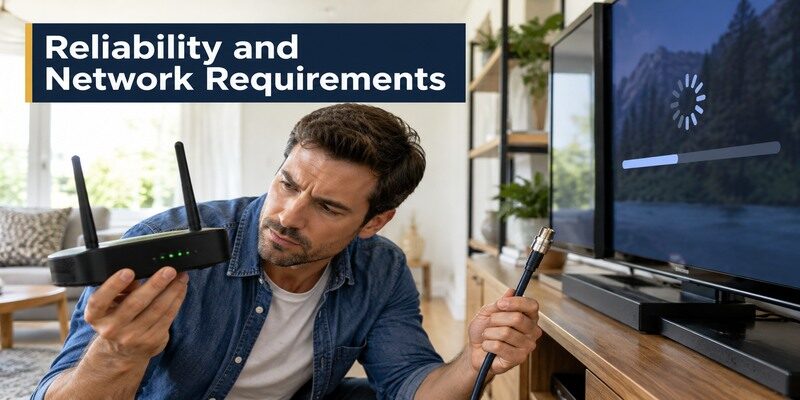
Cable TV and IPTV can both suffer outages, but their failure paths differ. Internet streaming relies on broadband, the router, Wi-Fi or Ethernet, service servers, and the app. A cable TV signal may continue under some internet fault conditions, depending on the provider and equipment. Power is still needed for TV and boxes. In iptv vs cable tv, test the actual room and evening load before declaring one more reliable.
Record which part failed in a trial: internet, app, local Wi-Fi, cable signal, or power. An iptv vs cable tv reliability claim is useful only with that context.
Streaming on several screens
Run two live streams simultaneously at the usual viewing time. Check the provider’s concurrent-stream rules as well as network capacity. A phone speed test beside the router cannot prove the far bedroom’s TV connection. Ethernet on a compatible device may remove weak Wi-Fi, but cannot cure an upstream outage. If one app buffers while others play, investigate that service before replacing the entire network.
Cable signal and equipment
A loose coaxial connection, aging provider box, or local outage can affect cable. The provider’s app may add an internet dependency even when the traditional TV feed uses cable infrastructure. Identify which path your exact plan uses. For iptv vs cable tv reliability, note how quickly support diagnoses a problem and whether a local antenna supplies a backup broadcast feed. An advertised uptime figure may not describe your building.
Read more: Chromecast Review: Should You Buy One in 2026?
Picture and Sound Quality
A service may advertise HD, 4K, HDR, or surround sound, but actual output varies by channel, event, plan, app, device, TV, and receiver. Compression and bitrate can differ even at the same resolution label. Test the same live event on the same display with picture settings documented. The difference between iptv and cable is not a universal image-quality winner. A weak Wi-Fi link can make a good internet stream look poor.
For iptv vs cable tv picture comparisons, use ordinary programming from the household’s actual channel list at the normal viewing distance.
Compare like for like
Use a familiar live sports or news program, not a promotional demo on one device and a different title on the other. Check whether the TV applies extra sharpening to one HDMI input. Match audio through the same soundbar or receiver. If an IPTV app outputs stereo for one channel, the provider or program may be the limit. If cable looks soft, inspect its box output and signal before drawing a broad conclusion.
Data use and caps
Hours of live internet television can consume substantial data, particularly at higher resolutions. If broadband has a cap, review the provider’s usage meter and plan terms. Cable’s linear TV transport may not count the same way, though provider apps can. The iptv vs cable tv cost comparison should include any internet overage or plan upgrade prompted by streaming. Do not invent a universal per-hour number; codecs and quality vary. For a closer look at two popular streaming platforms, read our Fire TV Stick and Chromecast comparison, then check your live-TV provider’s supported-device list.
DVR, Rewind, and Time-Shifting
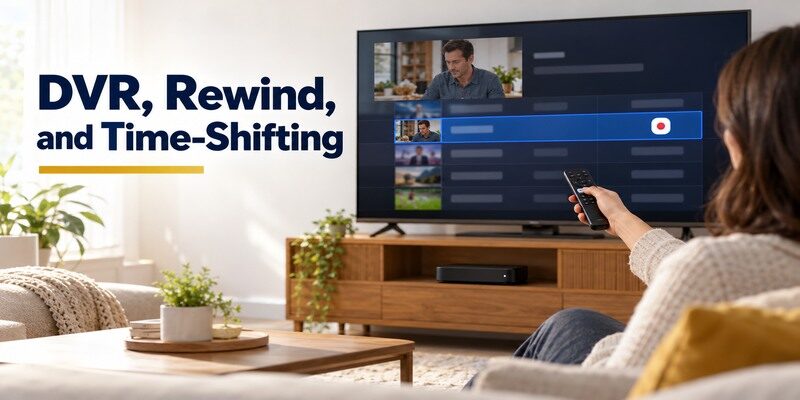
Cable providers may offer set-top or cloud DVR, while licensed IPTV services often use cloud recordings. Storage, retention, fast-forward rights, and simultaneous recording differ. Test the specific show and an in-progress event. A service that advertises unlimited storage can still delete old recordings after a defined period. IPTV vs traditional tv is often decided by how viewers resume programs, not by headline channel counts.
An iptv vs cable tv trial should include a saved show that another family member can find and play without help.
Check a real recording
Schedule a show during a trial, then play it from the beginning and skip forward. Confirm whether the program was recorded or opened from an on-demand version with different ads. Hulu, YouTube TV, Fubo, and others describe their DVR terms on official pages. Cable boxes have their own storage and failure modes. The iptv vs cable tv comparison needs a recording test on the device used every evening.
Household profiles
Check whether recorded programs and watchlists are shared or separated by profile. A family may want independent recommendations and purchase controls. Simultaneous-screen limits can affect whether a child and adult can watch different recordings. A provider’s phone app may not present the same controls as its TV interface. Have the least technical viewer find and replay a saved show without help.
Read more: Remote Control App for Non Smart TV: IR Options and Limits
Devices, Installation, and Remote Control
Cable service may include a technician and set-top box, while a streaming service can run on a supported smart TV, streaming player, phone, or provider device. Self-installation can be convenient, but check app compatibility, account setup, HDMI input, and Wi-Fi first. An older TV may benefit from a current external streamer. The iptv vs cable tv setup decision includes who will troubleshoot a remote or router later.
Keep a list of which remote switches TV inputs and which controls the guide. The iptv vs cable tv transition is smoother when those roles are clear.
Cable box and provider support
Ask what equipment is included, rented, or required for each television. Check whether a provider app replaces a box on secondary screens and whether that changes the bill. Keep return receipts when ending service. Cable remote controls may have familiar channel numbers, which some households prefer. A new IPTV interface can be faster for search but requires learning a different guide and account flow.
Streaming app and phone fallback
Install the licensed provider’s official app and test the guide with the physical TV or streamer remote. If the remote is lost, official phone controls or the can help with supported devices on a reachable local network. A phone remote does not include the subscription, correct a wrong HDMI input on an inaccessible TV, or fix internet failure. Keep the original TV remote available during transition.
Legal and Security Differences

IPTV is a technical delivery method, not a license category. A legitimate provider should identify itself, publish service and billing terms, and have rights to the channels offered in your market. An anonymous playlist promising every premium network at a tiny price is not equivalent to a licensed live-TV subscription. Cable providers are identifiable operators too, though their plan terms still deserve review. Use official apps and read the renewal terms.
For iptv vs cable tv, comparing an unverified playlist to a licensed cable package creates a false price and channel advantage.
Check the operator
Verify the provider’s business identity, official app publisher, channel territory, customer support, and cancellation route. Avoid sideloaded installers from unsolicited sites that ask for broad device permissions. A playlist player can open a URL without proving the stream’s distribution rights. For iptv vs cable tv, compare licensed services on both sides; otherwise the apparent price and lineup comparison is misleading.
Protect billing
Use a distinct password and a recognized payment route. Set reminders before trials renew, and save invoices. If a service adds optional premium channels, check whether a free guide item leads to a paid checkout. An app icon disappearing from the TV does not end billing. Transparent terms make the internet route easier to manage, but the viewer still has to review them.
Read more: Universal Remote Codes List: Match Your Remote Version
Which Option Fits Each Household?
A live-TV streaming plan suits viewers who value device flexibility and can maintain stable broadband. Cable may suit a household whose must-have channels, bundled internet rate, and familiar interface produce a better total experience. An antenna and a few on-demand apps may be the third option. Is iptv better than cable? The answer requires a verified channel list, a full-year bill, and a practical trial in the home.
The iptv vs cable tv choice can also be postponed until a sports season ends or a promotional contract expires, provided the current service remains acceptable.
Favor IPTV when flexibility pays off
If the official app supports all TVs, the provider carries essential rights, and the internet is stable, switching can simplify hardware and seasonal subscriptions. Test simultaneous screens and the return path after canceling. A remote-led live guide can be familiar enough for cable viewers. The iptv vs cable tv verdict favors streaming when the actual package is easier to change and the total cost or mobility matters.
Keep cable when it wins a real requirement
A local channel or regional sports package may be better on the current cable plan, or a bundle may price standalone broadband unfavorably. Some family members may value the existing channel-number remote and support arrangement. Do not cancel merely because a headline says streaming is newer. A household can also supplement cable temporarily with an on-demand app and revisit the decision when rights or prices change.
IPTV vs Cable TV FAQ
Is IPTV cheaper than cable?
Sometimes, but add standalone broadband, live package, sports extras, tax, hardware, and lost bundle discounts. Compare post-promotion prices over a year. A focused plan can save money; recreating every cable channel through several apps can cost as much or more. Use written quotes for your address.
Is IPTV legal?
Yes as a delivery technology. A particular provider still needs appropriate rights to distribute its programming. Established licensed services publish plans, terms, and support. Avoid anonymous playlists with implausibly broad premium channels and unclear rights. A player app’s existence does not validate its streams.
Does cable work when internet is down?
Traditional cable TV delivery may remain available during some broadband outages, depending on provider and equipment. A cable provider app may require internet. Both routes need powered TV equipment. Ask the provider about the exact delivery path and test local antenna reception as another possible broadcast backup.
Can IPTV show local channels and sports?
Licensed providers may carry local affiliates and sports, but the exact lineup and rights vary by ZIP code, plan, team, and season. Enter your address in the official checker and verify an upcoming event. A national logo or broad sports label does not guarantee a particular game or regional network.
Which is easier for older viewers?
It depends on the person and interface. A familiar cable remote with channel numbers may be simpler, while a well-organized streaming live guide can also work. Ask the viewer to find a favorite channel and replay a recorded show during a trial. Choose the setup they can use independently.
Final Thoughts
Iptv vs cable tv is a household fit decision, not a universal winner. Compare named licensed plans, exact local and sports channels, the full broadband-plus-TV bill, reliability at peak time, DVR, and remote use. Test the IPTV app while cable is still active, then cancel only after required programs work and the new internet price is confirmed. Keep the option that gives the family dependable access with a manageable total cost.
