
Chromecast Review: Should You Buy One in 2026?
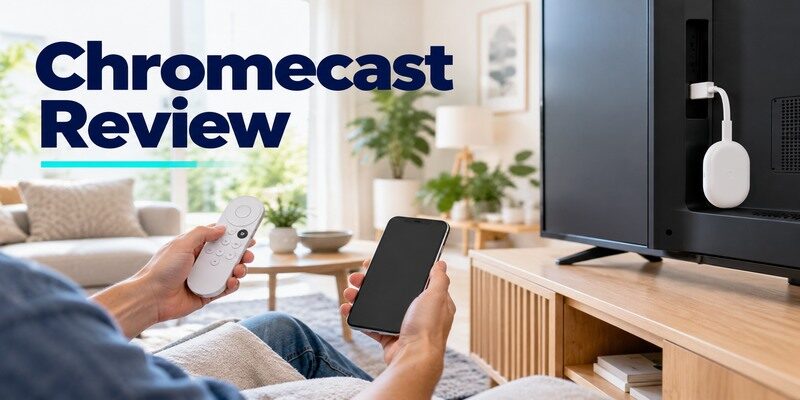
Short answer: Chromecast with Google TV is still useful for remote-led streaming and Google Cast, but a new buyer should also compare Google’s newer Google TV Streamer. An older casting-only Chromecast is best kept if its phone-driven apps still do everything you need. The name “Chromecast” covers distinct devices, so a single speed or remote verdict is misleading. This chromecast review evaluates their actual roles using Google’s official specifications and support pages. It does not claim first-hand benchmark testing. Start with the model on your TV or in the listing, then decide whether its limitations matter to your household.
Chromecast Review: Verdict by Generation
A casting-only Chromecast has no full on-TV app grid or bundled voice remote. Chromecast with Google TV HD and 4K adds both. Google TV Streamer is the newer separate set-top successor, not another Chromecast dongle. Google’s official device comparison explains the differences between the latter products. The chromecast pros and cons therefore depend on whether you primarily tap Cast on a phone or browse a TV interface with a remote. Identify the generation before reading a performance claim.
| Device | Good reason to use it | Potential limitation |
|---|---|---|
| Older Chromecast/Ultra | Existing phone-to-TV casting works | No remote-led Google TV app grid |
| Chromecast with Google TV HD | Remote and apps on an HD screen | HD output, model-dependent formats |
| Chromecast with Google TV 4K | Google TV plus compatible 4K output | Older hardware and current stock status |
| Google TV Streamer (4K) | New Google TV box, Ethernet, casting | Separate product and HDMI cable check |
Keep an older unit if it solves the task
If your supported apps find the device and play reliably, there is no need to replace it solely because a successor exists. A casting-only unit still requires a compatible sender on a reachable local network. It will not become a remote-driven Google TV device by updating Google Home. This chromecast review favors keeping working hardware when the household is comfortable selecting content on a phone. Upgrade when a particular app loses support or someone needs on-TV browsing.
Buy with the new lineup in mind
Google now sells Google TV Streamer as its newer option. Compare its official specifications and the actual retail price and warranty in your region against remaining Chromecast with Google TV stock. An unusually cheap listing may be an older generation or missing an accessory. Is chromecast worth it as a new purchase? Yes in a suitable deal for a known model, but the Streamer deserves a side-by-side check for a main TV.
Read more: Chromecast With Google TV Remote: Buttons, Pairing, Setup, and Fixes
Casting Experience in Real Homes
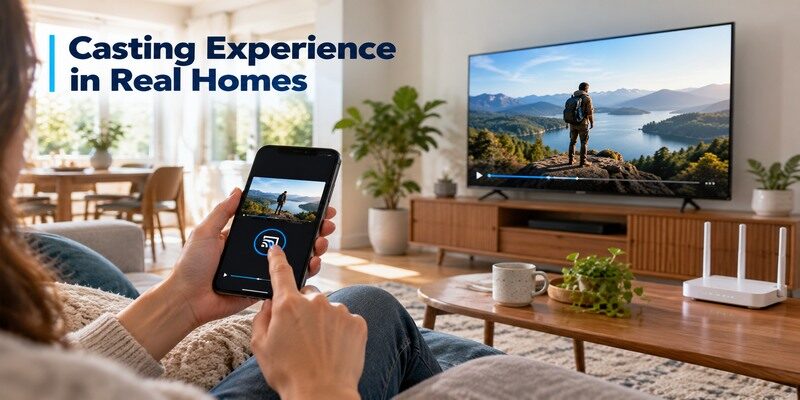
Casting from a supported app is the Chromecast family’s defining action. Select a title on the phone, tap Cast, and choose the TV device. The phone and receiver must be able to discover one another; a guest network with client isolation can break this even when both have internet. Google Home is part of initial setup for older generations. A chromecast review that tests only on-TV navigation misses the point of a casting-only device.
Apps with a native Cast button
Use a service that officially supports casting and check the Cast icon in its own player. A phone’s generic screen-mirroring control is a different feature with different reliability and content restrictions. Test a second supported app when one fails to detect the target. For chromecast performance review purposes, separate app discovery from video buffering: the first can be a local-network issue, while the latter may involve broadband or the service.
Shared and guest networks
In a home with multiple televisions, name devices clearly in Google Home so the family chooses the correct room. A visitor may need network access or a supported guest path depending on the model and current software. Do not publish a blanket promise that any guest on any Wi-Fi can cast. The chromecast review verdict for shared housing depends on router isolation, phone permissions, and whether people are comfortable using their own devices to start playback.
Google TV Interface and Remote
Chromecast with Google TV has an on-TV home screen and included voice remote. It can open installed streaming apps without the owner’s phone, while still receiving supported Cast streams. A casting-only model offers neither same interface nor a bundled remote. The Streamer also has a remote and different hardware. A missing remote is normal on older Chromecast, but a problem on Google TV models.
This chromecast review separates the remote-equipped models because the most common daily complaint depends on whether a handset exists at all.
Browse and search from the sofa
The Google TV interface can gather recommendations across participating services, with availability varying by region and account. Test whether it surfaces the specific app you use, and distinguish a recommended title from an included subscription. A chromecast review of daily use should include Home, Back, direction, Select, and voice search, not just a one-time setup screen. People who prefer a simple app grid may view recommendations differently. For compatible devices, our guide to Google Home TV remote controls explains how phone-based navigation differs from casting.
TV power and volume control
The voice remote’s navigation can work while power or volume does not. Configure the target TV, soundbar, or receiver separately in equipment-control settings. If audio comes from a soundbar, changing the TV’s volume may have no audible effect. Keep the television’s original remote to select the HDMI input. In this chromecast review, that separation prevents a minor IR or HDMI-CEC configuration issue from being mistaken for a failed streaming device.
Read more: How to Reset Google TV Remote: Chromecast & Google TV Streamer Guide
First-Time Setup and Maintenance
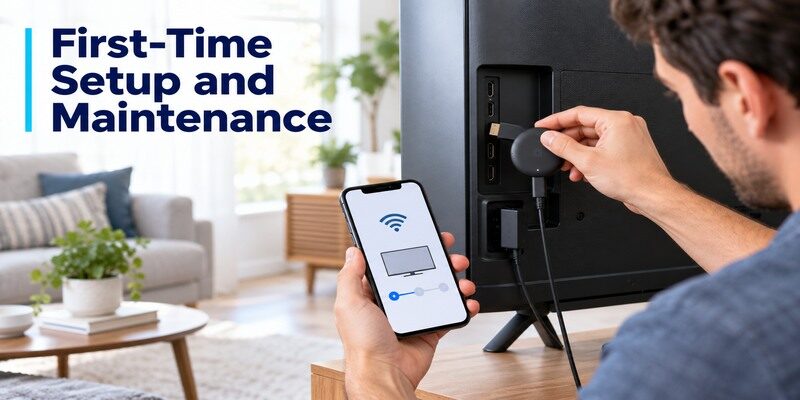
Connect the Chromecast to TV HDMI and model-correct power, select that input, and follow Google Home or on-screen prompts. For Chromecast with Google TV, the remote can complete supported parts of setup if the phone route stalls, according to Google’s support. Older casting-only generations rely on Google Home for setup. Sign in to Google and individual services as prompted, then test playback before changing advanced settings.
For a chromecast review of setup, the final test is a playable title and a visible Cast target, not just a completed account screen. For instructions tailored to each generation, learn how to set up your Chromecast and test playback after connecting it to your network.
Model-correct power matters
Google’s older Chromecast quick-start instructions call for the supplied AC adapter. A weak TV USB supply can cause a restart that looks like a Wi-Fi failure. Chromecast with Google TV and Google TV Streamer have their own included power arrangements and box contents; use the matching guide. The chromecast installation experience is easiest when you verify the on-screen welcome page before troubleshooting an app or router. Note the exact HDMI port on a multi-input TV.
Updates and app sign-ins
Let available updates finish, then sign into one familiar app. The Google account that configures the device does not automatically pay for every streaming subscription. If a single service fails, check that app and plan before resetting the Chromecast. A chromecast review should distinguish an aging device’s broader support from one app’s temporary outage. Read current support notices for your model before making a replacement decision.
Read more: Chromecast Remote App: Google TV Setup and Limits
Picture Quality and Audio Limits
Chromecast with Google TV HD and 4K are distinct output models. Older Chromecast generations also vary. Google lists supported resolution, HDR, and audio formats on its product pages; these capabilities still require matching TV, title, app, plan, and receiver. A 4K logo on the box is not proof that every stream arrives in 4K. The chromecast performance review that matters is how familiar content looks and sounds on the actual TV.
Test an ordinary title first
Play a normal HD clip, then a known 4K or HDR title if the setup supports it. If a menu is visible but only HDR video goes black, check HDMI input mode, cable or receiver path, and service plan. A casting-only Chromecast can have different format limits from Chromecast with Google TV. This chromecast review avoids saying one generation’s codec list applies to all others. A TV’s picture processing also affects the perceived difference.
Trace sound to its source
When video works but audio does not, identify whether the TV, soundbar, or receiver should play it. Test another app and a stereo clip before forcing surround settings. A phone’s Cast volume may differ from the TV speaker’s volume. HDMI audio pass-through depends on the full chain. For a chromecast review, this practical isolation is more useful than repeating a device’s advertised surround-format badge without the actual equipment context.
If local storage or a home media library matters to you, read our Chromecast and Nvidia Shield comparison before choosing a device.
Read more: How to Set Up Chromecast and Chromecast with Google TV in 7 Steps
Wi-Fi, Stability, and Speed
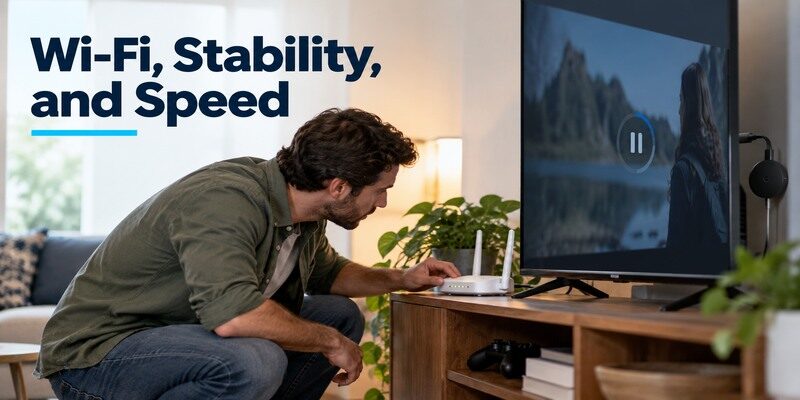
A Chromecast sits close to the TV, sometimes behind a panel or near other electronics. Signal quality there can be worse than a phone’s reading on the sofa. If every app buffers, inspect the network and power supply; if one app fails, check its service. Google TV Streamer has built-in Ethernet, while compatible Ethernet power accessories can support certain Chromecast models. Confirm the accessory and generation before buying.
| Problem | Likely first check | Useful next test |
|---|---|---|
| Cast target absent | Same reachable network and phone permissions | Try another supported app |
| Video buffers on all apps | Wi-Fi and broadband in TV room | Compare another device in same room |
| Device restarts | Model-correct power | Use supplied power arrangement |
| Only 4K/HDR title fails | Display and HDMI path | Test normal HD clip |
| Remote navigation works, volume fails | Equipment-control target | Test TV or soundbar separately |
Discovery is not the same as buffering
If the Cast button never finds a device, check local visibility and isolation. If it finds the device but a title pauses repeatedly, check network throughput and the app. Restart the receiver and router only after confirming the simple settings. A chromecast review that groups all “connection” complaints together can prescribe a factory reset for a router problem. Preserve account and app setup unless a model-specific guide calls for reset.
Ethernet may be the better upgrade
For a fixed TV cabinet with weak Wi-Fi, Google’s TV Streamer’s Ethernet port is relevant. A compatible Ethernet adapter may help a Chromecast with Google TV, but it must supply adequate power and match that model. An Ethernet cable cannot fix the internet provider or service server. Is chromecast worth it when the Wi-Fi is weak? It can be, if a compatible wired route is feasible; test the room first. For a closer look at Amazon and Google streaming options, compare Fire TV Stick vs Chromecast by interface, casting, and remote controls.
Read more: Remote TV App: How to Control Your Smart TV From Your Phone
Strengths, Friction, and Value
The strongest feature is a convenient way to send supported phone-app playback to a TV. Chromecast with Google TV adds independent remote navigation. The friction includes generational naming, local-network discovery requirements, and uncertain value of old inventory next to a newer Streamer. App availability and subscriptions vary by country. The chromecast pros and cons are practical rather than a universal platform score.
A chromecast review should weigh the number of steps your family takes to start a program, not just theoretical app totals.
What feels convenient
A phone can queue content while the remote-equipped Google TV device remains available to other viewers. A family member can browse apps without access to the owner’s phone. A compact dongle fits where a set-top box cannot. This chromecast review gives those workflows more weight than a synthetic processor number because they determine whether the device is enjoyable every day. Casting remains app-dependent.
What can frustrate
An older casting-only model is awkward if guests expect a remote and app grid. A Google TV remote can require separate TV-equipment setup. A router’s isolated guest network can hide the device. A secondhand seller may call any generation “Chromecast.” None of those problems proves poor hardware, but each can make a purchase mismatched. Check the exact listing and household behavior before calling a discounted unit a bargain.
Alternatives Worth Comparing

Google TV Streamer is the first comparison for a new Google-focused buyer. Fire TV Stick offers an Alexa-led compact route; Roku offers its own remote-led interface; Apple TV integrates with Apple devices; Shield TV Pro targets expandable local media. Each has distinct model generations and app availability. A chromecast review should not recommend replacing a working device just to switch logo, but a missing feature can justify a move.
Google TV Streamer versus Chromecast
Google’s official comparison describes the newer set-top design and Chromecast with Google TV side by side. Check Ethernet, storage, smart-home features, box contents, and current regional price. For a main TV with a wired cable nearby, the Streamer may fit better. For a secondary screen where a compact device already casts well, the older unit may suffice. The chromecast review recommendation depends on whether the difference solves a real problem.
Other ecosystem choices
Choose a platform that runs your one essential app and uses the control method the household prefers. Amazon, Roku, and Apple each have official specification pages for current devices. A product’s broad app library does not guarantee a niche regional service or specific HDR format. The best replacement is the one that clears those requirements. Keep a functioning Chromecast until you can name the needed improvement.
Read more: How to Connect Google TV to WiFi Without Remote: 5 Working Methods
Who Should Buy or Keep a Chromecast?
Keep a casting-only Chromecast if supported phone apps, network, and picture are adequate. Buy Chromecast with Google TV only after checking remaining stock, warranty, model, and the Google TV Streamer alternative. Choose the Streamer if its wired connection or newer features matter. A chromecast review cannot make the 4K model worthwhile on a TV that never uses its output; context decides.
A phone-first single viewer
If you already choose every title on a phone, casting can be intuitive. Test discovery after any router changes and confirm all required apps show the Cast icon. A physical remote is less important in this pattern. Is chromecast worth it for this user? A working existing unit usually is; a new purchase needs comparison with current Google hardware and app support.
A family and guest-room TV
Remote navigation and separate service profiles may be more important than casting. Chromecast with Google TV or Google TV Streamer supplies the on-TV path. Check TV power and volume control during setup so guests need fewer handsets. A casting-only device might be inconvenient if the person with the configured phone is away. The chromecast review verdict for a shared room therefore differs from the phone-first case.
Phone Remote and Recovery
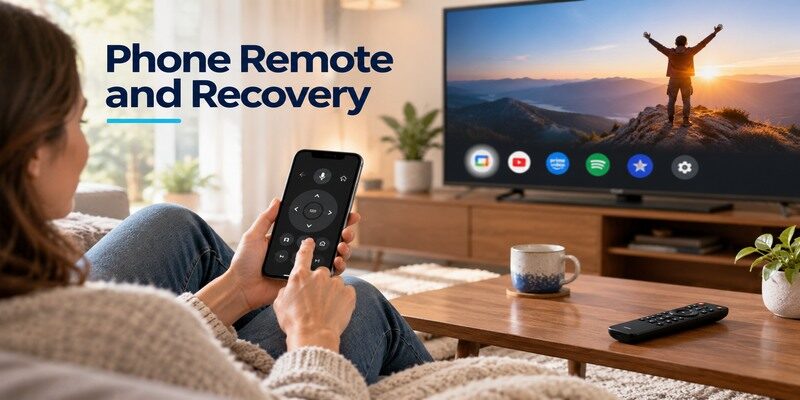
A compatible phone virtual remote can help with Chromecast with Google TV or Google TV Streamer when the hardware remote is missing and the device is reachable on the local network. A casting-only Chromecast simply uses the phone’s Cast workflow. If the device is offline after a Wi-Fi change, a phone remote may not discover it. Check power, HDMI input, network, and remote pairing in that order.
Pairing versus TV control
If direction and Home fail, check the Google TV remote’s batteries and model-specific pairing steps in Google’s support. If only volume fails, repeat equipment-control setup for the TV or soundbar. These are different faults. The chromecast review takeaway is that a replaceable handset problem rarely justifies replacing an otherwise healthy streaming device without first checking the support route.
Use a compatible fallback
The can provide phone-based control for supported TVs and streaming devices; confirm your model and network before depending on it. Google’s official virtual remote is a model-specific option. Neither can repair a disconnected power cable or select an HDMI input if the TV itself is inaccessible. Keep a physical route for setup after router changes.
Chromecast Review FAQ
These answers cover the generation and setup questions that frequently change the recommendation. Use the model name when applying any chromecast review verdict to a purchase.
Is Chromecast discontinued?
Google introduced Google TV Streamer as a separate successor to Chromecast with Google TV. Existing Chromecast devices may still work, but retail stock and service support depend on generation and region. Check Google’s current specifications and the exact product name before interpreting a sale listing.
Is Chromecast worth it without Google TV?
Yes if phone casting from your supported apps is exactly what you want and the existing device remains reliable. It lacks the remote and on-TV app interface of Google TV models. A shared household may prefer the remote-equipped hardware even if the older receiver still plays video.
Do I need Google Home for every viewing session?
An older Chromecast generally uses Google Home for setup, then supported apps’ Cast buttons for viewing. Chromecast with Google TV has an on-TV interface and remote. The precise setup and control route depends on generation. You do not need to reopen Google Home merely to launch every title on a remote-equipped model.
Why is the Cast button missing?
Check that the app supports casting, the phone and receiver can discover each other on the network, and local-network permissions are enabled. Try another supported app. Guest isolation can hide the device despite internet connectivity. Consult Google’s model-specific support before resetting a working setup.
Can I use an Ethernet cable?
Google TV Streamer has built-in Ethernet. Certain Chromecast models can use compatible Ethernet power accessories, which must match the device and provide appropriate power. An ordinary HDMI dongle has no built-in Ethernet jack. Confirm the exact model and accessory before ordering.
Final Thoughts
This chromecast review recommends keeping a working casting-only device for phone-led viewing and comparing Chromecast with Google TV against Google TV Streamer for a new remote-led purchase. Generation, app support, network visibility, and TV formats decide the value. Test your own essential app and the actual TV setup, not a generic performance chart. A phone remote can help after a handset failure on supported hardware, while model-correct power and a reachable network remain essential.
