
Best Voice Control TV App: Choose by Platform, Not Stars
Short answer: The Google TV app for Google TV, Fire TV app for Fire TV, and Apple TV Remote for Apple TV are the first voice-control app routes to check; a third-party app must prove exact TV compatibility.
“Best Voice Control TV App” can mean an assistant button, speech-to-text search, or hands-free commands through a linked speaker. Those features are not interchangeable. Official platform apps usually make pairing and account permissions clearer, while a multi-brand remote app can be helpful for basic navigation. This comparison is based on published platform instructions and does not claim hands-on testing of every phone/TV combination.
Best Voice Control TV App: Comparison at a Glance
| App/route | TV devices | Voice capability to verify | Setup requirement |
| Google TV / Google Home remote | Google TV, Android TV, supported streamer | Google Assistant activation on supported app/device | Same network, pairing code/account |
| Fire TV mobile app | Fire TV devices | Alexa voice button where supported | Same Wi-Fi, device selection |
| Apple TV Remote in Control Center | Apple TV HD/4K, eligible AirPlay TVs | Siri on supported Apple TV route | Same Wi-Fi, Home setup for smart TV |
| Samsung SmartThings | Supported Samsung TVs | Remote controls; voice route varies | Samsung account and registered TV |
| Multi-brand remote app | Listed compatible TV models | App-specific mic/search support | Network/IR and model pairing |
Google’s official Google TV mobile help explicitly lists activating Google Assistant, text entry, volume, and playback on supported devices. Amazon says the Fire TV mobile app can act as a remote and its Alexa FAQ says Alexa can be used through the mobile app or compatible voice remote. Apple’s Control Center remote supports Apple TV and certain AirPlay TVs; Apple documents Siri through the Apple TV remote interface on supported versions. Samsung’s SmartThings page documents remote navigation but says controls vary by device. Treat each app’s microphone feature as something to confirm on your exact phone and TV.
An official app is a baseline, not a universal winner
A Google TV app does not natively control an unrelated Fire TV; a Fire TV app does not navigate the TV’s own settings on a separate brand. A Samsung TV may support a different assistant than the SmartThings remote interface itself. Start with the platform that owns the screen you are viewing. If you primarily use a Fire TV Stick attached to a Samsung TV, you may need two control paths. To explore official and third-party options, compare Google TV remote apps by their supported devices, controls, and current pricing.
Define the task before choosing
For searching a show, test whether the app exposes assistant or dictation. For power or input, verify TV standby and equipment-control support. For typing passwords, a phone keyboard is often more helpful than voice. For fully hands-free commands, a linked Echo, Nest, or HomePod route may be necessary. An app icon with a microphone does not prove it can change every TV setting.
Read more: Voice Command TV Not Working? Diagnose the Failed Control Path
Google TV App and Google Home Remote
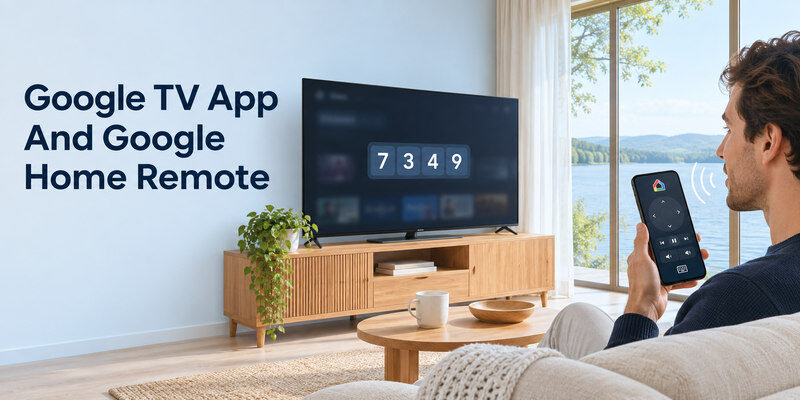
Google says the Google TV app can pair with a nearby Google TV/Android TV by entering a code shown on the screen. Its mobile help lists Assistant activation, playback, volume, and text entry among the supported functions. The Google Home app also offers a virtual remote for compatible Google streaming devices. Names and interface paths vary by phone OS, country, and app update.
Pair on the same network
Turn on the TV and phone, open Google TV, select the nearby TV, enter its displayed code, and tap Pair. If the device is not shown, check network isolation, local-network permission, VPN, and whether the TV is a supported Google TV/Android TV. A code on the TV means you need some working control to display or confirm first-time pairing. A fully disconnected TV cannot be discovered.
Test Assistant separately
After navigation works, try the app’s Assistant function on a supported device. A phone’s system Google Assistant and the app’s TV remote are not identical. Google TV may let you search selected apps, but paid service access and region affect results. If volume works but app search fails, check the app and account rather than re-pairing the entire remote. For a step-by-step Android walkthrough, see how to set up the Google TV remote app on Android and troubleshoot device discovery.
Fire TV Mobile App and Alexa
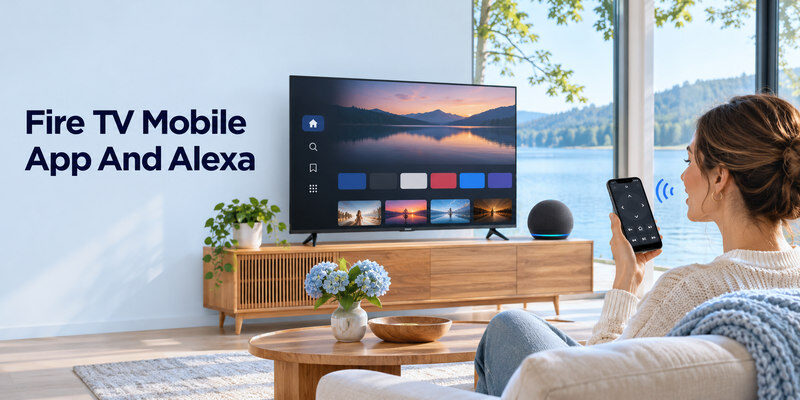
Amazon’s Fire TV help says to install the Fire TV app, connect the phone to the same Wi-Fi as Fire TV, select the device, and follow the prompt. It provides navigation and keyboard controls. Amazon’s Alexa FAQ says compatible Fire TV devices can use Alexa through the mobile app or Alexa Voice Remote by holding the voice button. Check your app version and device for the current mic control.
Fire TV versus physical TV
The app addresses Fire TV. If a Fire TV Stick is plugged into another television, the app’s voice search may not switch that television’s input or wake it without a supported CEC/IR route. Test direct navigation first. If Fire TV is not visible, check that the stick has power and is on the network; a TV USB port that shuts off in standby can make it disappear.
Echo as a separate hands-free path
Linking an Echo to Fire TV in Alexa’s TV & Video menu can add speaker-based commands. Amazon says registrations need the same account. This is distinct from using the phone app’s microphone. Some Fire TV smart TVs have standby voice limits, so a phone or Echo cannot promise power-on on every model. For a broader view of phone, remote, and speaker commands, learn how to control a TV with Google Assistant on supported devices.
Read more: Alexa Compatible Smart TV: Built-In and Works-With Choices
Apple TV Remote and Siri
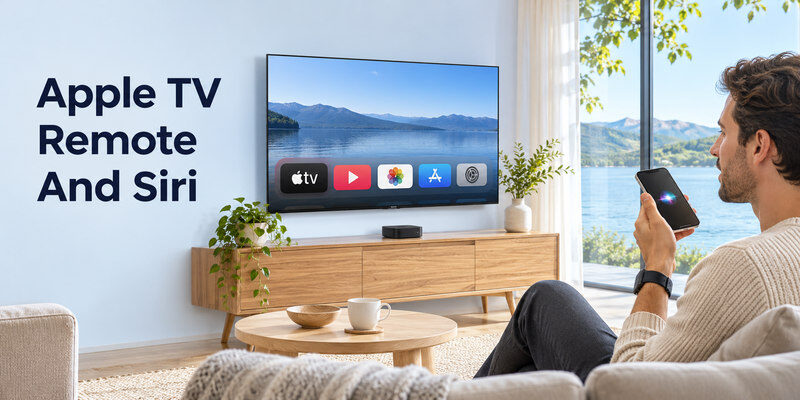
Apple’s support page says the Control Center remote works with Apple TV 4K/HD and AirPlay-compatible smart TVs; an AirPlay TV must be added to Home and assigned a room. Select the device from Control Center and enter a displayed passcode if asked. Apple TV’s current tvOS guide describes holding the app remote’s side button for Siri on supported versions, with regional differences. Ordinary iPhone Siri can also control supported TV video after Home setup.
Check the actual audio route
Apple says Control Center volume buttons can operate Apple TV when configured with HomePod, soundbar, or compatible AirPlay speakers; otherwise, the physical television remote may still be needed. Do not promise universal volume control. Test playback and volume separately. An AirPlay-compatible smart TV may have a narrower command set than Apple TV 4K.
Use the same Wi-Fi
Apple’s troubleshooting guidance asks that phone and TV/Apple TV be on the same Wi-Fi and updated. A guest network can isolate devices. Restart devices only after checking the selection and code. If the TV is absent from Home, add it via its own Home/AirPlay setup code before expecting Siri room commands.
Samsung SmartThings and Multi-Brand Alternatives
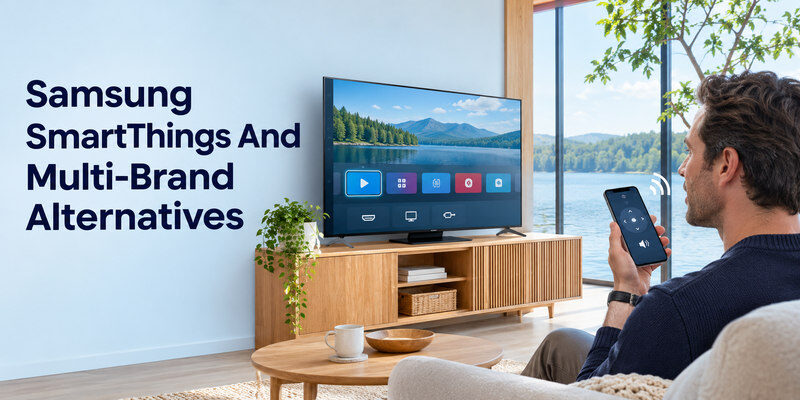
Samsung’s official support says a supported TV must be registered in SmartThings under a Samsung account before phone remote use. The app can adjust volume, launch apps, switch inputs, and navigate, with controls varying by model. Confirm separately whether a microphone or voice assistant action is offered for your exact TV and phone. A remote interface is not proof of universal voice automation.
What to ask of a third-party app
Does it name your precise TV model and control protocol? Does it need local-network access or an IR emitter? Does it offer a usable free tier, and what is behind a subscription? Is its privacy policy clear about microphone recordings and account data? Test pairing, search, playback, power, and input during any trial. Avoid entering streaming passwords into an app that only needs remote navigation.
Remote TV App as a practical fallback
A compatible can help control supported televisions after network setup. Check its specific voice feature and device list before choosing it as a voice substitute. Its utility for navigation does not guarantee Google Assistant, Alexa, or Siri integration on an unrelated TV. Keep a physical control method for initial setup and offline recovery. Our Fire TV Stick remote app setup guide explains pairing and the difference between controlling the Stick and controlling the television.
Pricing, Permissions, and Failure Checks
A free download can still have subscriptions, ads, or feature restrictions. Read current store terms in your region; prices change. Grant only permissions needed for discovery or microphone use, and install from a trusted store. A local-network prompt is common for finding a TV, while a voice button needs microphone access. These are separate permissions; denial of one may leave other controls functional.
| Failure | Check | Why |
| TV not found | Same Wi-Fi, VPN/guest isolation | Discovery requires reachability |
| Code rejected | Correct device and fresh code | Pairing may time out |
| Buttons work, voice fails | Mic permission and app support | Separate feature path |
| Search works, power fails | Standby/CEC/IR support | Different TV control route |
| Wrong TV responds | Device name and selection | Multi-room ambiguity |
Test before relying on phone-only control
Disconnect the physical remote only after the phone app can select the TV, navigate menus, change input, and recover from ordinary sleep. Some TVs still require the physical remote after a factory reset or Wi-Fi password change. A phone app cannot power an unplugged set. Keep the original remote somewhere known even if voice control becomes your daily method.
A Google TV household can compare the choices after verifying the official phone route on its exact model.
Read more: How to Set Up Voice Control on TV: A Platform Guide
Voice Control TV App FAQ
Is there one free voice remote app for every TV?
No. Platform-specific APIs, IR hardware, network control, and app integration differ. A multi-brand app may support many models, but check the exact TV and voice functions before relying on it.
Can Google TV’s phone app use Google Assistant?
Google’s official mobile help lists Assistant activation for compatible Google TV/Android TV devices. Pair with the on-screen code and test the feature on your particular phone and region.
Does the Fire TV phone app have Alexa?
Amazon’s Alexa FAQ says Alexa can be used through the Fire TV mobile app on compatible devices. App interfaces and regions can change; check the current voice control after pairing.
Can iPhone Siri control a TV without Apple TV?
It can control supported video on an AirPlay-compatible smart TV added to Apple’s Home app. The available commands may be narrower than an Apple TV box’s features.
Why does my phone remote work but voice search fail?
Voice requires separate microphone permission, assistant availability, account, network, and app integration. Test a simple installed app and consult the platform’s current regional support.
App Choices for Specific TV Owners
Google TV owner who lost a remote
Google’s official Google TV app can pair to a supported nearby TV/Android TV using a displayed code. Its mobile help lists Assistant activation, playback, volume, and typing on eligible devices. The best voice control tv app for that owner is usually the platform route first, because it matches the TV’s account and feature set. Test navigation before voice. If pairing needs an on-screen confirmation you cannot access, use physical TV buttons or a compatible remote. A phone and TV on separate guest networks may not discover each other.
Fire TV Stick owner with an Echo
Amazon’s Fire TV mobile app provides navigation from the same Wi-Fi, while the Alexa app can link a compatible Echo to Fire TV under TV & Video. The best voice control tv app question has two answers here: Fire TV app for phone navigation and Alexa for hands-free linked commands. Verify the same Amazon registration and name the device by room. An external stick may control the TV’s power through CEC/IR only after equipment setup. A successful title search on the stick does not imply native TV input switching.
Apple TV owner using iPhone
Apple’s Control Center Remote can select Apple TV and request a displayed code; its current tvOS guide describes Siri through the phone remote on supported versions and regions. Siri on an iPhone can also address an Apple TV assigned to a Home room. The best voice control tv app for this ecosystem is not a generic third-party remote asking for an unrelated account. Check same Wi-Fi, Home membership, and volume route. Apple notes that Control Center volume may require a configured HomePod, soundbar, or AirPlay-compatible speakers; otherwise use the TV remote.
Samsung TV with SmartThings
Samsung’s official SmartThings help describes registered TV phone navigation, app launch, volume, and input control, but options vary by model. The best voice control tv app for a Samsung owner depends on whether the requested action is native TV navigation, a separate Alexa/Google integration, or speech-to-text. Register the exact TV in SmartThings with the required account, then inspect the available controls. Do not assume an on-screen remote includes a universal microphone. Test first-time pairing before the physical remote goes missing.
A household with multiple TV brands
A multi-brand app can reduce the number of phone icons, but it must support each exact model and protocol. Check whether it uses local network, IR hardware, or a platform account. The best voice control tv app should be trialed on the actual TVs for navigation, search, power, and input; free-tier limits and subscription pricing can change. One app may provide basic buttons while official apps retain superior voice search. Keep the originals installed for recovery. Avoid giving a generic controller streaming-service passwords it does not need.
A Five-Minute Voice App Test
Discovery and pairing
Turn the TV on, place the phone on the required network, select the named device, and complete any on-screen code. If the TV is absent, check guest-network isolation, VPN, and local-network permission. The best voice control tv app cannot solve an unreachable device by changing its microphone setting. Confirm the exact TV name rather than pairing to a nearby neighbor’s set. Use official app-store versions and update the TV software when the maker advises it.
Voice versus ordinary buttons
Test Home, arrows, text entry, then a voice request for an installed app. Navigation and voice often use different permissions and integration paths. If buttons work but the microphone fails, inspect phone mic permission, assistant language, and app feature support. The best voice control tv app for one household may prioritize typing passwords, while another values hands-free search. A microphone icon is not enough evidence; record what actually happens with your model and OS version.
Power and recovery
Turn the TV off normally and try a wake command, then repeat after a router restart if recovery matters. Standby support varies; an unplugged TV cannot respond. Save a physical remote or TV-button path for first-time setup, network password changes, and factory reset. The best voice control tv app is useful only if the household can still reach the screen the next day. Review privacy settings and subscription terms before making it the primary control method.
Final Thoughts
The best voice control tv app depends on the platform you actually use. Try Google TV, Fire TV, or Apple TV’s official phone route first; use a manufacturer app for its own television and evaluate a multi-brand controller against exact compatibility. Pair, test voice separately from navigation, and keep a physical recovery option.
