
How to Control AC With Phone: Wi-Fi, IR Blaster, and Hub Steps
By the Remote TV App Team
Last updated: November 2026
You can control an air conditioner from your phone using its official Wi-Fi app, an Android phone with an IR blaster, or a separate Wi-Fi infrared controller. The correct option depends on your air conditioner’s hardware. A newer connected AC may work directly with its manufacturer’s app, while an older unit with a handheld infrared remote usually needs an IR transmitter or compatible smart hub.
If you are searching for how to control ac with phone, start by checking whether the AC has built-in Wi-Fi and whether your phone can send infrared signals. This guide walks through each setup, explains what works on iPhone and Android, and shows how to avoid downloading an app that cannot communicate with your equipment.
1. What You Need Before Controlling Your AC From a Phone
The first decision is not which application looks best. Identify how your air conditioner receives commands. A phone cannot control a standard AC simply because both devices are in the same room. There must be a supported communication path between them.
| Your AC setup | What you need | Works on iPhone? | Typical limitation |
|---|---|---|---|
| Built-in Wi-Fi | Official compatible AC application | Yes, for supported models | Requires account or internet for some features |
| Traditional infrared remote | Android phone with built-in IR blaster and compatible app | No direct built-in IR control | Must point phone toward receiver |
| Traditional infrared remote | External Wi-Fi-to-IR controller and its app | Yes | Hub must reach AC with IR signal |
| Wired central HVAC thermostat | Compatible connected thermostat or manufacturer system | Sometimes | Not the same as an IR-controlled split AC |
When learning how to control ac with phone, write down both the AC model number and remote model. Those details are much more reliable than choosing an app based only on the brand name. A smart control method must match the exact equipment, especially when the same manufacturer sells Wi-Fi and non-Wi-Fi versions of a product. For how to control ac with phone on a budget, first check the hardware you already own.
📘 Find the Right Guide: AC Remote Control App: Which Option Actually Works for Your Air Conditioner?
2. How to Control AC With Phone Using Built-In Wi-Fi
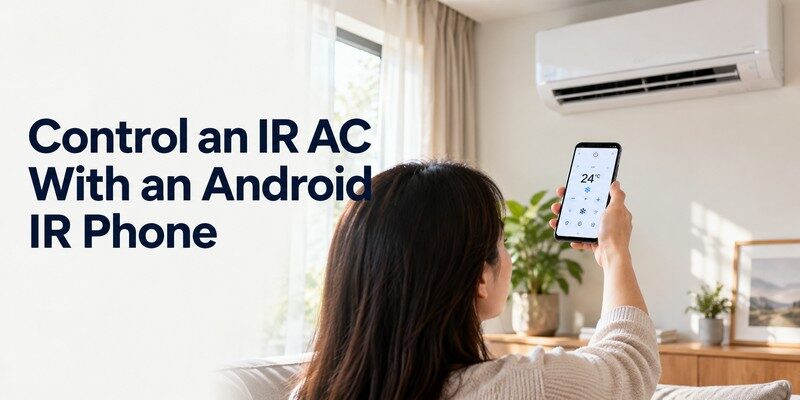
For a Wi-Fi-enabled AC, the manufacturer’s companion application is usually the simplest and most complete option. It may display current device settings, change temperature, switch modes, and create schedules. Available features depend on the AC model and region.
Step 1: Confirm the Wi-Fi requirements
Check your manual for the supported frequency and pairing procedure. Many AC systems use 2.4 GHz Wi-Fi for initial connection. Samsung’s official SmartThings setup guidance, updated June 9, 2026, specifically instructs users to use a 2.4 GHz network for supported air conditioners.
Step 2: Install and register the official app
Download the supported app from your phone’s official application store. Create a manufacturer account only if required. Select Add device, choose Air conditioner, and follow the model-specific prompts. You might need to activate Wi-Fi pairing on the AC using a remote button, a panel control, or an on-screen QR code.
The exact button combination differs by product. Avoid generic instructions that say to hold any Wi-Fi button for an arbitrary number of seconds. Use the setup sequence in your unit’s own manual. Tutorials about how to control ac with phone often miss those model-specific steps.
Step 3: Verify that commands reach the AC
Once the app discovers the device, test power, cooling mode, fan speed, and a modest temperature adjustment. Watch the indoor unit for confirmation, then close and reopen the app to check that registration persists.
This is the most direct answer to how to control ac with phone when your air conditioner already includes wireless connectivity. Native Wi-Fi systems may also report the unit’s actual state, a capability many basic IR transmitters cannot provide.
Before relying on remote operation, test the app again using cellular data. Some features work only on the local network, while others need an active internet service and cloud account. Local control and away-from-home control are not necessarily identical.
💡 Discover Helpful Guides: Smart AC Control App: How to Control Your Air Conditioner From Your Phone
3. How to Turn an Android Phone Into an AC Remote With IR
Some Android smartphones include an infrared blaster that can transmit the same general type of signal as a traditional AC remote. With compatible software, this can provide basic control even when the air conditioner has no Wi-Fi connection.
Check for an actual IR transmitter
Search your exact phone model’s technical specifications for an IR blaster or infrared emitter. Do not assume every Android device includes one; many do not. A smartphone’s proximity sensor, camera, Bluetooth radio, or facial recognition hardware is not a substitute for a remote-control IR transmitter.
People who want to turn phone into ac remote should check this hardware requirement first. If the device lacks an IR emitter, downloading another offline remote application will not create one.
Match the remote commands
Install an IR control app supported by your phone’s hardware. Choose the air conditioner category, select the brand, and test available command profiles. Point the phone toward the AC receiver just as you would with the original remote.
Try power first, then temperature, mode, and fan settings. A profile may partially work while missing specific functions because manufacturers encode commands differently. Keep the original remote available until the phone has passed several tests. When diagnosing how to control ac with phone using IR, compare the same command from the original remote and the phone.
For readers researching how to control ac with phone without buying another device, an IR-equipped Android phone may be the lowest-cost route. It generally offers local line-of-sight operation rather than internet-based control from another location.
You can use a phone as ac remote only when the phone has a compatible way to send commands. No mobile app can generate an infrared beam from a device that lacks the necessary transmitter.
📖 Read More Guides: Fan Remote Control App: Best Options for Smart, Ceiling, and IR Fans
4. How to Control an AC Without an IR Blaster
An iPhone or Android phone without an IR transmitter can still operate many older air conditioners through a separate Wi-Fi-to-IR controller. The external hub sends infrared commands, while the phone communicates with the hub over the supported network or cloud service.
Choose an IR hub that supports your remote
Products such as Sensibo and Cielo are designed for compatible air conditioners controlled by infrared remotes. Sensibo’s official compatibility guide says its controllers cover more than 10,000 AC models, a manufacturer-reported figure that does not guarantee support for every specific remote.
Confirm the exact AC and remote model before buying. A window unit operated only by mechanical knobs or buttons may not accept IR commands at all.
This is often the practical answer to how to control ac with phone when the AC itself is not connected and the phone has no infrared emitter. For searches such as ac remote app no ir blaster, remember that the required hardware is the Wi-Fi IR hub, not just the downloadable application.
Place and pair the controller
Position the hub where it has a clear path to the AC’s infrared receiver. Connect it to power and the Wi-Fi network specified by its manufacturer. Open its companion app, register the hub, and select the AC brand or remote-learning option.
Sensibo’s support guide recommends keeping the original remote with working batteries available during pairing. Its automatic detection process asks users to point the remote at the controller and send a power command when prompted.
Test commands from the phone, then check whether the temperature and power state displayed in the app match the AC. Some IR systems are one-way: if someone changes the settings using the original remote, the hub may not know and its displayed state can become outdated.
A Wi-Fi hub can also help users understand how to control ac with phone while away from home, provided the controller and home network support remote access. This approach to how to control ac with phone is different from direct infrared because the hub remains in the room to transmit commands. The trade-off is extra hardware, another power connection, and possible cloud-service dependency.
📘 Find the Right Guide: IR Remote Control App for Android: What Works With an IR Blaster?
5. Which AC Control App Works for Your Brand?
Choosing an app by brand is a good start, but compatibility is determined by the exact model, not the logo on the front panel. A manufacturer may offer several generations of wireless modules, and functions can differ between regions.
| AC brand or setup | App or system to check | Important condition |
|---|---|---|
| Samsung | SmartThings | Compatible connected Samsung AC required |
| LG | LG ThinQ | Supported ThinQ-enabled models |
| Daikin | Onecta | Supported indoor unit and connectivity module |
| Older IR-controlled split AC | Sensibo or Cielo companion app | Compatible IR remote and external controller |
| IR-equipped Android phone | Phone-supported infrared remote app | Physical IR emitter and working AC profile |
Samsung’s 2026 SmartThings connection instructions describe registering a compatible air conditioner on the home network. LG’s ThinQ product documentation describes remote monitoring and adjustment for supported models. Daikin’s Onecta product page likewise lists temperature settings, schedules, and selected energy information, while cautioning that features depend on the indoor unit.
A brand-specific application is particularly useful when it reports error codes or precise operating status. A third-party IR hub may reproduce everyday remote commands but not the manufacturer-specific diagnostic data.
When comparing options for how to control ac with phone, ask whether the app supports your AC model, required operating modes, and preferred phone platform. App ratings alone cannot establish compatibility. In practice, how to control ac with phone depends on supported hardware much more than an app’s download count.
📖 Read More Guides: Smart Plug Control App: Setup, Features & Best Options
6. How to Check Phone and Air Conditioner Compatibility
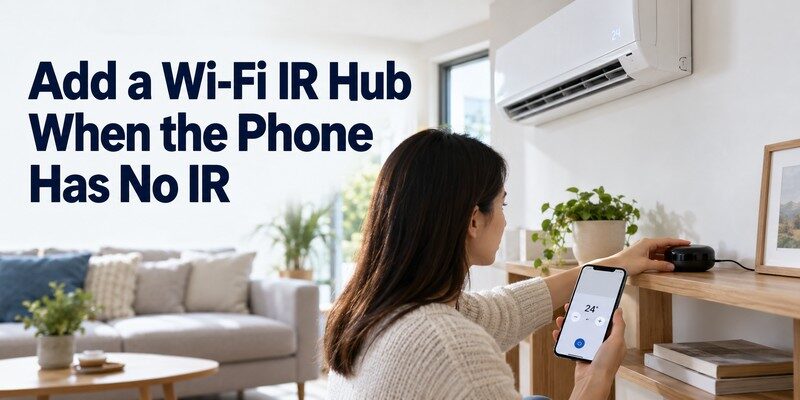
Start with the AC label, often located on the indoor unit or under a service cover. Record the complete model number, including suffixes. Then identify whether Wi-Fi is built in, requires a separately purchased adapter, or is unavailable.
If you want to control air conditioner with smartphone, also check the phone’s operating system, permissions, and hardware. An iPhone typically relies on a Wi-Fi-enabled AC or an external controller for AC operation, while certain Android phones offer an additional direct IR option.
For a practical test, ask three questions: Can the phone send the required command? Can the AC receive it? Does the selected app support both devices? If any answer is no, that setup is incomplete. For how to control ac with phone on a non-smart unit, the missing link is usually a compatible IR transmitter or hub.
Checking those three points before downloading software is one of the most important parts of how to control ac with phone. It also helps prevent unnecessary purchases and repeated failed pairing attempts.
7. How to Control Your AC Remotely and Create Schedules
After basic commands work, decide whether you need operation only while standing nearby or from outside the house. For remote internet access, supported Wi-Fi ACs and external hubs generally need uninterrupted power, a working router, and the relevant service connection.
Test away-from-home access
With the AC registered, leave it in a safe operating state. For how to control ac with phone when away from home, testing the mobile-data connection is essential. Disconnect your phone from home Wi-Fi and switch to mobile data. Open the app and try reading the device status or making a small supported adjustment. Check that the AC responds before assuming remote access is configured.
This test gives a practical answer to how to control ac with phone from work, during travel, or before arriving home. If the app works locally but not over cellular data, investigate the manufacturer’s account, internet, or cloud features rather than resetting the AC immediately.
Use schedules rather than constant manual commands
Many compatible systems support recurring schedules for workdays, bedtime, and unoccupied hours. For example, you might set a modest cooling temperature before returning home instead of leaving the unit running all afternoon.
A schedule also demonstrates how to control ac with phone without constantly reopening an application. The most useful automations reflect real household routines and can be disabled quickly when plans change.
8. AC Remote App Not Working? Troubleshooting Guide
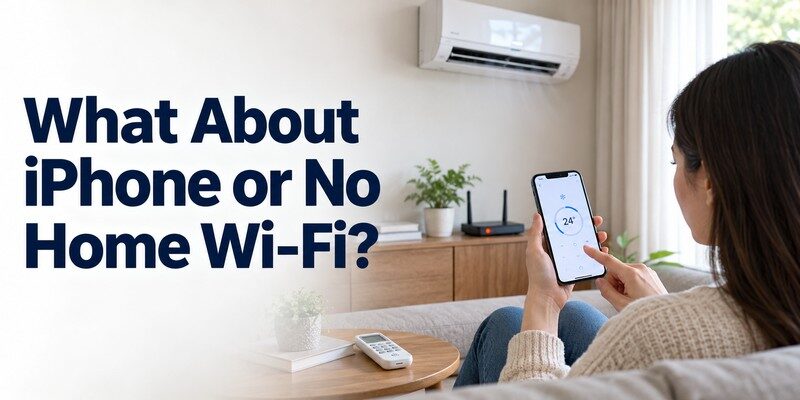
A failed command does not necessarily mean the app is defective. Troubleshooting how to control ac with phone starts by isolating where the command stopped. Determine whether the problem involves power, wireless connectivity, infrared transmission, device registration, or cloud access before attempting a reset.
| Symptom | Possible cause | First thing to try |
|---|---|---|
| AC never appears in app | Wrong pairing mode or unsupported network | Check model-specific setup and 2.4 GHz requirement |
| App shows device offline | Router outage, poor signal, or AC power issue | Confirm power and internet connection |
| IR hub connects but AC ignores commands | Blocked signal or wrong remote profile | Reposition hub; test another supported profile |
| Power works but mode changes fail | Incomplete IR code profile | Relearn the original remote’s commands |
| Works at home, not on mobile data | Remote service or account issue | Check cloud access and permissions |
| App shows the wrong temperature | One-way IR control or different sensor readings | Verify the physical unit and synchronize settings |
Fix network pairing problems
Check that the air conditioner supports the selected app. Confirm that the router meets the manufacturer’s frequency requirements and that the phone is connected to the appropriate network during setup. Restarting the app or router may help, but preserve working device settings whenever possible.
A common real-world mistake is attempting Wi-Fi pairing while the AC is not actually in discovery mode. Another is placing a Wi-Fi IR hub behind furniture, where the app can reach the hub but the infrared command cannot reach the air conditioner.
Fix infrared and state problems
For direct IR operation, aim the phone at the receiver and move closer. For an external hub, ensure a clear path to the AC and verify the chosen remote profile. A successful app-to-hub connection does not prove that the AC received an infrared command.
When testing how to control ac with phone, try power and temperature separately. If one works and the other does not, the profile may only partially match the original remote.
Avoid repeated factory resets until the basic checks are complete. A reset can remove device registration and schedules without resolving an unsupported model or blocked IR receiver. If the AC itself displays an error code, consult the manufacturer’s service guidance.
9. How Phone-Based AC Control Can Help Save Energy
Remote control can reduce unnecessary runtime, but an app does not automatically make an air conditioner more energy efficient. Actual consumption depends on the unit’s design, temperature settings, climate, insulation, maintenance, and how long cooling is required.
The U.S. Department of Energy’s Energy Saver guidance states that suitable thermostat adjustments of 7–10 degrees Fahrenheit for around eight hours a day can save as much as 10% annually on heating and cooling. This is a conditional thermostat-management estimate, not a guaranteed saving from an AC remote app. Some heat-pump systems need special scheduling strategies.
When applying how to control ac with phone to daily routines, focus on avoiding wasted operation. You might increase the temperature while a room is empty, delay cooling until shortly before occupancy, and use a sleep setting when appropriate.
Avoid turning the thermostat much colder than necessary in an attempt to cool a room faster. Keep filters clean, maintain unobstructed airflow, and follow the AC manufacturer’s instructions. Hardware efficiency and sensible settings matter more than the app’s marketing claims.
10. Can a Universal TV Remote App Control Your AC?
A TV remote app should not be treated as an air conditioner remote. Even when both products use Wi-Fi, televisions and ACs use different device interfaces and command systems. A dedicated TV controller does not automatically offer HVAC compatibility.
The Remote TV app is designed for compatible televisions. It can be useful when a TV’s physical remote is missing, but it is not presented as a solution for adjusting an air conditioner’s temperature.
For TV control, universal remote tv control is available through the official App Store listing. A universal remote control app intended for TVs should remain separate from your AC controller unless its developer explicitly confirms additional supported hardware.
If you are figuring out how to control ac with phone and also want to replace a television remote, use the appropriate tool for each task. For supported smart TVs, Download remote tv app. It is a television app, not an AC-control app.
11. Frequently Asked Questions
Can I control an AC with my iPhone without extra hardware?
Yes, if the AC has built-in compatible Wi-Fi connectivity. Install the manufacturer’s supported app and complete registration. If the air conditioner only accepts infrared commands, an iPhone generally needs a separate compatible Wi-Fi-to-IR controller. Downloading an offline IR app alone will not provide the missing transmitter.
Can I use my phone as an AC remote without Wi-Fi?
Sometimes. An Android phone with a built-in IR blaster can send compatible commands directly while you are near the air conditioner. This is local infrared operation, not remote control over the internet. Without IR hardware or a supported alternative connection, the phone cannot directly operate an ordinary AC.
Is there a free app to control any air conditioner?
No single free app can be guaranteed to work with every air conditioner. Many official Wi-Fi AC companion apps are free, but non-smart units may need a purchased controller. Even infrared remote apps must support the AC’s command codes and the phone’s hardware.
Can I turn on the AC while traveling?
Yes, with a setup that explicitly supports internet-based remote access. The AC or hub typically needs power, a working home network, and any required account service. Before a trip, test operation from mobile data and review any safety or energy-use restrictions specified by the manufacturer.
Why does the app show a different temperature from my AC?
An infrared controller may send commands without receiving confirmation, so the app can display its last requested setting rather than the AC’s actual status. Also, a hub’s room-temperature sensor may be in a different location from the unit’s sensor. Check the physical AC and the app’s synchronization options.
12. Final Thoughts
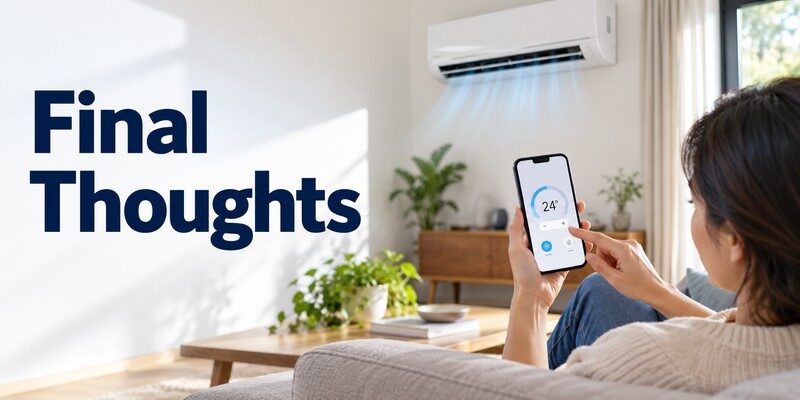
The easiest answer to how to control ac with phone is to choose the connection method your existing air conditioner supports. Use the official Wi-Fi app for a connected AC, direct infrared commands on a compatible Android phone, or an external smart IR hub for many older remote-controlled units.
Check the exact model before installing software, test basic commands before relying on schedules, and verify away-from-home access separately. You do not have to replace a working air conditioner simply to gain phone-based controls, but you may need compatible external hardware.
Once setup is reliable, understanding how to control ac with phone can make everyday cooling more convenient without confusing a mobile app’s convenience with a guaranteed reduction in electricity use.
