
IR Remote Control App for Android: What Works With an IR Blaster?
By the Remote TV App Team
Last updated: November 2026
Quick answer: An ir remote control app for android can replace a compatible physical remote when your phone has a working infrared (IR) blaster. Install an app such as Xiaomi’s Mi Remote, select your device category and brand, then test the power and navigation buttons while pointing your phone toward the device. If your Android phone has no IR transmitter, an app alone cannot send infrared commands. Use a supported Wi-Fi TV remote or an external Wi-Fi-to-IR hub instead.
Learn how to check your phone, pair appliances, compare free options and troubleshoot common faults.
1. Check Whether Your Android Phone Has an IR Blaster
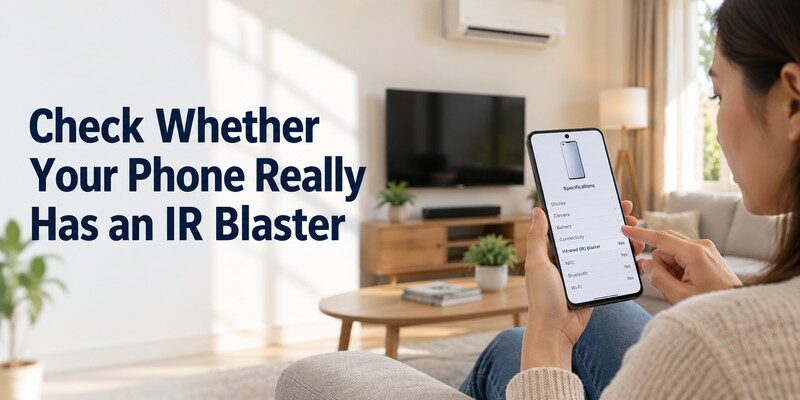
Before downloading an ir remote control app for android, confirm that the phone can physically transmit infrared light. IR is hardware, not a feature that can be unlocked by downloading software. Some Xiaomi, Redmi and other Android models include an IR emitter, but many Android phones do not. Support varies by model and region; never assume all handsets from a manufacturer are equipped alike.
Find the transmitter in your phone specifications
Look up the exact model in its manufacturer’s technical specifications and search for “infrared port,” “IR blaster” or “infrared remote control.” You may notice a small dark window along the top edge, but appearance alone is not reliable proof. Appearances can be misleading.
The Android Developers documentation describes the ConsumerIrManager API, introduced at API level 19 (Android 4.4). It exposes hasIrEmitter() to check for a transmitter and getCarrierFrequencies() to discover supported carrier ranges. The existence of this Android API does not mean every Android phone has IR hardware.
Try the manufacturer’s built-in remote
If your phone includes Mi Remote or another preinstalled remote tool, open it and look for a device category such as TV, set-top box or air conditioner. An ir remote control app for android may still require you to choose the correct brand and code profile. If the app reports that no infrared emitter is available, stop trying different IR apps and investigate network control or an external hub.
📘 Find the Right Guide: AC Remote Control App: Which Option Actually Works for Your Air Conditioner?
2. Best IR Remote Control App for Android Options in 2026
The right ir remote control app for android is one that supports both your phone’s transmitter and the appliance you want to operate. A high installation count does not prove compatibility with your particular TV or AC model.
| Option | Connection | Best use | Main limitation |
|---|---|---|---|
| Xiaomi Mi Remote Controller | Built-in IR; Wi-Fi for certain TVs | Supported TVs, ACs, set-top boxes | IR features require an equipped phone |
| Phone manufacturer’s IR remote | Built-in IR | Devices supported by phone maker | Availability differs by phone model |
| Google TV app | Local Wi-Fi | Compatible Google TV and Android TV | Not a true IR transmitter |
| Samsung SmartThings or LG ThinQ | Network connection | Supported Samsung or LG smart TVs | Depends on TV generation and settings |
| Wi-Fi-to-IR hub’s companion app | Wi-Fi to hub, then IR | Older appliances and phones without IR | Separate hardware and code database |
Mi Remote Controller for infrared appliances
Xiaomi’s Mi Remote Controller is a strong starting point when you already own an IR-capable Android phone. Its official Google Play listing reports 100 million-plus downloads and names TVs, air conditioners, set-top boxes, projectors and audiovisual equipment among supported categories. Download totals do not guarantee compatibility.
Xiaomi’s support documentation says Mi Remote uses the phone’s IR blaster and lets you add a device, choose its brand and test its power command. An ir blaster remote app like this can work without connecting an older TV to Wi-Fi.
Official smart-TV apps are different
Google TV, SmartThings and LG ThinQ instead use network control on compatible connected TVs. If you search best ir remote app android, filter the results by connection type instead of trusting a headline that calls every TV remote “IR.”
3. How to Set Up an IR Remote App on Android
Setting up an ir remote control app for android is usually quicker than configuring a network remote because it does not require TV Wi-Fi pairing. The main task is finding a command profile your appliance recognizes.
- Verify the IR hardware. Read the phone’s specifications or check its installed remote app.
- Install a trusted controller. Start with the phone maker’s app or a reputable listing on Google Play.
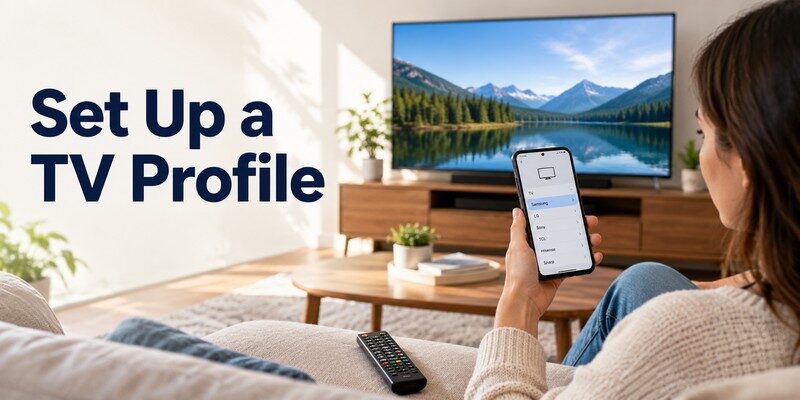
- Choose the appliance category. Select TV, AC, set-top box or another supported type.
- Select the brand and test a command. Aim the transmitter at the receiver and tap Power or another suggested button.
- Try alternative profiles if needed. One brand can use several code families across models.
- Save a descriptive remote. Use names like “Bedroom AC” or “Kitchen TV” to avoid sending commands to the wrong appliance.
Test more than the power button
Try volume, mute and input on a TV; temperature, modes and fan speed on an air conditioner. A power command working does not establish full compatibility. Some AC remotes send a complete state in one infrared message, which is harder for generic apps to replicate correctly.
Aim correctly and avoid common obstacles
Keep a clear path between the phone’s emitter and the appliance’s IR receiver. Remove thick phone cases if they cover the transmitter. Try operating the device from a short distance before moving across the room. An ir remote control app for android may appear unresponsive simply because the handset is pointed away from the receiver or the wrong device profile is selected.
💡 Discover Helpful Guides: Smart AC Control App: How to Control Your Air Conditioner From Your Phone
4. Control TVs, Air Conditioners and Other Devices
A useful ir remote control app for android should match the functions you use most often, not just list your brand in a compatibility menu.
TVs and set-top boxes
Older televisions frequently use IR for power, volume, channel and input selection. Set-top boxes may have their own receivers and code sets. Save separate profiles when commands differ; a network-only remote cannot reach an IR-only cable box.
For a connected Samsung TV, the samsung tv remote app guide explains when phone-based network controls make more sense than infrared. A Hisense TV can run different platforms; the hisense tv remote app for android guide helps you choose by operating system rather than logo.
Air conditioners and other appliances
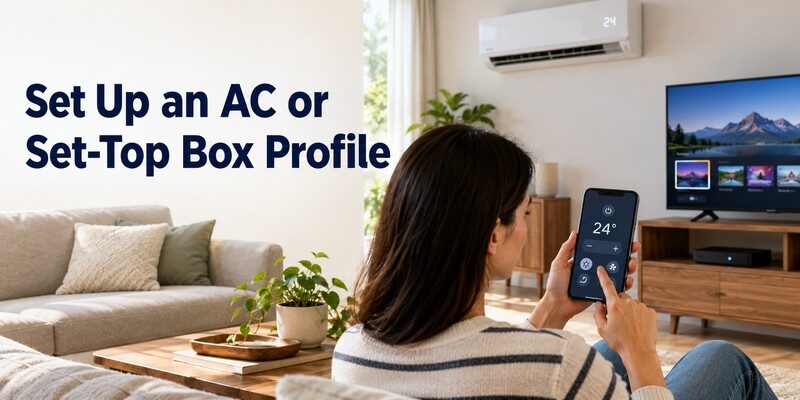
Compatible infrared air conditioners can expose temperature, cooling, heating and fan commands. However, code support can vary by region and model generation. If you need all advanced settings, retain the original remote until you have tested every essential function.
Fans, projectors and AV receivers may also be supported. IR-only controllers cannot operate devices that require radio-frequency (RF), Bluetooth or proprietary Wi-Fi commands. An ir remote control app for android is not automatically a remote for every smart appliance in your home.
5. Can an IR Remote Control App Work Without an IR Blaster?
No, not as a direct infrared transmitter. Searching ir remote control app no ir blaster usually points to a different solution: controlling a compatible smart TV over Wi-Fi or using external hardware to generate the IR signal. No software update can add a physical IR LED that your phone never had.
Option A: Control a smart TV through Wi-Fi
If your TV runs Google TV or Android TV, Google’s official help explains how to open the Google TV app, discover a nearby television, select it, enter the on-screen pairing code and tap Pair. Your phone and TV normally need to be on the same local Wi-Fi network. Once paired, supported controls can include navigation, text entry, volume and playback.
For the detailed steps, see our google tv remote app android guide. This is often the simplest alternative to an ir remote control app for android when the television already supports remote control through its network interface.
Option B: Add a Wi-Fi-to-IR hub
An external IR hub connects to your home network and sends infrared commands from its own transmitter. Your Android phone talks to the hub, not directly to the appliance. This approach can control compatible legacy TVs or ACs even when the phone lacks IR hardware. Verify code support, hub placement and whether commands depend on a cloud service.
Option C: Keep a physical universal remote
When the TV cannot join Wi-Fi and you do not want another hub, a programmable handheld infrared remote may be cheaper and more dependable. For a shared older TV, a physical remote may be simpler.
📖 Read More Guides: Fan Remote Control App: Best Options for Smart, Ceiling, and IR Fans
6. IR Remote App Not Working? Fix These Problems
If an ir remote control app for android opens but the device does nothing, isolate the problem in a consistent order. Avoid resetting your television before checking the phone’s capabilities and remote profile.
| Symptom | Possible cause | First fix |
|---|---|---|
| No appliance responds | Phone lacks IR emitter | Verify model specifications and hardware |
| Power works, other keys fail | Wrong or partial code profile | Try another supported profile |
| Works only very close | Case obstruction or poor aim | Expose transmitter and improve line of sight |
| Only one room’s device responds | IR hub coverage or placement | Reposition the hub toward the receiver |
| Smart TV not found in app | Network mismatch | Put phone and TV on same local Wi-Fi |
| Air conditioner changes to wrong mode | Incomplete state command | Relearn or choose a better AC profile |
Verify the receiver and transmitter
Test the appliance with its original remote if one is available. If the original also fails, the issue may be the appliance’s receiver, batteries or power state rather than the app. Test a second compatible appliance to isolate the problem.
Fix the code profile before resetting anything
Remove the saved remote and add the correct device category and manufacturer again. Cycle through supported profiles, testing several controls for each. Do not mistake a successful power toggle for a fully programmed remote. If an ir remote control app for android repeatedly fails on one model, consult the appliance manufacturer’s remote specifications and consider a different control method.
📘 Find the Right Guide: How to Control AC With Phone: Wi-Fi, IR Blaster, and Hub Steps
7. IR vs. Wi-Fi and Bluetooth Remote Apps
An ir remote control app for android is the right choice for compatible infrared equipment, while other connection types solve different problems. The most practical distinction is whether the target device can receive commands directly from the phone.
| Feature | Infrared (IR) | Wi-Fi remote | Bluetooth remote |
|---|---|---|---|
| Phone hardware | IR emitter required, unless hub used | Wi-Fi adapter | Bluetooth radio |
| Typical target | Older TVs, ACs, AV equipment | Smart TVs and streaming devices | Selected TVs and media accessories |
| Internet required | No for direct IR | Sometimes not, if local control is supported | Usually no for local control |
| Line of sight | Usually yes | No | No |
| Pairing | Code selection or learning | Network discovery and authorization | Bluetooth pairing |
| Limitations | Code support and obstructions | Model/network compatibility | Protocol and range constraints |
Unlike Wi-Fi, direct IR does not depend on a router or online account. Only control equipment you are authorized to operate. Wi-Fi provides richer functions such as keyboard input and device discovery on compatible smart TVs.
If your TV is already connected to your network, a dedicated network remote may provide a better experience than an ir remote control app for android, particularly when searching streaming services or entering passwords with your phone’s keyboard.
8. Do IR Remote Apps Work Offline and for Free?
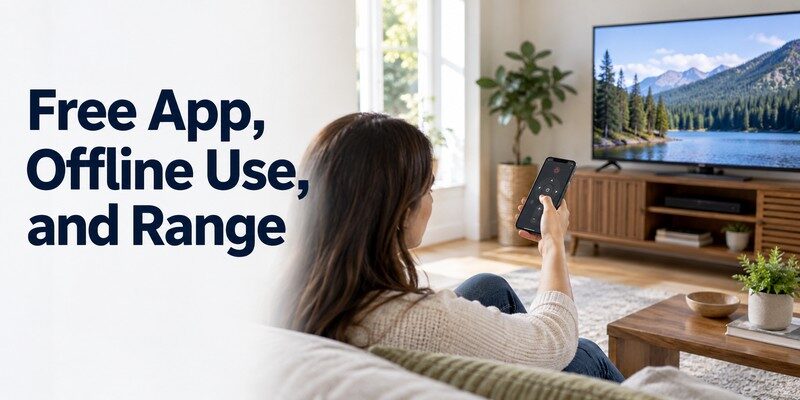
Often yes. A direct ir remote control app for android sends light-based commands from the phone to the appliance, so basic operation can work without Wi-Fi, mobile data or an internet connection. However, downloading code libraries, viewing advertisements or using account-based extras may still require connectivity.
The query infrared remote app free deserves careful reading. Some apps are genuinely free for core remote functions; others offer a free installation but charge for additional brands, learning tools or ad removal. Check the current Google Play listing for subscriptions, permissions and the developer’s identity. Avoid assuming that “free” guarantees the absence of advertising or in-app purchases.
Compatibility matters more than popularity. Mi Remote has 100M+ reported downloads on Google Play, but check the device categories and your exact model.
For offline households, test an ir remote control app for android in airplane mode after installation and code setup. If the appliance still responds, basic IR control is independent of your current network connection. If the app refuses to open, that is an application limitation rather than a property of infrared technology.
📘 Find the Right Guide: IR Remote Control App for Android: What Works With an IR Blaster?
9. Privacy, Permissions and Safe Downloads
An ir remote control app for android may need access to the device’s consumer-IR service, but basic infrared transmission does not inherently require your contacts, SMS messages or precise location. Permissions for network discovery or Bluetooth can be appropriate for a multi-protocol app; judge them against the functions offered.
Prefer trustworthy distribution
Download from the official Google Play listing or the phone maker’s preinstalled app store. Check the developer name, recent reviews, update history and Data safety section. Avoid unknown APK repositories advertising “premium unlocked” versions: they can be outdated, repackaged or malicious. Never grant accessibility, notification-reading or other sensitive permissions merely because a remote app demands them without a clear reason.
Limit shared-device problems
Infrared can reach multiple compatible devices in one room. Label remotes clearly; protect hub accounts and update firmware. A straightforward ir remote control app for android needs less infrastructure than cloud automation, but responsible installation and device access still matter.
10. Choosing the Right App for Your Android Phone
Before installing another ir remote control app for android, use this decision process:
- IR blaster present + older appliance: Start with the phone manufacturer’s remote tool or Xiaomi Mi Remote, then verify model codes.
- No IR blaster + Google TV/Android TV: Try the official Google TV phone remote over your local network.
- No IR blaster + other supported smart TV: Try the manufacturer’s official app for that TV platform.
- No IR blaster + IR-only AC or TV: Compare a Wi-Fi-to-IR hub with a physical replacement remote.
- Several different devices: Choose a controller that supports every required protocol; one app alone may not be enough.
The ideal ir remote control app for android is not necessarily the one with the longest list of brands. Prioritize reliable Power, Volume, Input and navigation on TVs; temperature, mode and fan speed on ACs; and the ability to recover after a routine phone restart.
An Android app may be unavailable on iOS, and an iOS remote may use Wi-Fi instead of IR.
11. Remote TV App: An Alternative for iPhone and iPad
The Remote TV app from Begamob is a useful comparison when a household uses both Android and Apple devices. Its App Store listing describes smart-TV network control with volume, channels, navigation and casting. The linked product is for iPhone and iPad; it is not an Android IR blaster app. It also does not turn an iPhone into an infrared transmitter.
For Apple users who want to replace a missing smart-TV handset, see the universal remote tv control listing. It is free to download with in-app purchases; model support and available functions vary. For Android users with an older IR-only TV, choose a hardware-supported infrared controller instead.
The distinction matters because an ir remote control app for android and a Wi-Fi universal remote control app solve related but technically different problems. If your main goal is convenient smart-TV control rather than infrared specifically, the Begamob universal remote control app may be relevant for an iPhone or iPad household, not as an Android download.
12. Frequently Asked Questions
Can I install an IR remote app on any Android phone?
You may be able to install it, but direct infrared control requires an IR transmitter. A phone without that hardware cannot send IR signals simply by running an app. Check the exact phone model before trying to control an older appliance.
How do I know whether my Android phone has infrared?
Check official specifications for “IR blaster” or “infrared port.” You can also check whether a preinstalled remote app detects an emitter. Android’s ConsumerIrManager supports a hardware-emitter check, but an ordinary user should not need to write code to confirm compatibility.
Will an IR remote app work with my air conditioner?
Possibly. The phone must have an IR emitter and the app must support your AC’s code profile. Test temperature and operating modes, not only Power. Many AC systems use state-based IR commands that generic TV-style controllers cannot fully reproduce.
Can a phone control an old TV without Wi-Fi?
Yes, with the correct hardware. An IR-equipped Android phone can send supported commands directly to an older television without Wi-Fi. Alternatively, use a compatible physical universal remote. A Wi-Fi-only application cannot reach an IR-only television by itself.
What is the difference between an IR app and a TV remote app?
An IR app transmits infrared commands using an emitter; a network remote communicates over Wi-Fi or another supported protocol. Some products offer both methods, but many smart-TV applications are network-only. Check which connection method the app actually uses.
13. Final Thoughts
Choose an ir remote control app for android only after verifying your phone has a working IR blaster and the app supports your appliance’s code set. Xiaomi Mi Remote is a practical starting point for supported phones; Google TV and manufacturer apps are better alternatives for compatible smart TVs when the phone has no IR hardware.
Test the whole remote, not just the power key. Prioritize reliable everyday controls, safe downloads and honest compatibility claims. For iPhone or iPad smart-TV control, use the linked iOS app—not an Android IR download.
