
Smart Plug Control App: Setup, Features & Best Options
By the Remote TV App Team
Last updated: November 2026
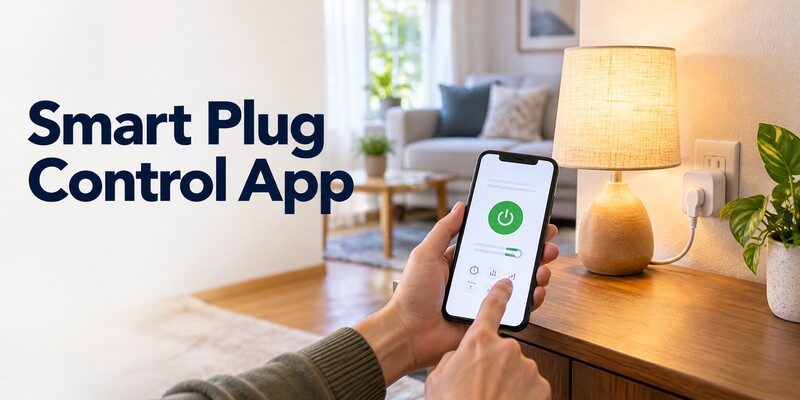
A smart plug control app lets you turn compatible electrical devices on or off from your phone, create schedules, and manage power remotely. To get started, plug a compatible smart outlet into a wall socket, install its manufacturer’s app, connect it to your home network, and pair the device.
You can use a smart plug control app to manage lamps, decorative lights, and other suitable household electronics without replacing them with smart versions. Some plugs also support energy monitoring, voice commands, and integration with broader smart home platforms.
However, not every application works with every smart plug, and not every electrical appliance is safe for remote switching.
This guide explains how to select a compatible app, complete setup on Android or iPhone, troubleshoot connectivity problems, and use smart outlets safely.
1. How to Choose the Right Smart Plug Control App
The best starting point is the application recommended by your smart plug manufacturer. Different products use different wireless technologies, cloud services, and pairing procedures.
A smart plug control app must support the plug’s communication system. Downloading a generic smart home application does not automatically make an incompatible socket controllable.
Most users should choose between a manufacturer-specific application and a broader smart home platform.
Manufacturer applications
Brands such as TP-Link, Meross, and other smart home manufacturers provide companion applications for their supported devices.
These applications typically handle initial registration, firmware updates, device naming, and product-specific functions.
For example, TP-Link’s Tapo application supports compatible Tapo smart plugs, including models with scheduling and energy-monitoring capabilities.
Manufacturer applications are generally the most reliable starting point because they are designed for specific hardware.
Multi-brand smart home platforms
Google Home, Apple Home, and Amazon Alexa can control compatible products from multiple manufacturers.
These platforms are useful when you want to manage several connected devices without opening a different application for each one.
However, some products must first be configured through their manufacturer’s app.
| Application | Compatible devices | Primary advantage |
|---|---|---|
| TP-Link Tapo | Supported Tapo smart plugs | Device setup, schedules, selected energy monitoring |
| Kasa Smart | Supported Kasa products | Plug management, timers, routines |
| Meross | Supported Meross devices | Device control and scheduling |
| Google Home | Compatible linked or Matter plugs | Multi-device home management |
| Apple Home | Compatible Apple Home or Matter plugs | iPhone integration and automations |
| Amazon Alexa | Alexa-compatible smart plugs | Voice commands and routines |
The best smart plug app is the one that supports your exact plug model and offers the functions you need.
Compatibility matters more than app ratings or advertised device counts.
Download TV Remote App2. Check Smart Plug Compatibility Before Installation
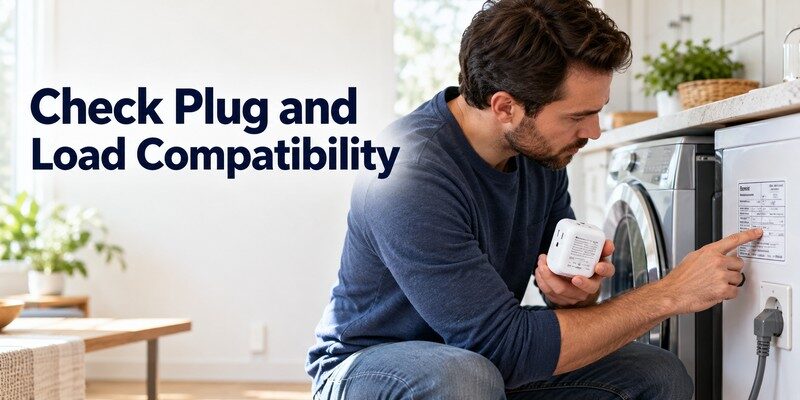
Before using a smart plug control app, check the plug’s specifications, wireless technology, and electrical ratings.
These details determine whether the device will connect successfully and which appliances can be operated safely.
Identify the connection technology
Most consumer smart plugs use Wi-Fi, although Matter, Thread, Zigbee, and other systems are also available.
Wi-Fi plugs typically connect directly to a compatible home router.
Many popular models require a 2.4 GHz Wi-Fi network rather than a 5 GHz-only connection.
For example, TP-Link’s official Tapo troubleshooting documentation, updated in September 2026, identifies 2.4 GHz Wi-Fi as a requirement for supported devices.
Matter-compatible smart plugs may work with different supported smart home ecosystems, although some require a compatible controller or Thread border router.
Matter compatibility does not guarantee identical features across every application.
Check electrical specifications
Look at the product label for its rated voltage, maximum current, and maximum supported load.
For example, a plug rated at 10 amperes on a 230-volt circuit has a theoretical resistive load limit of 2,300 watts. However, actual permitted loads depend on the manufacturer’s specifications, local electrical requirements, and the appliance’s characteristics.
Motor-driven equipment may produce a brief startup current much higher than its normal operating current.
A smart plug control app cannot increase the plug’s electrical capacity or make an unsuitable appliance safe.
Choose a properly rated product from a reputable manufacturer and confirm that the connected appliance supports power interruption and restoration.
📘 Find the Right Guide: IR Remote Control App for Android: What Works With an IR Blaster?
3. How to Set Up a Smart Plug Control App
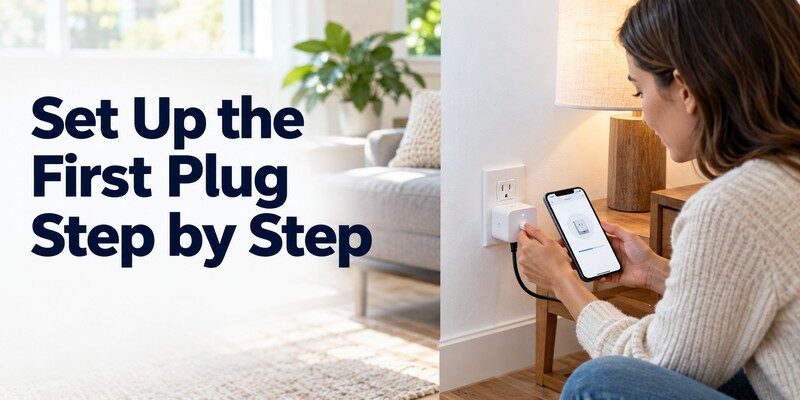
Most compatible Wi-Fi smart plugs can be configured in a few straightforward steps.
This smart plug setup guide follows the general process described in TP-Link’s official Tapo smart plug documentation.
Individual button combinations and status indicators vary by hardware version.
Step 1: Install the official application
Open Google Play or the Apple App Store and search for the application recommended in your product documentation.
Verify the publisher before installing it.
Open the smart plug control app and create an account if the manufacturer requires one.
Some applications request Bluetooth, location, or local-network permissions during setup. Review these requests and enable the permissions necessary for device discovery.
Step 2: Prepare the plug and network
Insert the smart plug directly into a compatible wall outlet.
Make sure it is powered on and displaying its expected pairing indicator.
Some Tapo models use a blinking orange-and-green indicator during registration, while other hardware versions have different indicators or Bluetooth-assisted discovery.
Connect your phone to the home Wi-Fi network specified by the manufacturer.
Keep the plug reasonably close to the router during initial pairing.
Step 3: Add the device
Open the application and select the option to add a new device.
In Tapo, for example, the setup flow includes selecting Add Device → Tapo → Plugs, followed by the appropriate model.
Your phone may temporarily connect to the smart plug’s wireless network or discover it through Bluetooth.
Select your home network and enter the Wi-Fi password when prompted.
Wait for registration to finish before leaving the application.
Step 4: Name and test the smart plug
Give the device a clear name, such as Desk Lamp, Living Room Light, or Office Charger.
Once pairing is complete, open your smart plug control app and press the power control.
Confirm that the connected appliance responds.
Then test the physical button on the plug and check whether its state updates in the application.
For users researching how to control smart plug with phone, this final test is essential. It confirms that both the wireless connection and the actual power-switching function are working.
📘 Find the Right Guide: How to Control AC With Phone: Wi-Fi, IR Blaster, and Hub Steps
4. How to Control Smart Plugs on Android and iPhone
A compatible smart plug control app generally provides a similar basic experience on Android and iPhone.
Both platforms can support device registration, power controls, schedules, and selected smart home integrations.
The main differences involve the applications available, operating-system permissions, and ecosystem features.
Smart plug control on Android
For Android users, manufacturer applications and Google Home are common starting points.
Choose a smart plug app for android that officially supports your device.
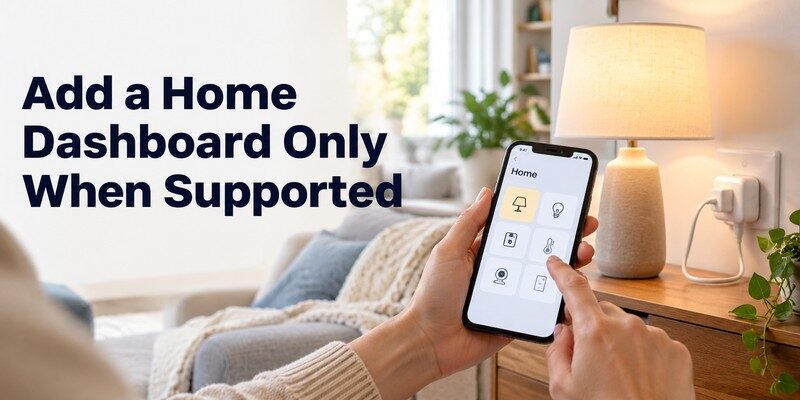
After completing setup in the manufacturer app, you may be able to link the plug to Google Home.
Google’s official documentation explains that compatible third-party smart devices can be configured through supported integrations or Matter.
A registered plug can then appear under an assigned room, making it easier to manage alongside compatible lights and other devices.
Some setups also support Google Assistant voice commands.
Smart plug control on iPhone
iPhone users can install compatible manufacturer apps and may also manage supported devices through Apple Home.
Apple’s 2026 Matter accessory documentation confirms that its Home application supports compatible smart sockets and switches.
For Matter products, setup requirements depend on the accessory’s connectivity technology and the operating-system version.
Some Thread-based products require additional compatible network hardware.
Do not assume every Wi-Fi plug automatically supports Apple Home.
Check for official compatibility information before purchasing.
For either operating system, the most reliable smart plug control app is one that successfully registers your exact hardware and maintains a stable connection after setup.
📖 Read More Guides: Fan Remote Control App: Best Options for Smart, Ceiling, and IR Fans
5. Smart Plug Features That Make Everyday Life Easier
After pairing, basic power control is only the beginning.
A well-designed smart plug control app can simplify everyday routines through schedules, timers, remote access, and selected integrations.
Remote power control
Compatible internet-connected plugs may allow you to turn devices off while away from home.
For example, you could check whether a decorative light remains powered after leaving for work.
However, remote commands depend on the plug’s network connection and any required manufacturer service.
Remote access should be tested separately from local Wi-Fi control.
Scheduling and countdown timers
Schedules are among the most useful features.
You might set a lamp to turn on at sunset or switch off a suitable electronic accessory at a fixed time.
Countdown timers can automatically change the plug’s state after a selected period.
For example, a nonessential decorative light could switch off after two hours.
Not every application supports the same scheduling options, and some require an internet connection for particular routines.
Voice commands and automation
Compatible smart plugs may integrate with Alexa, Google Home, or Apple Home.
This allows users to include outlets in broader smart home routines.
For example, a bedtime routine could switch off several appropriate lamps with one command.
A smart plug control app may also support device grouping, allowing multiple compatible sockets to respond together.
Choose automations that remain safe even when a command arrives late, repeats, or fails.
Avoid using remote scheduling for appliances that require direct supervision.
💡 Discover Helpful Guides: Smart AC Control App: How to Control Your Air Conditioner From Your Phone
6. Can a Smart Plug Control App Help Save Electricity?
Smart plugs can help manage electricity use, but installing an app does not automatically reduce energy consumption.
Savings come from avoiding unnecessary operation and identifying devices that consume electricity when they are not performing useful work.
Lawrence Berkeley National Laboratory’s Standby Power research estimates that standby consumption typically accounts for approximately 5–10% of residential electricity use in many developed countries.
That is an estimate for total household standby consumption, not the amount a smart plug can necessarily eliminate.
How energy monitoring works
Some smart plugs contain internal power-measurement hardware.
Their applications can display current power consumption, cumulative electricity use, or historical trends.
For example, TP-Link identifies energy monitoring as a feature of certain Tapo models, including the P110 and P115, while other models lack this capability.
A smart plug control app cannot accurately report appliance electricity consumption unless the underlying hardware supports the necessary measurements.
Example: Reducing standby electricity use
Consider an electronic device that consumes 5 watts while idle.
If it remains in that state for 24 hours every day, its estimated annual standby consumption is:
5 W × 24 hours × 365 days ÷ 1,000 = 43.8 kWh per year.
If a suitable smart plug disconnects that load for 16 hours daily, the theoretical avoided consumption is:
5 W × 16 hours × 365 days ÷ 1,000 = 29.2 kWh per year.
Actual savings would be lower after accounting for the smart plug’s own power consumption, periods when the appliance is needed, and any changes to usage.
This is an illustrative calculation rather than a measured household result.
A smart plug control app is most useful for energy management when it helps users identify unnecessary runtime and create practical schedules.
Do not disconnect devices that need continuous power, such as essential networking equipment or safety-critical systems, simply to reduce standby consumption.
7. Smart Plug Safety: Which Devices Should You Avoid?
Electrical safety is more important than convenience.
A smart plug controls electricity flowing to an appliance, but it does not necessarily manage the appliance’s temperature, internal protections, or mechanical operation.
Not every household device should be connected to a smart plug.
Before using a smart plug control app to automate an appliance, confirm that remote switching is permitted by both the plug manufacturer and the appliance manufacturer.
| Device type | General guidance | Reason |
|---|---|---|
| Low-power lamps | Often suitable when rated correctly | Relatively simple electrical load |
| Decorative LED lighting | Often suitable when rated correctly | Typically low power |
| Basic electronic accessories | Check individual requirements | May need proper shutdown or continuous power |
| Electric space heaters | Avoid remote switching | High heat and fire risk |
| Irons and heat-producing appliances | Avoid unattended operation | Potential fire hazard |
| Refrigerators and medical equipment | Avoid unless explicitly supported | Unintended interruption can create serious consequences |
| Air conditioners and motor-driven equipment | Check manufacturer compatibility | Startup current and switching restrictions |
Understand the risks of high-power appliances
The U.S. Consumer Product Safety Commission reported in its 2026 winter safety guidance that portable heaters were associated with an estimated 1,600 fires annually, based on 2020–2022 data.
The agency recommends connecting electric space heaters directly to wall outlets and keeping them away from combustible materials.
A smart plug is not a substitute for these precautions.
Avoid using smart plugs to automate portable heaters or other hazardous heat-producing appliances.
Consider what happens after a power outage
Some appliances restart automatically when electricity returns.
Others remain off until someone presses a physical button.
Test the appliance’s normal power-restoration behavior before considering remote switching.
A smart plug control app should only be used with equipment that can safely handle unexpected power interruptions, delayed commands, and automatic restoration.
📘 Find the Right Guide: AC Remote Control App: Which Option Actually Works for Your Air Conditioner?
8. Smart Plug Control App Not Working? Common Fixes
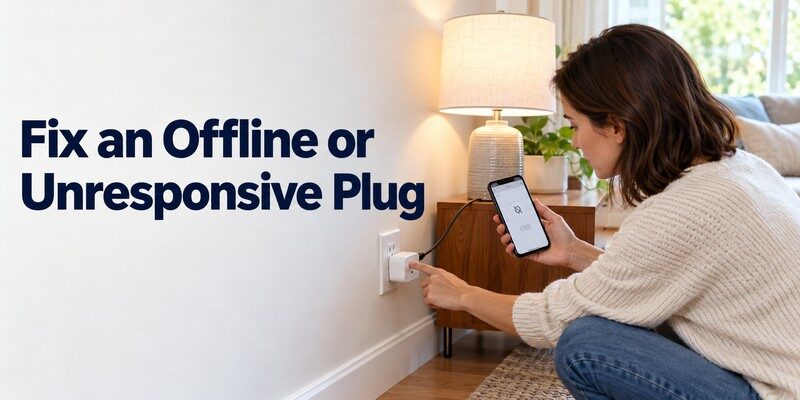
Connection problems usually come from incorrect network settings, interrupted pairing, outdated software, or an unavailable integration.
Before resetting anything, identify where the failure occurs.
| Problem | Possible cause | Recommended fix |
|---|---|---|
| Plug not discovered | Incorrect pairing mode | Follow model-specific pairing instructions |
| Wi-Fi network missing | Unsupported frequency | Check 2.4 GHz requirements |
| Device appears offline | Weak signal or network outage | Check router and outlet power |
| App works but Alexa does not | Integration issue | Reconnect the supported service |
| Remote commands fail | Internet or cloud interruption | Test local control first |
| Plug responds intermittently | Weak signal or firmware issue | Improve coverage and check updates |
Fix Wi-Fi pairing problems
First, confirm the smart plug has power and is in the expected pairing mode.
Check the Wi-Fi frequency and password.
TP-Link’s September 2026 troubleshooting documentation specifically recommends verifying the device model, network settings, and pairing indicator before attempting a factory reset.
If your smart plug control app cannot discover the plug, move it closer to the router temporarily.
Also check whether the phone needs Bluetooth or local-network permission for setup.
A common mistake is selecting the wrong hardware version in the application.
Fix devices showing offline
If the plug has already been registered, test the home internet connection using another device.
Check the plug’s indicator light and try the physical power button.
If local control works but remote control fails, investigate the manufacturer’s cloud service or account connection.
When a smart plug control app shows an incorrect device state, close and reopen it before resetting the hardware.
A restart may resolve temporary synchronization issues.
Reset only when necessary
Factory resetting a smart plug may erase its network registration, schedules, and connected integrations.
Follow the official instructions for your specific model rather than trying arbitrary button-hold combinations.
A reset should be a troubleshooting step, not the first response to every connection problem.
9. How to Secure Your Smart Plug and Home Network
A connected outlet becomes part of your home’s network, so account security and firmware maintenance matter.
The U.S. Federal Trade Commission recommends keeping internet-connected devices updated, reviewing unnecessary features, and removing devices that are no longer supported or used.
A smart plug control app may store device identifiers, account information, and selected household automation settings.
Review its privacy policy and permission requests before enabling optional features.
Recommended security practices include using a unique account password, enabling multifactor authentication when available, keeping router firmware updated, and removing unused third-party integrations.
If household sharing is supported, provide access through the application’s intended sharing features rather than distributing the main account password.
Do not disable router security merely to complete pairing. If an older plug cannot support your network’s security configuration, consider replacing it with suitable modern hardware.
Your smart plug control app should make device management convenient without compromising basic network protection.
10. Can a Universal TV Remote App Control Smart Plugs?
A television remote application and a smart plug application serve different purposes.
A TV remote app does not automatically support smart outlets, even when both devices use Wi-Fi.
For example, the Remote TV app is designed for controlling compatible televisions rather than managing electrical sockets.
It can be useful when you want phone-based TV controls, but it is not a replacement for a smart plug control app.
Users looking for universal remote tv control can use the dedicated iPhone and iPad application for supported television models.
Similarly, a universal remote control app intended for TVs should not be assumed to support smart plug pairing, energy monitoring, or electrical schedules.
If you want to manage both connected outlets and home entertainment equipment, use the appropriate application for each device.
Want to control your TV from your phone? Download remote tv app for supported televisions.
Note: Universal Remote TV Control is a television remote application, not a smart plug controller.
11. Frequently Asked Questions
Can I control any smart plug with my phone?
No. The plug must support an application or smart home platform available for your phone.
Most modern consumer smart plugs offer Android or iOS compatibility, but hardware requirements and available features differ. Check the exact model before installation.
Does a smart plug work without Wi-Fi?
Sometimes. Certain smart plugs use Zigbee, Thread, or another supported connection method and may work through a compatible hub or controller.
However, most standard Wi-Fi smart plugs need a suitable network for registration and connected features.
Can I turn on a smart plug when I am away from home?
Yes, if the plug and its application support remote operation.
The device generally needs power and an active network connection. Some ecosystems also require an available home hub or cloud service.
Remote operation should only be used with appliances that are safe to switch on unattended.
Does every smart plug monitor electricity consumption?
No. Energy monitoring requires suitable measurement hardware inside the smart plug.
Some models provide only power switching and schedules.
Always check the product specifications rather than assuming the application can measure electricity usage.
Is a smart plug control app free?
Many manufacturers provide free companion applications for their supported smart plugs.
However, users still need compatible hardware, and certain platforms may offer optional paid services.
Review the application’s current terms and supported features before choosing a product.
12. Final Thoughts
A smart plug control app can make suitable electrical devices easier to manage through phone-based power controls, schedules, timers, and selected smart home integrations.
The most reliable approach is to start with the plug manufacturer’s official application, confirm compatibility, and test basic controls before creating automations.
For users with multiple compatible smart home products, platforms such as Google Home, Apple Home, and Amazon Alexa may offer additional convenience.
Remember that smart outlets have electrical limitations and should never be treated as universal controllers for every appliance.
With appropriate hardware, sensible scheduling, and strong network security, a smart plug control app can provide useful everyday convenience while helping you understand and manage selected household electricity use.
Download TV Remote App