
How to Get Free TV Channels on Your Television
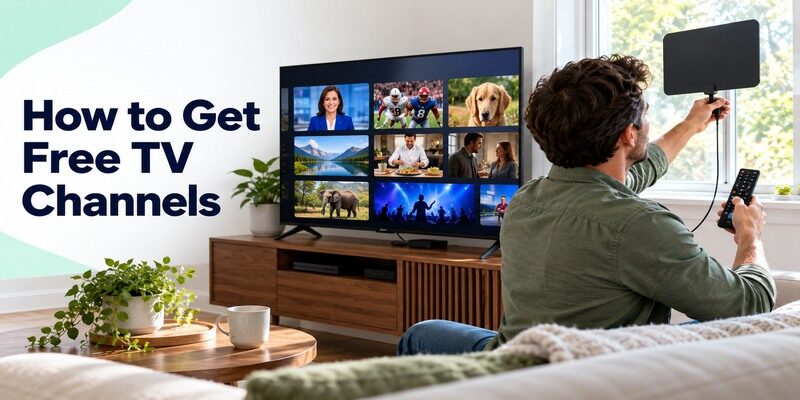
Short answer: Connect an antenna for receivable local broadcast stations and open legitimate free ad-supported TV apps for additional live channels. In the United States, over-the-air reception needs a compatible tuner and a real scan at your address; internet apps need a supported device and broadband. Neither route unlocks every premium cable network. This guide explains how to get free tv channels step by step, then fixes the most common reasons a channel or app does not appear. Channel rights and service availability differ by region, so use your TV’s actual guide rather than a dated universal list.
Decide Which Free Channels You Mean
A local over-the-air station, a free internet FAST channel, a public broadcaster’s app stream, and a free trial are different things. An antenna can receive available broadcast signals without broadband; Pluto TV, Tubi, The Roku Channel, and Samsung TV Plus use the internet and ads. A free trial later becomes paid under its terms. How to get free tv channels begins by naming the program, station, and device rather than searching for a magic code or an implausible “all channels” app.
For how to get free tv channels at a second television, repeat the tuner and app checks there; availability on one screen does not configure another.
| Source | Connection | Best use | Main limit |
|---|---|---|---|
| Over-the-air antenna | TV tuner and signal | Receivable local broadcasts | Address and placement |
| FAST app | Broadband and compatible app | Themed live channels | Curated, changing lineup |
| Public-broadcaster app | Broadband and supported device | Selected local or public programs | Station and title rights |
| Library streaming | Card at participating library | Borrowed films and shows | Borrow limits; usually not live TV |
Identify the exact local station
Write down its call sign and the show you want, then check the broadcaster’s official schedule. A network logo in a free app may represent a national news stream rather than your local affiliate. If an antenna can receive the station, note its virtual channel number after scanning. How to get free tv channels for local news is a different task from finding a free movie channel.
Avoid the free-trial trap
A paid live-TV service may advertise a trial, but that is not a permanent free channel lineup. Record its renewal date and full price before entering a card. A FAST provider’s core ad-supported guide is a different model. Optional premium add-ons can sit next to free tiles, so read the playback and checkout screen. Do not equate “free to download” with “all content included.”
For a closer look at these services, explore free IPTV channels from legitimate providers and check the current guide in your region.
Read more: Best Free Streaming Apps: Legal Picks for TV and Movies
How to Get Free TV Channels in Six Steps
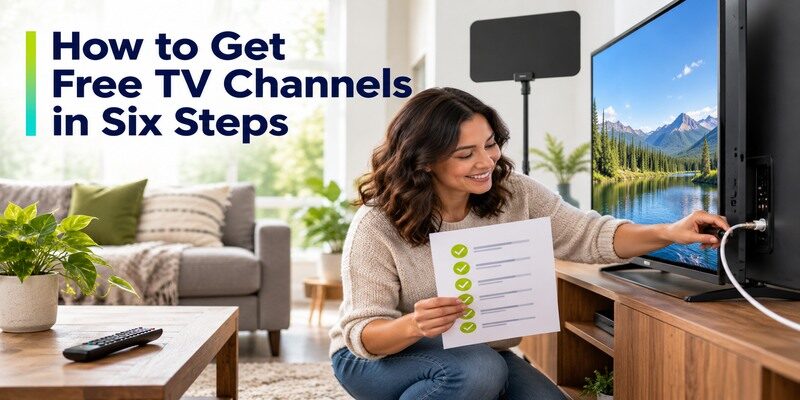
Start with the TV’s existing features, then add only what the household uses. You can test an antenna and a free app without canceling any current service. For a simple living room, the result may be local broadcasts through the tuner and one app for extra movies or themed channels. Keep the TV’s original remote available because antenna and HDMI streaming often live on different inputs.
This sequence for how to get free tv channels keeps the broadcast signal, internet connection, and remote controls separate so a failed step has an identifiable cause.
Step 1 – Check Your TV’s Tuner and Internet
Locate the coaxial Antenna/RF input and confirm the television can scan digital over-the-air channels. A monitor or projector may need an external tuner. Check whether its smart-TV app store is current or an HDMI streaming device supplies apps. Record the model and ZIP code. How to get free tv channels depends on both the physical broadcast route and the internet route you intend to use; they can coexist.
Step 2 – Check Likely Broadcast Reception
Use the FCC’s DTV reception map in the United States as an estimate of nearby signals. Buildings, terrain, and placement can change results. Choose a suitable antenna without relying on exaggerated range claims. The FTC has warned against ads promising every premium channel through an indoor antenna. Put the antenna near a window or higher position if practical, then judge it by a real scan rather than its packaging.
Step 3 – Connect the Antenna and Scan
Attach the coaxial connector to the TV tuner, select Air/Antenna rather than Cable in setup, and run Auto Scan. Test the stations you care about at their normal viewing time. Move the antenna and scan again if the signal breaks up. The FCC recommends rescanning periodically because frequency changes can affect availability. Write down received channels so everyone knows how to get free tv channels from the tuner later.
Step 4 – Install One Official Free Live App
Search the TV’s recognized app store for Pluto TV, Tubi, The Roku Channel, or a built-in Samsung TV Plus route on eligible devices. Check the publisher and country. Open its Live TV section and play a channel. An older smart TV may need a supported streaming player if its app store lacks current versions. The official guide is more reliable than an unverified M3U list.
Step 5 – Add a Public-Media or Local App if Needed
PBS Help says its app can show local station livestreams in supported areas, with device sign-in and station availability conditions. A local broadcaster may offer its own selected news stream. Check that it is the actual station and program you want. A public app is not necessarily a full replacement for its over-the-air schedule. How to get free tv channels for a specific local program may require both app and antenna tests.
Step 6 – Save Favorites and Teach the Input Switch
Favorite the channels people watch where the app allows it, then show another household member how to switch between Antenna/Air, built-in apps, and HDMI. Label the source or put a short guide by the TV. Test captions and remote volume. Remove duplicate free apps that never get used. A large channel count is less valuable than a small set everyone can reopen without help.
For a broader comparison of free and paid viewing routes, learn how to watch live TV without cable and choose the sources that carry your preferred programs.
Read more: IPTV vs Cable TV: Which Fits Your Household?
Find Free Local Broadcast Stations
The FCC’s reception map is a starting estimate, not a guarantee. A compatible tuner and antenna at the actual address determine which stations appear. In an apartment, placement near a window may help; a distant or obstructed signal may require a different antenna or may remain unavailable. Do not assume an amplifier improves every setup. How to get free tv channels without cable through broadcast requires a signal path, not a broadband subscription.
Record the channels that remain stable during a full program, not just those that appear briefly during a scan. How to get free tv channels reliably is a reception test over time.
Rescan after changing placement
Moving the antenna does not always update the TV’s saved channel list automatically. Run Auto Scan again, then test picture stability on the desired station. A channel may show a strong image at midday but break up under different conditions. Keep a note of the working position. FCC guidance also recommends periodic rescans when stations move frequencies. A missing virtual number can be a scan issue rather than a broken TV. If you are considering canceling a TV package, learn what cord cutting means and compare the complete cost of broadband, equipment, and any remaining subscriptions.
Know the channel limits
Over-the-air television may include major local networks and additional subchannels if receivable, but not every cable-only network or premium sports channel. The actual list varies by location. An antenna’s “free tv antenna channels list” printed for another city cannot describe your address. A broadcaster’s website and the TV scan together give the practical result. Avoid expensive hardware based solely on a seller’s coverage map.
Add Legitimate Free Internet Channels
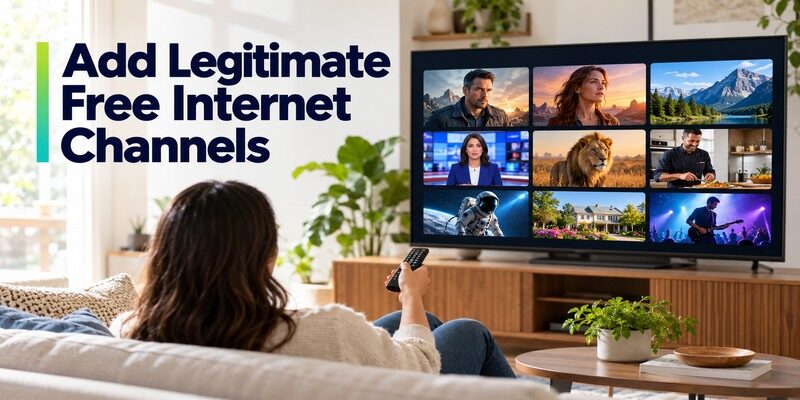
Free ad-supported streaming television (FAST) provides scheduled internet channels. Pluto TV, Tubi, Roku Channel, Plex, and Samsung TV Plus on eligible devices publish current guides. They may have movies, news, sports-themed programs, and children’s content. The lineup changes with licensing and region. How to watch free channels on smart tv is usually as simple as installing an official app and opening Live TV, but the content is distinct from antenna broadcast.
For how to get free tv channels in a room with no antenna reception, FAST can add viewing options, though it cannot promise the absent local affiliate.
Check the current live guide
Open the app’s live area and play the actual program. Search by channel name rather than trusting a year-old list of numbers. A sports category may offer highlights instead of the next live game. A free national news stream may differ from your local station. The best way to get free tv channels for casual viewing is to favorite the channels you genuinely watch and ignore headline totals.
Use the supported device
An app may work on a current phone but be absent on an older television. Check the provider’s supported-device page and the TV’s software updates. A compatible HDMI streamer can extend app support, but should be purchased only after confirming the exact free services it runs. Streaming apps use broadband; test Wi-Fi behind the TV. If all services buffer, a new free app will not solve the network fault.
Read more: How to Watch Live TV Without Cable: Six Practical Steps
Watch PBS and Other Public Media
PBS says its app is free to download and offers video and local livestreams where supported. Not every local station provides every program online; location, account, and rights can affect access. PBS KIDS Video has a separate family-friendly route. A local station may also broadcast over the air, which does not depend on the app’s streaming rights. How to get free tv channels for public-media viewing benefits from checking both paths.
The answer to how to get free tv channels through PBS can differ between a phone browser and the main TV app because sign-in and location are checked separately.
Verify the local stream
Select the correct station in the PBS app and open Live TV on a supported device. PBS Help notes that a streaming-device account may be required and availability depends on service area. Search the specific show if the livestream is absent. An antenna could receive the broadcast instead. Do not use a location workaround as a substitute for checking the station’s actual rights and support.
Look at the program window
Some episodes remain free for a limited time, and others may have different access rules. The app being free does not promise that every episode is always available. Check the current PBS schedule and title page. If children use PBS KIDS, review the live channel and on-demand options separately. Save a favorite where supported, but be prepared for catalog changes.
Before buying a player, compare the best streaming devices for different TVs and verify that your preferred free apps support the exact model.
Understand What Free Does Not Include
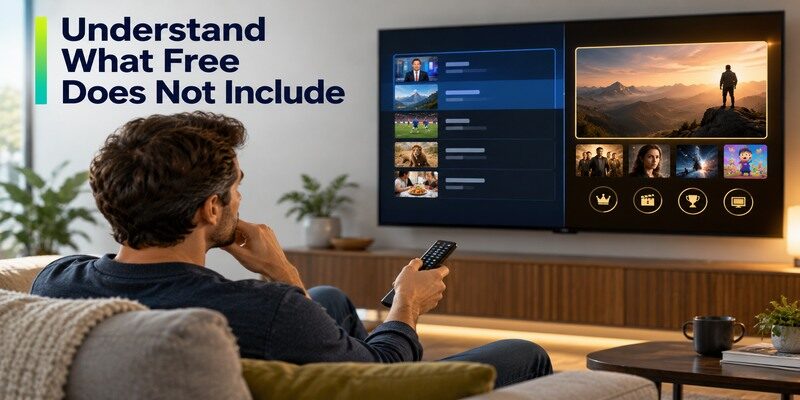
No legitimate antenna or FAST app automatically unlocks all premium cable networks, subscription originals, and live sports. Rights are split by event and location. A free movie app may have a rotating library; a trial may convert to paid. How to get free tv channels without unrealistic expectations means checking a named program in the current guide before planning to watch it. Use a paid licensed service only for a gap that matters to your household.
If a service claims a lifetime premium lineup with no clear operator, do not treat it as another normal route for how to get free tv channels.
| Claim | Reality to verify |
|---|---|
| “Every local station free” | Actual antenna scan or official app stream |
| “All sports free” | Named event, date, broadcaster and rights |
| “Free forever trial” | Renewal terms and cancellation date |
| “Thousands of channels” | Operator, rights, working current guide |
| “No internet needed” | True for antenna, not FAST apps |
Premium sports and cable networks
A FAST sports channel can carry highlights or selected events without carrying the particular match you want. Search the rights holder’s official schedule. An antenna may receive a local broadcast game, while another may require a paid service. This is not a failure of the free app; it is a rights distinction. Avoid anonymous streams that claim universal access with no identifiable operator.
Cost of the equipment and broadband
Antenna channels have no recurring channel subscription, but an antenna or external tuner may have a one-time cost. FAST apps are free with ads but use internet data and a compatible device. If broadband has a cap, long live viewing can matter. “Free channels” does not mean every part of the setup costs zero. Reuse existing equipment where it works.
Read more: Free IPTV Channels: Legal Ways to Watch Live TV
Fix an Empty Antenna Scan
First confirm the coaxial connector is firmly attached and the tuner is set to Air/Antenna, not Cable. Move the antenna, rescan, and compare the FCC map’s likely stations. A TV without a built-in tuner needs a compatible external tuner. If another TV receives channels on the same antenna, test the first set’s tuner settings. How to get free tv channels from a weak location may require professional antenna placement or a different lawful viewing route.
Do not buy multiple antennas before confirming the TV has finished its scan in the correct mode. The first how to get free tv channels fix is often a settings choice.
No channels found
Check power for any active antenna or amplifier, but do not add amplification reflexively. Inspect the cable for damage. Choose the correct scan mode and let the scan finish. If possible, try a simple antenna in a different position. The FCC map can help determine whether the expected station is plausible. A cable box connected to HDMI is not the same as an antenna on the RF port.
Picture breaks up
Digital signals can pixelate or drop when marginal. Move the antenna away from large electronics or dense walls and rescan. Test at several times. If several stations fail, examine the cable and position; if only one is weak, its transmitter direction may differ. Do not assume a premium channel is hiding behind a stronger antenna. A reliable smaller station set is better than an inflated count that cannot be watched.
Fix a Free App or Remote Problem
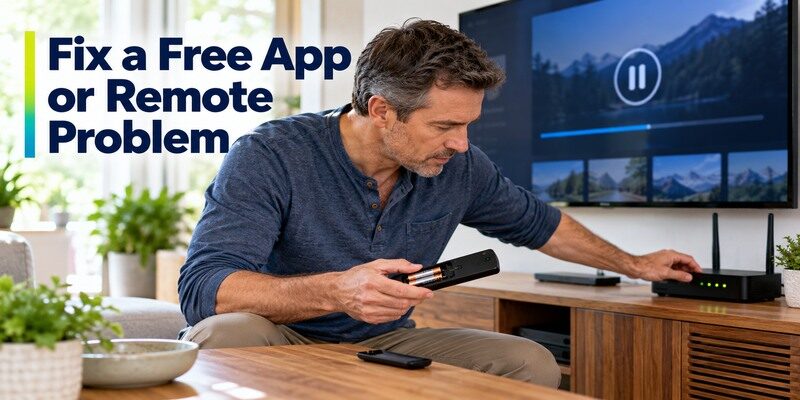
If an app does not show a channel, check its current guide and region. If every app fails, inspect broadband, Wi-Fi, and the device. If a physical remote no longer navigates, address batteries or pairing separately from content availability. A compatible phone controller can be a temporary fallback, but the TV or streamer must be reachable. The can help on supported devices; it does not supply the free channels themselves.
For how to get free tv channels through a built-in app, make sure its internet connection is working before reinstalling the app or resetting the television.
One channel missing
A licensing change may remove it from a FAST catalog. Search the provider’s official site and app, then try another legitimate source for the named program. If the missing station is over the air, perform an antenna rescan instead. Those different paths matter: reinstalling Pluto TV cannot restore a weak RF signal, and an antenna scan cannot restore a removed internet stream.
TV does not respond to the remote
Check batteries and the TV input, then follow the manufacturer pairing guide for the exact remote. A phone remote can navigate a supported online device on a reachable network. Keep the original TV remote for antenna/HDMI switching. Do not reset all streaming apps because volume or input control failed; the equipment-control path may be the only issue.
Read more: Chromecast Review: Should You Buy One in 2026?
How to Get Free TV Channels FAQ
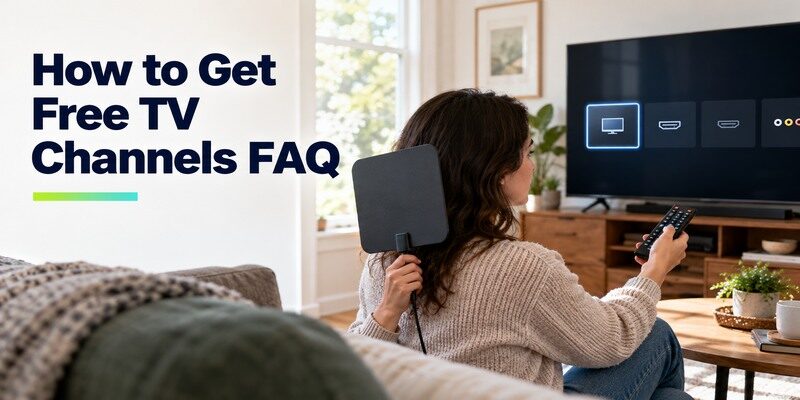
These answers clarify how to get free tv channels when reception, device support, and app rights differ by home.
Can I get all local channels with an antenna?
Only those whose signals your location and equipment can receive. The FCC map is an estimate; a real scan confirms the usable lineup. Buildings, terrain, antenna placement, and tuner matter. Some local stations also offer app streams, with separate rights and location restrictions.
Do I need Wi-Fi for free antenna channels?
No. Over-the-air reception uses an antenna and TV tuner, not broadband. Free ad-supported streaming apps do require an internet connection. A smart TV can use both routes. Switch to Antenna/Air input for broadcast and the app or HDMI source for internet channels.
Which free app has local news?
PBS may offer a local station livestream where supported, and some FAST apps carry selected local news streams. Check the exact city, station, program, and current region. A national or looped news channel is not necessarily the full affiliate broadcast. An antenna may be another option.
Is a “free IPTV playlist” safe?
A playlist format by itself says nothing about content rights or security. Anonymous lists claiming every premium channel may contain broken streams or unclear licensing, and sideloaded apps can request broad permissions. Prefer official free ad-supported providers and broadcaster apps with identifiable operators and current terms.
Will I need to pay after installing a free app?
Core FAST services are ad-supported, but some apps also present optional premium subscriptions or trials. Read the checkout and renewal terms before confirming. PBS and library services have their own eligibility rules. A free download does not mean every tile in an app is free to watch.
Final Thoughts
How to get free tv channels is a two-route setup: scan an antenna for receivable broadcasts and open official free live apps for internet channels. Check a named program and region, keep the household’s sources simple, and rescan or troubleshoot the correct path when something disappears. An antenna and a FAST guide can complement one another, but neither guarantees premium cable channels or every sports game. Test the actual TV before buying extra equipment.
Once the sources work, write down the tuner input and favorite app. That simple handoff is how to get free tv channels into the household’s ordinary viewing routine.
