
Antenna vs Streaming for Local Channels: What Works Better?
Short answer: Choose an antenna when your local stations have reliable over-the-air reception, and choose a licensed live-TV stream when reception is poor or you need its guide, cloud DVR, and supported devices. Many households benefit from both. A free ad-supported news channel is not necessarily the full local broadcast affiliate. This antenna vs streaming for local channels guide compares the actual station, address, equipment, monthly cost, recording, and outage behavior. U.S. broadcast examples apply; other countries use different standards and rights. Test at your address before canceling any existing TV plan.
Antenna vs Streaming for Local Channels: Quick Verdict
The answer starts with the exact station and the home’s location. In the U.S., an antenna receives available over-the-air broadcasts through a TV tuner without a monthly channel fee. A licensed live-TV provider may carry local affiliates over broadband, subject to ZIP-code rights and plan. A broadcaster’s app may stream selected local content under different rights. None of these is a guaranteed full replacement for every cable channel. Compare working sources, not marketing claims.
For antenna vs streaming for local channels, a single must-watch affiliate that fails a home reception test can justify a paid plan even when several other stations come in clearly.
| Need | Antenna | Licensed live-TV streaming |
|---|---|---|
| Local station with strong signal | No channel subscription | Plan must carry affiliate |
| Remote room without coax or tuner | Extra tuner/distribution may be needed | App on supported device |
| Cloud DVR and profiles | Separate compatible DVR | Plan-specific cloud DVR |
| Broadband outage | Broadcast may still work with power | Internet required |
| Cable-only networks | Not available over the air | Provider/package dependent |
Start with the station call sign
Find the exact local affiliate and show, then enter the address in the FCC DTV reception map and a provider’s official lineup checker. If the antenna can receive it, run a real scan. If a live service lists it, test the actual stream during a trial. Antenna vs streaming for local channels cannot be decided by national network logos alone; a particular affiliate may differ by market. For a step-by-step comparison of these viewing routes, learn how to watch live TV without cable and test your required programs before canceling an existing package.
The hybrid answer
A household can use an antenna for broadcast news and a paid stream for cable-only sports, or use a stream on one TV and antenna on another. A free FAST guide can add background content without replacing the station. The best tv antenna for local channels is the one that works at the specific address, not necessarily the most expensive model. Do not buy a complex distribution system before testing one television.
Read more: How to Get Free TV Channels on Your Television
Compare Actual Local Station Availability
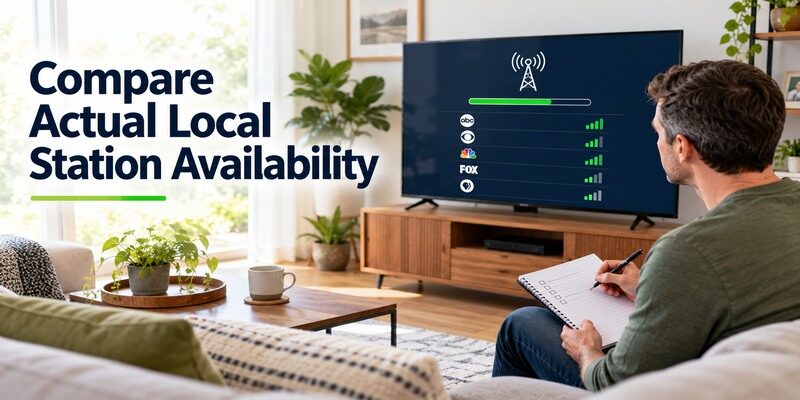
The FCC DTV reception map estimates nearby broadcast signals, but terrain, building materials, antenna placement, and tuner sensitivity affect the result. Provider local lineups depend on carriage contracts and ZIP code. Check both routes on the same day. A station may appear in a streaming guide while an antenna signal is marginal, or vice versa. Use the exact affiliate and program time for a fair comparison.
Write down a stable station and a marginal one during the scan. Antenna vs streaming for local channels may have a different answer for each, so a household-wide verdict can hide useful detail.
To compare provider lineups, DVR features, and device support, review these licensed IPTV and live-TV services and verify the local station in your area.
Run a real antenna scan
Connect a suitable antenna to the TV’s RF input, select Air/Antenna in tuner settings, and complete Auto Scan. Write down which stations remain stable during a full program. Move the antenna and rescan if needed. The FCC recommends rescanning periodically as frequencies change. A printed free tv antenna channels list from another city cannot predict your home. A channel that appears only briefly during a scan is not dependable viewing.
Check the streaming ZIP code
YouTube TV, Hulu + Live TV, Fubo, and other licensed providers publish ways to see local channels for an address. Enter the home ZIP code and inspect the exact affiliate. A provider’s national ad may list ABC, CBS, FOX, or NBC but not guarantee the desired local feed or event in every market. Test the main TV during a trial. Antenna vs streaming for local channels depends on actual carriage, not a general “locals included” label.
Read more: Best Free Streaming Apps: Legal Picks for TV and Movies
Cost over a Full Year
An antenna is a one-time hardware purchase with no recurring broadcast-channel subscription, but a tuner, DVR, amplifier, or distribution hardware may add cost. Streaming usually requires broadband and a paid live-TV plan if you need full local affiliates through that route. An app may include only selected free local news streams. Compare the full post-cable internet bill and plan renewal, not the first trial price. A strong antenna signal can materially change the cost calculation.
Include any extra room in the budget: an antenna on one television and a live app on another may be cheaper than a whole-house tuner. The antenna vs streaming for local channels bill should reflect the rooms actually used.
| Cost | Antenna route | Streaming route |
|---|---|---|
| Local broadcast access | No monthly channel fee | Often part of paid live plan |
| Hardware | Antenna, tuner/DVR if needed | Existing TV app or streamer |
| Internet | Not required for RF reception | Broadband required |
| Multiple rooms | Cabling or network tuner may add cost | Plan’s simultaneous-stream terms |
| Recording | Separate DVR purchase | Cloud DVR plan and retention |
Avoid comparing only monthly fees
If cable cancellation removes an internet bundle discount, standalone broadband may rise. If an antenna needs a rooftop installation, include that one-time expense. A paid live plan may include other cable channels the family would otherwise buy separately. Antenna vs streaming for local channels should be compared as complete setups over twelve months, including sports seasons and hardware that is actually needed.
Free app streams are a separate category
PBS may offer a local station livestream in supported areas; other broadcasters may offer selected news. Free FAST services may carry local news feeds. These are not necessarily the full affiliate schedule, and availability can change. Do not price them as a guaranteed substitute without testing the particular program. A free phone stream also may have a different TV-device route or sign-in condition.
Explore free IPTV channels for additional news and entertainment, then check whether the current guide includes the local program you want.
Reliability in an Outage or Weak-Signal Home
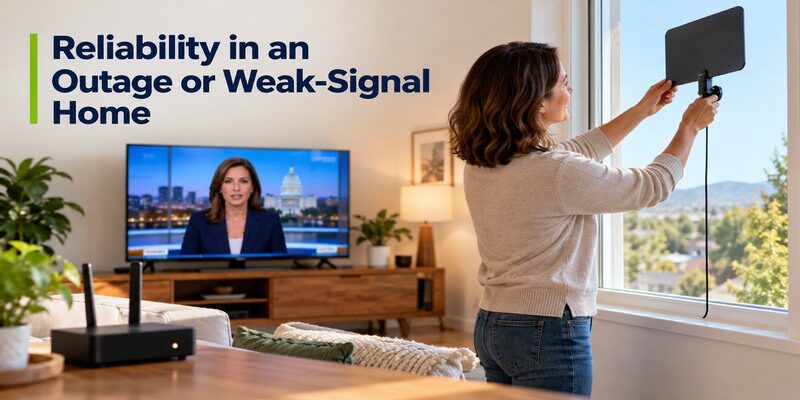
Over-the-air broadcast does not require broadband, but it needs a usable signal, powered tuner and television, and stable antenna placement. Streaming needs internet, router, app, provider servers, and compatible devices. Either path can fail for different reasons. In antenna vs streaming for local channels, redundancy can be valuable if local news and emergency information matter; a battery radio or other source may also be appropriate in a power outage.
Test the preferred station during an ordinary week rather than one clear afternoon. Antenna vs streaming for local channels reliability is about repeatable access when the household normally watches.
When broadband fails
An antenna can continue receiving a broadcast if the TV and tuner still have power and the transmitter remains on air. A streaming app will generally stop without internet, even if the TV menu still opens. A phone using mobile data may have a separate news route, but rights and data limits can differ. Do not assume an antenna works during a household power outage without a powered screen.
When the RF signal is poor
A station can pixelate or vanish because of distance, obstructions, weather, or indoor placement. Moving the antenna near a window or higher position and rescanning may help. An amplifier is not always beneficial. If a required affiliate remains unreliable, a licensed stream may be better for that station. Antenna vs streaming for local channels can have different winners even among stations in the same home.
Read more: Best IPTV Service: Licensed Live TV Options in 2026
Picture, Delay, and Audio
A broadcast signal and an internet stream may differ in compression, resolution, latency, and audio. Neither is universally superior. Compare the same local program on the same TV, using the same picture settings where possible. A streaming app may have additional delay versus over-the-air broadcast; the exact gap varies by service and event. A weak RF signal may pixelate, while a weak internet connection may buffer or lower quality.
Do not compare two televisions with different processing settings and attribute every difference to delivery. Antenna vs streaming for local channels should be tested on one display whenever possible.
Test the same program
Switch between the tuner and live-TV app during a local newscast, then compare picture and sound at a normal seating distance. Check whether the TV applies different settings to its tuner and HDMI input. A lower advertised resolution can sometimes look cleaner with less compression than a nominally higher stream, and vice versa. The antenna vs streaming for local channels verdict should be based on the actual station and equipment, not a platform slogan.
Know where the sound goes
A TV’s tuner may send audio to its speakers or soundbar differently from an HDMI streamer. If one source is silent, inspect the TV output and receiver input before blaming the station. Captions may also be controlled in different menus. Ask the viewer who needs captions or audio description to test both paths. The easiest source is the one that works accessibly every day. Our guide to the best free streaming apps compares live guides, on-demand content, and device availability.
Read more: Nvidia Shield Review: Who Still Needs This TV Box?
Recording and Watching in Other Rooms
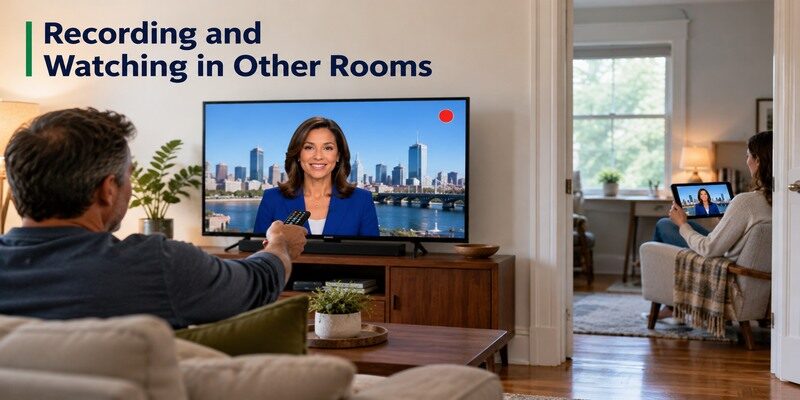
Streaming live-TV plans may offer cloud DVR that follows a compatible account to other supported screens, with retention and concurrent-stream rules. An antenna can use a separate DVR or network tuner, which requires hardware and setup. If nobody records local programs, avoid buying either feature solely for a checklist. If the family routinely starts a game late, test that exact workflow before choosing.
The antenna vs streaming for local channels DVR choice can hinge on one frequent habit: replaying a local newscast on a bedroom TV after dinner.
Cloud DVR terms
Record a local program during a trial, then replay it and check retention and fast-forward behavior. An app’s on-demand version may differ from a recording. Hulu, YouTube TV, Fubo, and other providers document their current DVR features, but plan and rights can change. Antenna vs streaming for local channels favors cloud convenience only when the needed station and playback rights are in the plan.
Antenna DVR trade-offs
A compatible tuner and recorder can capture receivable broadcast stations without a paid live-TV package, but the device may need storage, network, and power. Check how many programs can be recorded at once and how other TVs access them. A simple single-TV antenna need not become a whole-house DVR project. Choose this route if the recording use justifies the added hardware and upkeep.
Before changing your package, learn what cord cutting means and include the post-cancellation internet rate in your budget.
Local Sports and Special Events
A local broadcaster may air some games over the air, while other games appear on regional cable networks, national channels, or exclusive apps. A provider’s local affiliate does not guarantee every match, and a league subscription may impose blackouts. Use the team’s current schedule and the official broadcaster listing for a real upcoming event. Antenna vs streaming for local channels for sports is an event-by-event rights decision.
Broadcast game on the antenna
If a specific match is assigned to a receivable local station, test the station before game day. Check whether the antenna signal remains stable during a full program. A free app may show highlights rather than the same live feed. Over-the-air broadcast can be a strong value for those particular events, but it does not grant cable-only regional games. Keep the schedule current as rights move.
Game on a paid network
An antenna cannot receive a cable-only network simply because it is local. Check which licensed streaming or cable plan carries that network at the address, plus blackout restrictions. The paid live plan may cost more than expected for a short sports season. Consider subscribing only during the relevant months if terms permit. The antenna vs streaming for local channels comparison must include this separate rights branch rather than promising “all local sports” through one source.
Device and Remote Experience
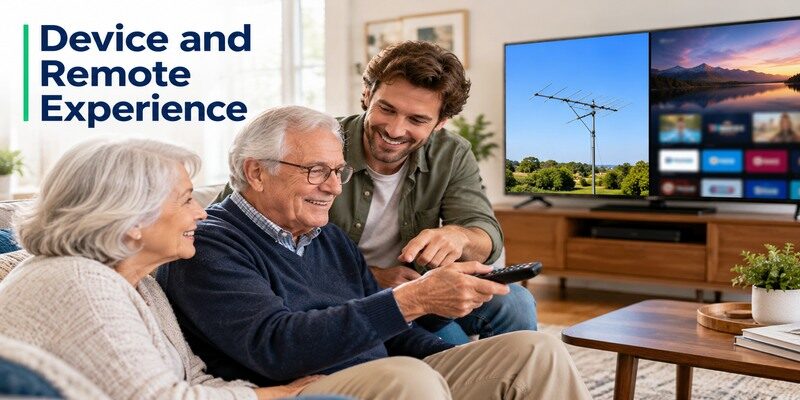
Antenna viewing usually uses the TV tuner and its original remote to scan or change channels. Streaming may use a built-in app or HDMI player and another remote. Some TVs integrate sources into one guide, but not all. For an older viewer, switching inputs can be the hardest part of a hybrid setup. Test whether another person can find the local station unaided. Do I need an antenna with streaming? Only if its distinct broadcast benefits matter and reception works.
Keep controls simple
Label the source: “Local channels: Antenna/Air” and “Cable-style guide: Live app.” Save favorites in each where possible. If a streaming remote navigates its own interface but cannot change TV volume, set up equipment control separately. The can help control supported TVs or streaming devices from a phone on a reachable network, but it cannot improve antenna reception or provide channel rights.
Supported app on every screen
A provider may not support an older smart TV even if its phone app works. Check the official device list and exact TV model. An antenna in one room does not automatically feed another TV; additional cabling or a network tuner may be needed. Compare those costs and the streaming plan’s simultaneous-screen allowance. Antenna vs streaming for local channels can differ room by room within one household.
Read more: Best Streaming Device 2026: Five Picks for Different TVs
A Hybrid Setup Often Wins
Use the antenna for reliable local broadcasts and a streaming service for cable-only channels or on-demand shows. Or keep a free FAST app for casual viewing while using a paid service only in sports season. The combination should be justified by specific programs, not installed for its own sake. Run a normal week with the sources while the old cable package is active, and note which path the family actually uses.
Build a station-by-station map
For each must-watch station, record antenna reception, streaming provider, app/device, and monthly cost. Mark which source is the preferred route and which is a backup. A local newscast may be easy on antenna, while a cable sports network needs a plan. This map makes antenna vs streaming for local channels a concrete decision and prevents double-paying for channels you already receive clearly.
Review after the season changes
Sports rights, provider lineups, and free app catalogs can shift. Rescan the tuner periodically under FCC guidance and revisit the live provider’s ZIP-code lineup when a station disappears. Keep cancellation and billing records for seasonal services. A hybrid setup remains economical only when the paid piece is reviewed rather than left active indefinitely.
Antenna vs Streaming for Local Channels FAQ
These answers summarize antenna vs streaming for local channels by rights, reception, equipment, and internet dependence; a real address test remains decisive.
Will an antenna get every local channel?
No. It receives stations whose signals reach your location with usable quality. Terrain, building, antenna placement, and tuner matter. The FCC reception map is an estimate; a real scan and playback test decide. An antenna does not carry cable-only networks or all regional sports channels.
Can a free streaming app replace a local affiliate?
Sometimes it offers a selected local news stream, but that may not be the affiliate’s full broadcast schedule. PBS and some broadcasters offer local streams with location and device conditions. Check the exact station and program in the current app. A FAST channel with a similar name is not proof of equal rights.
Is streaming cheaper than an antenna?
An antenna has a one-time hardware cost and no monthly broadcast-channel subscription, while a paid live-TV stream has recurring charges plus broadband. A complex antenna DVR or installation can raise its initial cost. Compare a full year and the specific channels needed. Free FAST apps are another distinct option.
Does an antenna work without Wi-Fi?
Yes, over-the-air reception uses RF signal and a tuner, not broadband. The TV and any amplifier or DVR still need power. Streaming apps need a reachable internet connection. A hybrid setup can maintain a broadcast path during some broadband outages, but not necessarily during a power outage.
Can I record antenna TV?
Yes with a compatible tuner and DVR setup, depending on the equipment. A paid live-TV service may offer cloud DVR under its own terms. Test the desired station, simultaneous recordings, and playback on other rooms before buying hardware. A TV antenna alone does not automatically record shows.
Final Thoughts
Antenna vs streaming for local channels favors an antenna for stable receivable broadcasts without a recurring channel fee and licensed streaming for a convenient guide, supported devices, and channels the antenna cannot receive. Many homes use both. Test the exact affiliate and upcoming event at the address, compare a full-year bill, and have another viewer operate the remote. The reliable, usable source for each required station is the right answer.
